

Farms Cleanup v 1.0


Tired of clutter slowing down your savegame? Farms Cleanup is designed to help maintain performance in both single-player and multiplayer by automatically or manually removing bales, pallets, logs, and stumps. This ensures a cleaner farm and a smoother gameplay experience.
Features
– Auto removes on day change at midnight when enabled
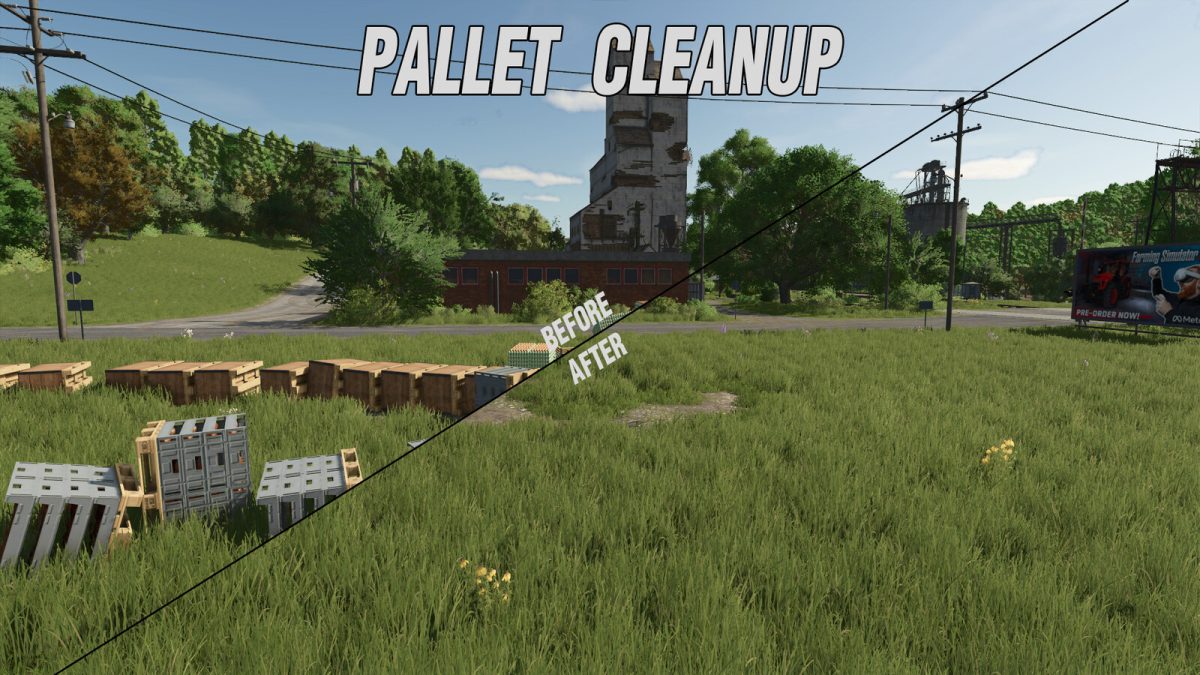
– Pallet removal
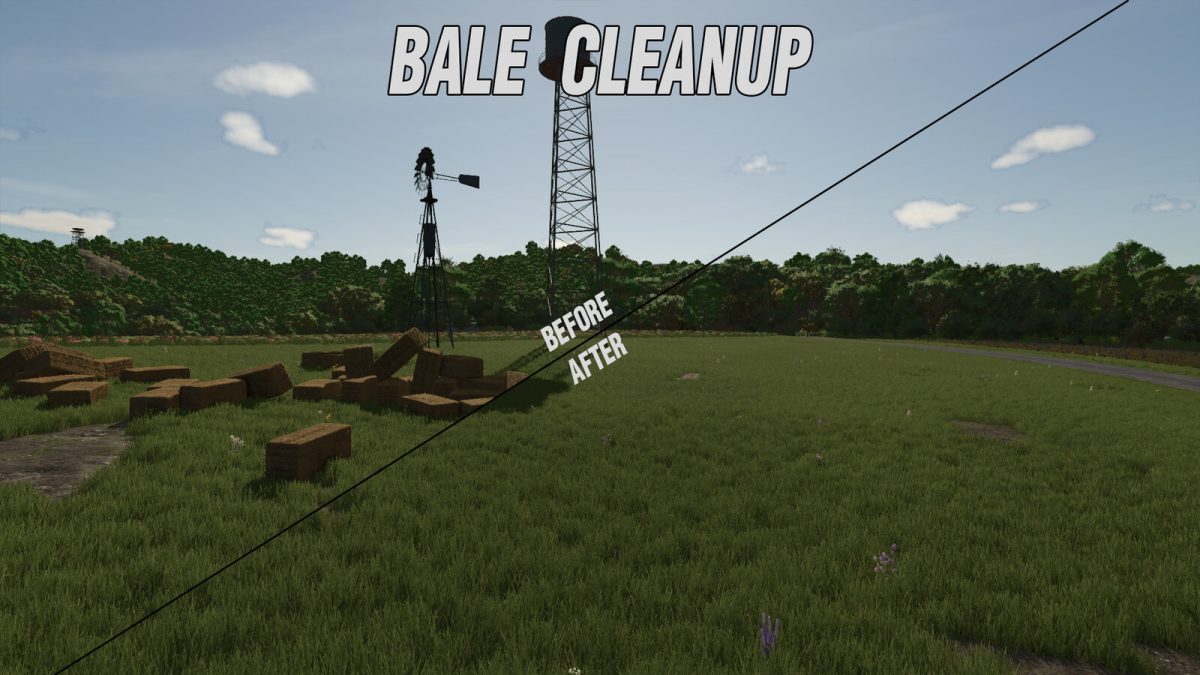
– Bale removal
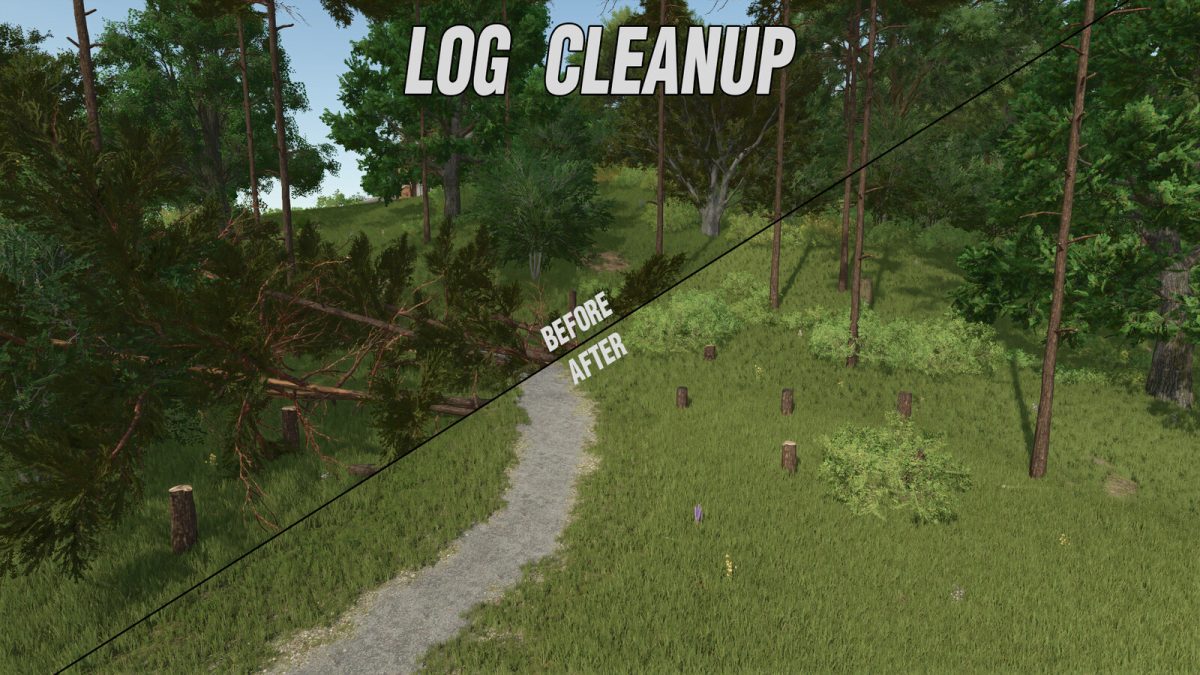
– Log removal
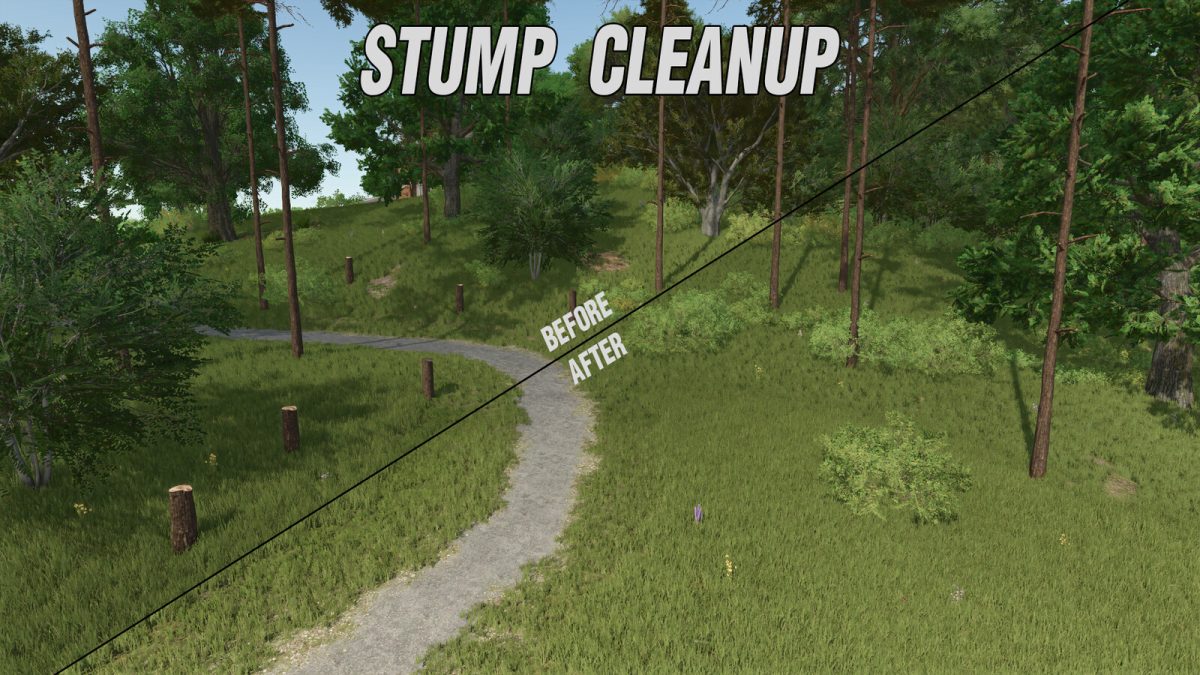
– Stump removal
Each category can be set to:
– Manual Removal Only : Full control over cleanup.
– Auto Removal : Automatically removes items based on configurable settings.
Customization Options
– Cost Settings: Choose whether removal is free or set a price from $0 to $10,000.
– Auto-Delete Buffer: Set a delay (in days) before pallets and bales are automatically removed.
– The system tracks bales and pallets that remain in the same spot overnight.
– If they haven’t moved for the set number of days, they will be auto-deleted.
– Ownership-Based Charges
– Bales and pallets charge removal costs to the farm that owns them.
– Logs and stumps charge removal costs to the farmland owner.
– Mission-related bales get an extra two-day grace period to ensure fair play for contract work.
Why Use Farms Cleanup?
– Improves savegame longevity by preventing excessive object accumulation.
– Reduces lag and boosts performance by removing unnecessary clutter.
– Ideal for dedicated servers to keep multiplayer farms running efficiently.
– Compatible with single-player if manual or automatic cleanup is desired.
When set to auto clean, any pallets that are in pallet spawn areas are not removed. Production pallet spawn areas are safe.
When used on multiplayer servers only users logged in as admin may alter settings.
This mod completely removes the selected objects from the game world, reducing the number of active elements the game needs to process. Whether you’re managing a busy multiplayer server or just keeping your single-player farm tidy, Farms Cleanup ensures a more optimized Farming Simulator 25 experience.
Credits:
FSG Modding - FSG DaVaR


