Farm Tablet v 2.3.2.3


FarmTablet — A compact, all-in-one farm management tablet for Farming Simulator 25.
Originally inspired by a tablet mod for FS17, built from scratch for FS22 and now fully converted and rewritten for FS25. The goal is simple: useful farm info at a glance, without getting in the way of gameplay.
The mod has been rebuilt with a clean, modular structure — every app lives in its own file, making it easy to expand, fix and improve over time. It’s actively developed and shaped by community feedback.
What’s in it right now:
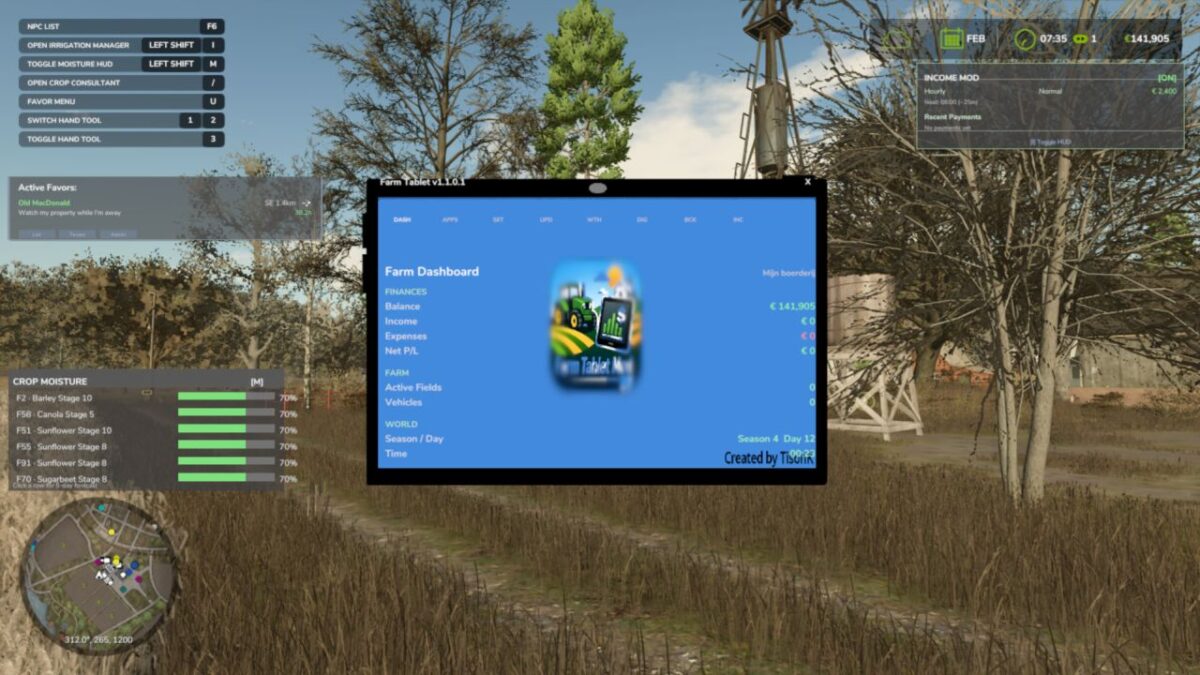
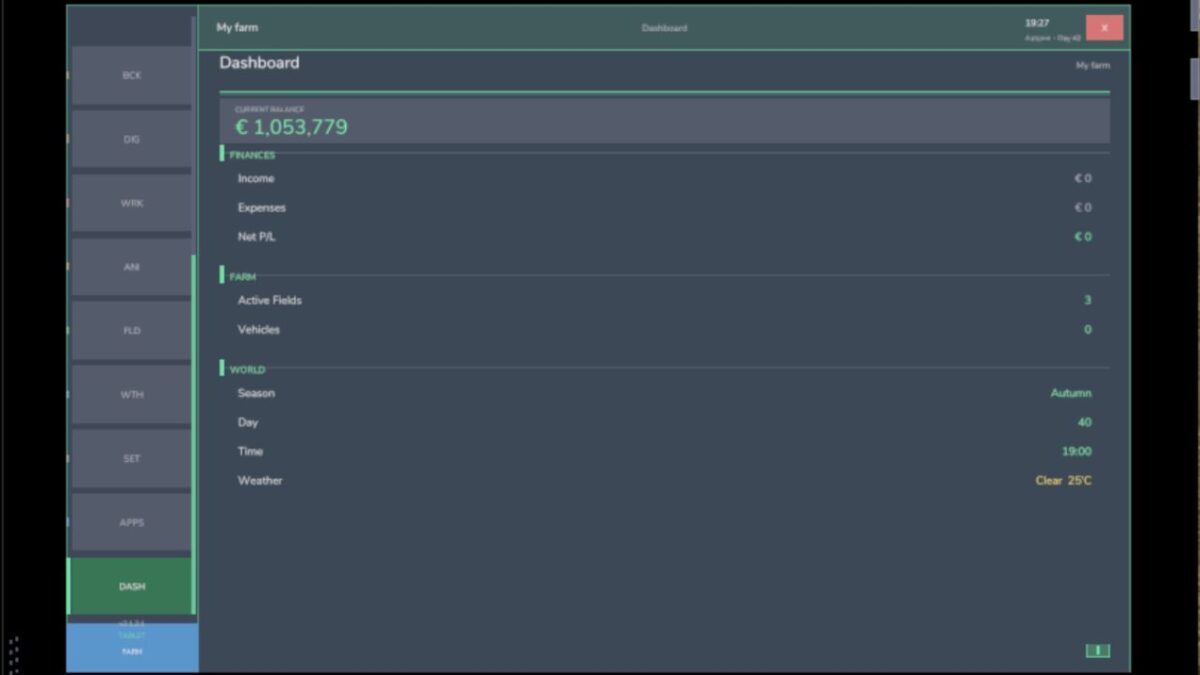
Dashboard — farm overview with balance, fields, vehicles and world state
Weather — current conditions, temperature, wind, cloud cover and forecast
Fields — all owned fields with crop type and growth stage
Animals — pen status with food, water and cleanliness levels
Workshop — nearby vehicle diagnostics with fuel, wear and operating hours
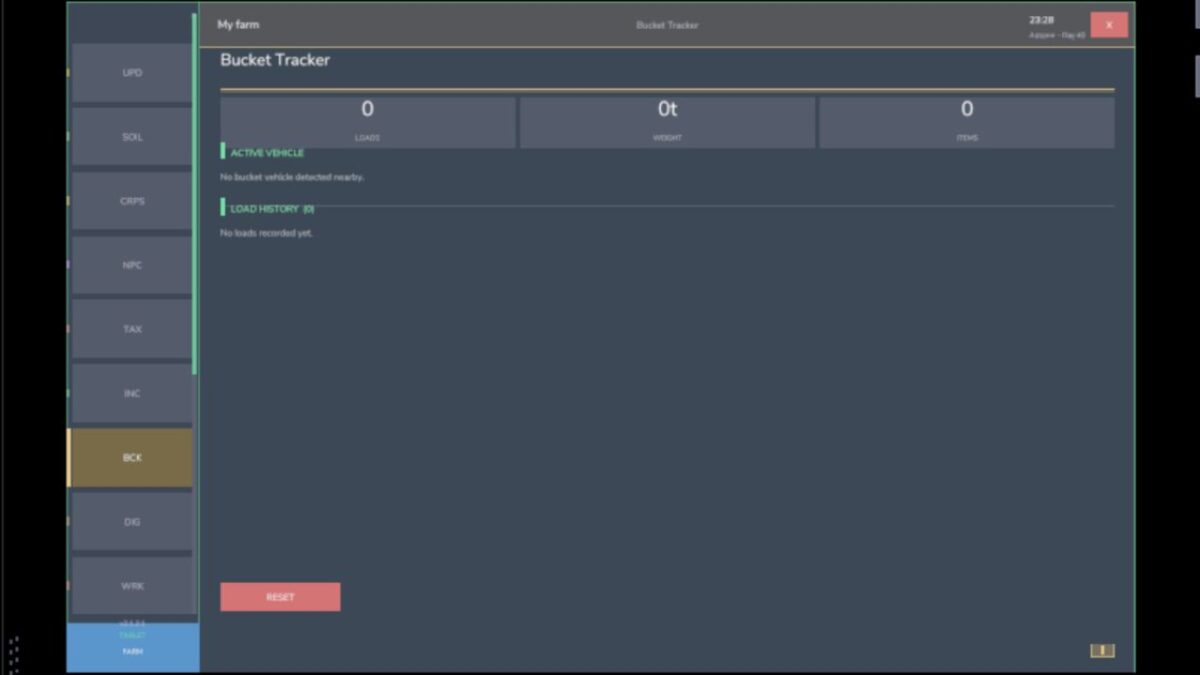
Bucket Tracker — load counter for wheel loaders and excavators
Digging — excavation, tracking and soil scanner
App Store — browse and manage installed apps
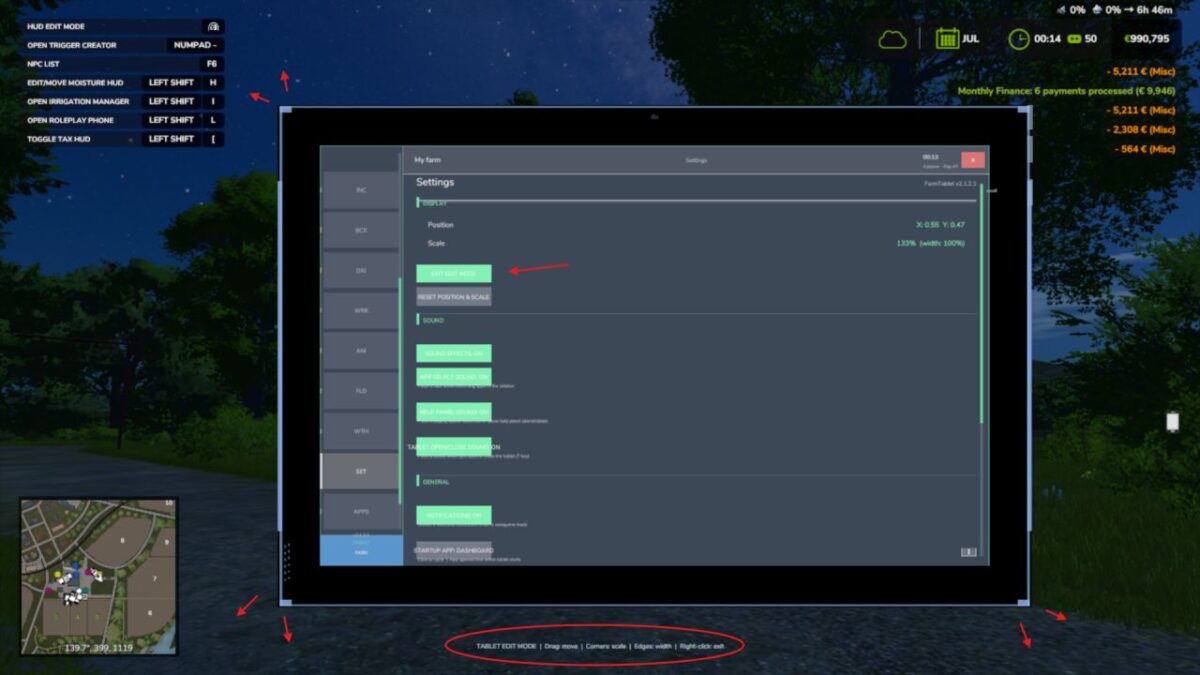
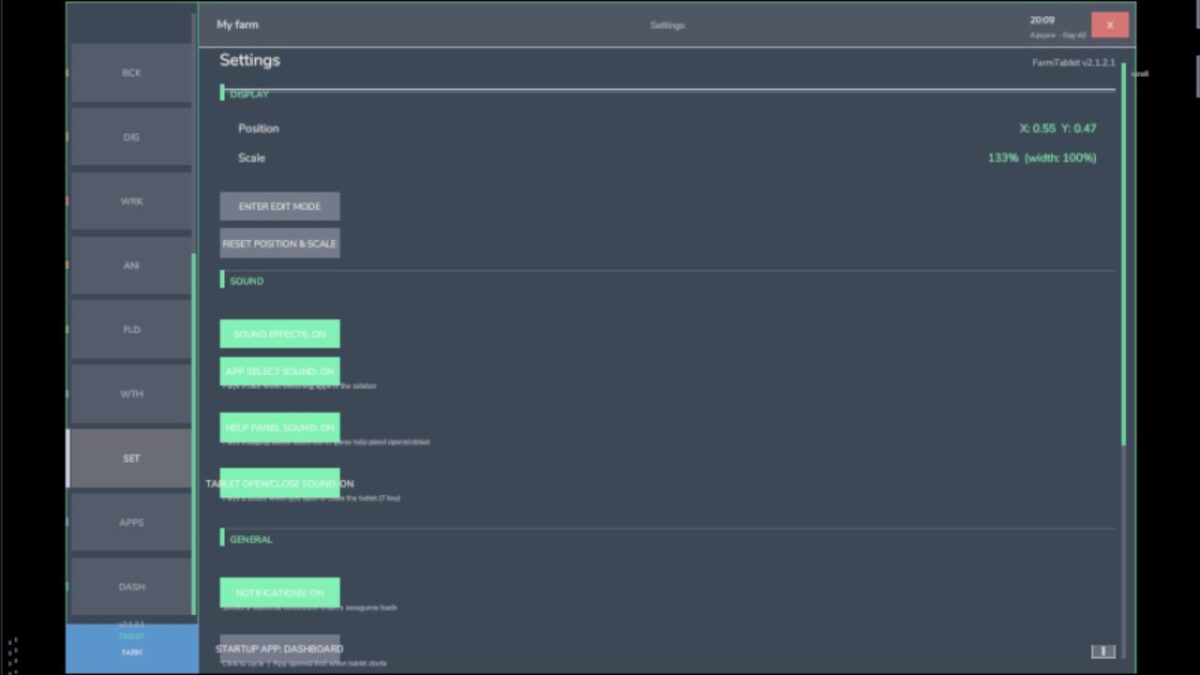
Settings — configure the tablet from the pause menu
Updates — changelog and version history
Mod integrations (auto-detected at runtime, safe to run without them):
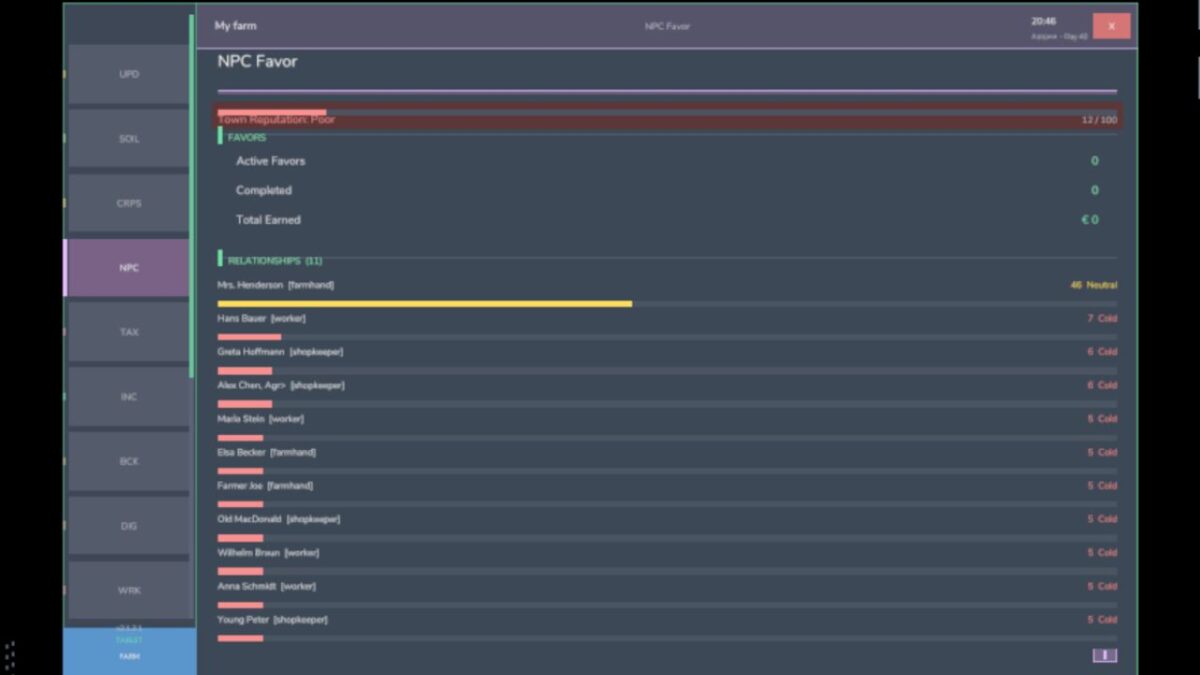
NPC Favor, Soil Fertilizer, Seasonal Crop Stress, Income Mod, Tax Mod
What’s coming next:
Better tablet visuals and frame design
Icons instead of text labels
Sounds, color tweaks and UI polish
More apps and deeper interactions based on feedback
Multiplayer improvements
Version 2.3.2.3:
* Paging arrows and toggles (Notes field/template pickers and the rest) now respond instantly. Before, the content only refreshed on a 4-second timer, so a click could take up to 4 seconds to show
* The Production app no longer says ‘stalled’ while a production is actually running. It now counts the productions you have switched on instead of reading a field that was always empty
* The Soil app now shows N/P/K in ppm, so the numbers line up with the Soil Fertilizer HUD instead of showing the raw internal value
* The ‘DESEL’ button looked like a misspelled ‘diesel’ sitting next to the fuel bar. It is now ‘UNPIN’ in the Workshop and Income apps. (The 0% fuel reading was already fixed in 2.3.2.2.)
Credits:
tisonK