

Farm Supply Manager v 1.0


Take the hassle out of managing your production chains with Farm Supply Manager, a powerful quality of life mod designed to streamline production management in Farming Simulator 25.
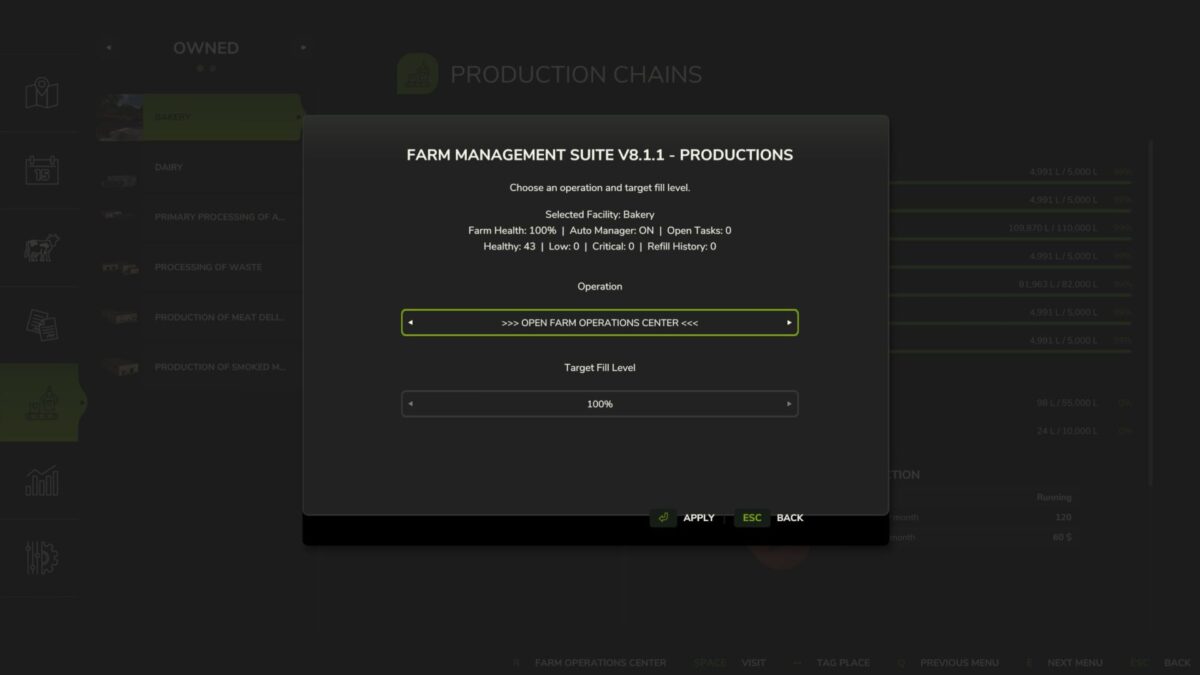
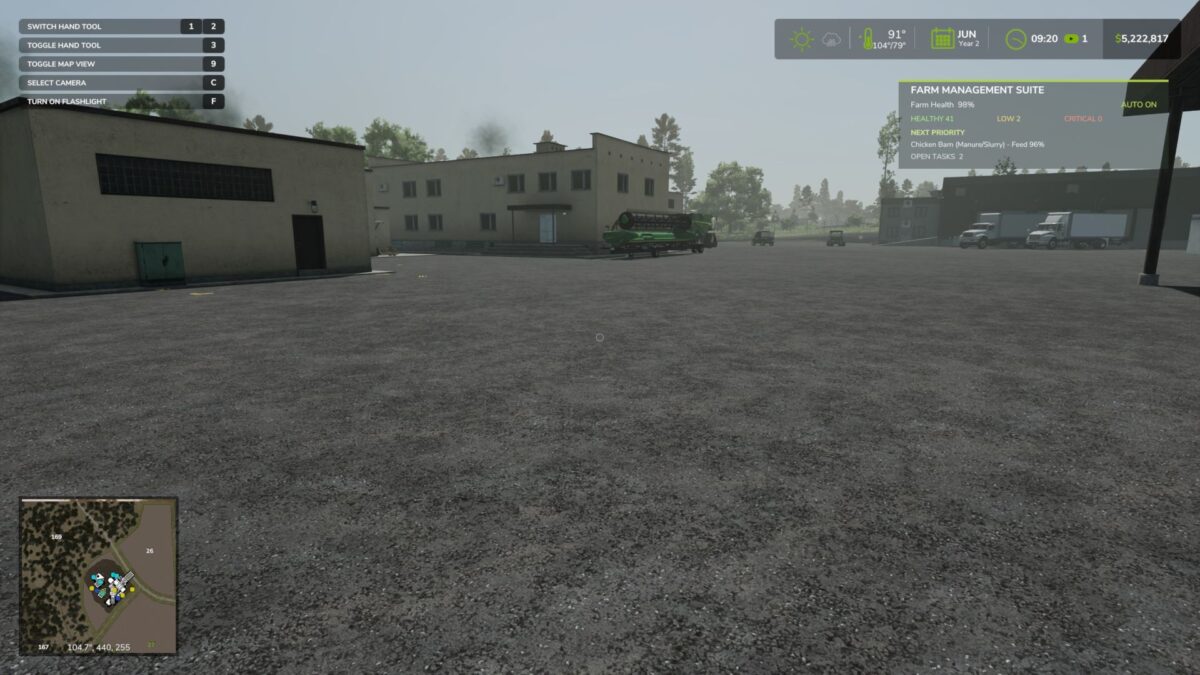
Farm Supply Manager introduces a clean, modern interface that integrates seamlessly with the game’s menu system, allowing you to manage your production facilities faster and more efficiently than ever before.
Features
Production Input Auto Fill – Instantly fill production input storage with the press of a button, eliminating repetitive trips and menu navigation.
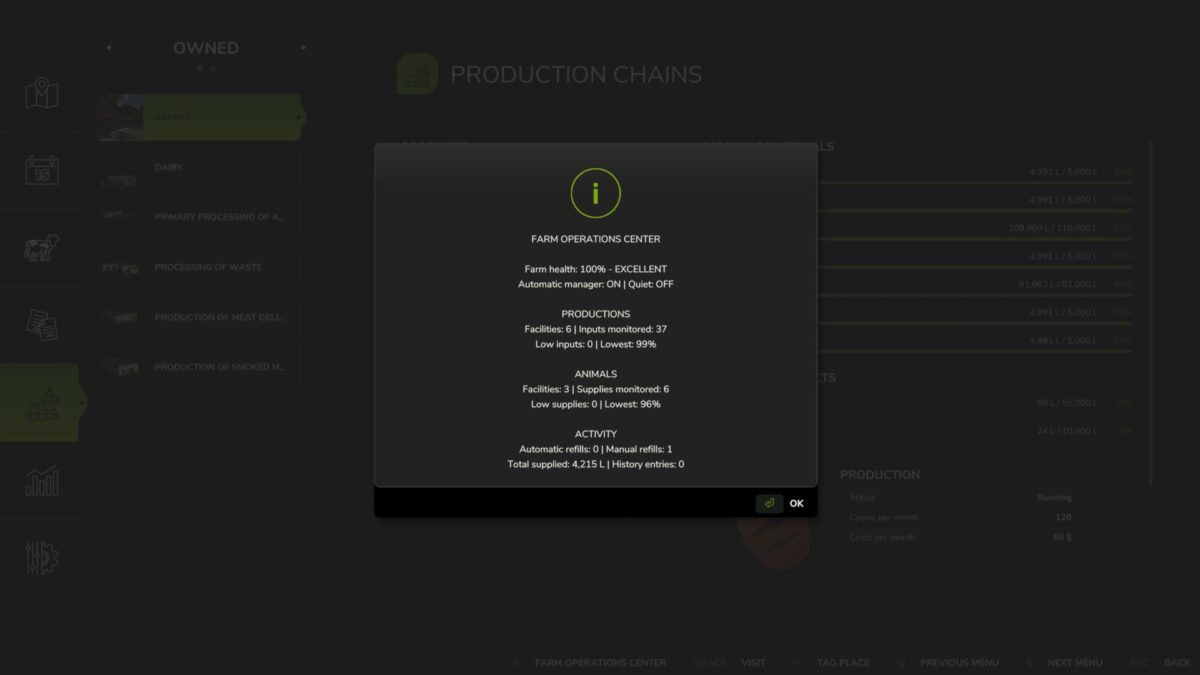
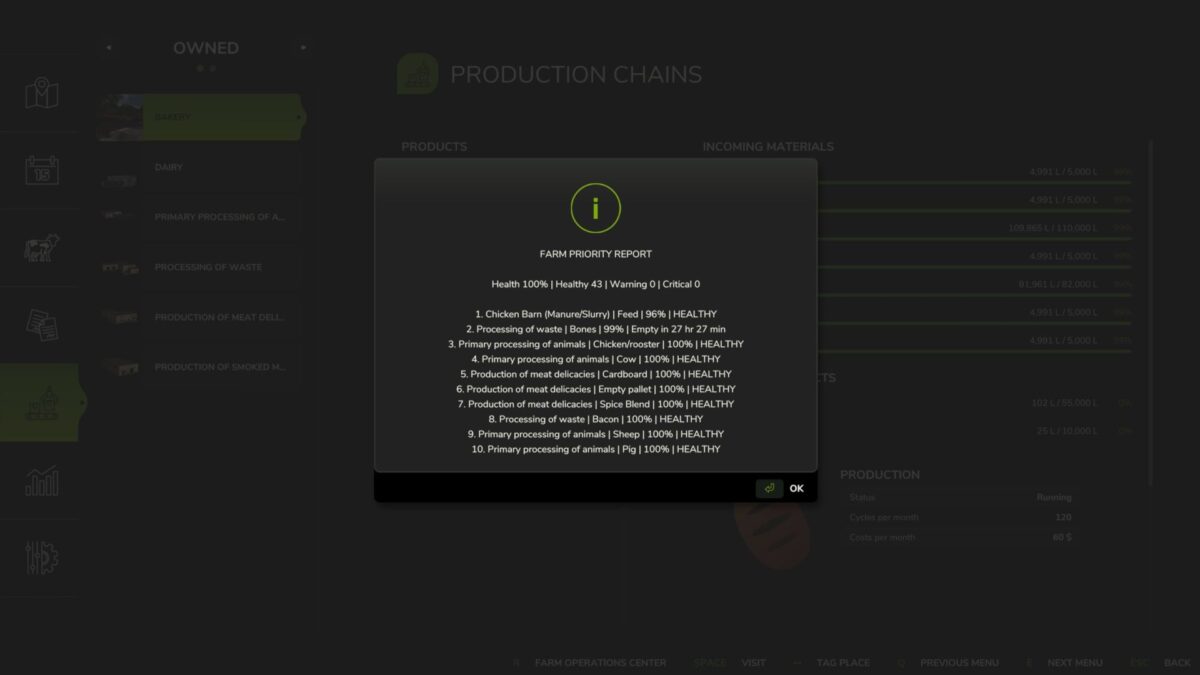
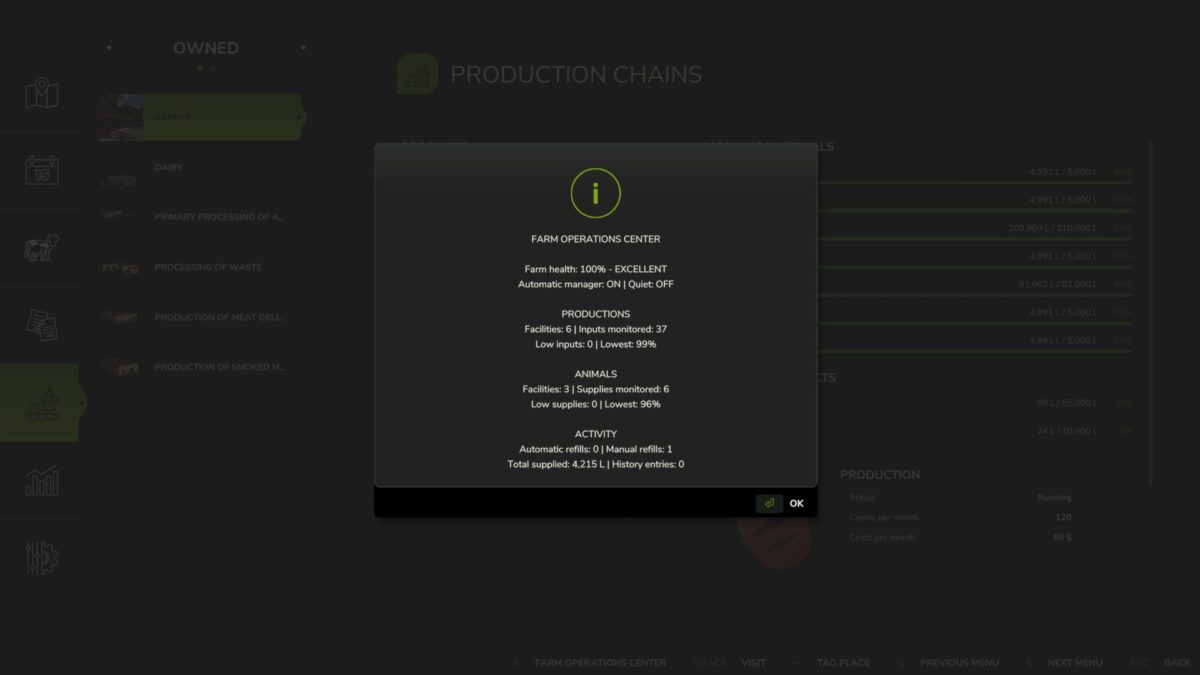
Custom Farm Supply Manager Menu – A dedicated management menu designed for quick and easy access to production controls.
Modern HUD – Clean, easy-to-read heads-up display that blends naturally with the game’s interface.
Streamlined User Interface Professionally aligned menus with improved navigation and usability.
Single player & Multiplayer Compatible Designed to work smoothly in both solo and multiplayer farms.
Performance Optimized Lightweight design with minimal impact on game performance.
Future Expansion Ready Built with future updates and additional production management tools in mind.
Whether you’re managing one production point or an entire industrial farming empire, Farm Supply Manager helps reduce repetitive tasks so you can spend more time farming and less time clicking through menus.
Version 1.0:
* Initial public release
* Added custom Farm Supply Manager interface
* Added Production Input Auto Fill functionality
* Added integrated management HUD
* Improved production menu accessibility
* Enhanced menu alignment and layout
* Optimized UI for stability and performance
Credits:
NuclearTony Mods


