Farm Buildings Pack v 1.0


The pack includes a set of buildings for the farm and consists of the following:
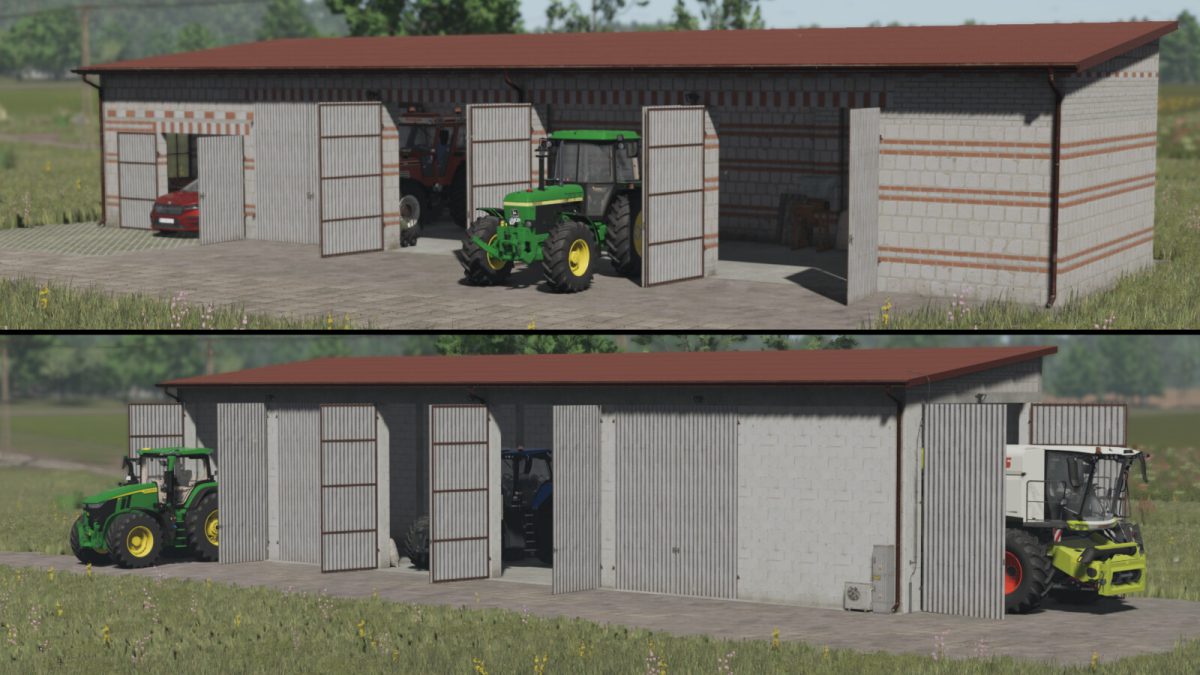
– Low garage with red bricks
price: 35 000 $
dimensions: 25m x 6.5m
possibility of changing the colour of the sheet metal
possibility of adding solar panels
– High garage with white bricks
price: 50 000 $
dimensions: 28m x 6.5m
possibility of changing the colour of the metal sheet
possibility of adding solar panels
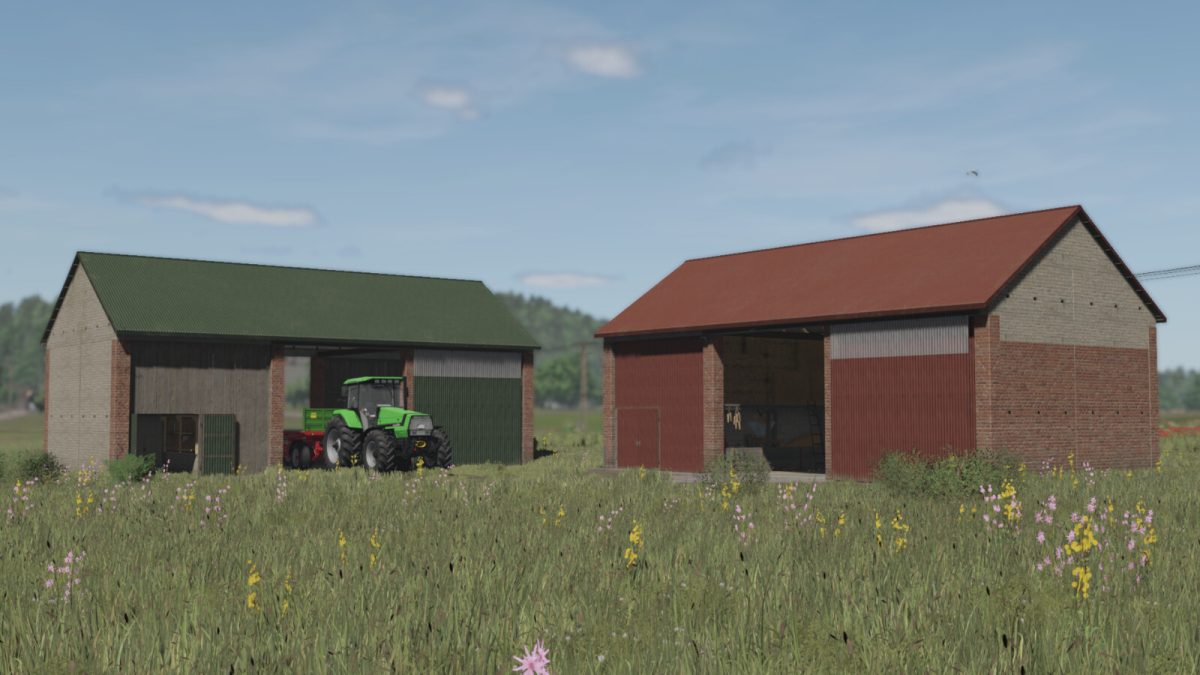
– Renovated barn with a warehouse for bales and pallets
price: 40 000 $
dimensions: 16m x 8m
possibility of changing the colour of sheet metal
possibility of adding tin cladding
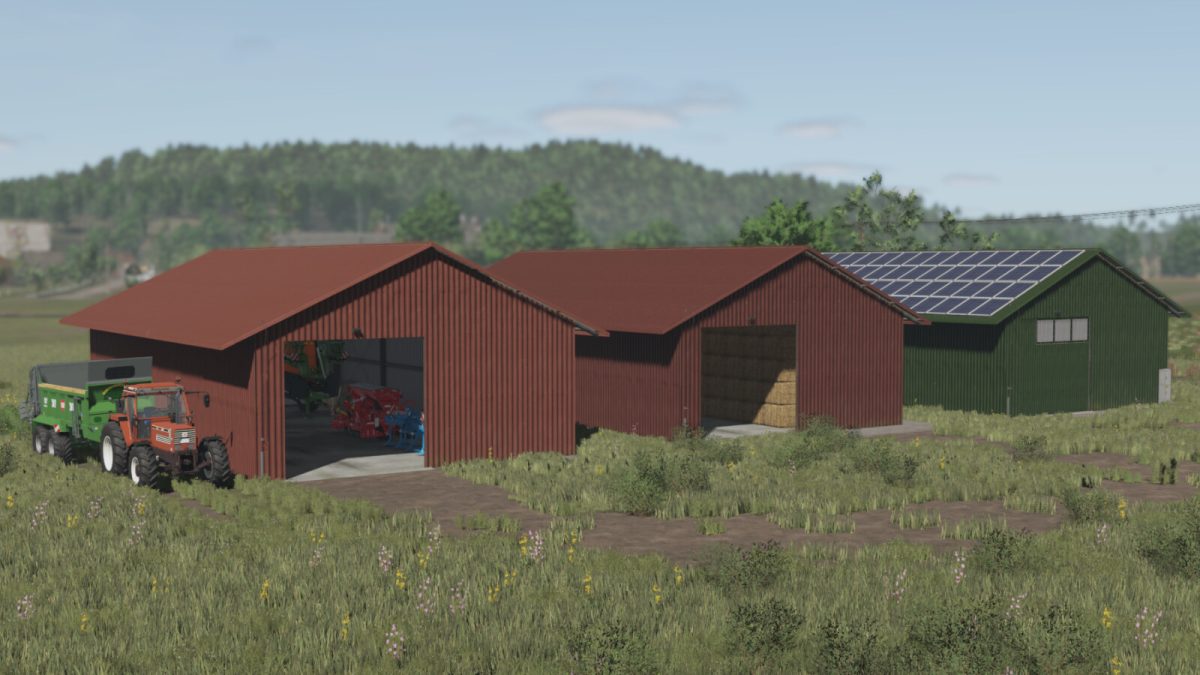
– Hall
price: 60 000 $
dimensions: 21m x 11m
possibility of changing the colour of sheet metal
possibility of adding solar panels in 4 variants
– Hall with warehouse for bales and pallets
price: 60 000 $
dimensions: 21m x 11m
possibility to change sheet metal colour
possibility to add solar panels in 4 variants
– Shed with a lower entrance
price: 25 000 $
dimensions: 14m x 6.5m
possibility of changing the colour of metal sheet
possibility of adding solar panels
– Shed with a higher entrance
price: 23 000 $
dimensions: 14m x 6.5m
possibility of changing the colour of sheet metal
possibility of adding solar panels
– Drive-through shelter
price: 20 000 $
dimensions: 14m x 6.5m
possibility to change sheet metal colour
possibility to add solar panels
Credits:
RajotGPLAY