

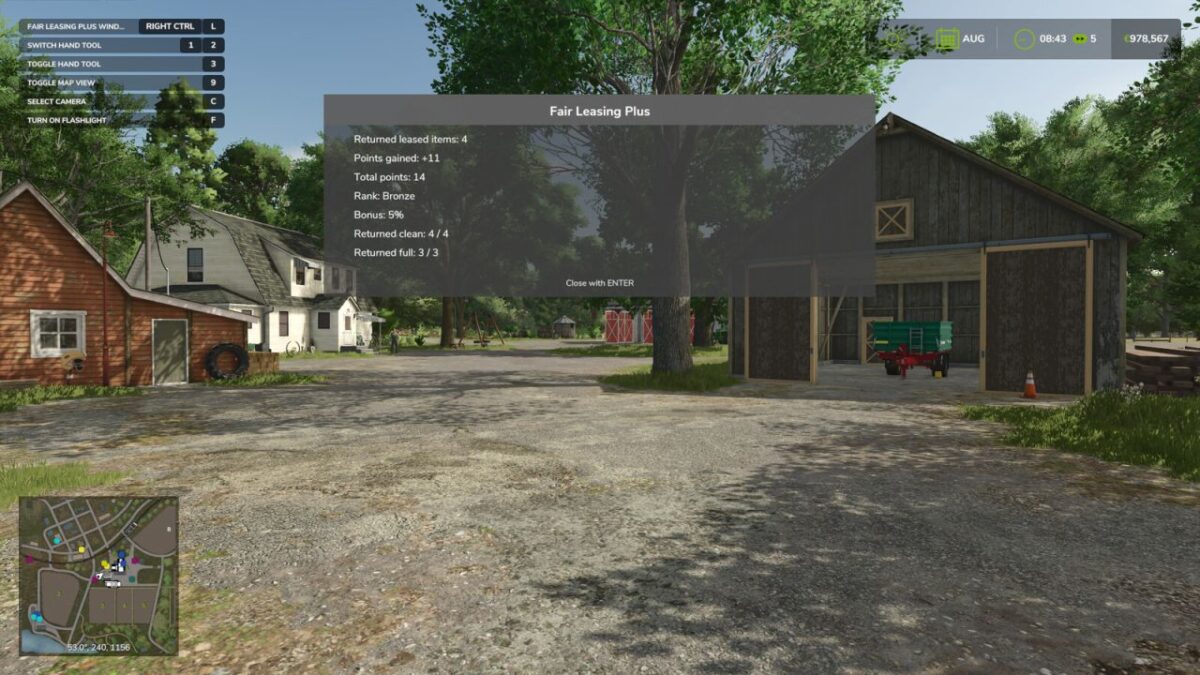
Fair Leasing Plus v 1.0


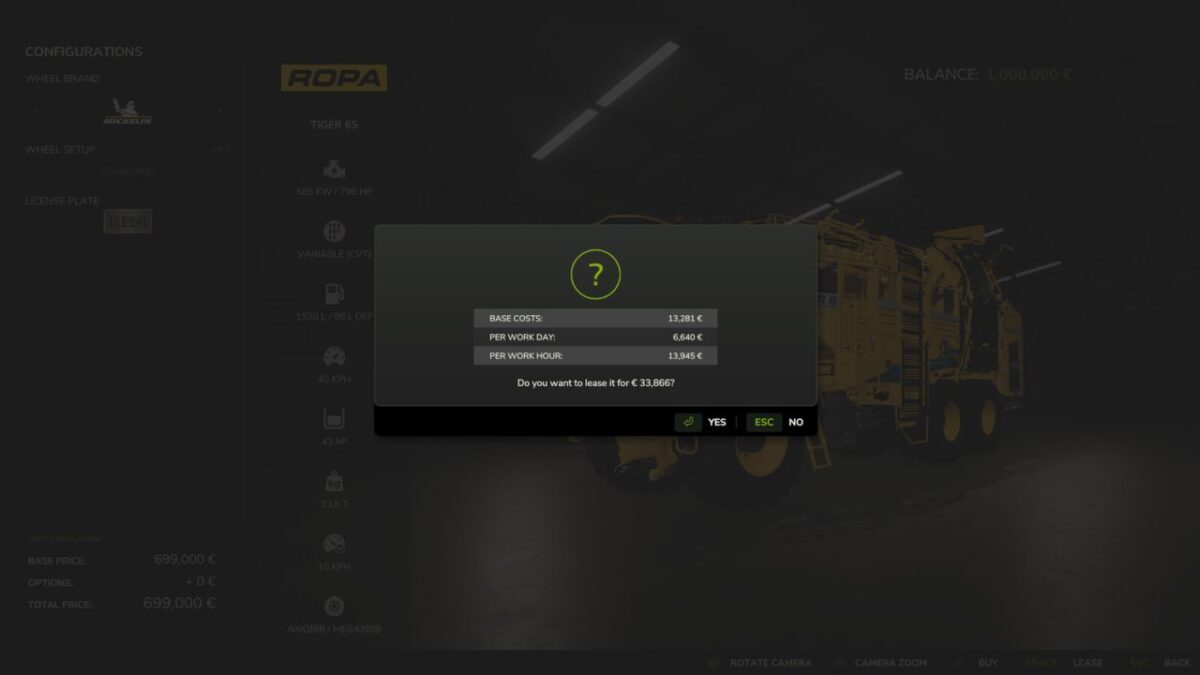
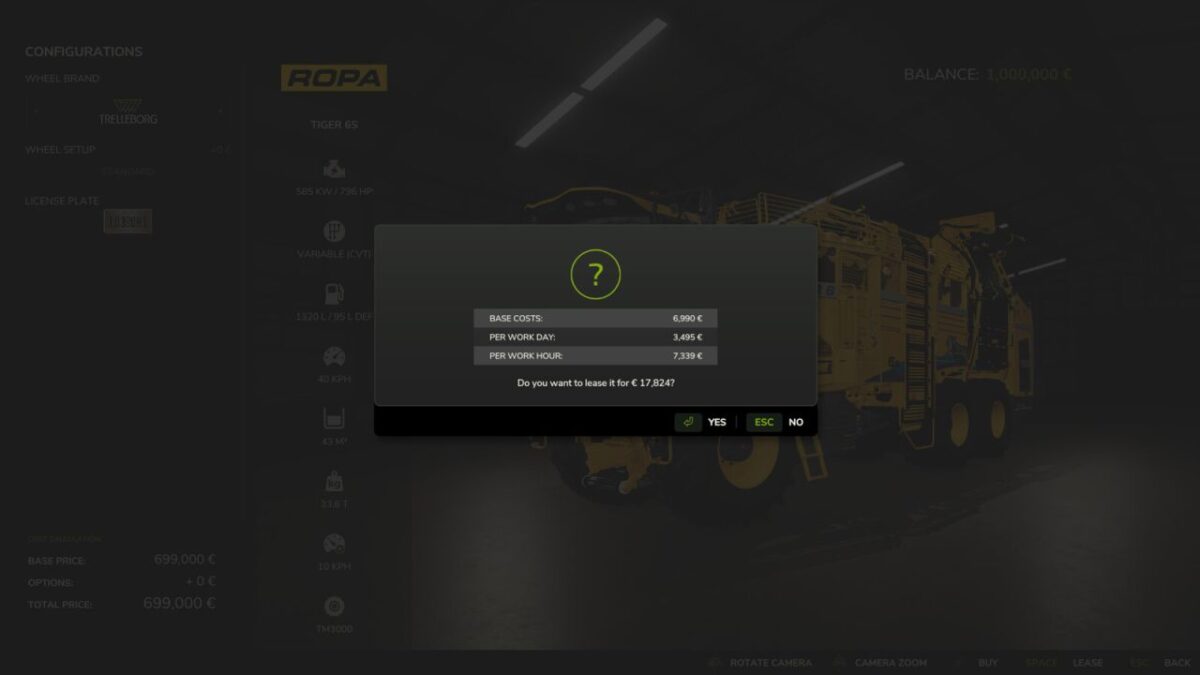
Fair Leasing Plus allows you to reduce leasing costs by up to 50%.
Base price, daily costs and hourly costs can be adjusted directly in the in-game settings menu so every farm can decide how expensive leasing should really be. But there is more.
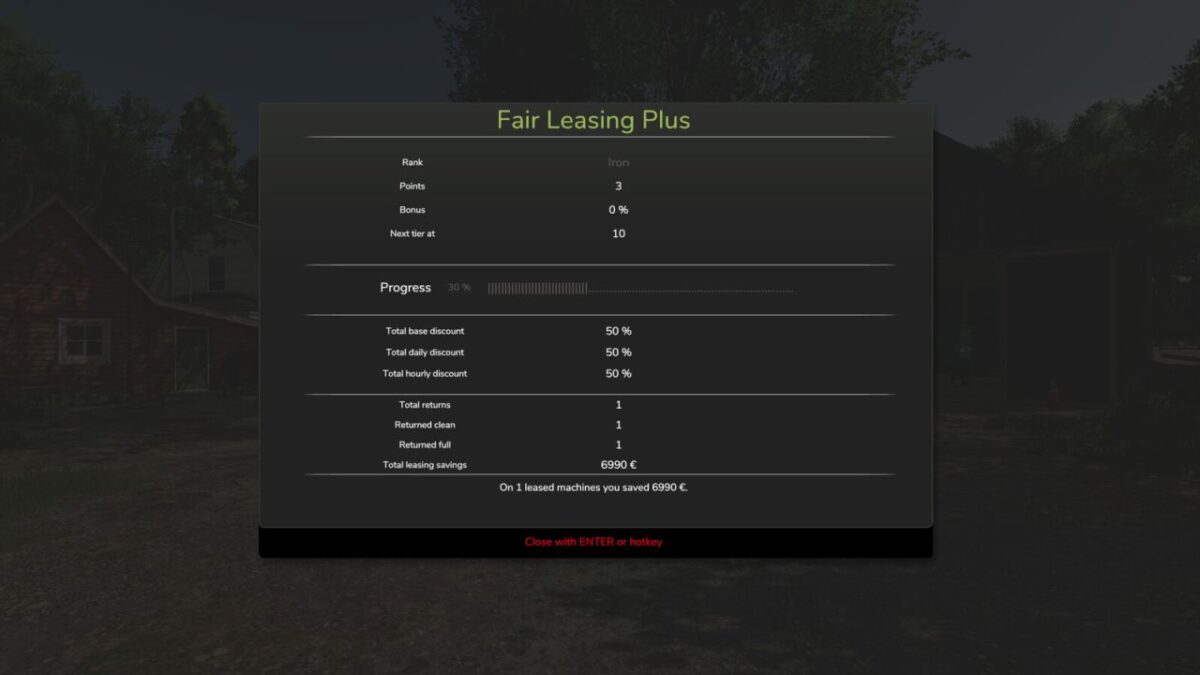
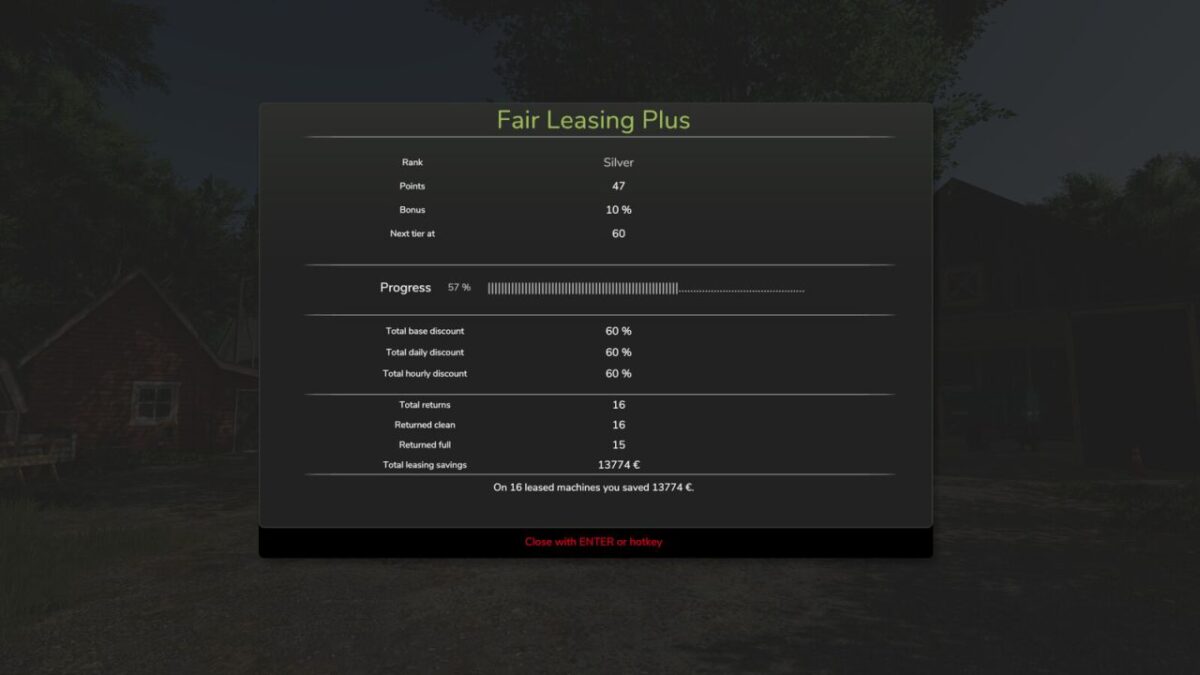
Fair Leasing Plus also introduces a reward system for returning leased vehicles in good condition.
If vehicles are returned clean and with a full tank (or battery), your farm earns points.
Those points unlock ranks which grant additional permanent leasing discounts.
Ranks:
IRON → BRONZE → SILVER → GOLD → PLATINUM → DIAMOND
The better you treat leased machines, the better the long-term leasing conditions become.
Features:
Adjustable leasing cost reduction up to 50%
Reward system for clean and well maintained returns
Rank progression with permanent leasing discounts
Statistics window showing your progress
Multiplayer compatible
Hotkey:
Right Ctrl + L → Opens the Fair Leasing Plus statistics window
Perfect for players who prefer to treat leased machines properly instead of returning them like rental cars after a demolition derby.
Credits:
Tarabas1977


