
FS25 Buildings

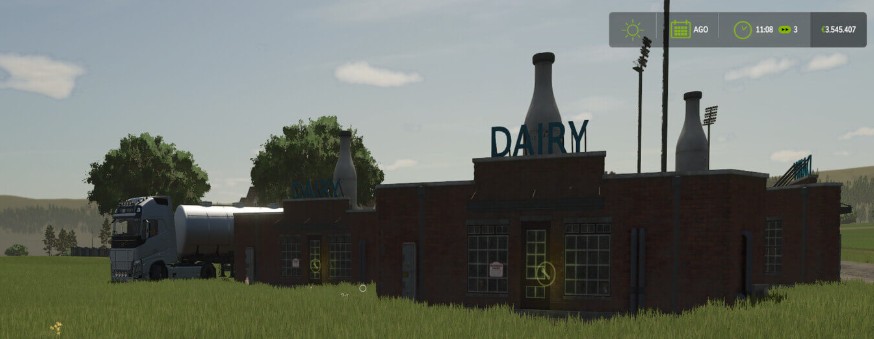
Factory Production Multiplier v 1.0

Factory Production Multiplier v 1.0

It allows you to multiply the production speed of the factories in the game in the settings menu you can choose the speed at which to set the production: X2, X3, X4, X5 and on which products to enable the multiplier

In the maintenance system (WIP) of factories, pressing the default key M opens a window where you can see the maintenance status and pay for the repair The maintenance status will influence the production speed.

Be careful, in August and December people go on holiday, and production is reduced to X1 but factories take the opportunity to carry out maintenance and restart with maximum efficiency.

Credits:

kiokoman

How to install FS25 Buildings?
Firstly find a mod which you like and want to download. Then download a mod to your PC. Mods are usually in .zip format file. But sometimes it can be in .rar. If a mod file is a .zip format no needed additional actions. If a file is in .rar, then you must unarchive mod with software like WinRar or Zip7. Windows 10 users no need to use software for archives, Win10 itself has a feature to unarchive files.
The next step is to find mods folder in your PC. Usually, it is in Documents/My Games/Farming Simulator 25/2025. Open the "mods" folder and put downloaded .zip archive or unarchived .rar file to this folder.
Last step. Enjoy of FS25 mods!

Leave a Reply

Your email address will not be published. Required fields are marked *