Extended Vehicle Maintenance v 1.0


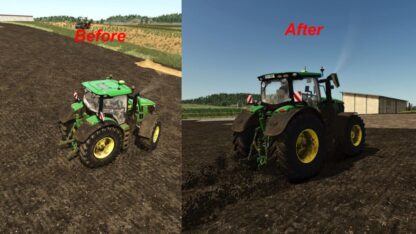
Extended Vehicle Maintenance adds a realistic maintenance and repair system to Farming Simulator 25.
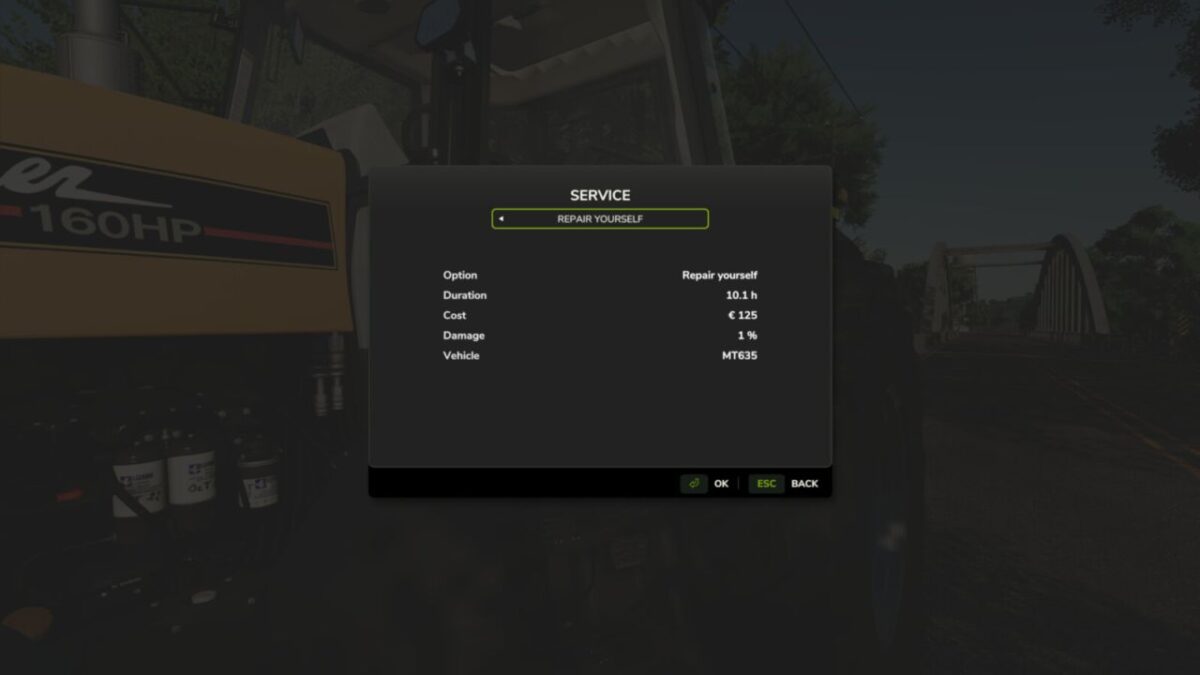
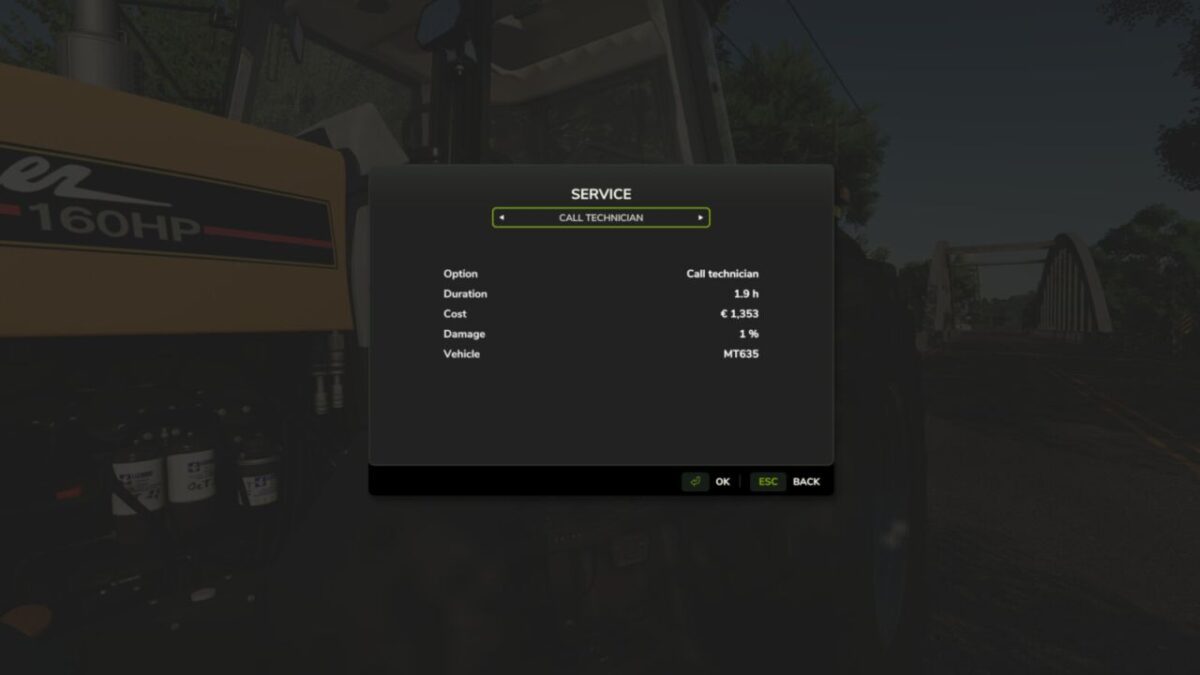
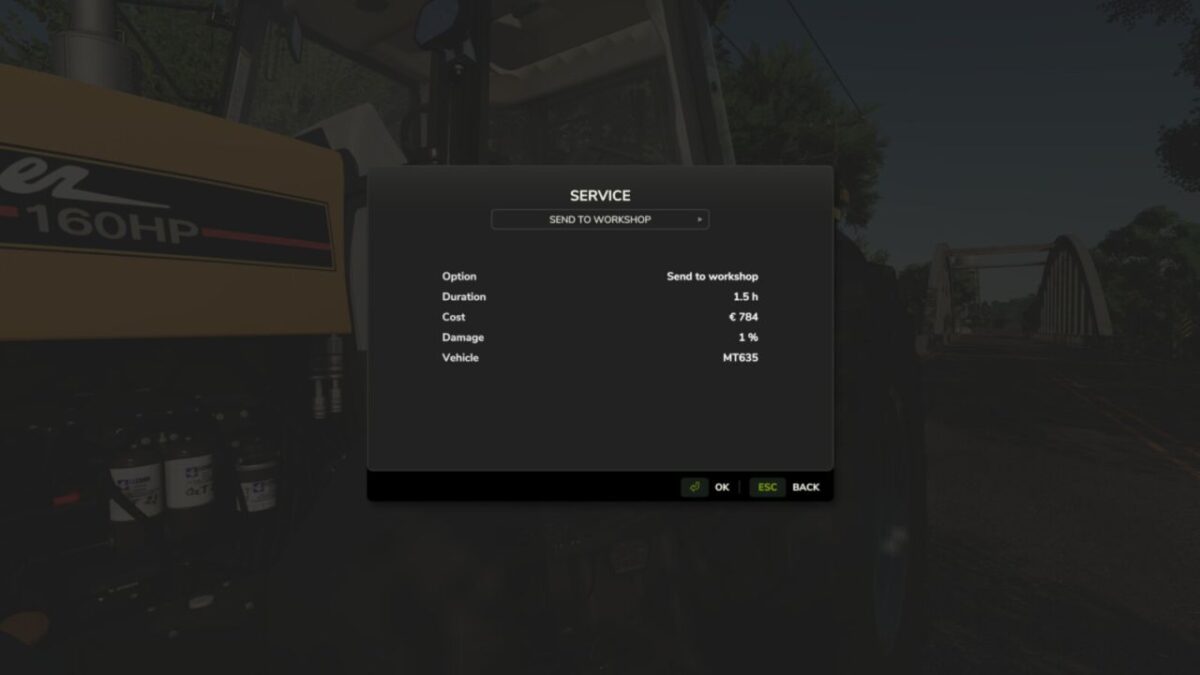
Drivable machines require regular maintenance based on their operating hours. To open the maintenance menu, stand next to the machine you want to service and press CTRL + M. Maintenance and repairs can then be started through the custom service menu.
While a machine is in service, it cannot be used, started or driven.
Different service options are available: sending a machine to the workshop takes longer, calling a technician is the most expensive option, and self-repair is the cheapest option but takes the longest to complete.
The mod also includes realistic malfunctions such as engine problems, flat tires, RPM/emergency-mode failures and battery-related faults. Overdue machines can become unreliable and may fail during operation.
In addition, Extended Vehicle Maintenance includes a collision damage system. Strong impacts can damage vehicles depending on the collision speed, making careful driving and realistic vehicle handling more important.
The default instant repair workflow is replaced by a more immersive service system for realistic multiplayer and long-term gameplay.
Credits:
SimuTools