

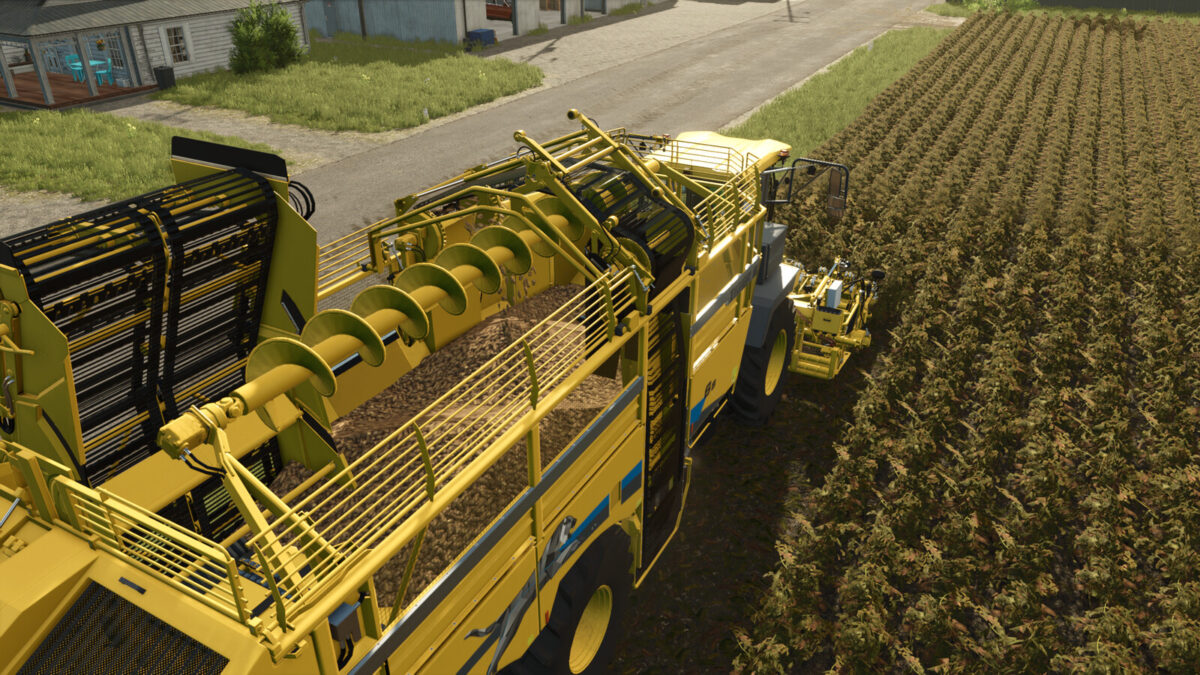
Extended Sugarbeet and Potato Harvesters v 1.0.1.0


This mod make it possibile that the sugar beet and potato harvesters now can harvest all earth fruits. Also the ones from the Premium Expansion DLC.
In addition to sugar beets, sugar beet harvesters can harvest the following earth fruits:
–> potatoes
–> beet root
–> carrots
–> parsnips
–> onions (highlands fishing expansion)
In addition to potatoes, potato harvesters can harvest the following earth fruits:
–> sugar beets
–> beet root
–> carrots
–> parsnips
–> onions (highlands fishing expansion)
The ropa maus 5, the hawe kuw 2000 and the bergmann rrw 500 can now also overload all these earth fruits.
No edited mod vehicles are necessary! Works with all standard vehicles! Mods should also work as long as they are created according to the giants standard and are not in their own shop category!
Version 1.0.1.0:
* Added support for the onions from the highlands fishing expansion
* The grimme varitron 470 from the highlands fishing expansion can now also harvest all the above mentioned earth fruits when it is as potato harvester configurated
Credits:
Ifko[nator]


