
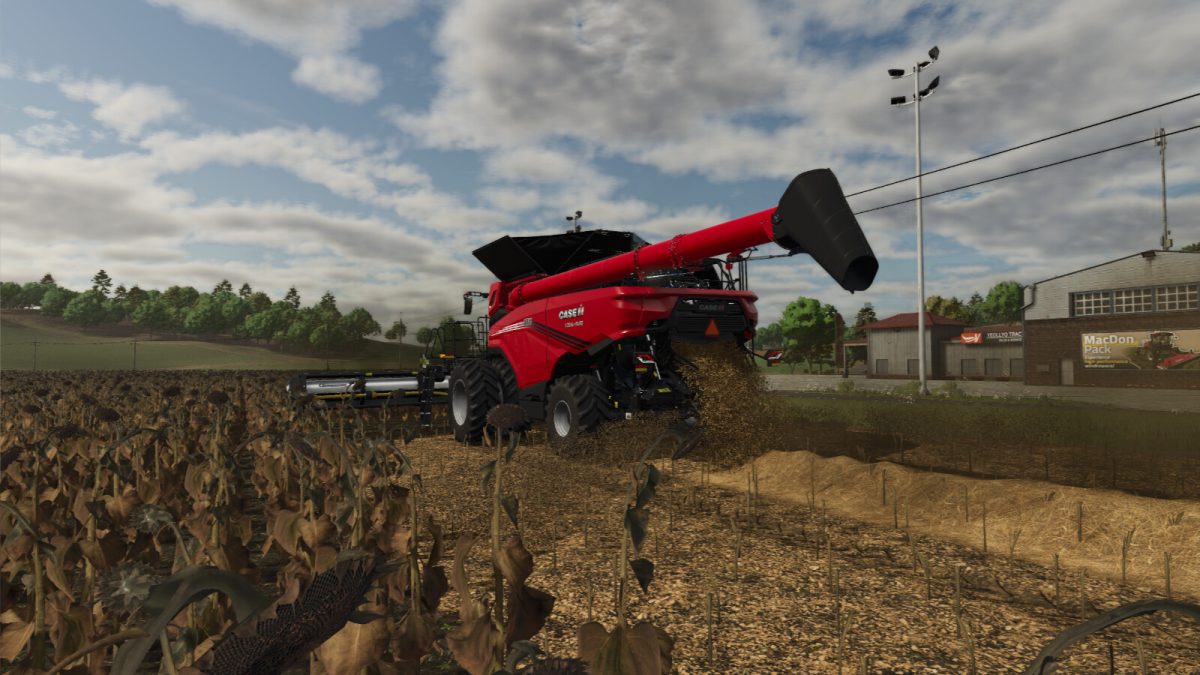
Extended Straw Crops v 1.0.01


The Extended Straw Crops mod introduces a new feature for Farming Simulator 25, allowing players to harvest additional straw from several crop types. This mod enhances the gameplay experience by providing straw yields from Canola, Corn, Sorghum, Soybean, and Sunflower. Players can now maximize their harvests and utilize the straw for various purposes, such as animal bedding or as a resource for creating silage.
The mod integrates seamlessly with the existing game mechanics and does not interfere with the standard crop growth and harvesting processes. This expansion of crop utility can lead to more strategic farming practices and resource management, allowing players to explore new ways to utilize their harvested crops.
– Additional straw yields from Canola, Corn, Sorghum, Soybean, and Sunflower
– Enhances resource management options
– Compatible with existing game mechanics
– Provides new gameplay strategies for efficiency
– Increases the utility of harvested crops
Version 1.0.0.1:
* Removed crops planted in rice fields
Credits:
Jos