Exhaust Extension v 1.0


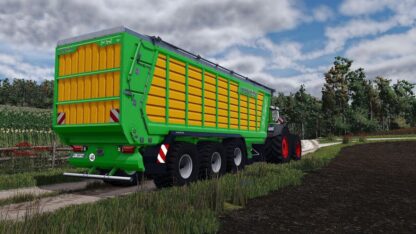
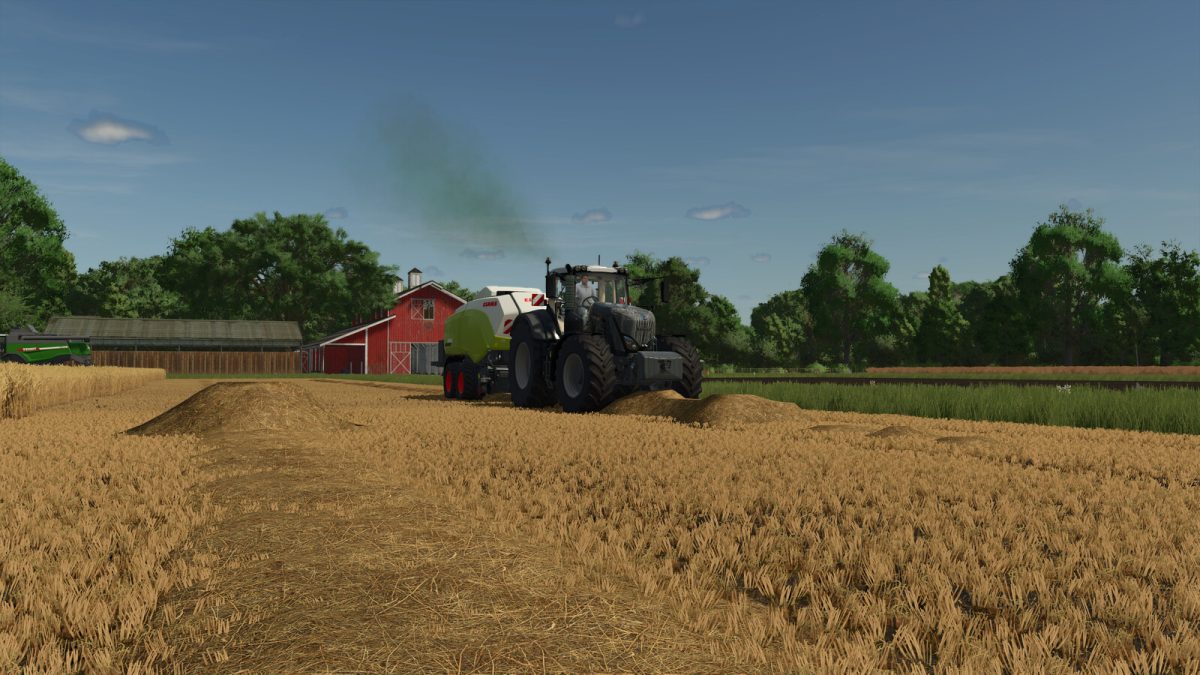
The Exhaust Extension mod for Farming Simulator 25 enhances the gameplay experience by introducing a realistic smoke particle effect for all vehicles. This effect is tailored to reflect the engine’s load, adding immersion to various in-game situations such as starting the engine, delimbing or cutting trees, and experiencing high damage values.
For modders interested in customizing the mod’s behavior, the option to overwrite specific values for individual vehicles is available. This includes adjusting the overall intensity of the smoke as well as individual contributing factors and thresholds. Detailed instructions for these modifications can be found in the included README.txt.
– Realistic smoke particle effect for all vehicles
– Intensity based on engine load
– Effects triggered by turning on the engine, delimbing, or high damage
– Customizable parameters for modders
– README.txt for further instructions on modding options
Credits:
Vector Man