

Everything Constructable v 1.0.0.2


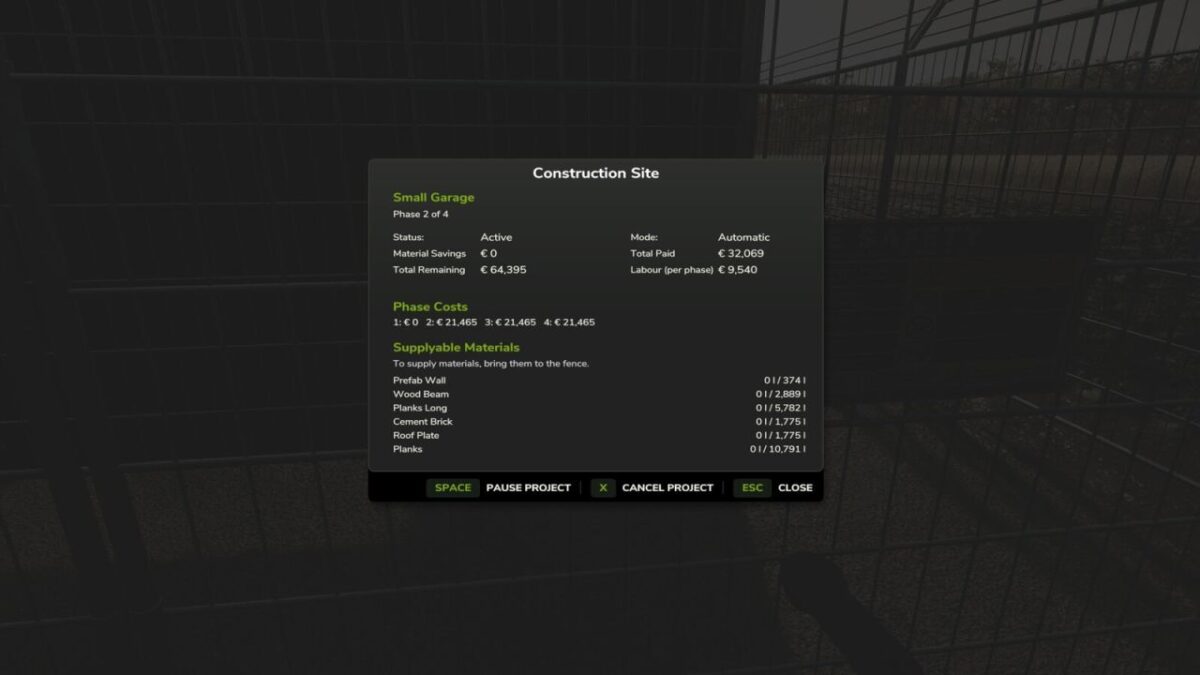
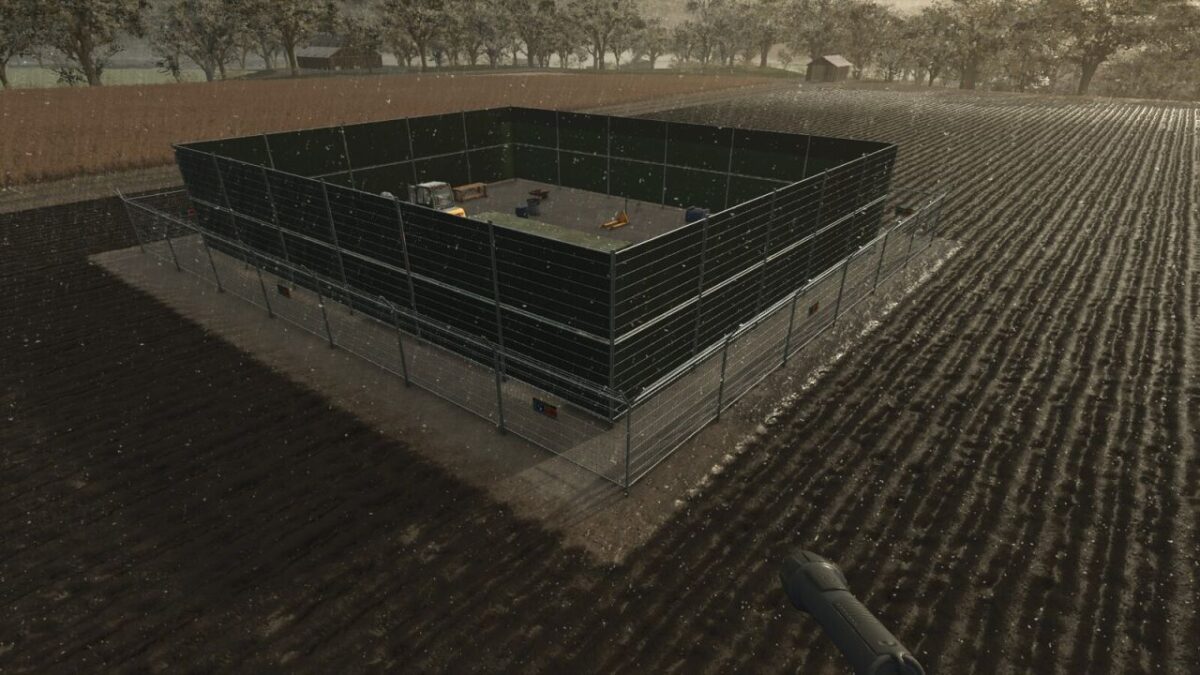
Buildings no longer appear instantly. Instead, placing a building creates a realistic multi-phase construction project with fenced sites, monthly progress, and resource delivery.
You can disable and enable this process at will. For construction projects, you can deliver material yourself to reduce the cost. Projects will take a number of months, depending on the cost.
You can pause a project if you want to wait and supply materials. You must always pay for labour, but can configure the portion of the total cost for labour vs materials.
Fully supports multiplayer. Excludes base game simple pastures and those in FS25_FencelessPastures.
Version 1.0.0.2:
* Reworked construction site fences to use direct i3d placement, resolving multiplayer sync errors that caused missing fences and stream errors when placing sites
* Add CZ translation file
Credits:
Ozz


