Estate Viewing Mode v 1.0


Imagine you want to buy an estate. A really nice one, with a yard and a biogas plant. But before you buy something that big, you’d like to take a look inside first, wouldn’t you? Only – the gate is locked. And the key? Well, you don’t have that yet.
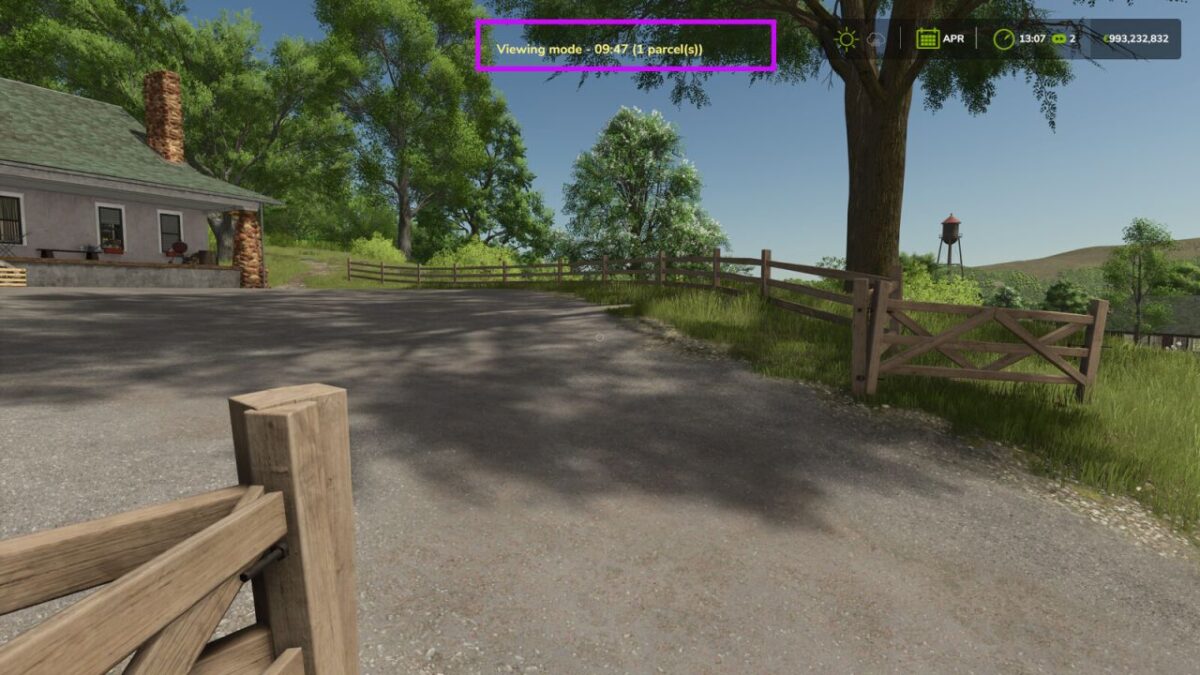
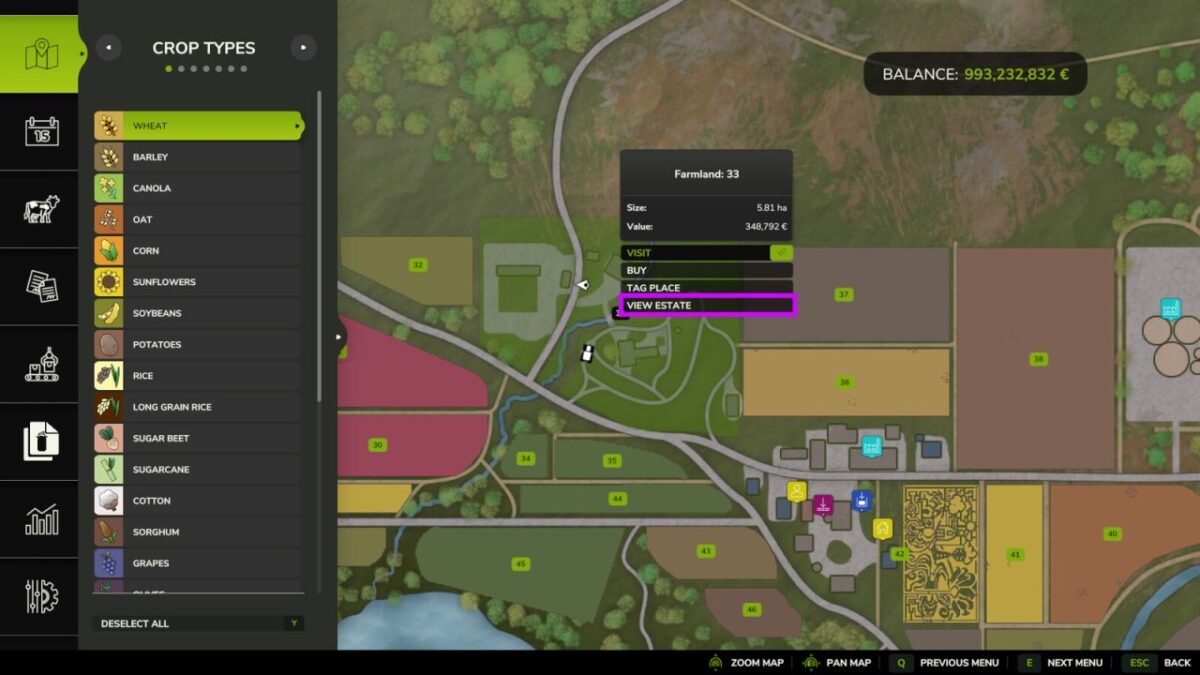
And here comes the trick. You open the map, tap the farmland that’s up for sale, and press “View estate”. And – click – for ten minutes the gates and doors swing open. You walk in, look around in peace, stroll around the buildings. All without buying a thing.
Yard and biogas plant sitting on two different parcels? No problem. Then you simply tap both of them on the map, one after the other.
But watch out, this bit is important: you can only open up land that doesn’t belong to anyone yet. Into other people’s yards or your own fields you won’t get this way. And you may look everywhere – but use nothing. The biogas plant stays off, and you can’t sell anything either. Looking yes, touching no.
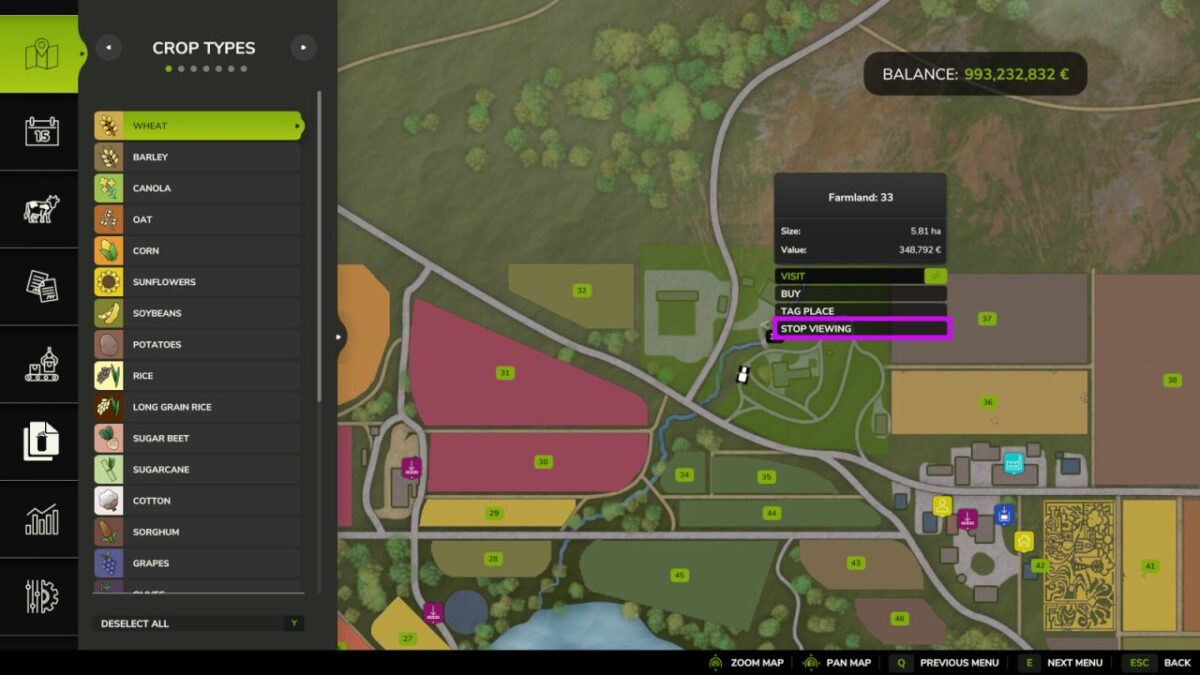
When the ten minutes are up, everything closes again all by itself. Want to stop sooner? Just press “Stop viewing”.
And if you like what you’ve seen – well, then you can simply go and buy it.
Credits:
Shin_Jin_Jin