

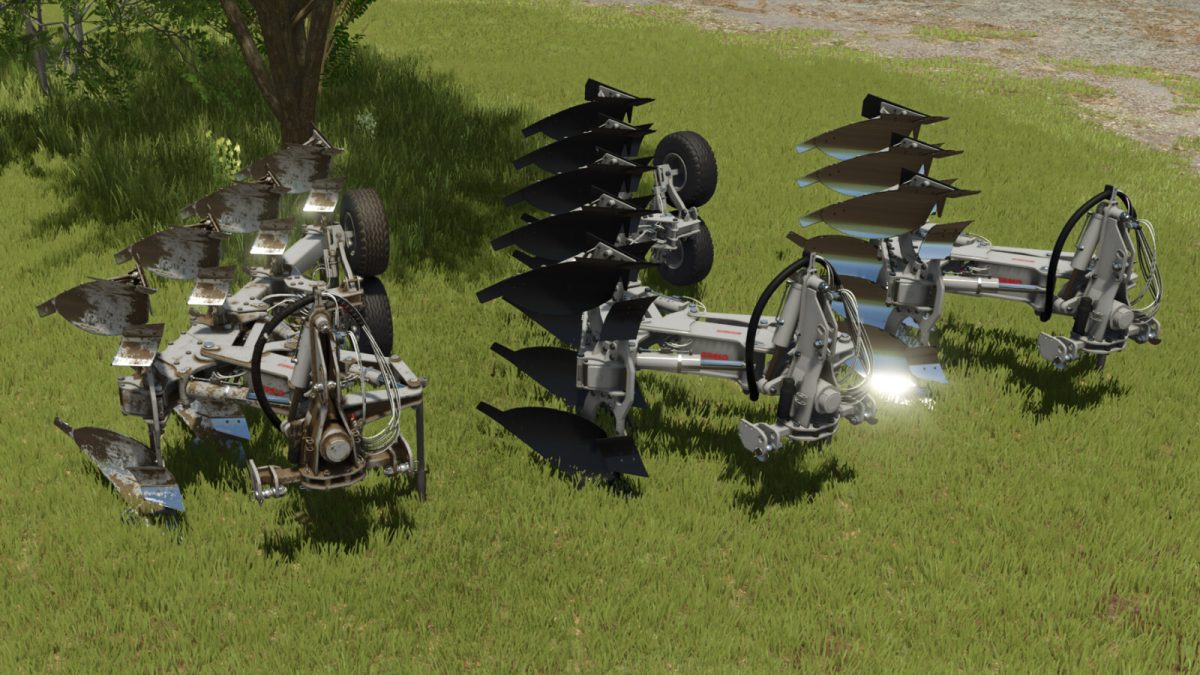
Ermo Kronos Evo Series v 1.0


ERMO in- and out-of-furrow ploughs are equipped with the most advanced parallelogram attachment system.
This feature provides the unrivalled advantage of avoiding bending on the first body, which is usually more prone to stress. This gives the plough and tractor greater stability.
Available with hydraulic width adjustment, ERMO ploughs meet all requirements thanks to their specific features.
Ermo Kronos Evo 3
– Working width: 2.0/2.5 metres
– Price: 14000 $
– Power requirement: 250-350 hp
– Working speed: 10 km/h
Ermo Kronos Evo 4
– Working width: 2.5/3.0 metres
– Price: 18600 $
– Power requirement: 300-400 hp
– Working speed: 10 km/h
Ermo Kronos Evo 5
– Working width: 3.0/3.5 metres
– Price: 27900 $
– Power requirement: 350-500 hp
– Working speed: 10 km/h
Credits:
SMI Modding Team


