


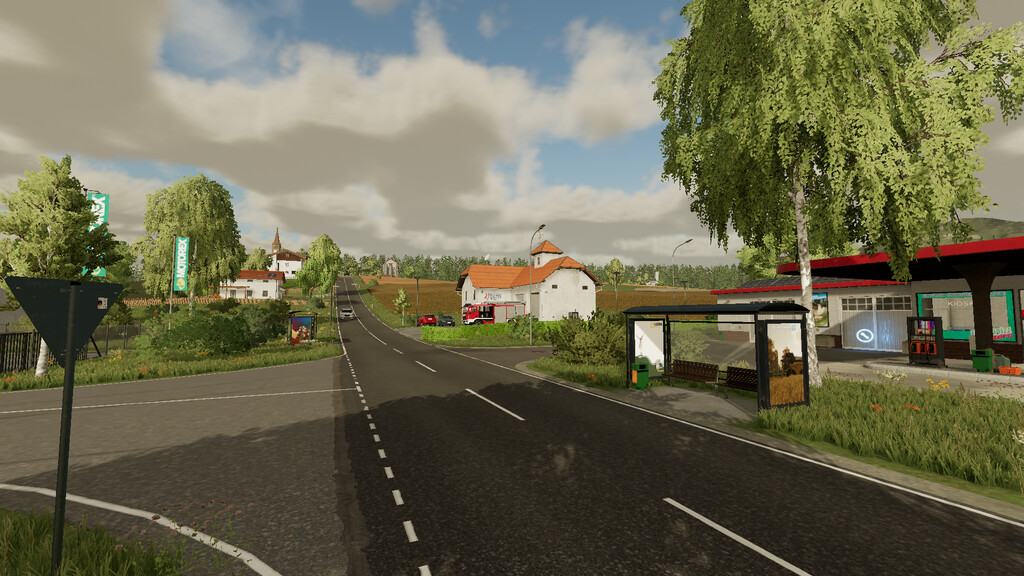

Erlenberg Map v 1.1


– 53 fields
– 3 yards
– 12 productions
– 2 train systems
– 4 points of sale
– 86 plots of land, 13 of which are forest plots
– Collectibles
Version 1.1:
* Horse stable revised
* Rock crusher revised
* Sugar factory unloading point revised
* Fixed Pallets spawn at the bakery
* Decorations at the farm can be sold
* Cotton and sugar cane can be sold
* Removed Wooden bucket
* Terrain at the BGA adjusted (new save game required)
* Recipe at the rock crusher
* Dealer area enlarged
* Changed Jetty at the harbor
* Changed Tunnel at the sawmill
* Changed Street sign texture
* Horse stable can be bought
* Added Seven new collectibles
* Added French translations
* Added Inn trigger marker
* Added Vegetable patch pallet marker
* Added Grass on the field island of field 10 (new save game required)
* Added Water treatment plant
* Added Water (dirty) as fill type
* Added Changing advertising at the bus stops
* Added Sugar beets, potatoes, carrots, beetroot and parsnips to the vegetable beds (Premium Expansion is not required)
* Added Walking animation to the bucket
* Added Bucket color selection
* Added Hay storage to the farm barn
Credits:
west modding


