
FS25 Misc

Equipment Compare v 1.0.3.0

Equipment Compare v 1.0.3.0

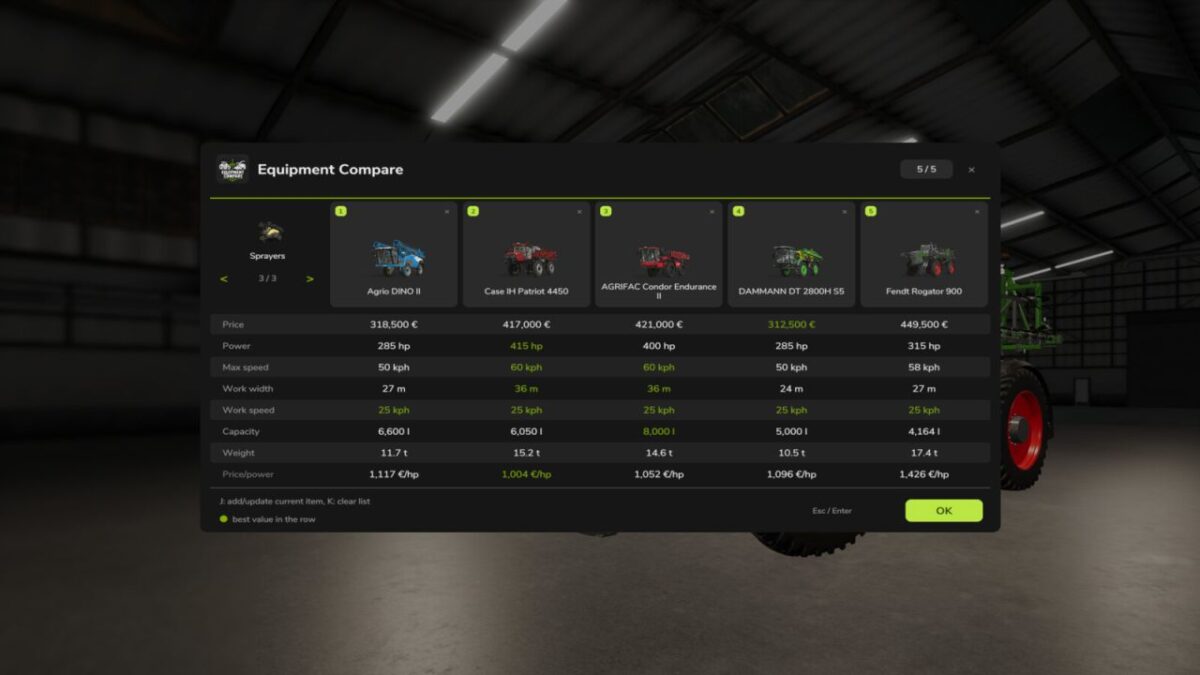
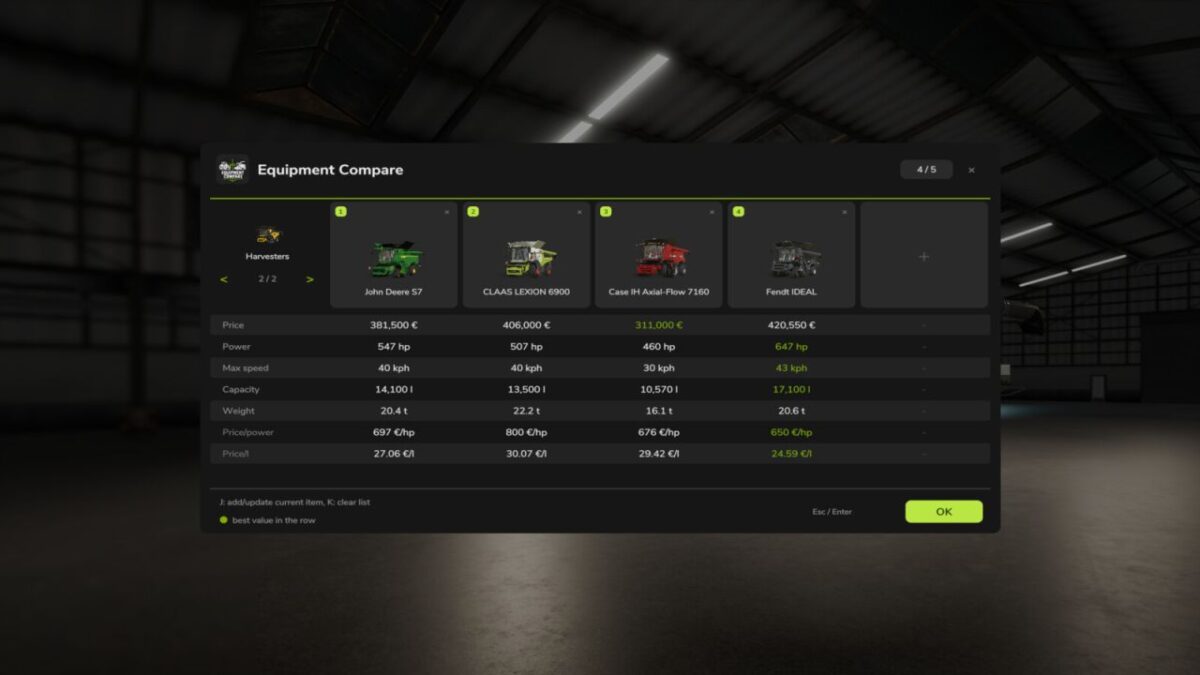
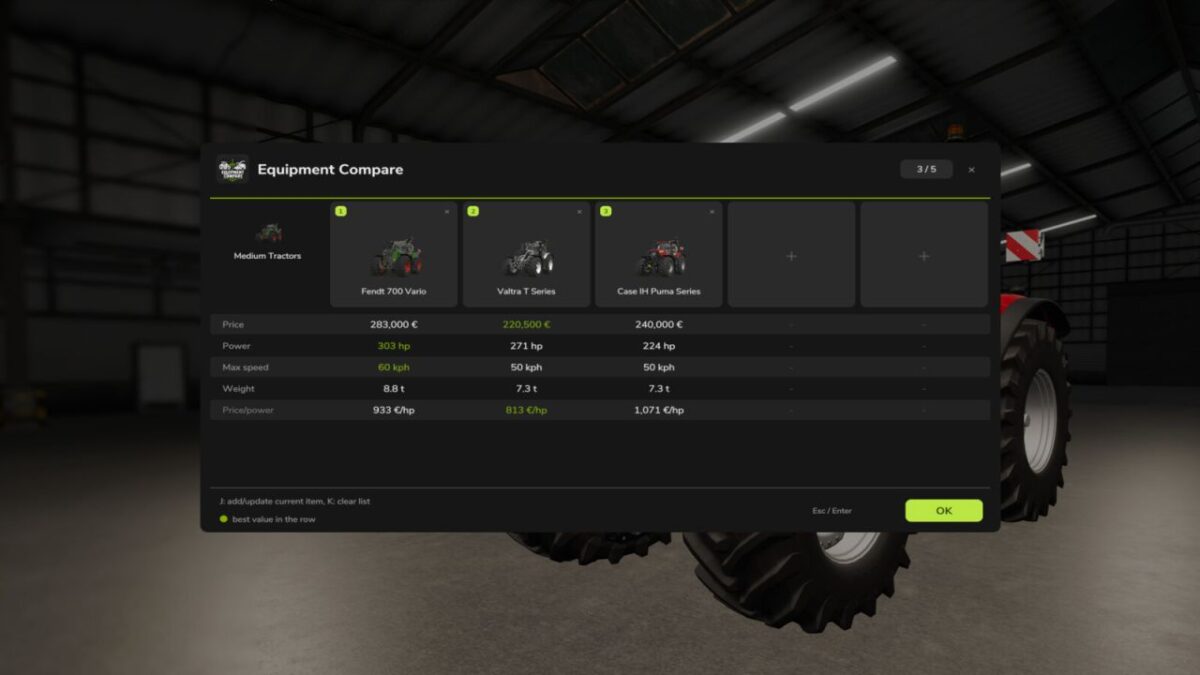
Adds a lightweight comparison tool to the vehicle and equipment shop.
Open an item in the shop configuration screen, press the Compare button or J, and the mod will add the current item and selected configuration to a temporary comparison list. Up to five items can be compared at once.

Opening a card returns to that item with its saved configuration selected.
Compare controls are automatically disabled in workshop and vehicle contexts.

The comparison covers common shop data where available: price, power, speed, working width, capacity, required power, weight, upkeep and simple value metrics.

Version 1.0.3.0:
* Restores the saved configuration when opening an item from comparison
* Disables comparison controls outside valid new-item shop contexts

Credits:

moji
How to install FS25 Misc?
Firstly find a mod which you like and want to download. Then download a mod to your PC. Mods are usually in .zip format file. But sometimes it can be in .rar. If a mod file is a .zip format no needed additional actions. If a file is in .rar, then you must unarchive mod with software like WinRar or Zip7. Windows 10 users no need to use software for archives, Win10 itself has a feature to unarchive files.
The next step is to find mods folder in your PC. Usually, it is in Documents/My Games/Farming Simulator 25/2025. Open the "mods" folder and put downloaded .zip archive or unarchived .rar file to this folder.
Last step. Enjoy of FS25 mods!

Leave a Reply

Your email address will not be published. Required fields are marked *