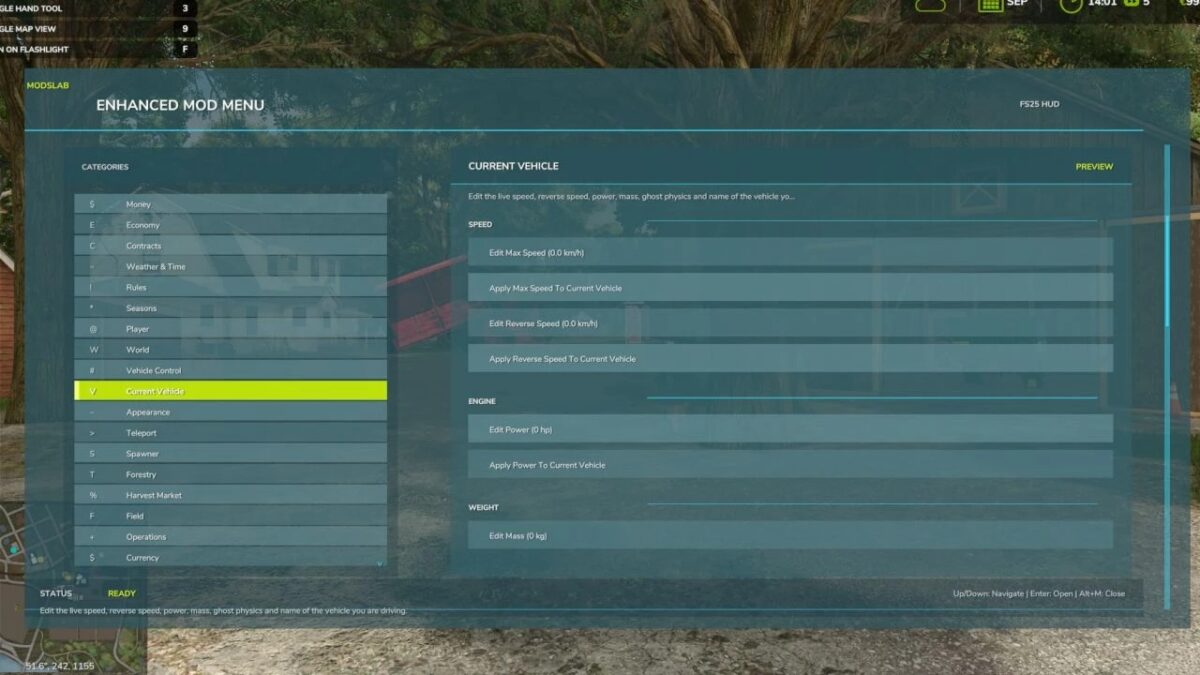
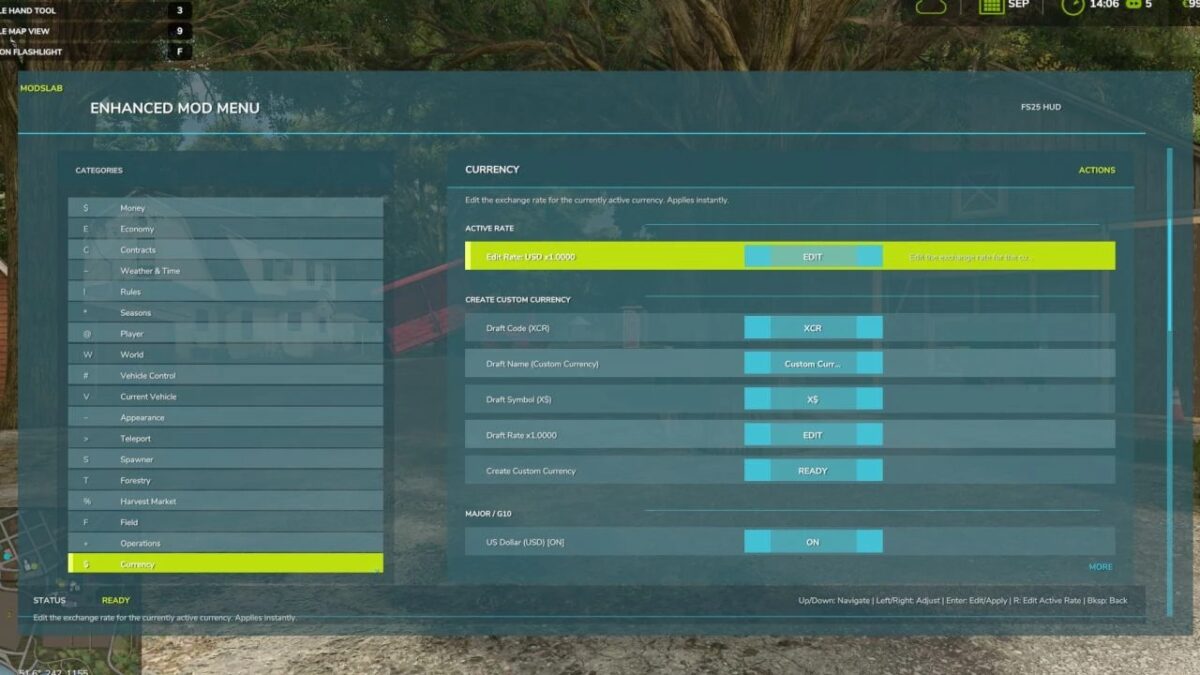
Enhanced Mod/Cheat Menu v 1.2


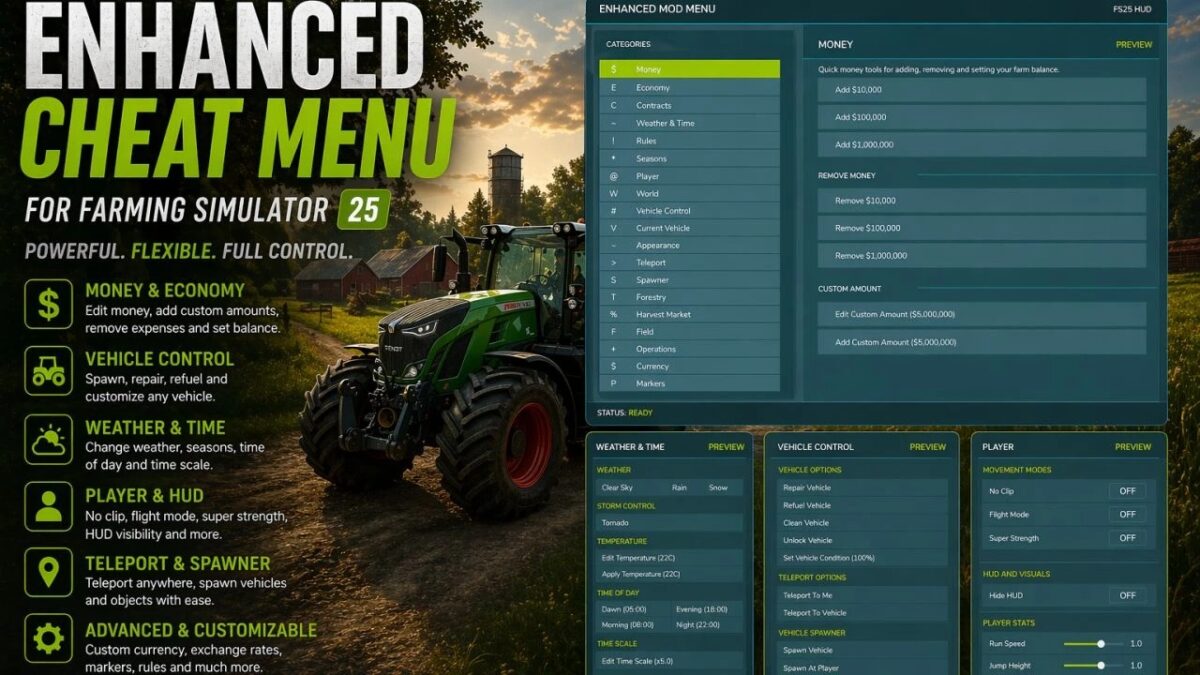
This FS25 modification adds a mod and cheat menu with a huge range of functionality. Dozens of features are available.
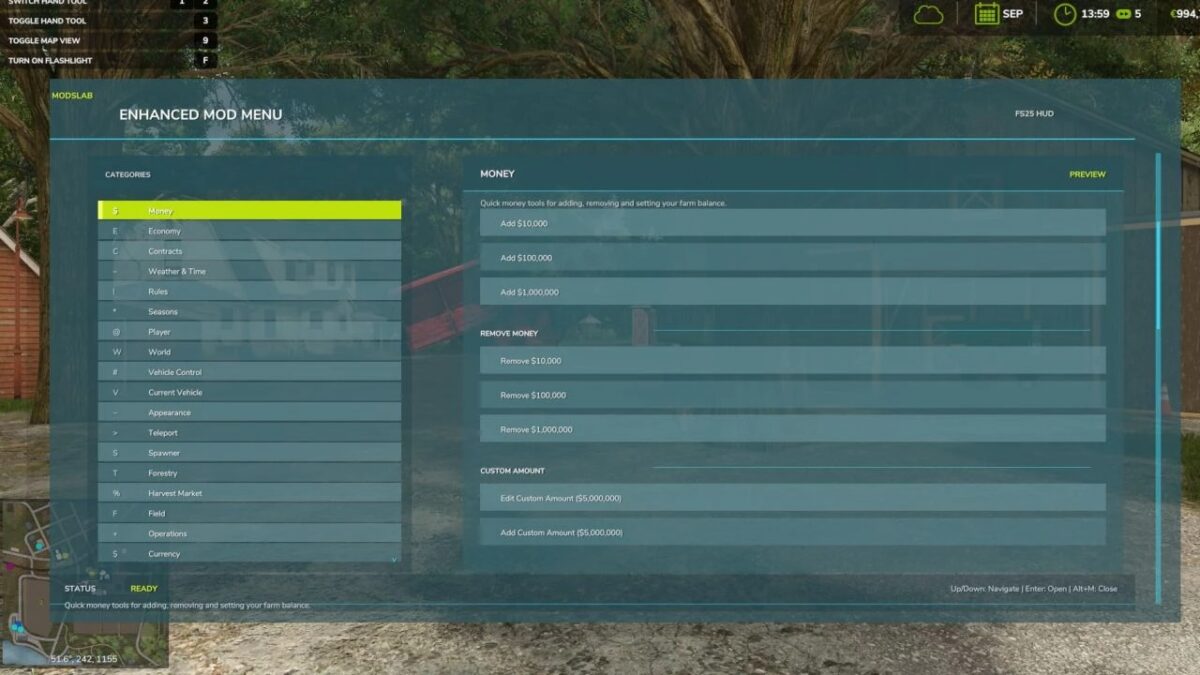
Balance adjustment (increase/decrease your money);
Currency switching with automatic conversion (50+ options) and the ability to manually edit exchange rates;
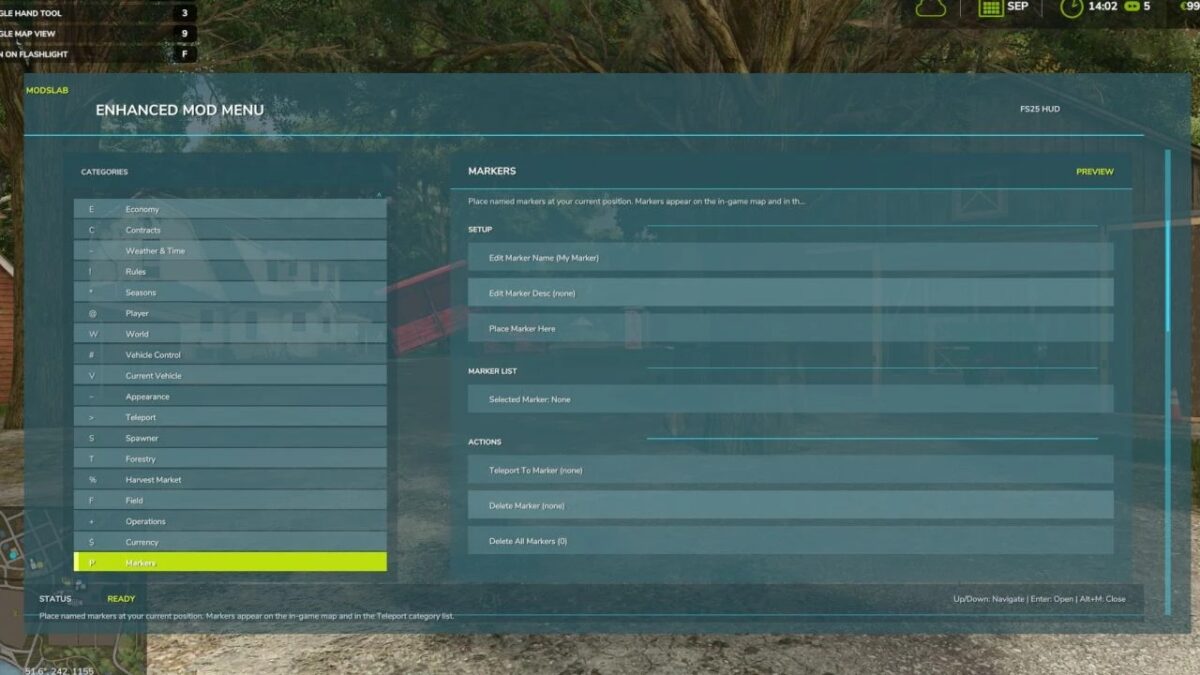
Ability to place markers on the map and teleport to them;
Spawn menu allowing you to spawn vehicles, tools, bales, pallets, and more;
Configuration menu with the ability to modify various vehicle components;
Weather, seasons, and temperature control;
Ability to modify vehicle parameters (increase/decrease power, top speed, weight, and other stats);
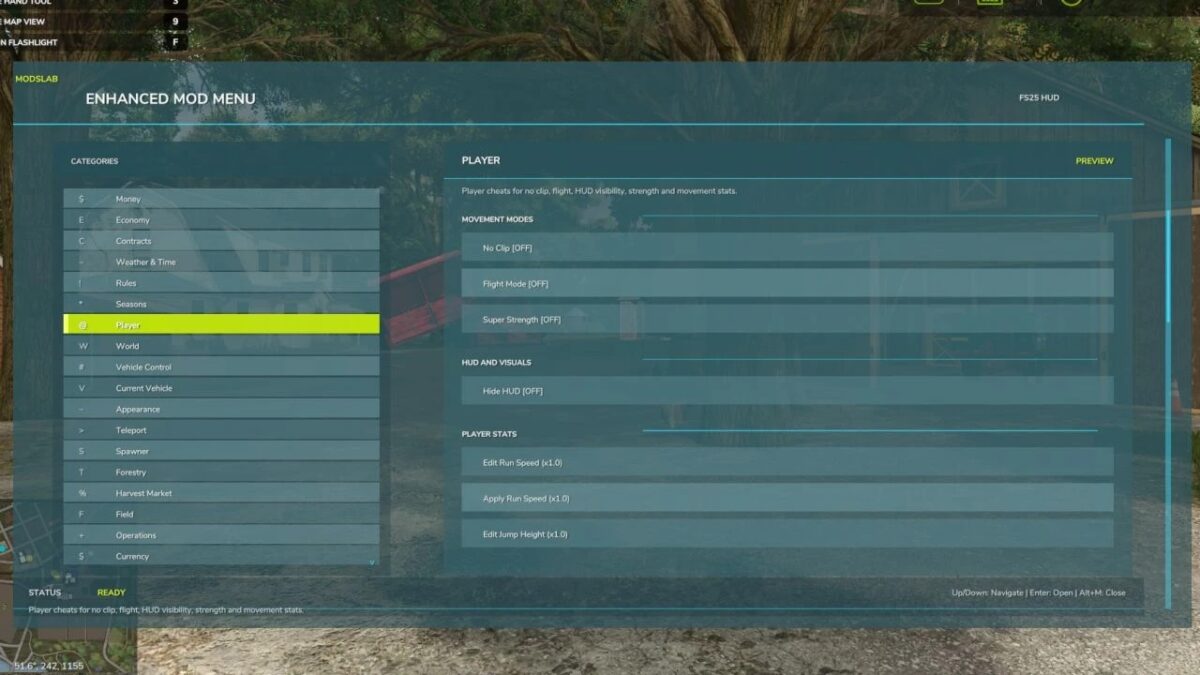
Player movement tweaks (run speed and jump height);
Perfect field conditions;
Instant planting, cultivating, and fertilizing;
Enable/disable traffic and pedestrians;
Super strength mode (lift any object manually);
Enable/disable HUD; Tree spawning;
Increased chainsaw speed;
Perfect market conditions;
Ability to increase crop value (sell at maximum prices);
Fly mode and No-Clip mode;
And dozens of other features.
To open the menu, press Alt + M.
Version 1.2:
* Added the ability to teleport to NPCs on the map
* Added the ability to fast forward time (1 day, 3 days, 1 week, a month, and even a year)
* Finally fixed localization for the base FS25 languages and tested it – everything works
* Updated the mod preview
Credits:
Modslab