

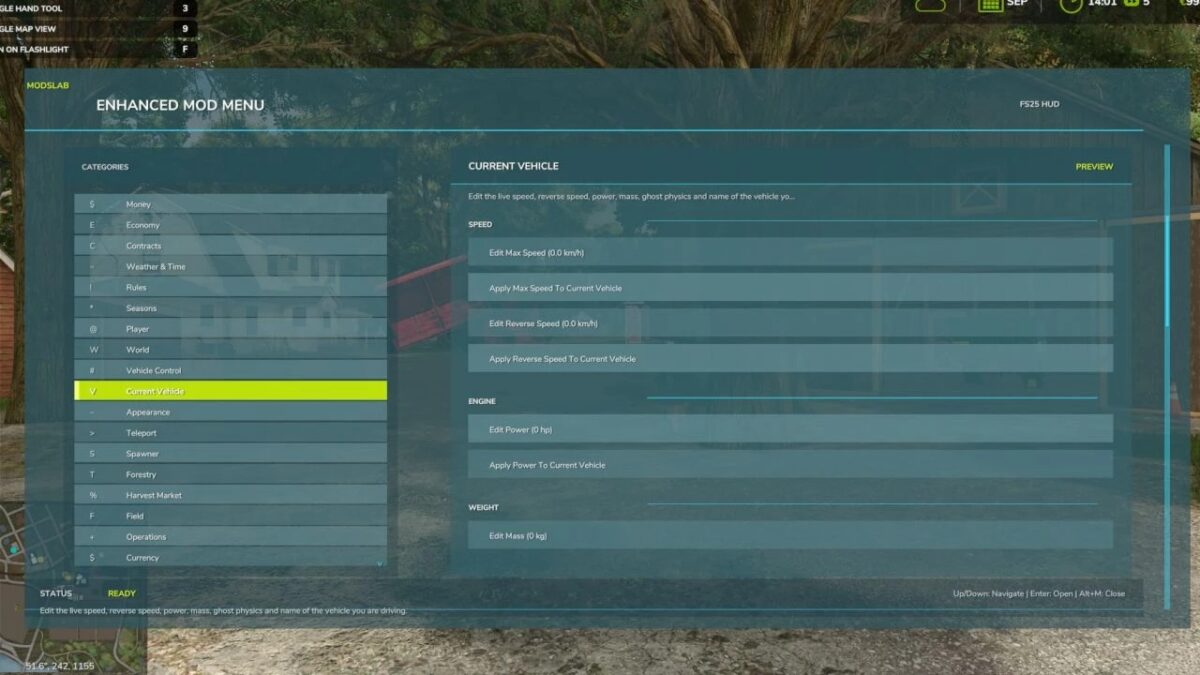
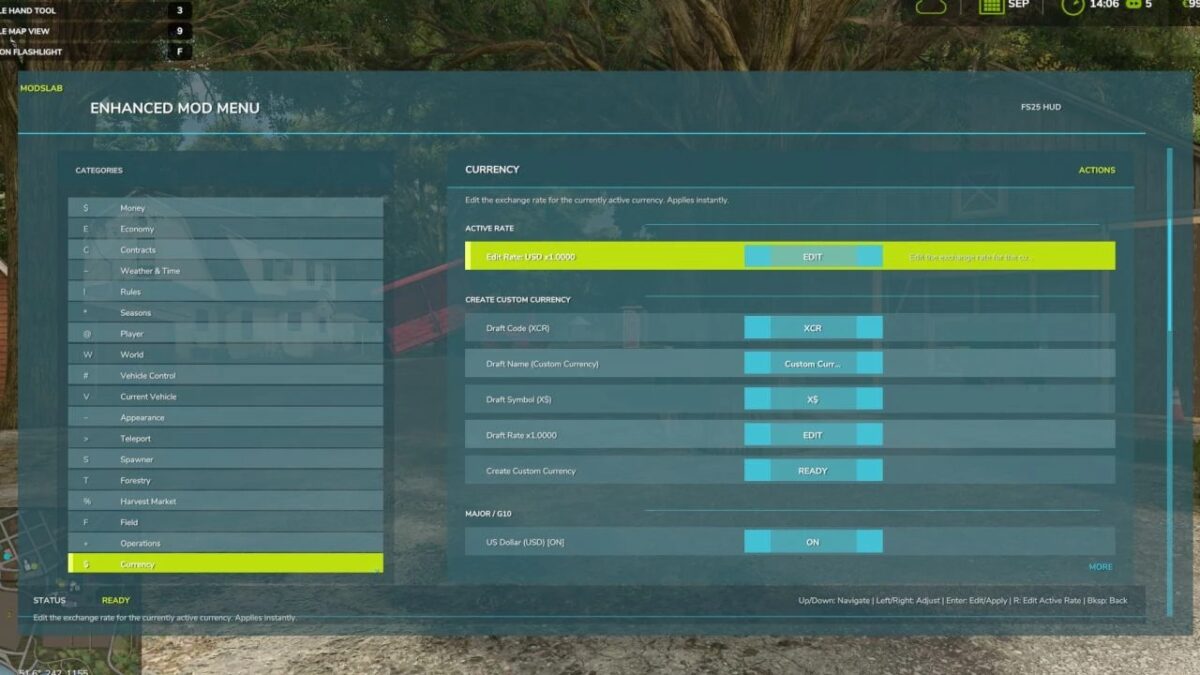
Enhanced Mod/Cheat Menu v 1.2.0.1


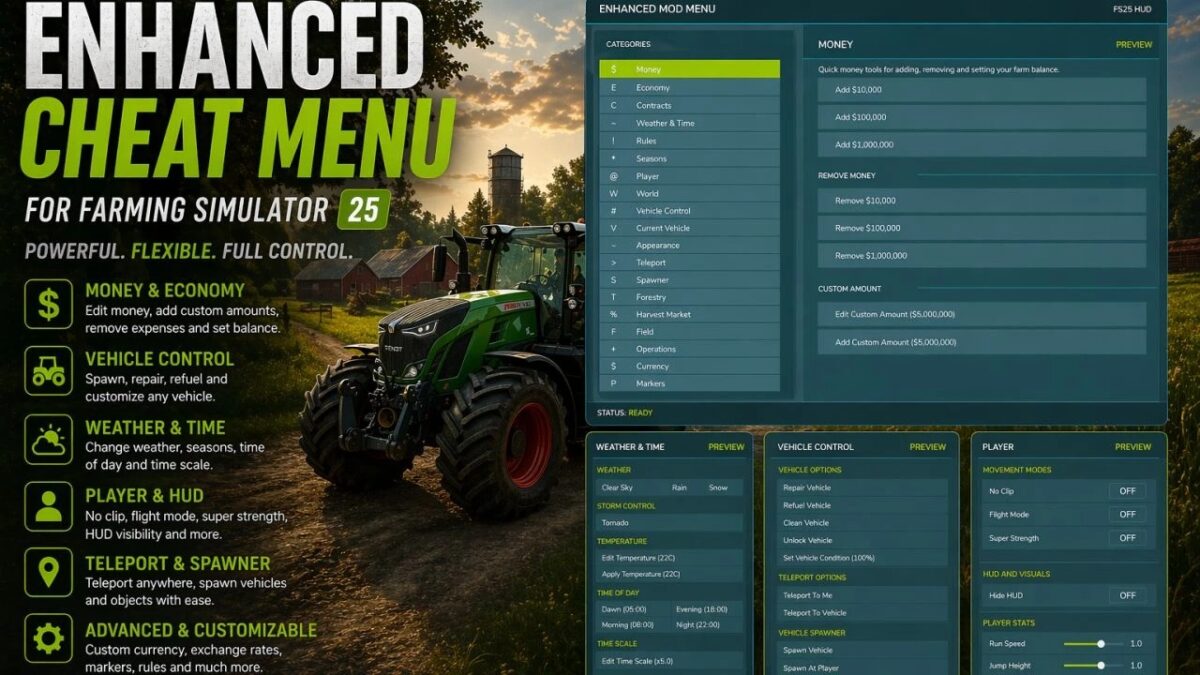
This FS25 modification adds a mod and cheat menu with a huge range of functionality. Dozens of features are available.
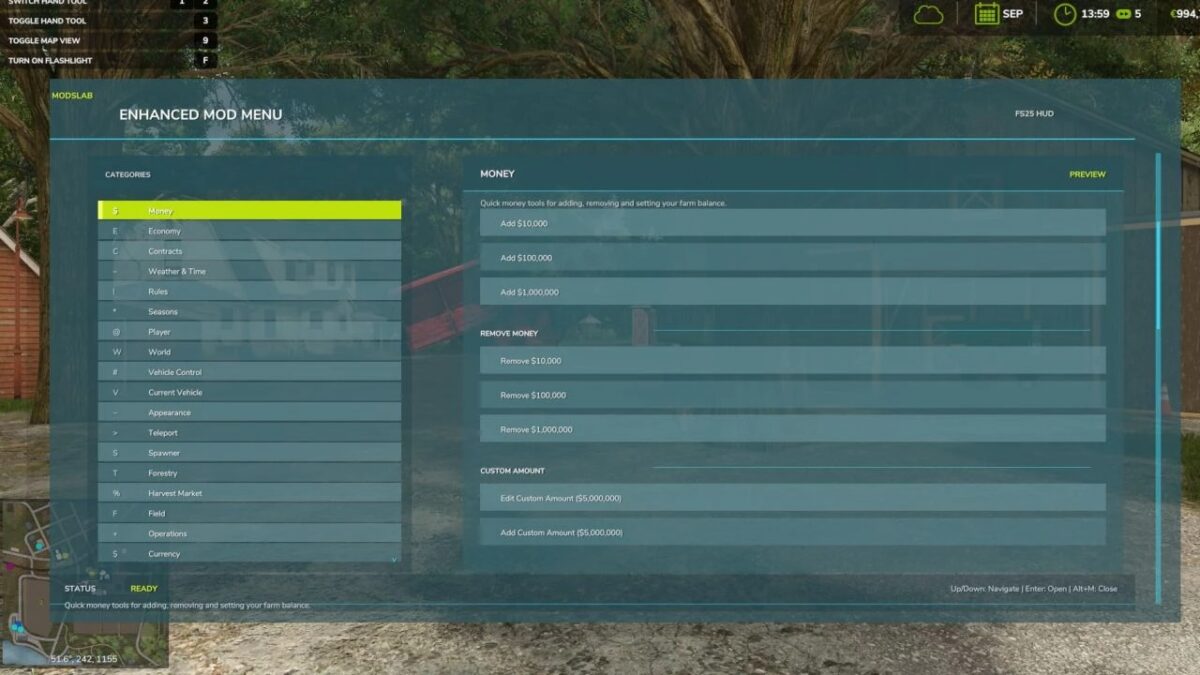
Balance adjustment (increase/decrease your money);
Currency switching with automatic conversion (50+ options) and the ability to manually edit exchange rates;
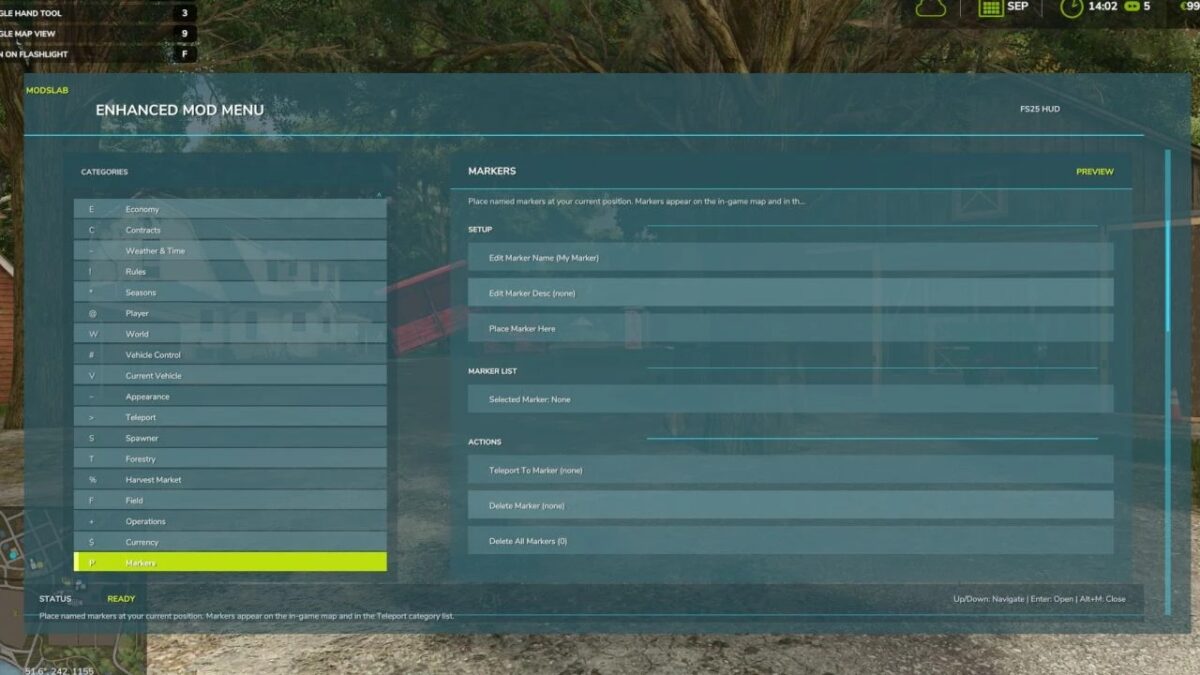
Ability to place markers on the map and teleport to them;
Spawn menu allowing you to spawn vehicles, tools, bales, pallets, and more;
Configuration menu with the ability to modify various vehicle components;
Weather, seasons, and temperature control;
Ability to modify vehicle parameters (increase/decrease power, top speed, weight, and other stats);
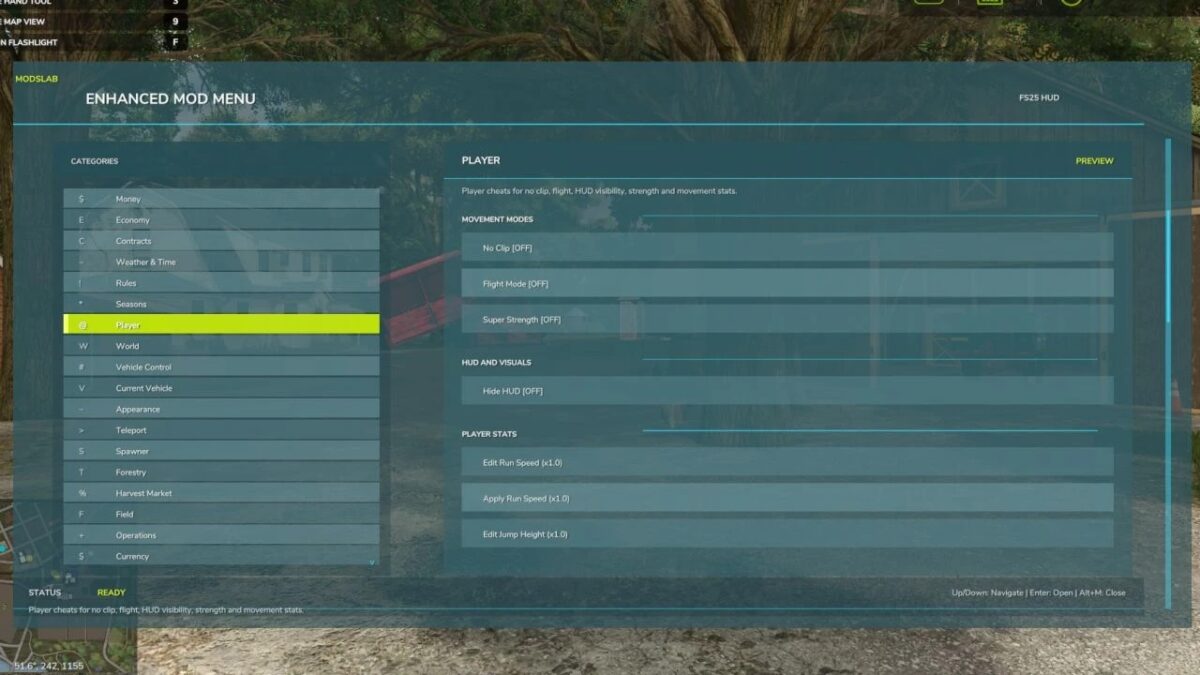
Player movement tweaks (run speed and jump height);
Perfect field conditions;
Instant planting, cultivating, and fertilizing;
Enable/disable traffic and pedestrians;
Super strength mode (lift any object manually);
Enable/disable HUD; Tree spawning;
Increased chainsaw speed;
Perfect market conditions;
Ability to increase crop value (sell at maximum prices);
Fly mode and No-Clip mode;
And dozens of other features.
To open the menu, press Alt + M.
Version 1.2.0.1:
* Fixed (tested in several custom maps) a critical bug that caused the game to freeze while loading the map. On some maps with custom NPCs, the bug may still occur, but the issue should now be fully resolved
Credits:
Modslab


