

Eifel Style Buildings Pack v 1.0


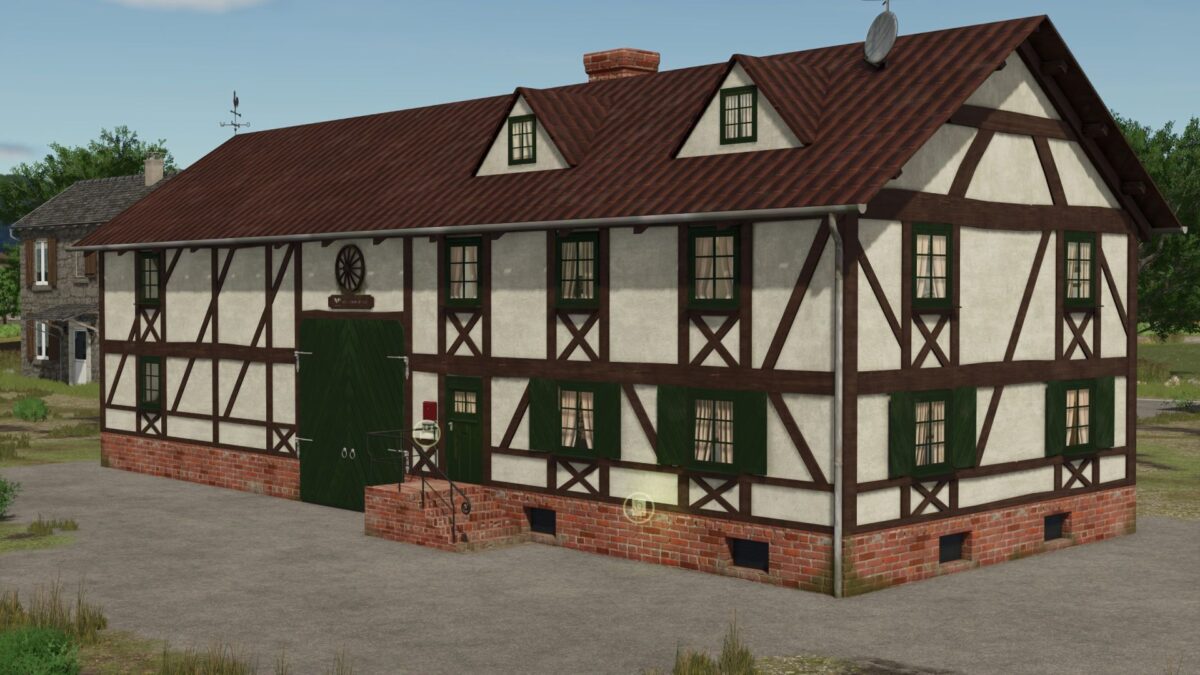
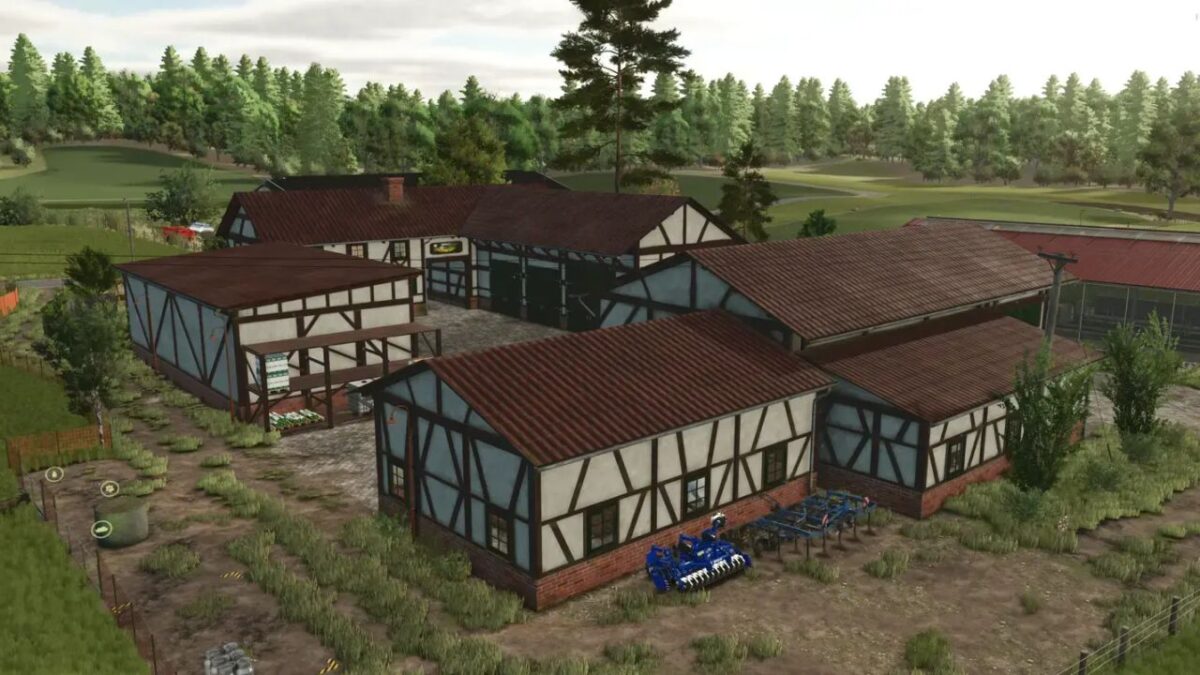
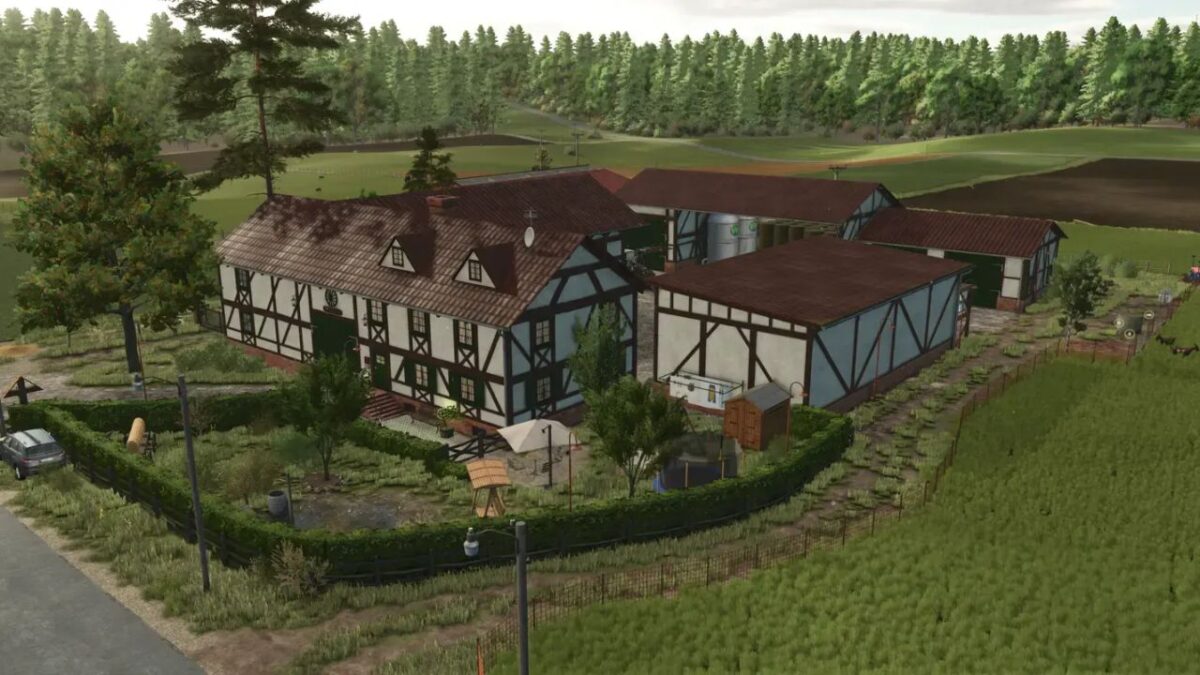
Here you have a pack of old -fashioned buildings. As you can see, everything is built in a half -cut style and designed as half open Viersitehof, which is typical enough for the old house of the moder, which is Eifel.
The whole thing currently includes:
Farm house with a small barn
– Price: € 140,000
– Category: Farmhäuser
– Domaining sleep and wardrobe
– Not (!) Accessible (live space)
– Grange cultivated with 2 major means, as well as large access (for example for combinations harvest)
– Transport height of the main entrance about 4 meters
Large barn with grain silo
– Price: € 95,000
– Category: Silos
– Capacity: 100,000L
– 1x large passage with silo
– Large open shelter (free for vehicles or similar, either adapted to the ball warehouse provided)
– 2x average goals on the front
– 1x small access in the extension (e.g. for cutting units)
Small shelter
– Price: € 18,000
– Category: rooms
– 4 parking spaces up to a height of 5 meters
Storage shelf
– Price: € 1,400
– Category: Decorations
– Perfect for storing weights, the culture of the front charger or simply storing pallets (attention: no trigger is installed here)
Balle warehouse
– Price: 500 €
– Category: Silos
– Capacity: 450 balls
Buildings are also equipped with snow roof. Tip for placing the ball warehouse.
A water outlet is installed in the ball warehouse. This serves as an orientation to rinse the ball warehouse on the back and directly in the open area to place large barns.
Credits:
JoNnii, Kastor [D-S-Agrarservice], T4xs


