
FS25 Misc

Economy Scale v1.0.0.0

Economy Scale v1.0.0.0

Economy Scale v1.0.0.0

Economy Scale v1.0.0.0

Economy Scale
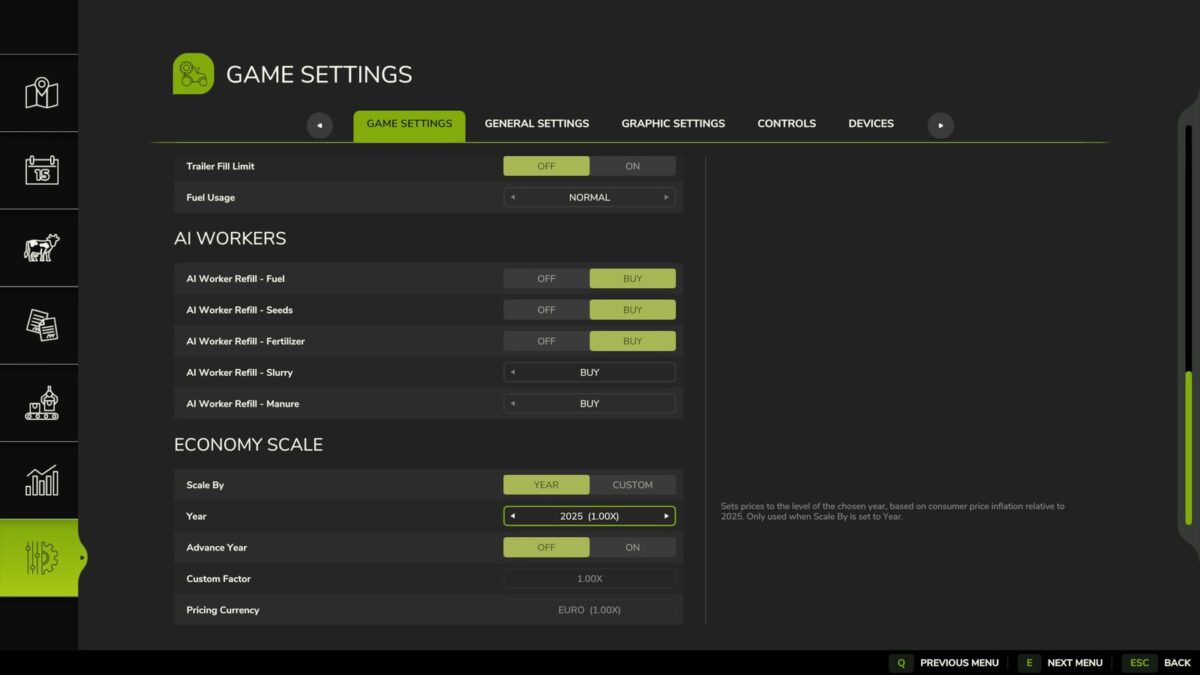
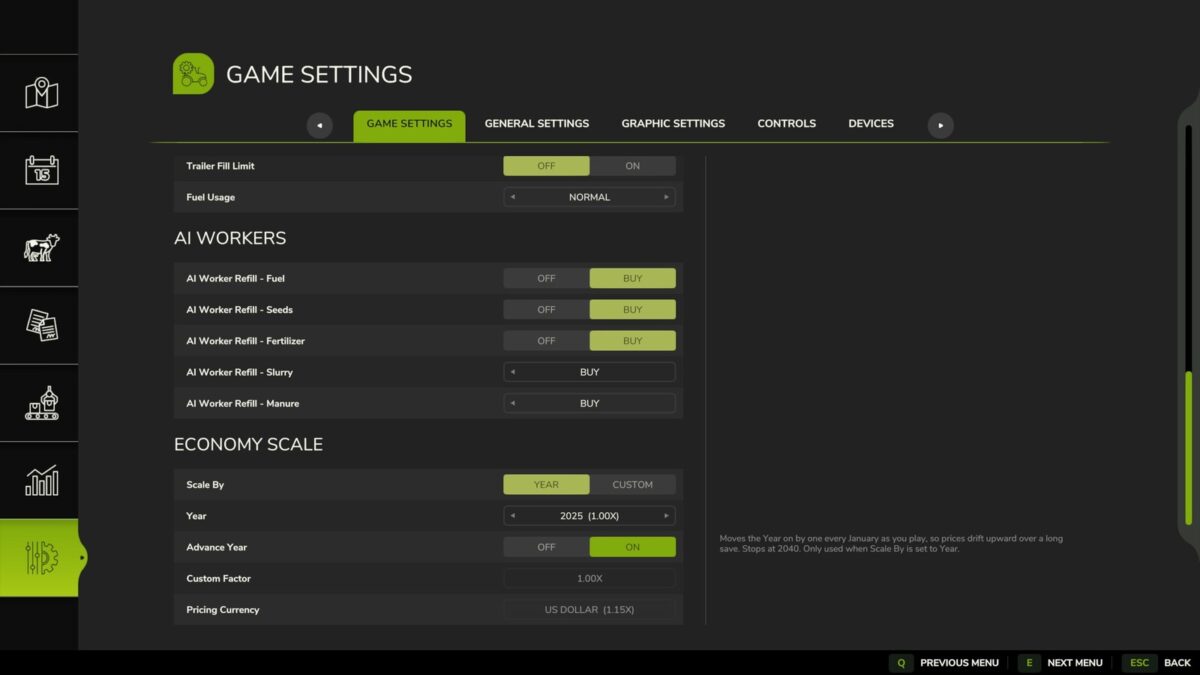
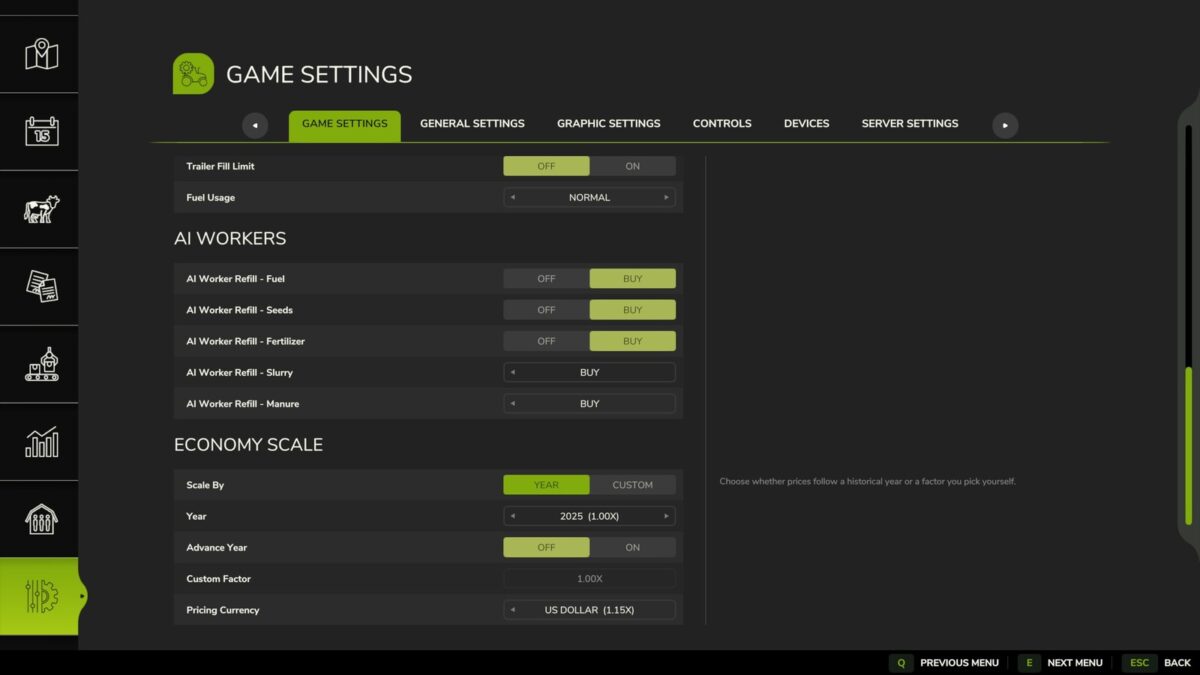
A simple mod that scales all finances in the game based on a given year, or custom factor. Designed with the idea of working alongside Vehicle Years and Through the Years mods.
The year can also move forward on its own as you play, stepping on each January so that prices slowly climb over a long save.
If Through the Years is installed, the year is taken from that mod automatically, and the Year and Advance Year settings are disabled. A custom factor can still be used instead.
Prices can be converted to Euros, GBP or USD. In single player this follows the game’s currency setting automatically. In multiplayer the host or an admin chooses it, separately from each player’s display currency.

Credits:

Ozz

How to install FS25 Misc?
Firstly find a mod which you like and want to download. Then download a mod to your PC. Mods are usually in .zip format file. But sometimes it can be in .rar. If a mod file is a .zip format no needed additional actions. If a file is in .rar, then you must unarchive mod with software like WinRar or Zip7. Windows 10 users no need to use software for archives, Win10 itself has a feature to unarchive files.
The next step is to find mods folder in your PC. Usually, it is in Documents/My Games/Farming Simulator 25/2025. Open the "mods" folder and put downloaded .zip archive or unarchived .rar file to this folder.
Last step. Enjoy of FS25 mods!

Leave a Reply

Your email address will not be published. Required fields are marked *