

Dynamic Puddles v 1.0.2.0


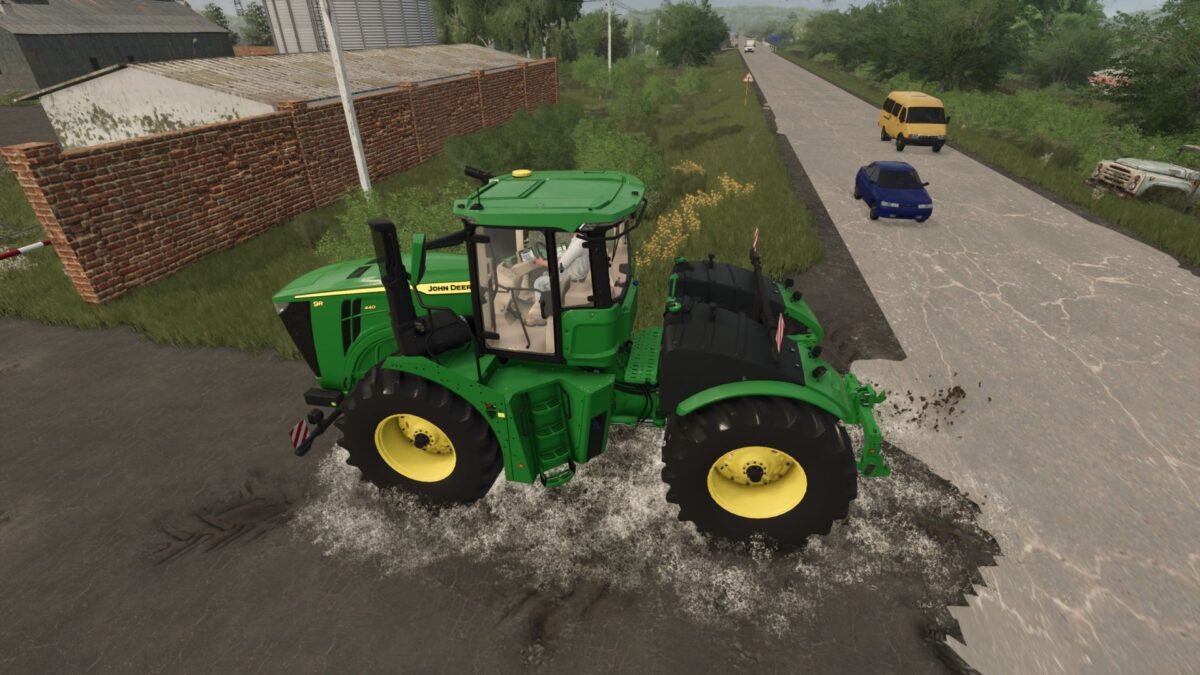
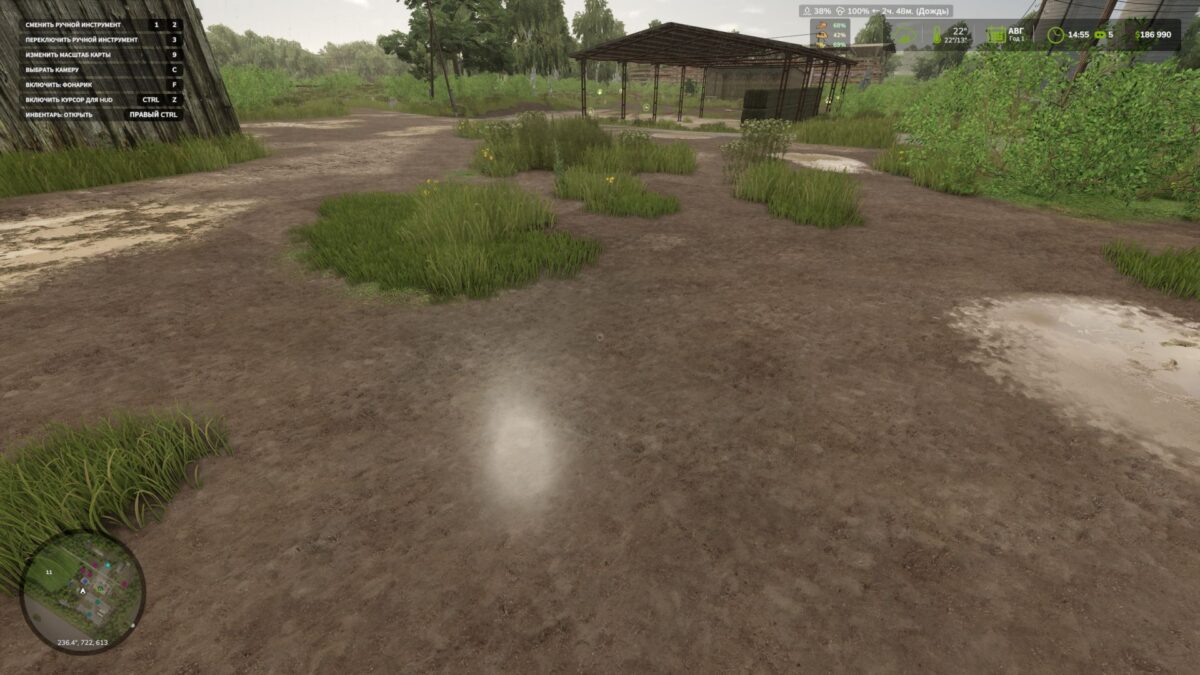
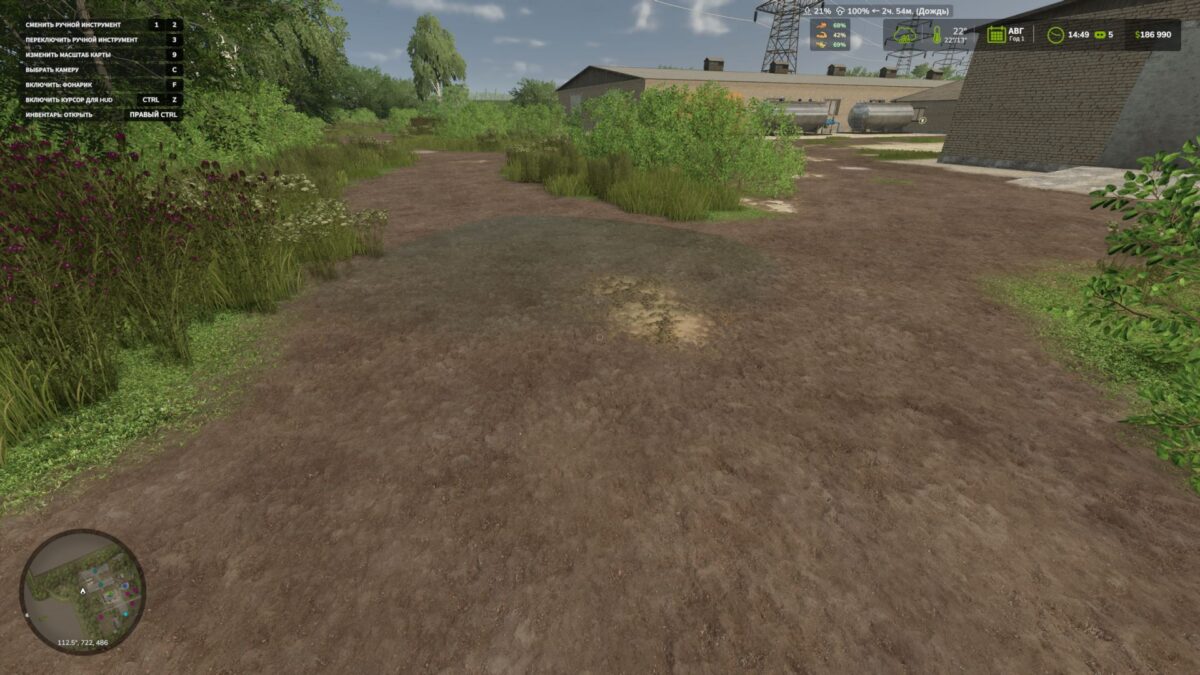
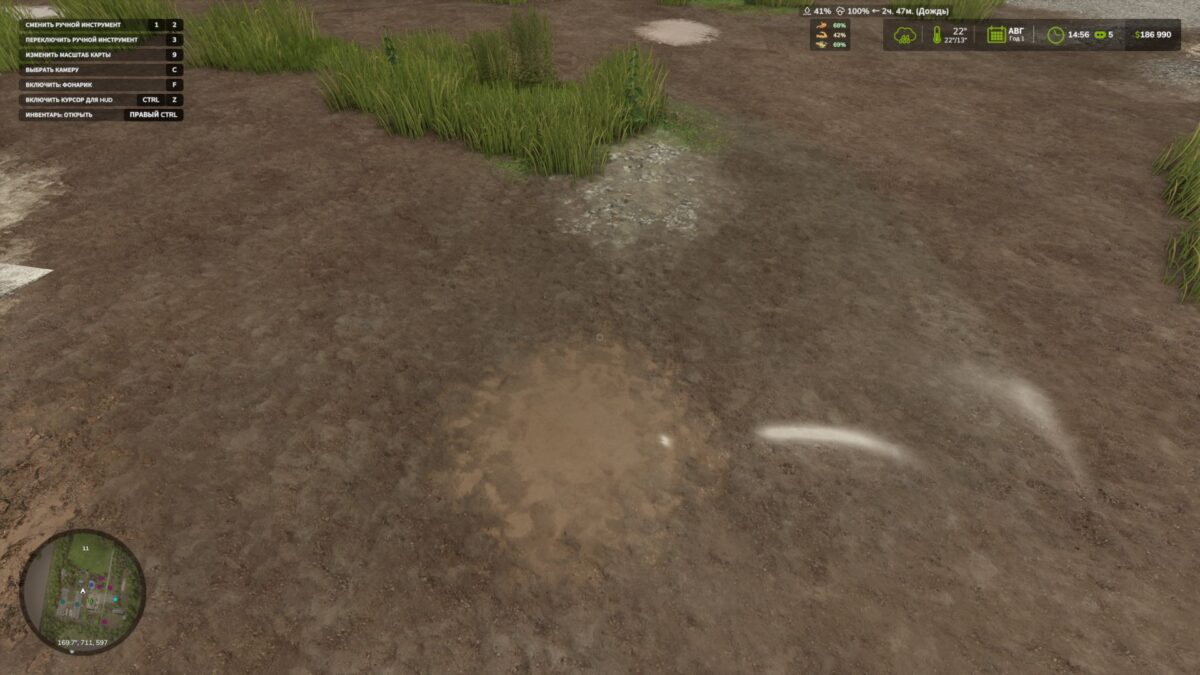
A mod that adds dynamic puddles to the map when it rains. The mod itself analyzes the map’s relief, looks for lowlands and suitable places, and then gradually creates water puddles. (I don’t recommend using it on maps that are too uneven; there may be ugly puddles that will stick out halfway and hang in the air)
Puddles appear during rain, increase in wet weather and gradually disappear after drying.
What does the mod do?
– Automatically creates puddles on the map.
– Puddles appear only when it rains.
– After the rain stops, the puddles gradually decrease and disappear.
– The mod looks for low places on the terrain where water could accumulate. (I don’t recommend using it on maps that are too uneven, they may
there will be not beautiful puddles that will stick out halfway and hang in the air)
– Checks fields, water and land slope.
For debugging, there is a console command: gsPuddleDebug 1
It turns on or off the display of debugging information for puddles.
PS. The mod is in Beta version to evaluate your opinion about the mod.
Version 1.0.2.0:
* Now puddles have particles (particles) of droplets scattering from under the wheels
Credits:
BMProd


