

Dynamic Market v 1.3.1.2


Expands the selling price system in Farming Simulator by adding a dynamic, monthly market layer.
The dynamic market causes selling prices to evolve over time, supplementing the base game’s standard seasonal fluctuations. Each product category develops independently, meaning the optimal time to sell is constantly shifting. Prices
Additional monthly market fluctuations layered on top of the base game’s pricing
Each product category (crops, forage, animal products, livestock, processed goods, construction materials, map-specific items) follows its own unique price trend
Optional “annual average” mode: replaces the base game’s seasonal peaks with a stable yearly value, eliminating the need to wait for a specific month to sell
Sales pressure at sell points: selling large quantities at once temporarily lowers the price at that location, which then recovers over time (threshold and intensity are configurable)
Inventory & Notifications
Tracks your actual stock levels for each product—whether in warehouses, trailers/implements, or the output storage of production facilities and animal enclosures
In-game alerts notify you when the price of a product you have in stock rises significantly
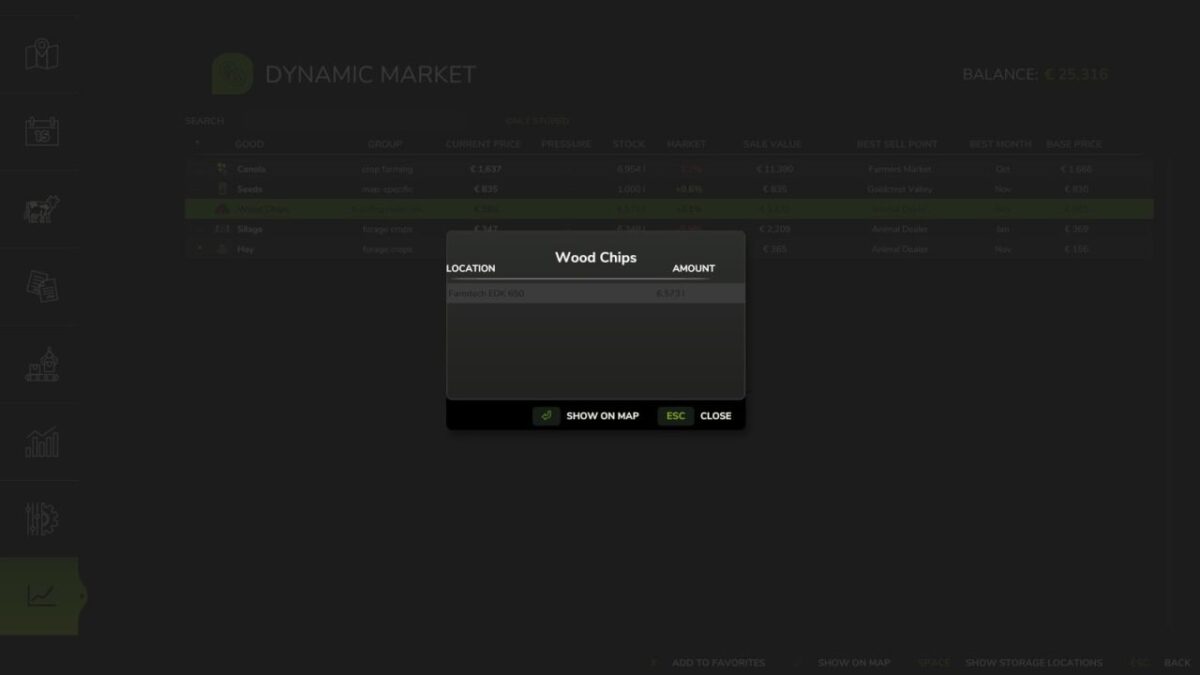
Locate your stored goods at the touch of a button, with map markers highlighting both the storage location and the best available sell point
Overview
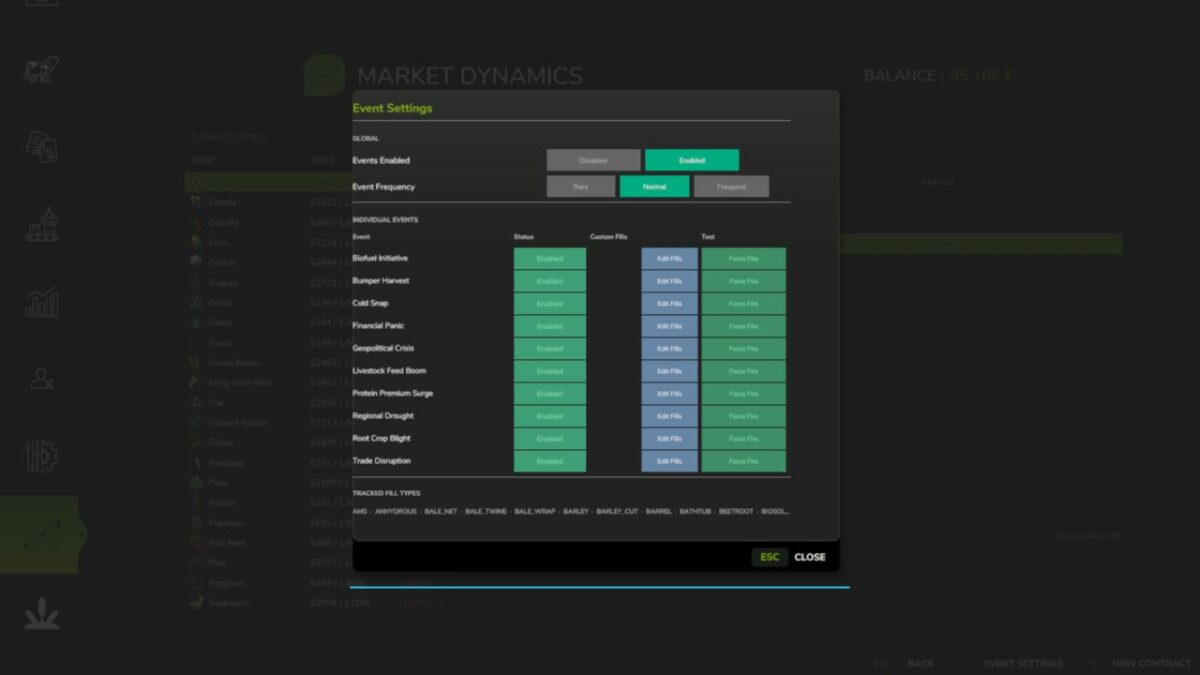
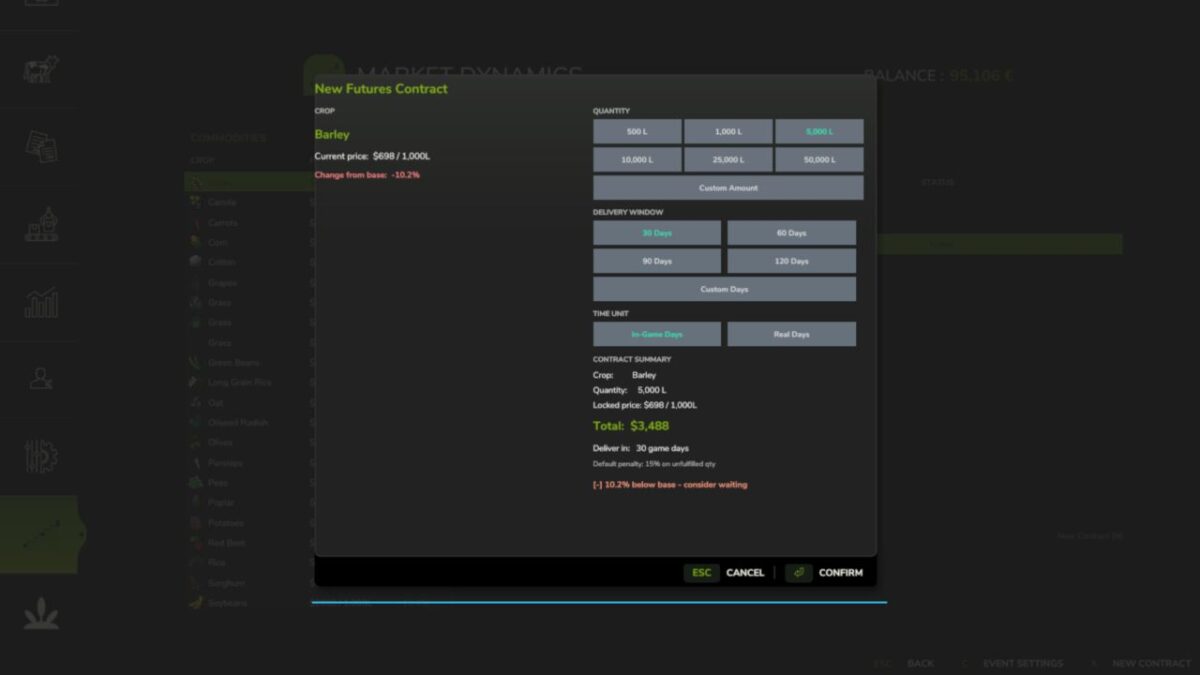
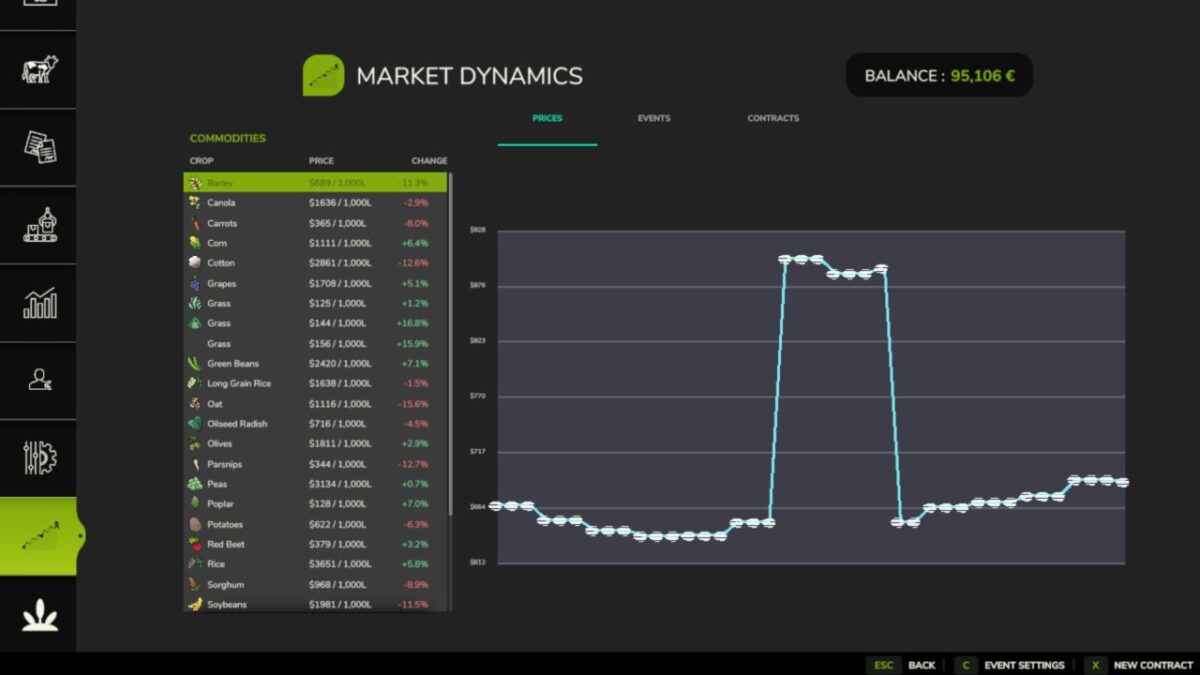
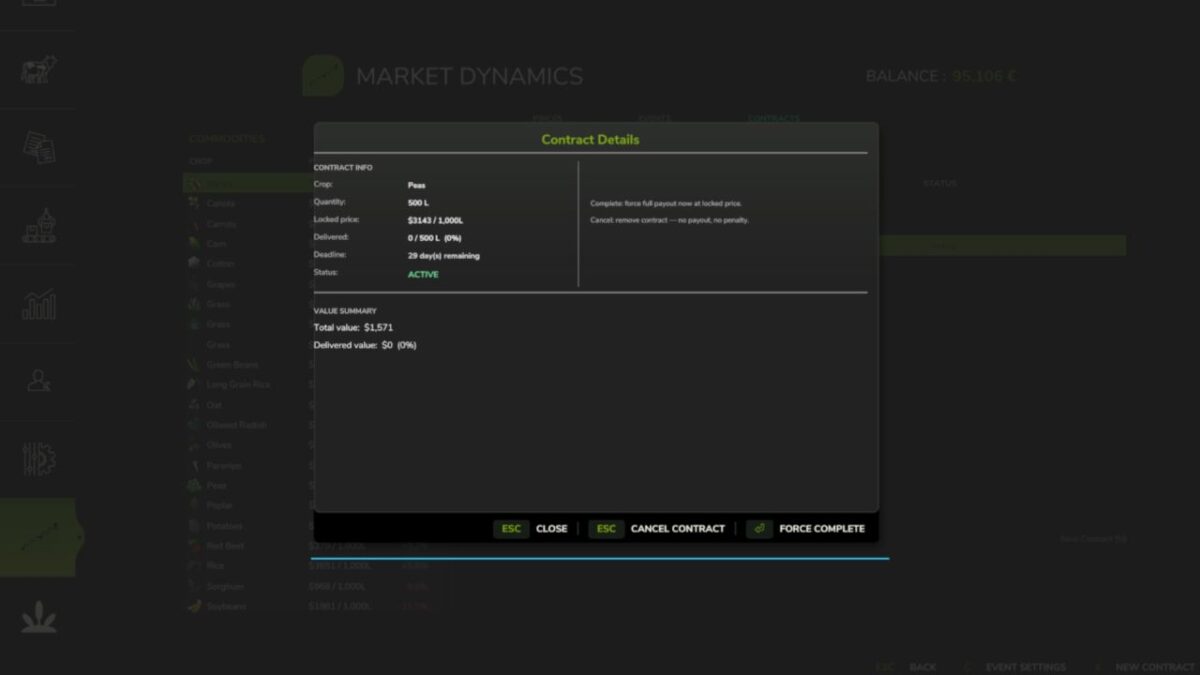
Dedicated market screen displaying the base game price, adjusted price, percentage variance, sell point, and the optimal month to sell
Includes search functionality, inventory filters, and sortable columns for quick navigation
Automatic Detection
Automatically identifies sellable products from any map or mod, with no manual configuration required
Items that cannot be assigned to a specific category but are nonetheless sellable are grouped under “Map-Specific” rather than being ignored
Manual category assignment is available for special cases
Multiplayer
All market calculations are processed server-side, ensuring that every player sees the same prices
Version 1.3.1.2:
* Hotfix: The market news window now only opens automatically after loading a save game, rather than at the start of every month. It can still be accessed at any time via the “Market” tab in the pause menu.
Credits:
Nalathan


