

Dynamic Dealership v 1.0


Dynamic Dealership replaces the vehicle shop’s unlimited machinery supply with a dealer inventory and ordering system.
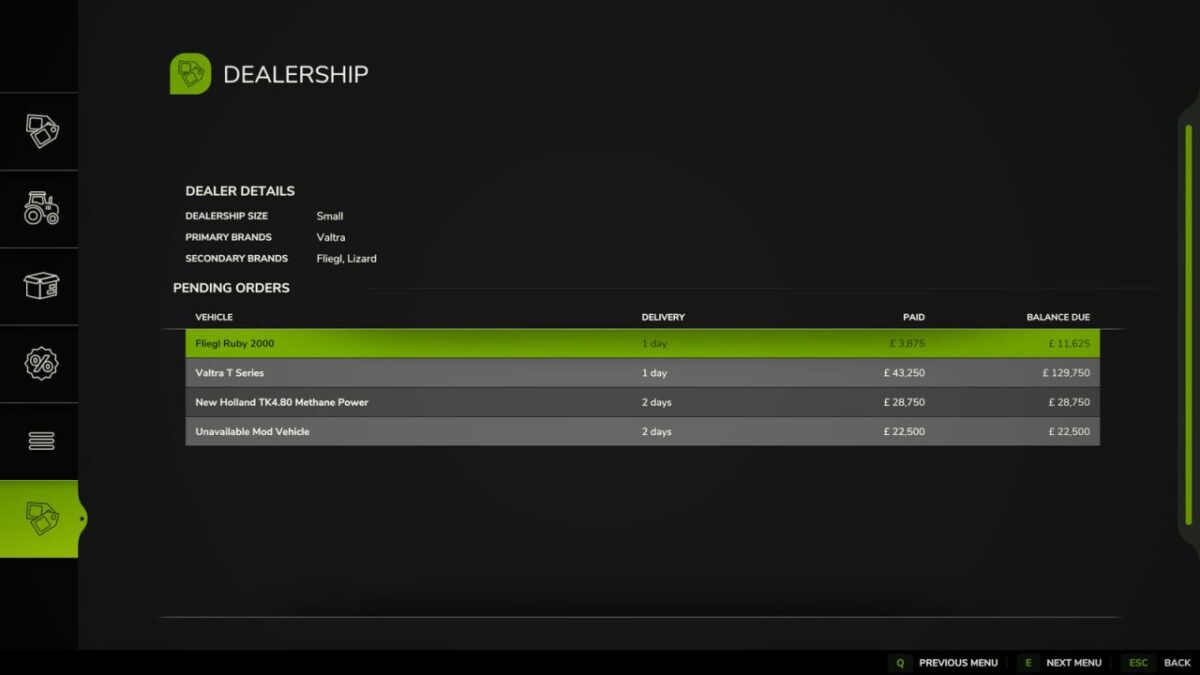
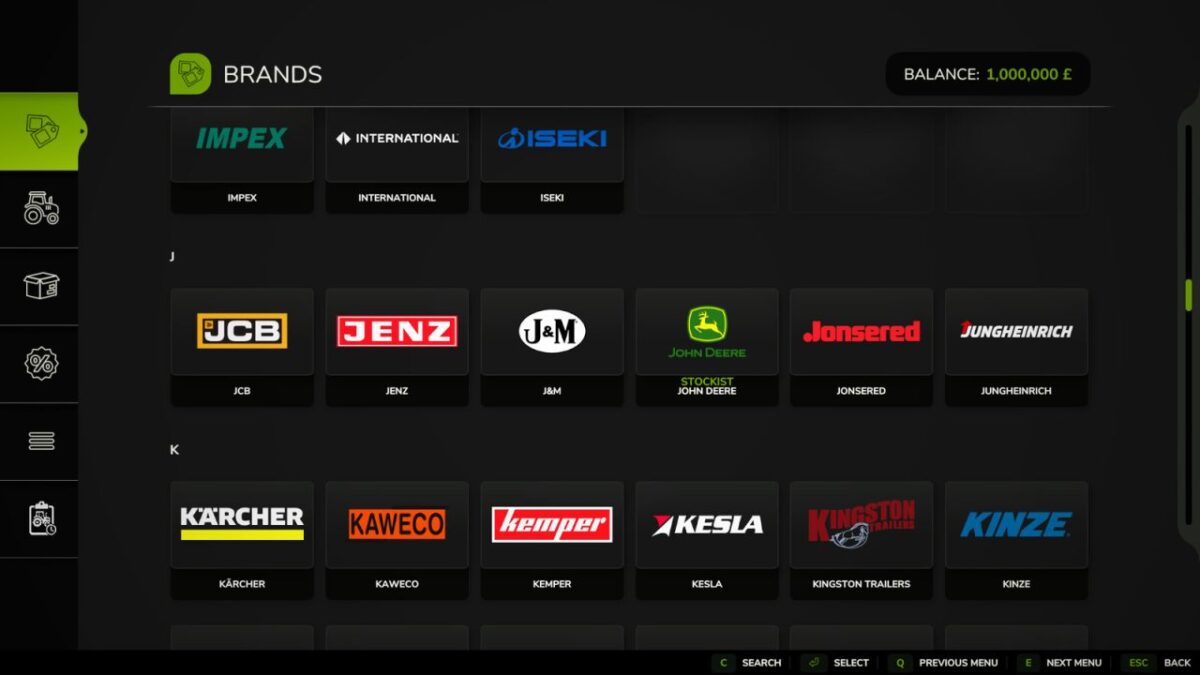
At the start of each new savegame, a dealership is created with its own primary and secondary brands. Map makers may include a configuration file with their map to define these brands, providing consistent brand representation instead of a randomly generated selection.
The dealership also has a notional size that determines its stock capacity and stock-ordering budget. Vehicles and equipment from represented brands may be held in stock and available immediately. Vehicles and equipment that are not currently in stock, including those from unrepresented brands, remain available but must be ordered and are subject to a delivery lead time.
Dealer stock changes throughout the game as vehicles are sold and replacement machinery is ordered.
Vehicles may be:
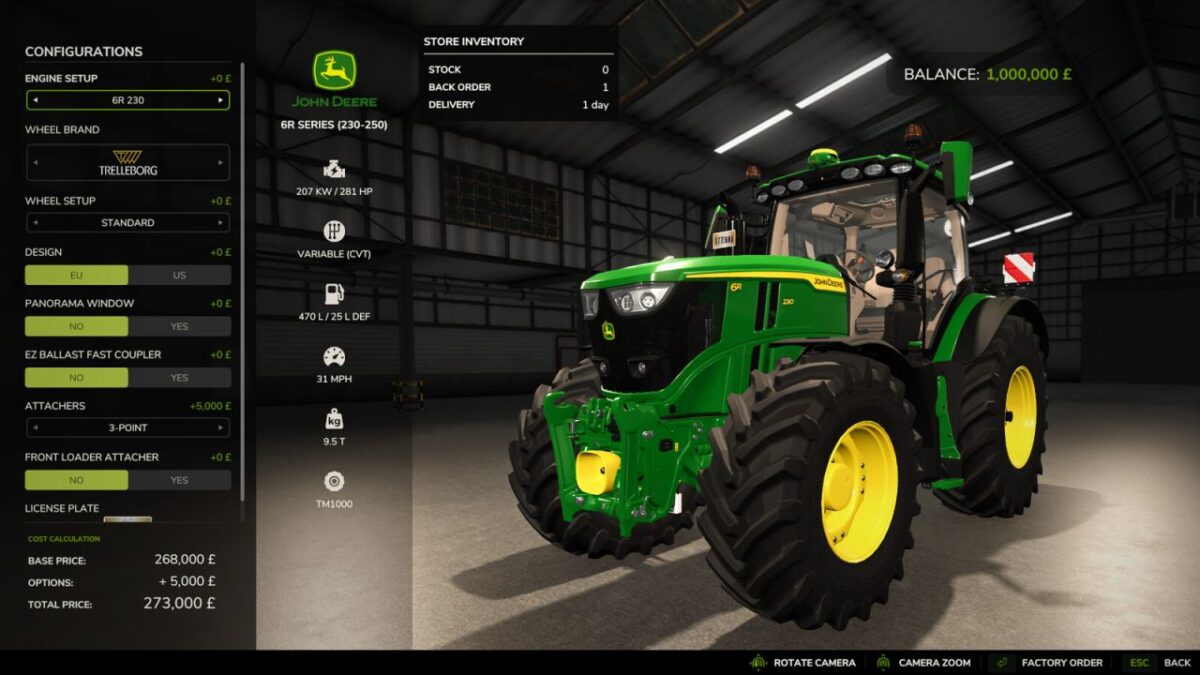
In Stock – available to buy or lease immediately.
Back Order – an unreserved vehicle is already on its way to the dealership and can be reserved.
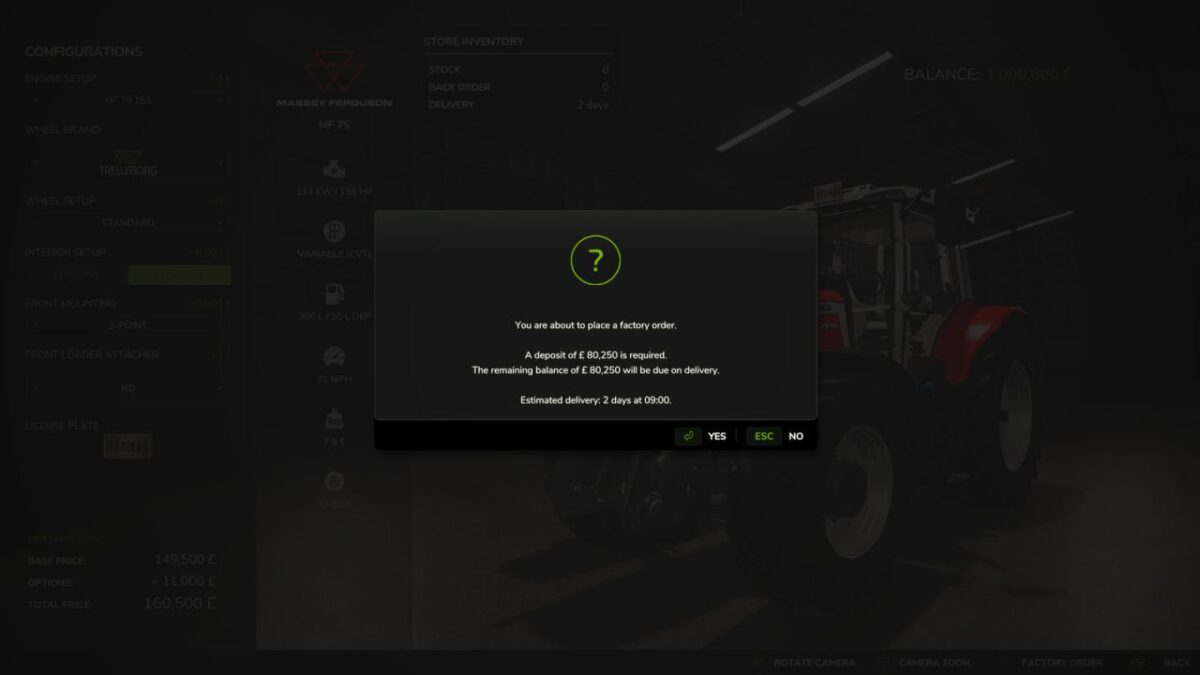
Factory Order – no suitable stock is available, so a new vehicle must be ordered.
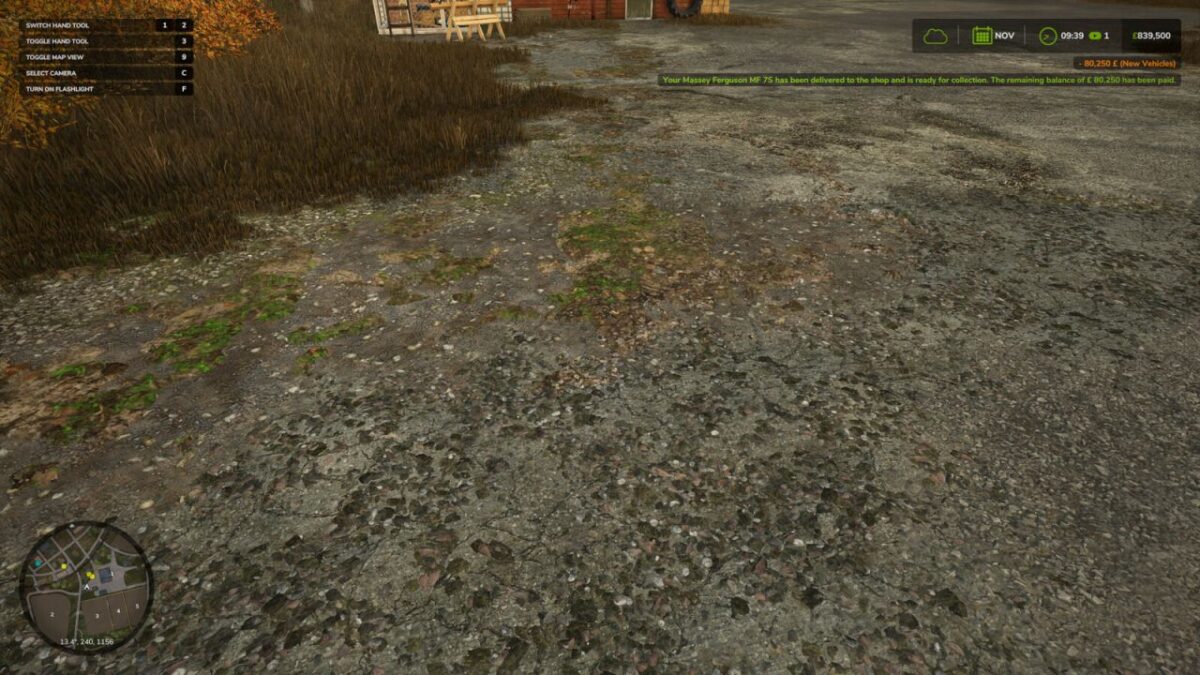
A deposit is taken when an order is placed, with the remaining balance charged automatically when the vehicle is delivered. Delivery times vary according to brand representation, vehicle weight or value, and the number of days in each period.
The Dealership page in the vehicle shop displays the dealership’s details and the pending orders for your farm.
If a required vehicle mod is removed before delivery, the order is cancelled and the deposit refunded when the delivery becomes due.
Multiplayer is supported.
Credits:
Reddog


