
FS25 Misc

Dusty Lands Extension v 1.0

Dusty Lands Extension v 1.0

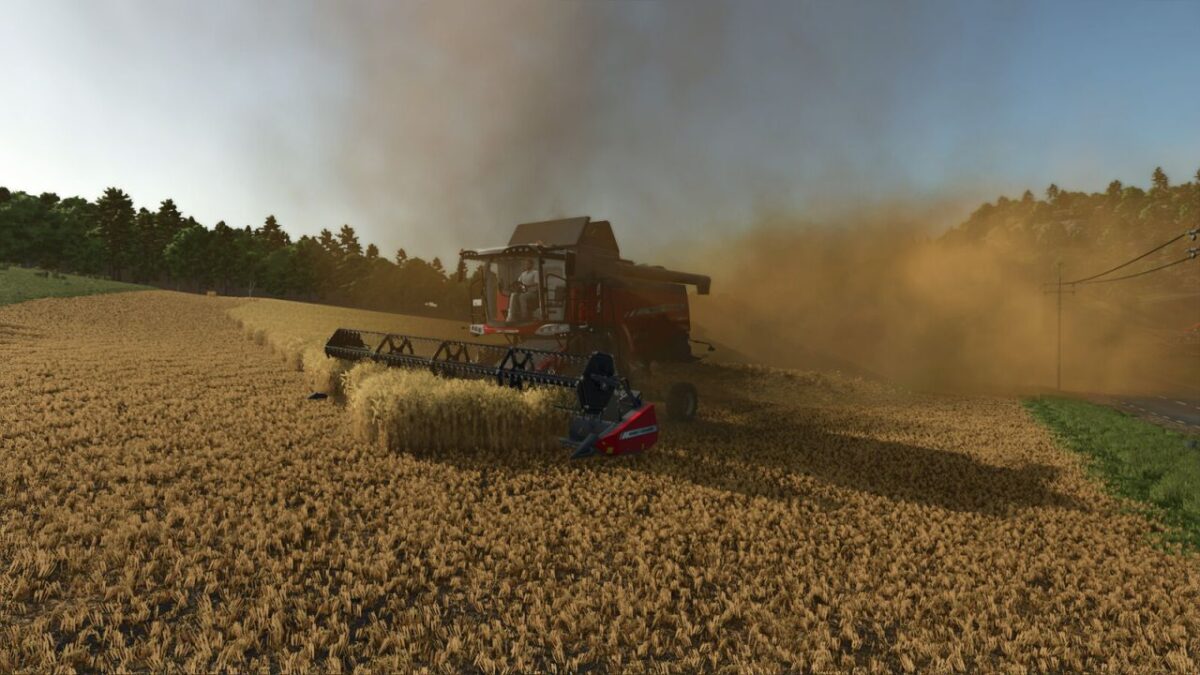
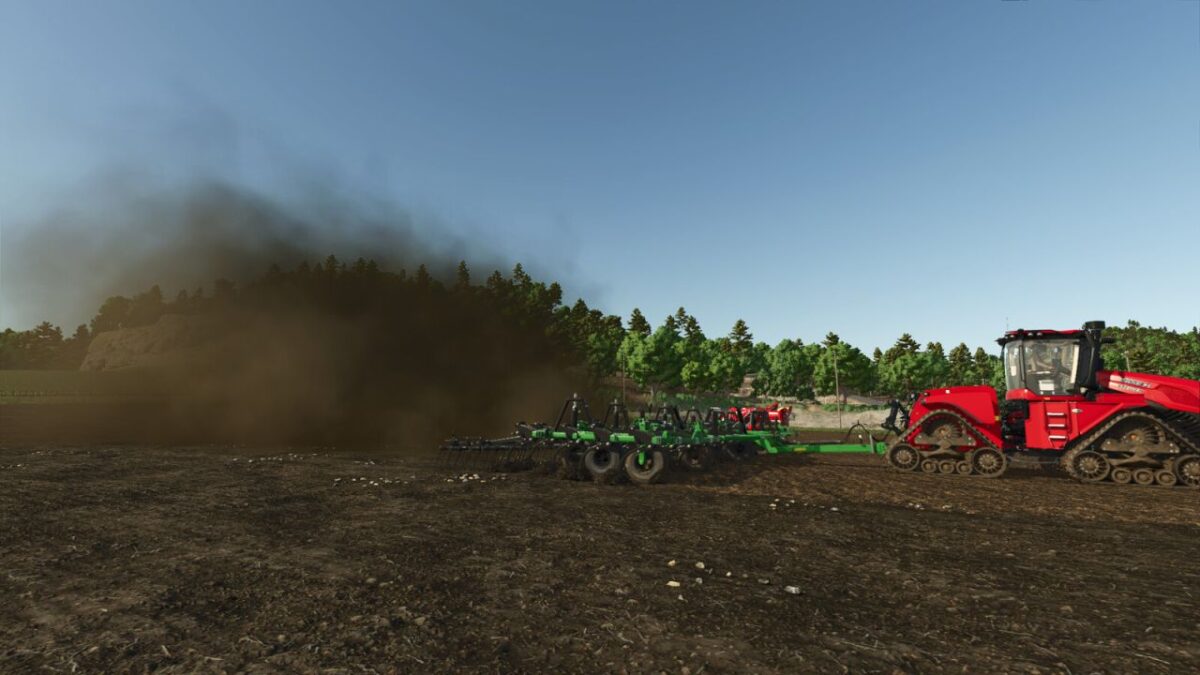
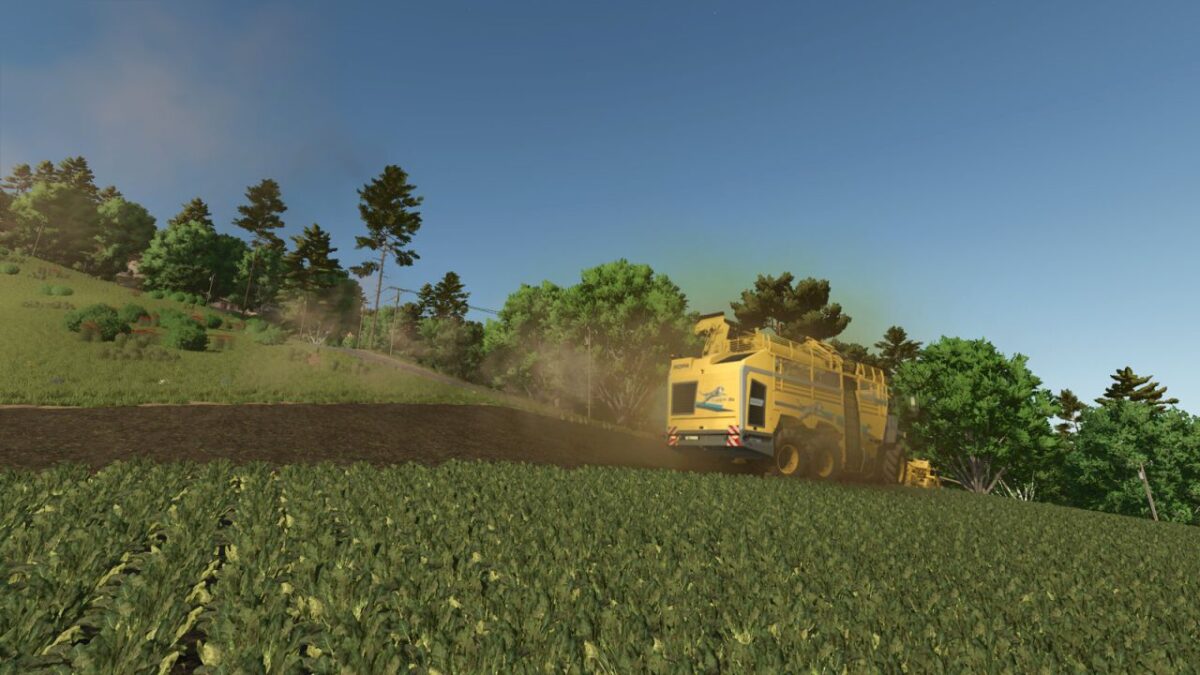
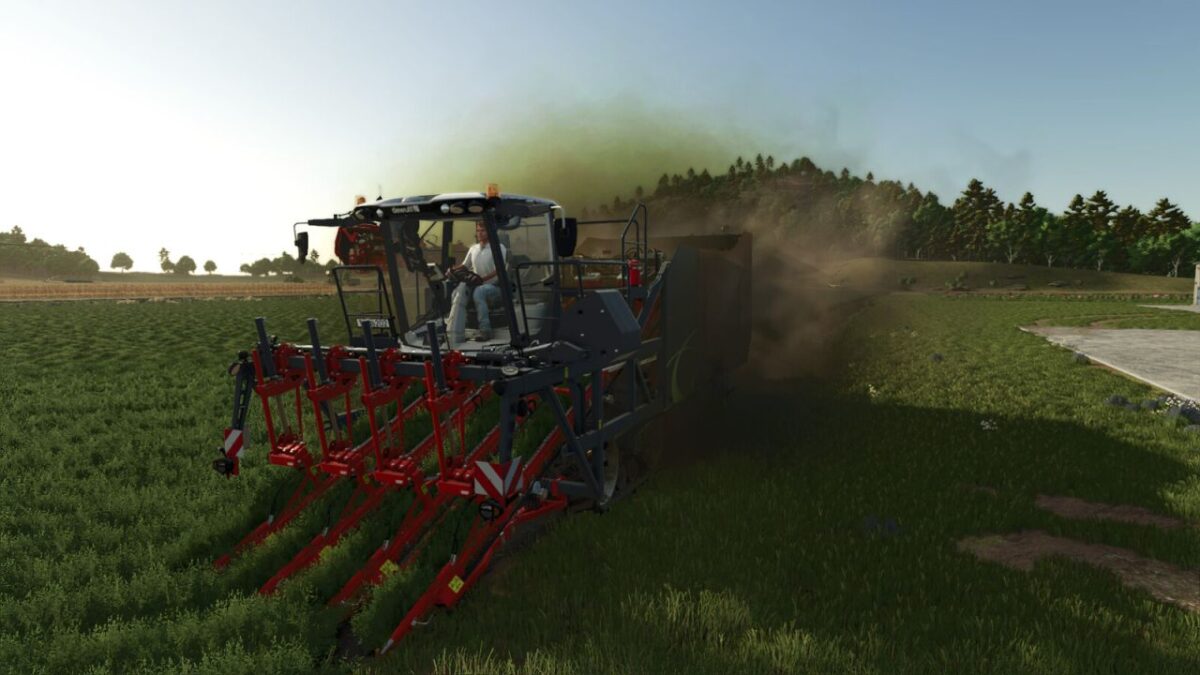
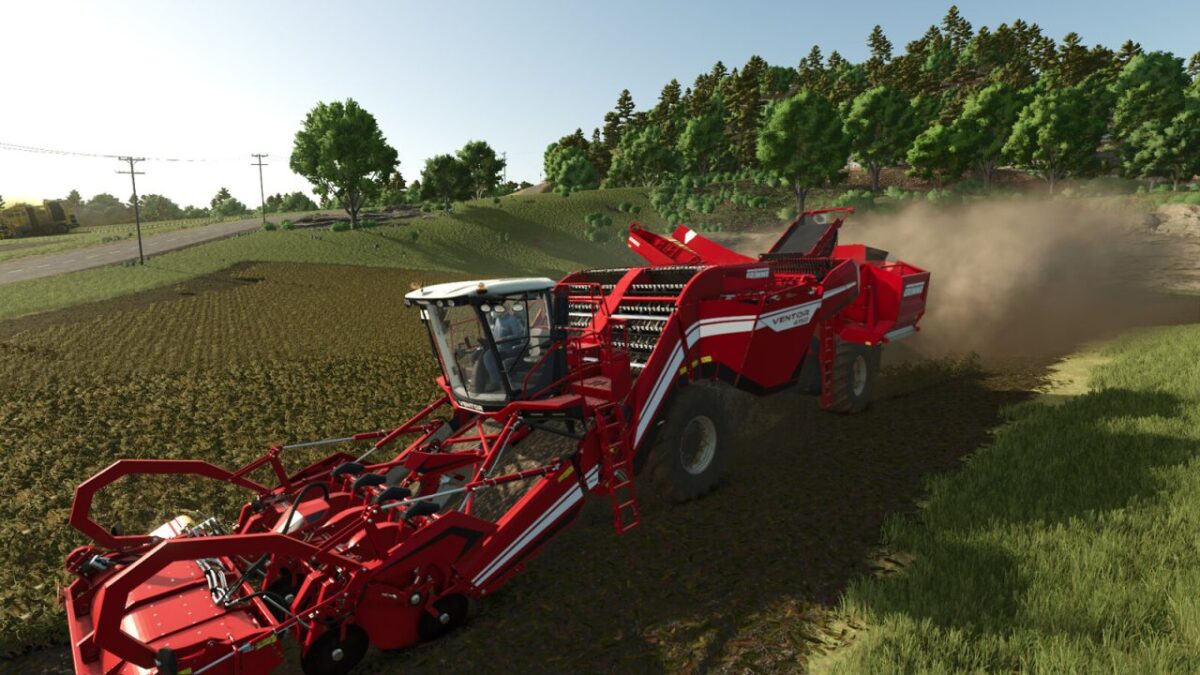
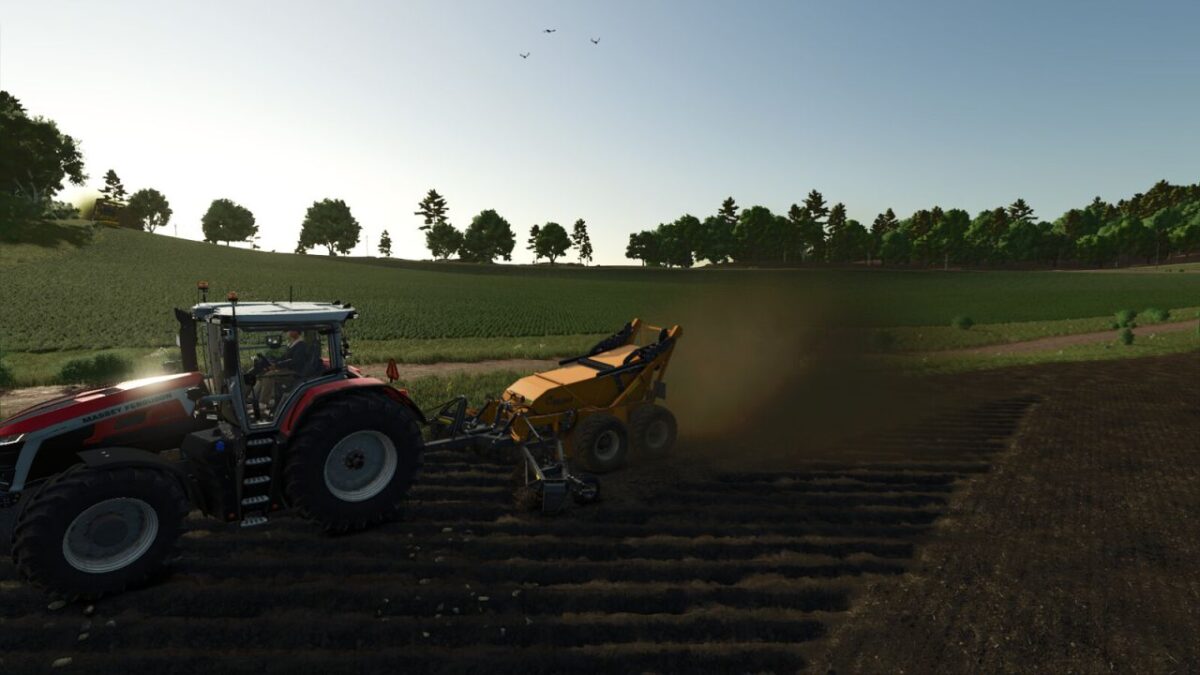
Increases the amount of dust in your game.

This will alter all:
Plows, Spaders, Subsoilers, Cultivators, Disc Harrows, Power Harrows,
Rollers, Planters, Seeders, Mulchers, Balers, Windrowers, Mowers,
Cutter Heads, and Combines.

It also increases the amount of dust your wheels kick up.
Dust production is based on the amount of time passed since it last rained or snowed.
For full customization, you can increase or decrease the scale of all effects, or check
the game menu to customize each class of implement.

Key Bindings:
Right Bracket (]) : Decrease Dust Scale
Left Bracket ([) : Increase Dust Scale
Left Shift + Semicolon (;) : Show Exhaust Effects on/off

Credits:

FSG Modding
How to install FS25 Misc?
Firstly find a mod which you like and want to download. Then download a mod to your PC. Mods are usually in .zip format file. But sometimes it can be in .rar. If a mod file is a .zip format no needed additional actions. If a file is in .rar, then you must unarchive mod with software like WinRar or Zip7. Windows 10 users no need to use software for archives, Win10 itself has a feature to unarchive files.
The next step is to find mods folder in your PC. Usually, it is in Documents/My Games/Farming Simulator 25/2025. Open the "mods" folder and put downloaded .zip archive or unarchived .rar file to this folder.
Last step. Enjoy of FS25 mods!

Leave a Reply

Your email address will not be published. Required fields are marked *