

Dromara Hills Map v 1.2.0.1


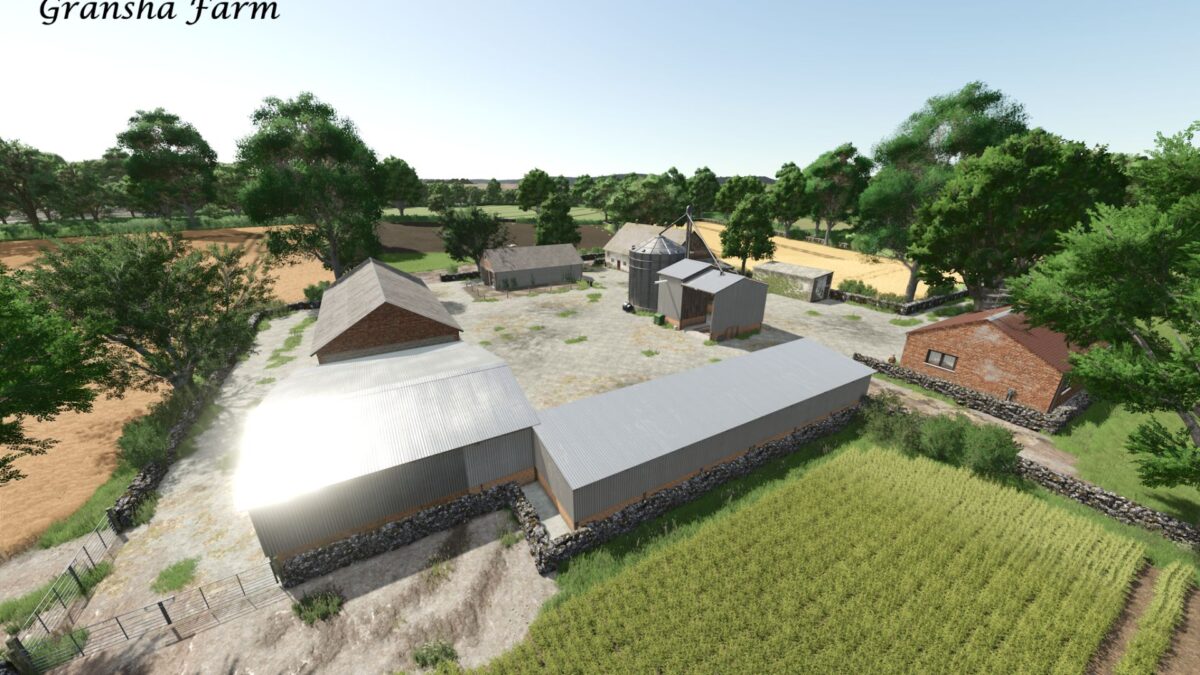
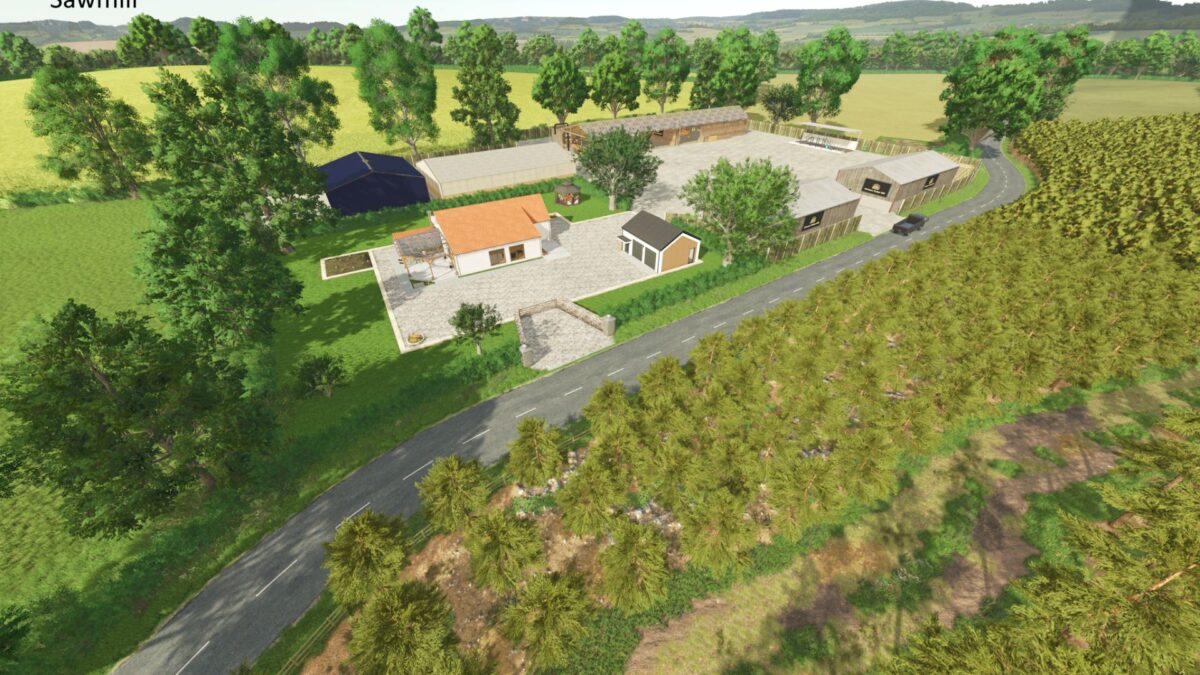
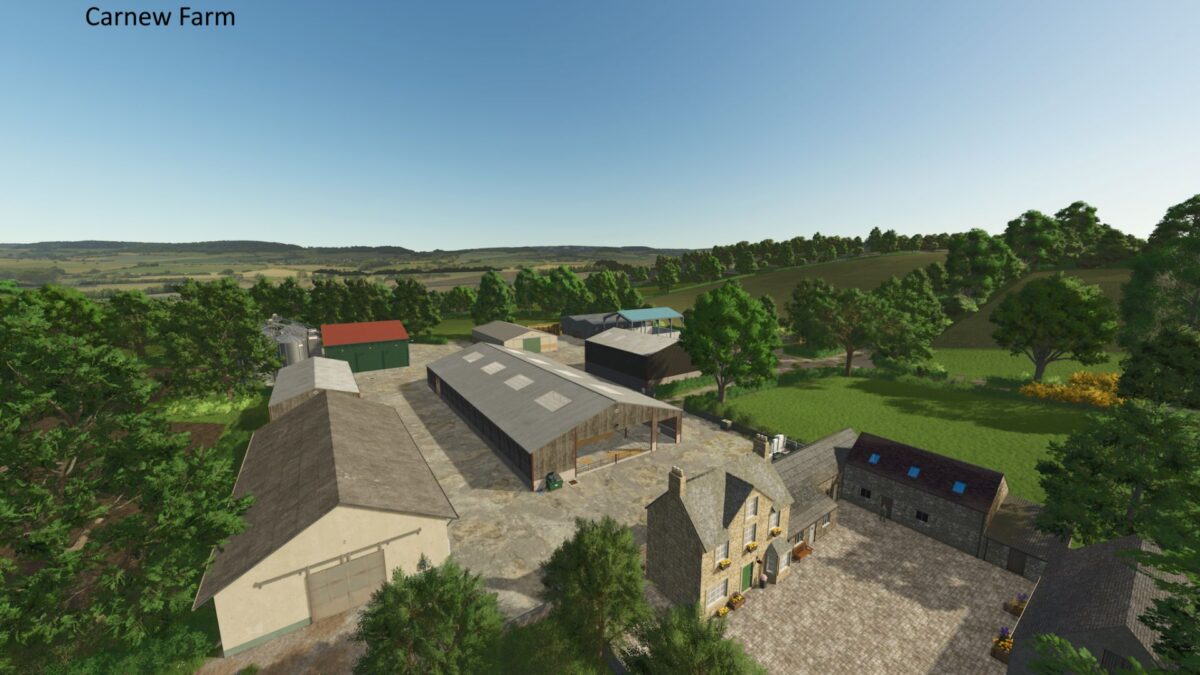
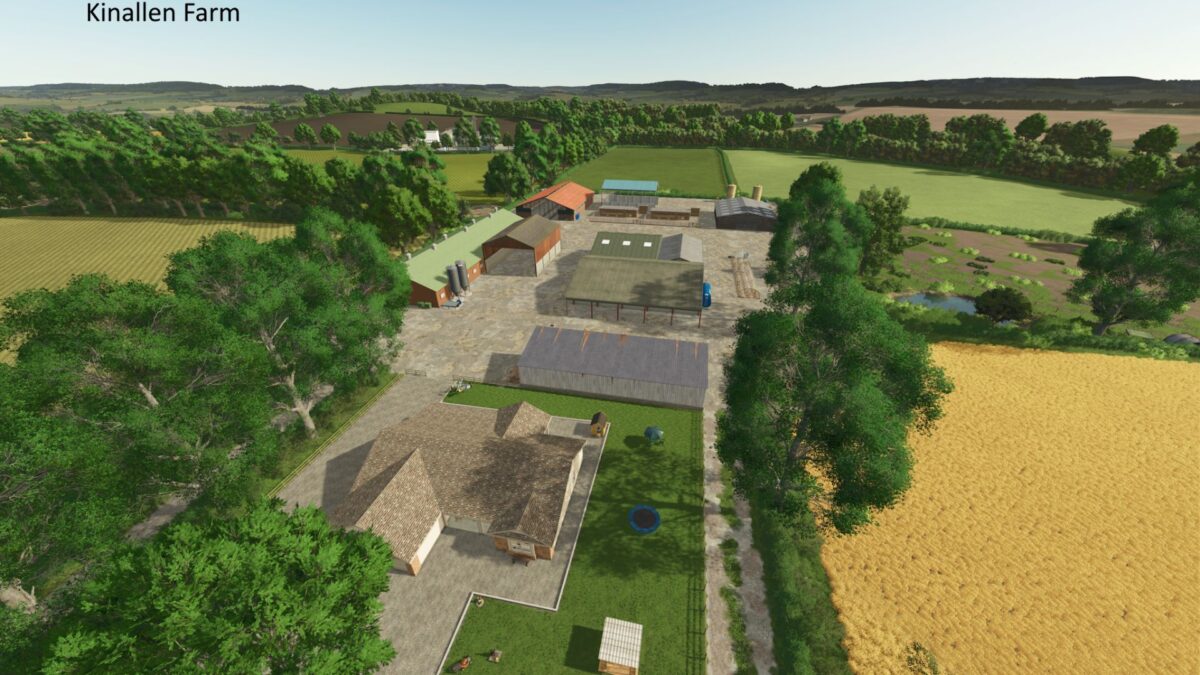
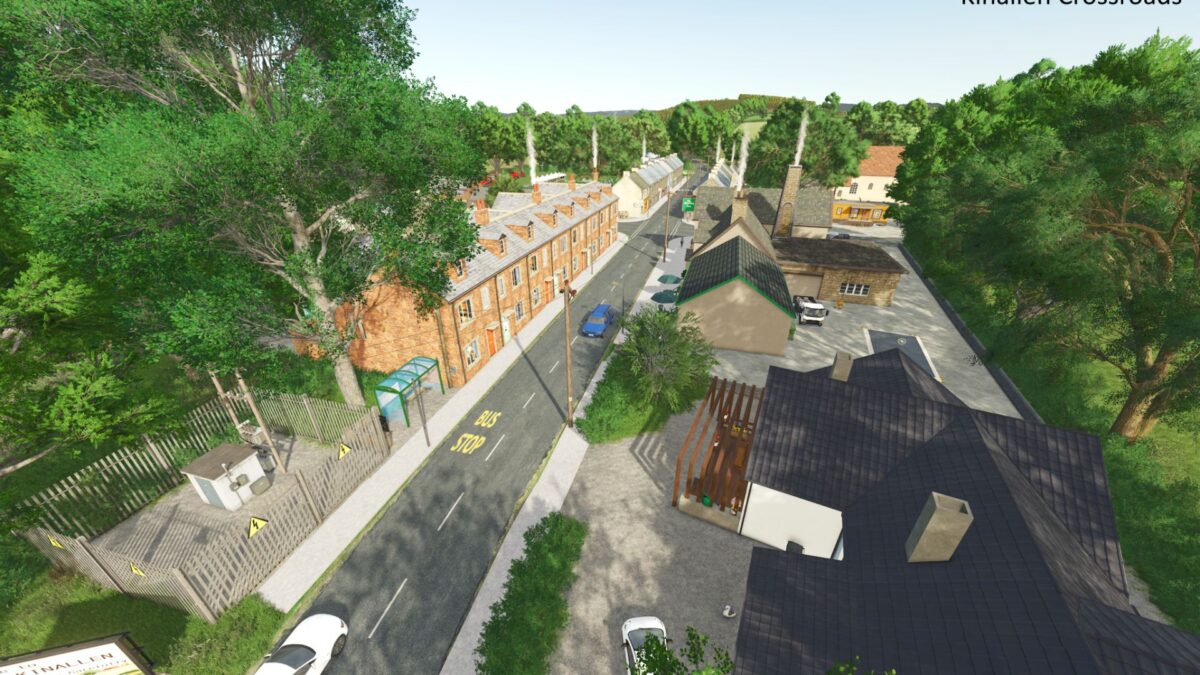
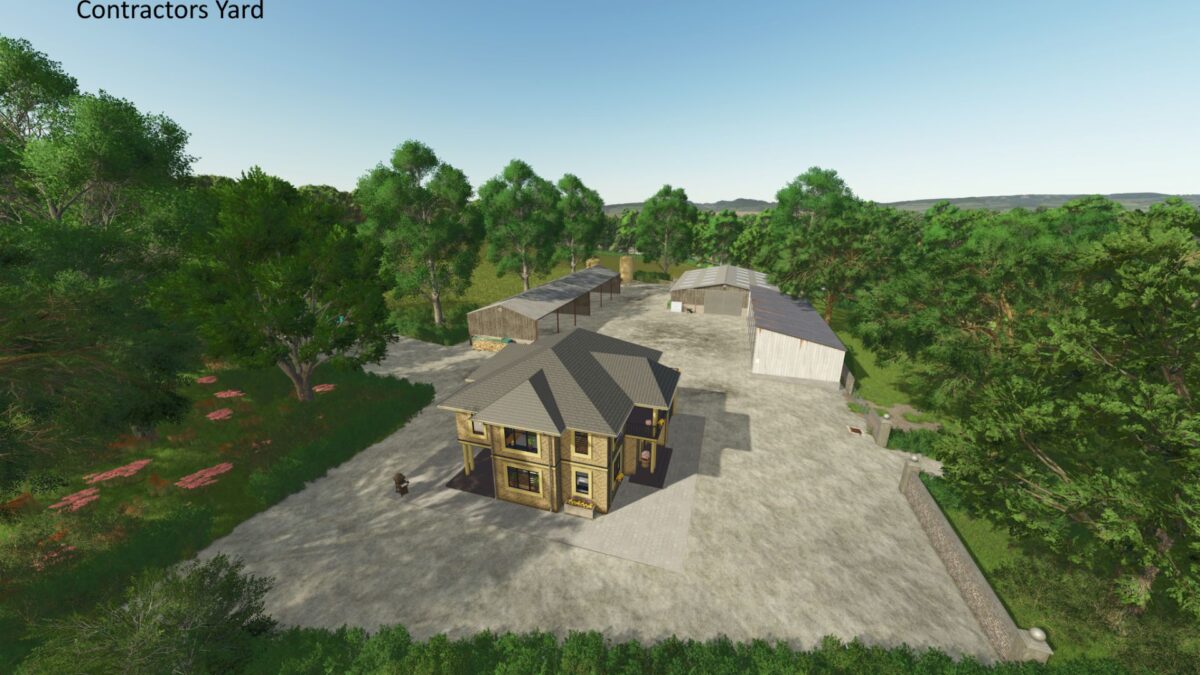
– There are five locations to start playing the map depending on your playstyle, three farms, a contractors yard and a timber mill
– Each comes with a full walk through house equipped with sleep and wardrobe trigger
– The map comes with sell points, a selection of productions and spaces to add more
– All standard game features but no boats or trains
– Seasonal objects will appear and disappear at various times of the year
– Collectables from the Giants US map
– Land and property prices have been set at reasonable levels to allow players to get a business up and running in the Start from scratch game mode
– Save start position is built into the map so you will always start where you left off
– Multi terrain angle has been installed
– Custom soil map for players using Precision Farming
– Custom Sounds
– UK number plates
– Additional crop Linseed which extends the planting and harvesting season by a month
– The Fair is a buy all version of the normal Farmer’s Market.
Credits:
oyeebodcc


