

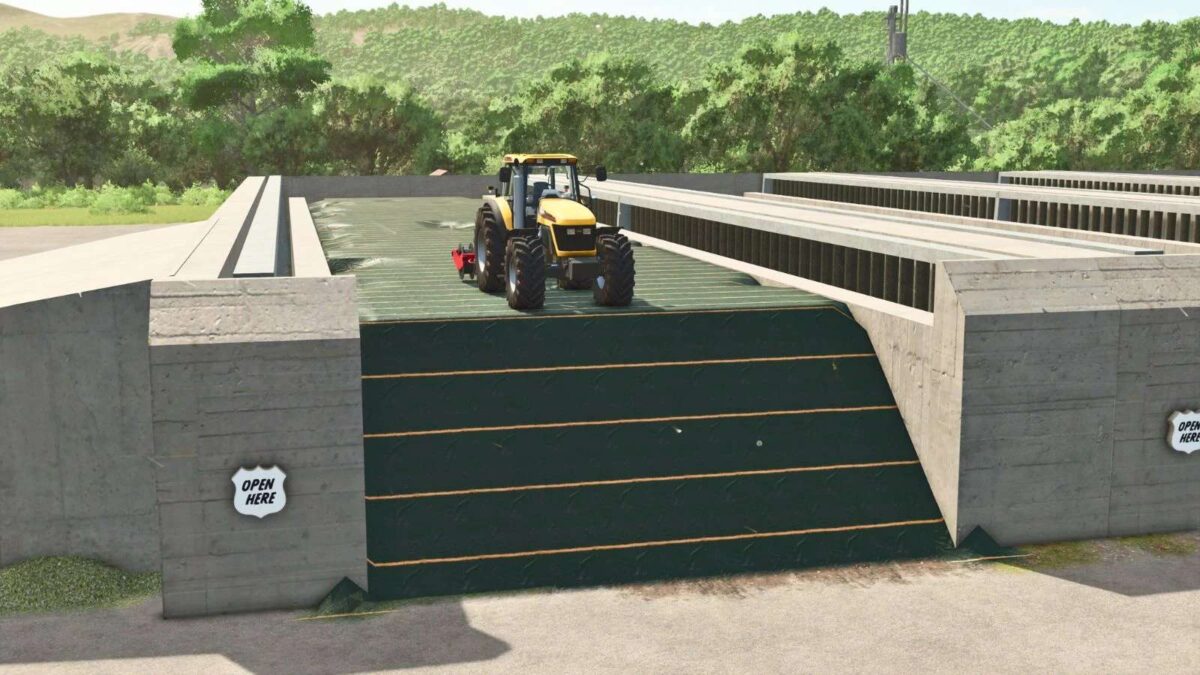
Drive Over Silo v 1.0


– Unrealistic silo bunker design
– Main silo capacity of 2,500,000 liters
– Small silo capacity of 1,250,000 liters
– Close cover and tip feature for easy loading
– Ramp for accessibility
– Main silo price: €100,000 with a daily upkeep of $120
– Small silo price: €65,000 with a daily upkeep of $60
– Ramp price: €1,500 with a daily upkeep of $10
This mod introduces a unique and expansive silo bunker system to your Farming Simulator experience. The main silo boasts an impressive capacity of 2,500,000 liters, allowing you to store large quantities of various crops. Designed for practicality, it includes the option to close the cover and tip from the top, enabling efficient loading procedures.
In addition to the main silo, a smaller warehouse is available, providing a capacity of 1,250,000 liters for those who may need additional storage but on a smaller scale. The mod also includes a ramp, which facilitates accessibility and convenience for loading and unloading materials.
With various pricing and upkeep costs for each component, you can integrate this silo system based on your farm’s expanding needs while managing your budget effectively.
Credits:
DrXmL


