

Door Time Switch v1.1.0.0


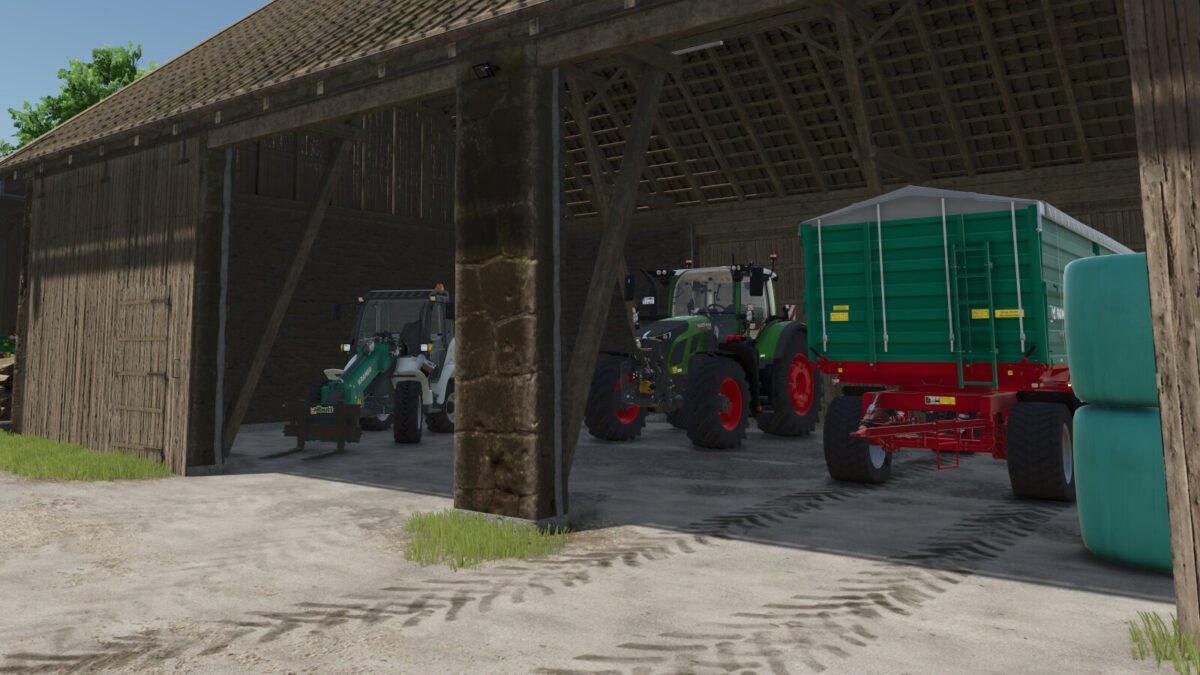
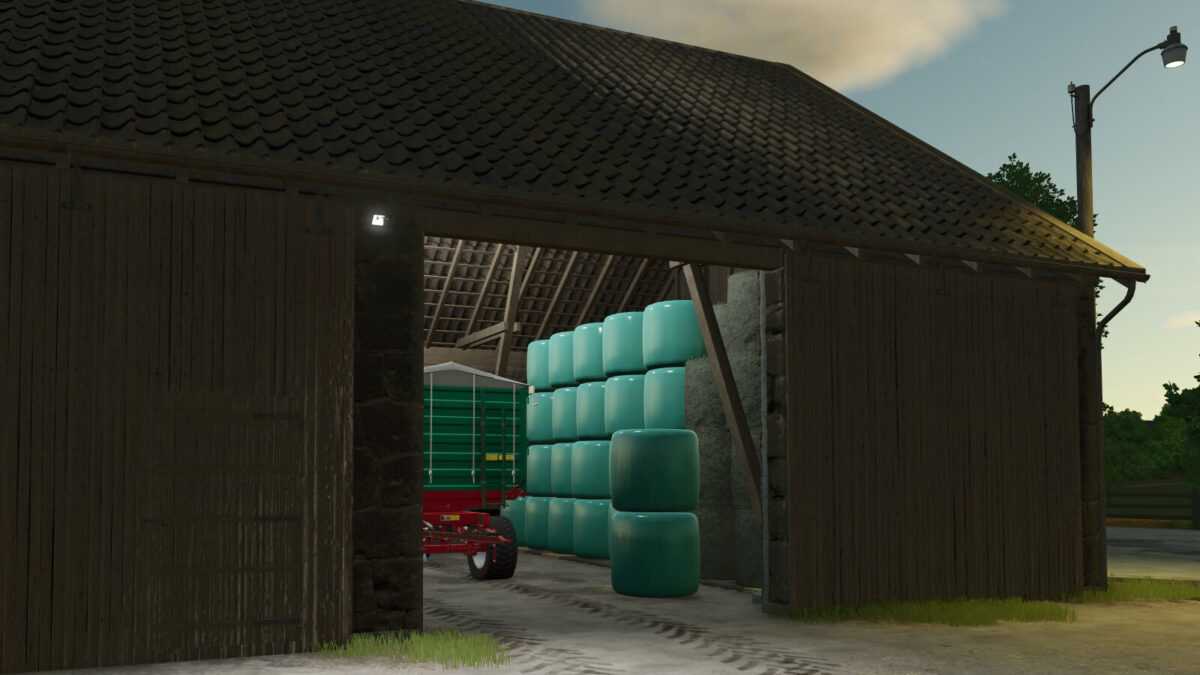
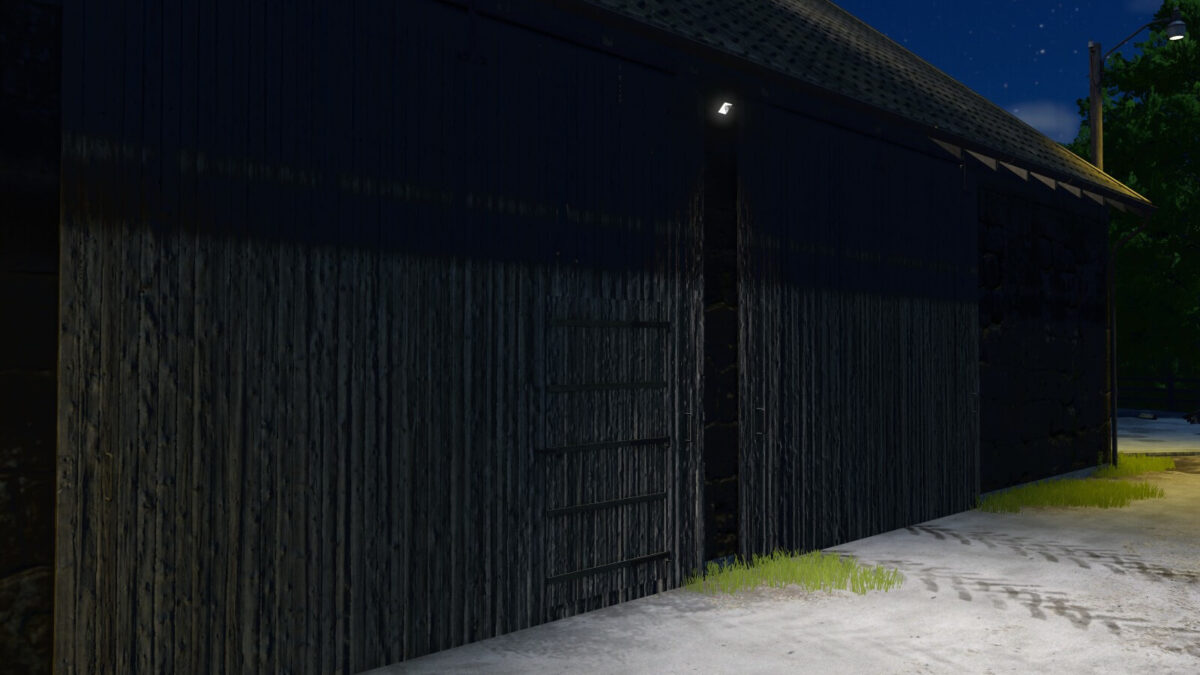
Door Time Switch automatically controls opening and closing times for the doors and gates of sheds and animal barns. It also controls shed and barn lighting using simulated light sensors.
Feature overview – doors and gates:
– Automatically closes shed doors and gates at 22:00 and reopens them at 05:00, provided a player previously opened them manually and left them open.
– Uses animal-specific switching times for barns (cows: 21:30–05:30; sheep: 18:30–07:30; pigs: 21:00–07:00; chickens: 19:00–05:00; horses: 19:00–07:00).
Feature overview – lighting:
– Automatically switches outdoor lights on in darkness and off during daylight.
– Automatically switches indoor lights on in darkness when at least one door or gate is open. They are switched off again during daylight or when all doors and gates are closed.
Notes:
– Only buildings on land owned by a player farm are considered.
– Existing opening-hour schedules for doors and gates, as well as time- and weather-based lighting controls, are recognized and not overridden if they use the GIANTS standard.
– Automatic switching uses random delays to simulate slight timing differences between time switches and light sensors responding at different speeds.
– Light groups that cannot be clearly classified, including mixed light groups, are treated as outdoor lighting.
– Manually switching on a light takes priority over its automatic control. After the light is switched off manually, automatic control resumes at the next day/night transition.
Changelog 1.1.0.0:
– Added automatic shed and barn lighting.
– Updated mod description.
Credits:
MeiQey


