
FS25 Misc

Dirty Tire Tracks v 1.0

Dirty Tire Tracks v 1.0

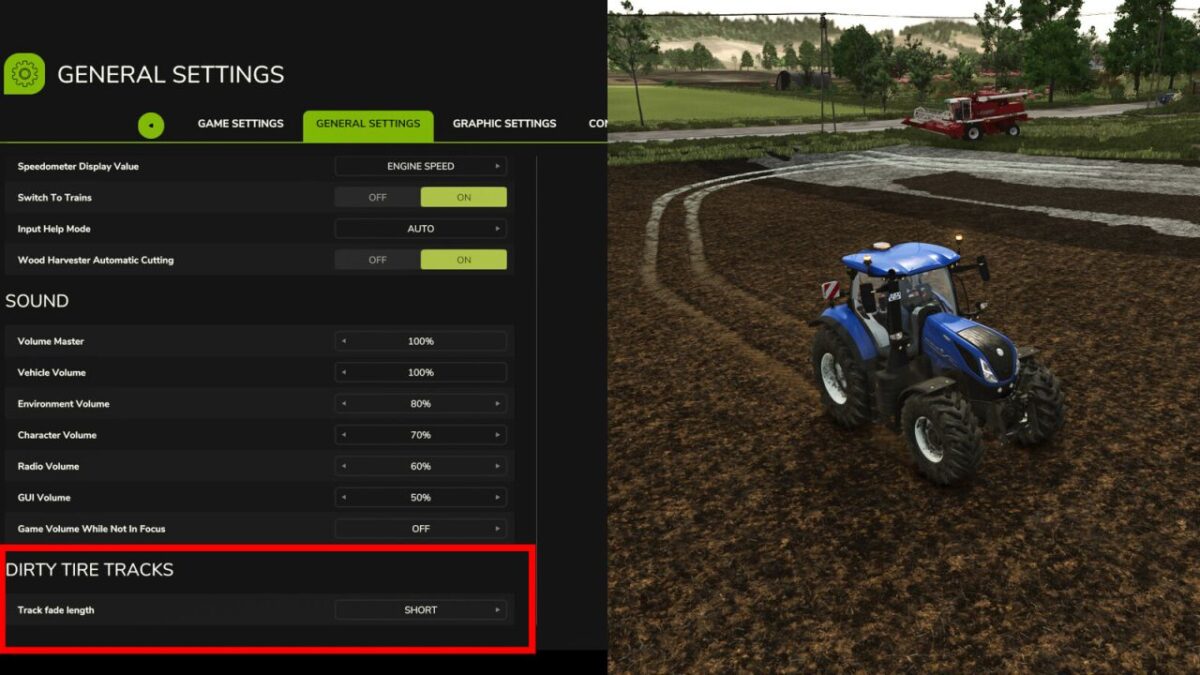
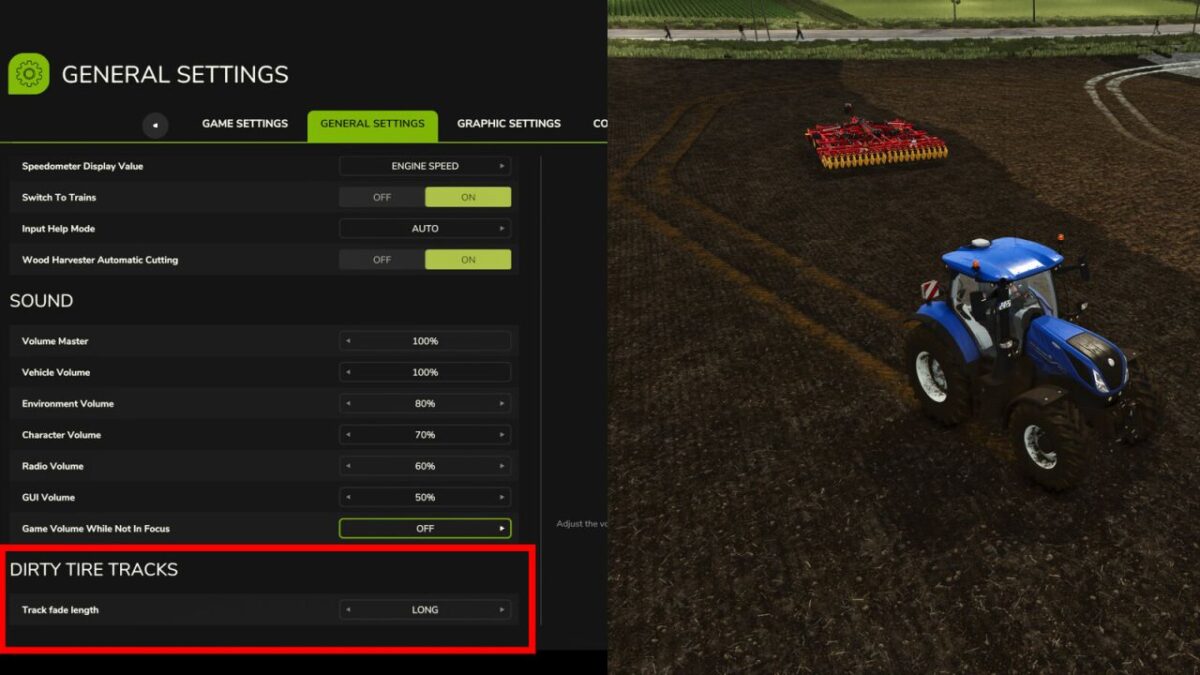
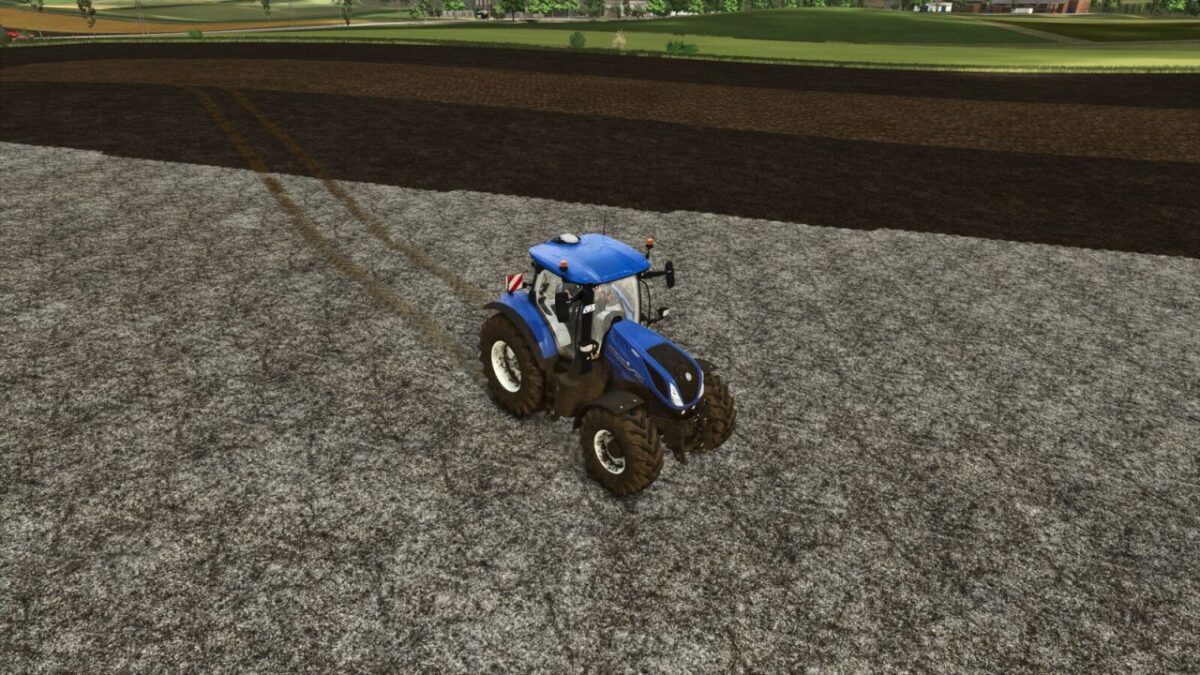
Introducing the Dirty Tire Tracks mod, designed to bring a whole new level of immersion and realism to your farming experience.
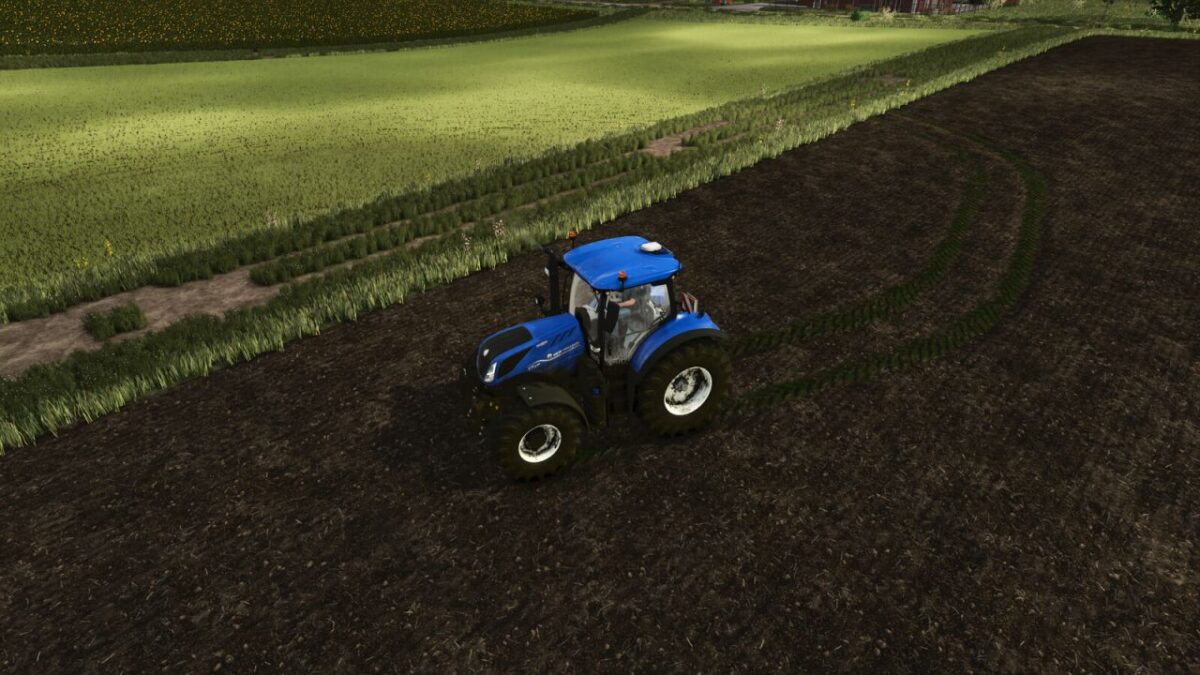
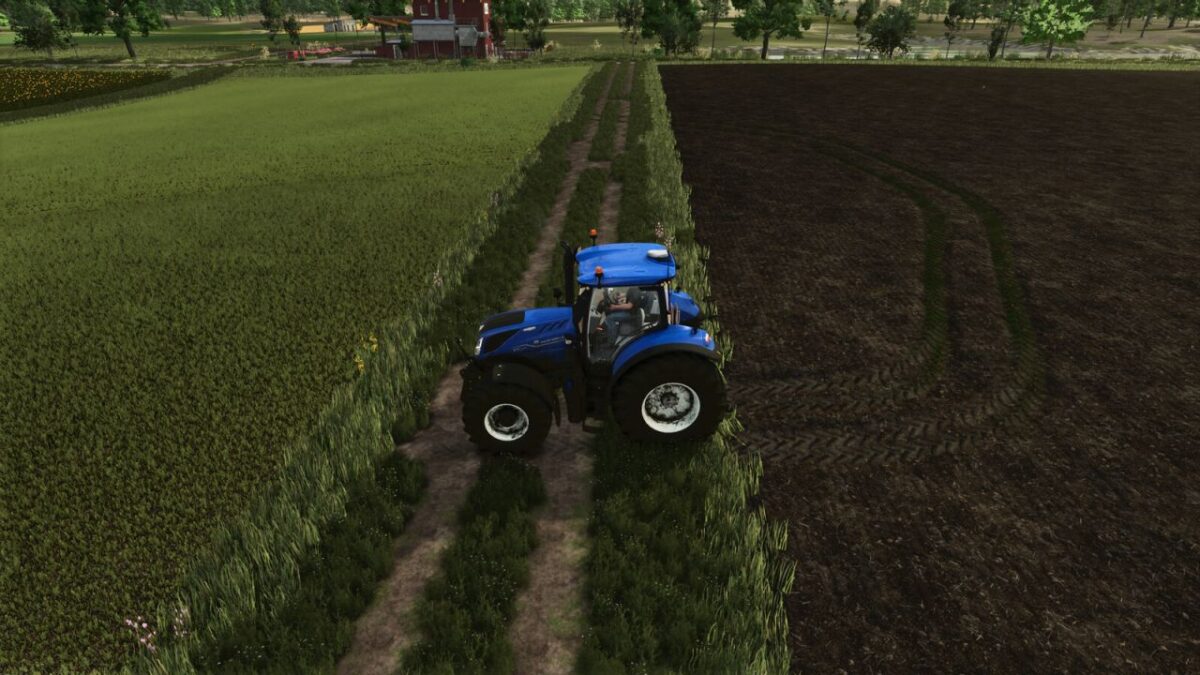
This dynamic mod tracks the materials your tractor drives over and leaves realistic, surface specific trails behind your vehicle.
If you drive through a patch of lime, your tires will pick it up and leave distinct white tracks as you continue down the field or road.
Similarly, driving over manure will result in authentic, dark manure tracks trailing behind your tires.
It is the perfect addition for players who want to see their hard work and the realistic mess that comes with it accurately reflected in their game world.
This mod require Real Dirt Color only for tractor dirt.

Credits:

Sumro Gaming

How to install FS25 Misc?
Firstly find a mod which you like and want to download. Then download a mod to your PC. Mods are usually in .zip format file. But sometimes it can be in .rar. If a mod file is a .zip format no needed additional actions. If a file is in .rar, then you must unarchive mod with software like WinRar or Zip7. Windows 10 users no need to use software for archives, Win10 itself has a feature to unarchive files.
The next step is to find mods folder in your PC. Usually, it is in Documents/My Games/Farming Simulator 25/2025. Open the "mods" folder and put downloaded .zip archive or unarchived .rar file to this folder.
Last step. Enjoy of FS25 mods!

Leave a Reply

Your email address will not be published. Required fields are marked *