

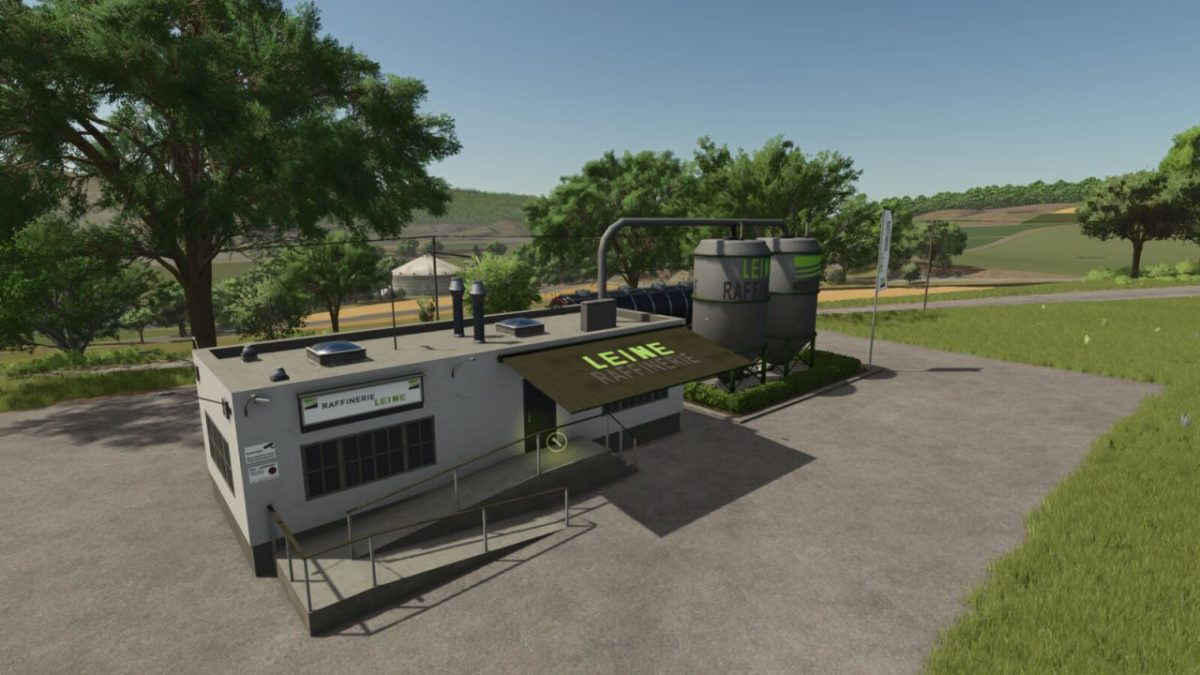
Diesel Production v 1.0.0.1


With the diesel production facility, you can produce high-quality diesel for your farm using natural resources such as water, canola, sunflowers, and soybeans.
The facility processes these raw materials efficiently, ensuring you never run out of fuel – ideal for a modern farming operation.
Features:
Diesel Production: Uses water, canola, sunflowers, and soybeans as input materials.
Efficient Processing: Converts various raw materials into diesel to maintain flexibility.
Cost Savings: Produce your own fuel and reduce expenses.
Realistic Gameplay: A perfect addition for sustainable farming.
Diesel Production Info:
Construction Cost: $102,000
Maintenance per Day: $120
Required Inputs: Sunflowers, canola, and soybeans
Output: Diesel
Capacity per Input: 100,000 L
Diesel Capacity: 300,000 L
Cycles per Month: 48
Cost per Month: $120
Recipe: 1,000 L Water + 1,000 L Canola/Sunflowers/Soybeans = 750 L Diesel
Credits:
LSFactoryMODS


