

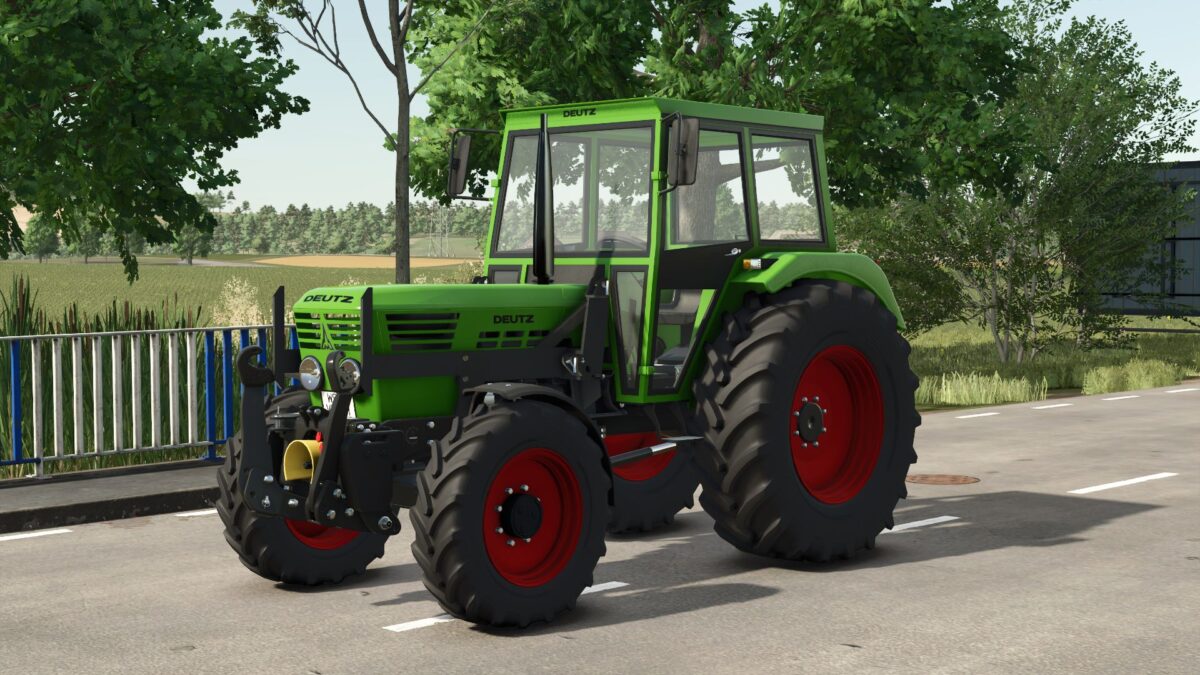
Deutz Fahr D06 v 1.1


The Deutz Fahr D06 v 1.1 is a versatile tractor mod for Farming Simulator 25, designed to cater to various farming needs. With power ranging from 65 to 100 horsepower, it offers a reliable performance for both small and medium-sized agricultural operations. This mod features multiple configurations, allowing players to customize their tractors according to specific tasks, preferences, and field conditions.
From different tire options to various engine types, users can adapt the Deutz Fahr D06 to suit their unique farming scenarios. The attention to detail in the design and functionality adds to the immersive experience of operating this tractor in the game. It aims to provide a balanced mix of power and efficiency, making it a practical choice for players looking to enhance their farming equipment lineup.
– Power range: 65 to 100 hp
– Multiple configuration options
– Customizable tire choices
– Engine variation
– Versatile for small to medium operations
– Detailed design and functionality
Version 1.1:
* Turn lights were fixed
Credits:
BlueWolfDVM


