

Deutschland Map v 2.0


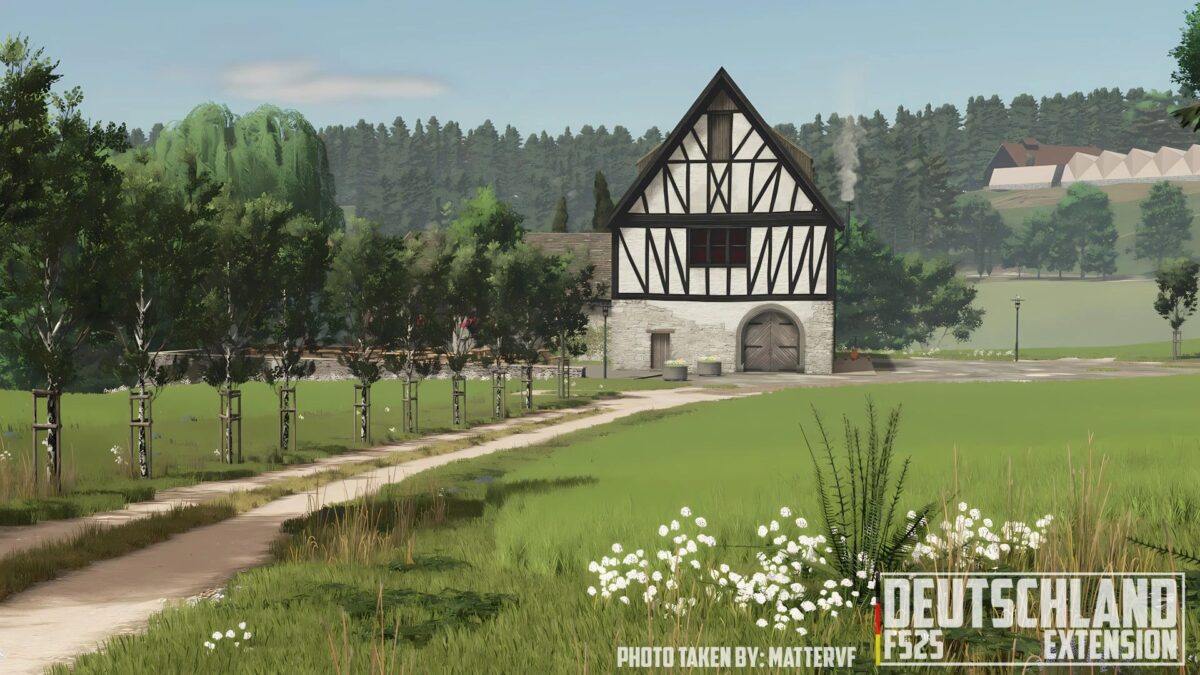
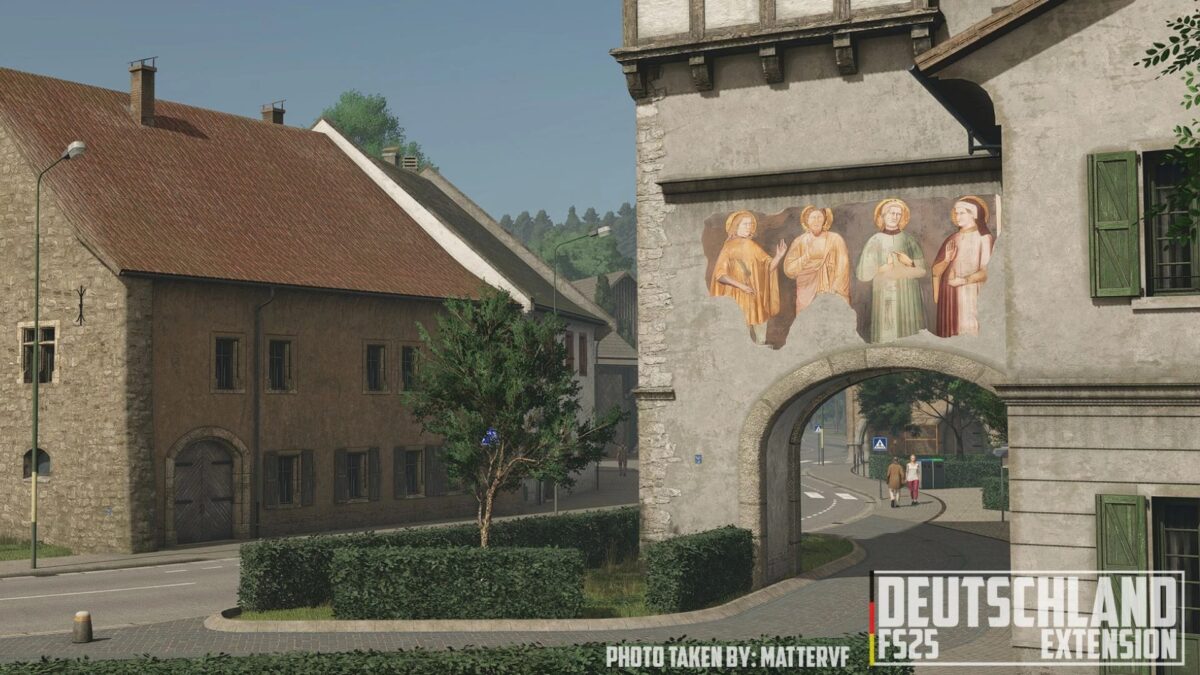
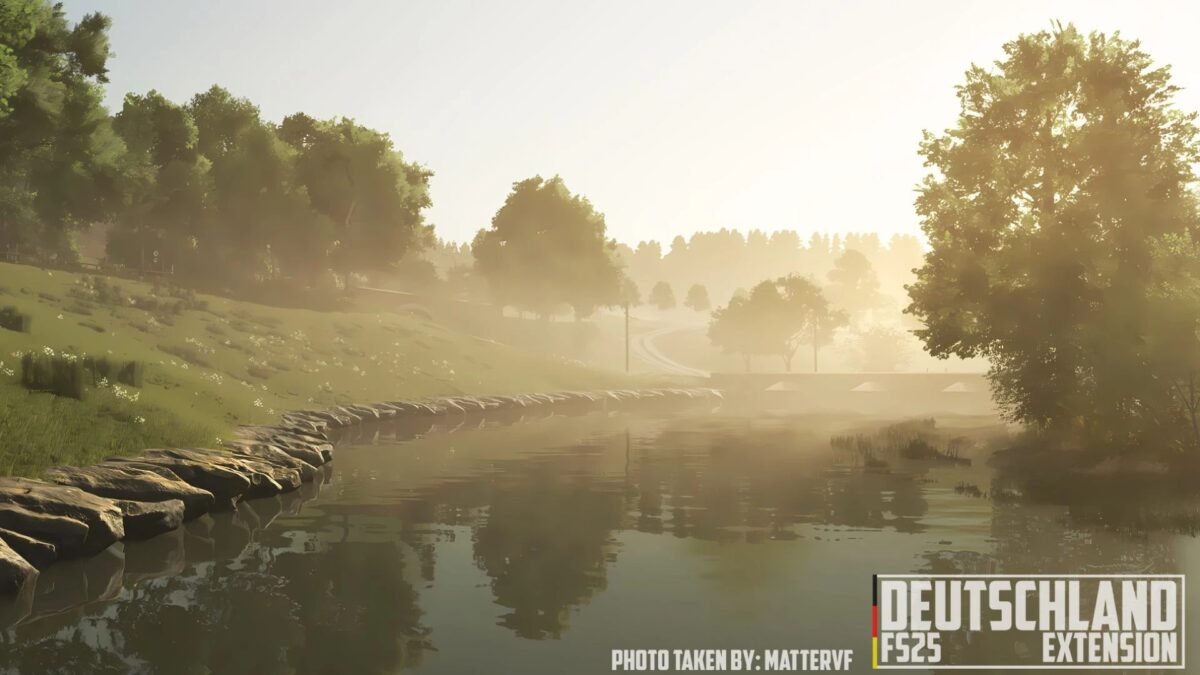
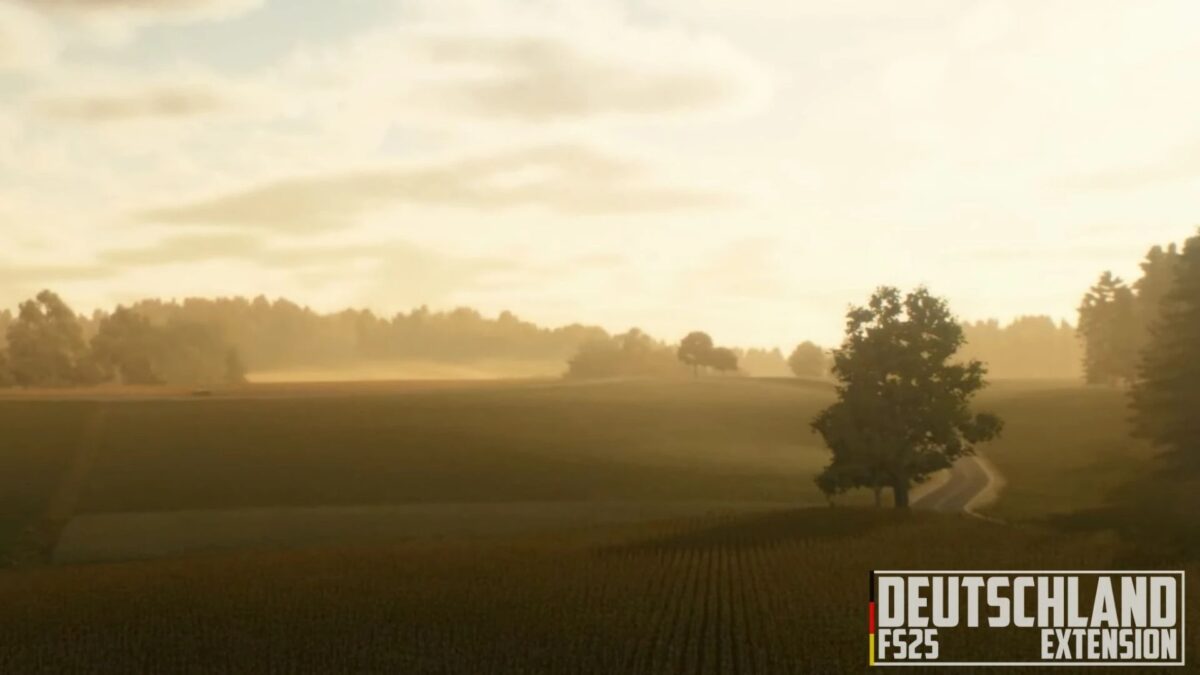
– Germany was born from the desire to explore new landscapes and atmospheres: a completely different territory, comprising wide plains, well tended fields, and quintessentially German scenery
– Everything here is designed to offer you a realistic and immersive gaming experience, where every detail contributes to making you feel truly at the heart of agricultural Europe
– A journey through modern farms, country roads, and meticulously crafted scenarios, where tradition and innovation meet
– Whether you’re passionate about large machinery or agricultural management, Germany offers you new challenges and satisfaction
Version 2.0:
* Improved Czech translation
* Increased corn stover production for silage
* Fixed an issue that prevented sheep at Oak Farm from being fed directly via trailer
* Fixed an issue with triggers at the shed with the chicken coop
* Improved manure loading system in the “GEA Cow Barn”
* Added new selling points for soy straw bales and corn stalks
* Added the ability to load mineral feed at Linden Farm using pallets
* Other minor bug fixes and adjustments
Credits:
EdoMod


