

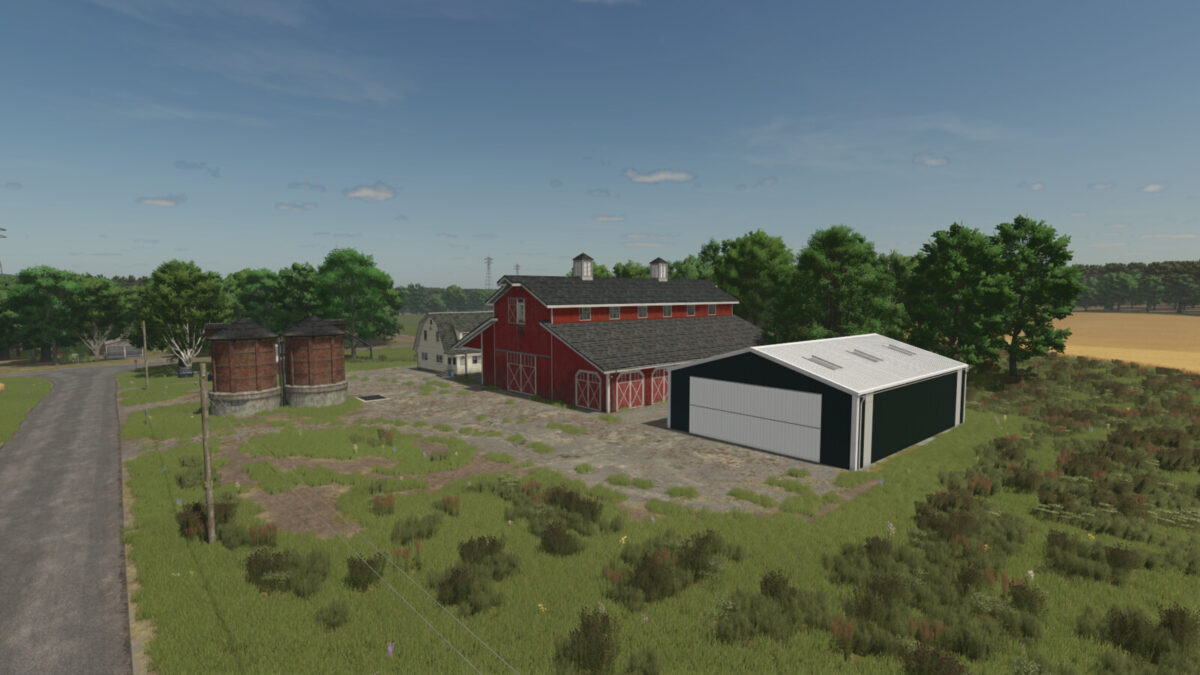
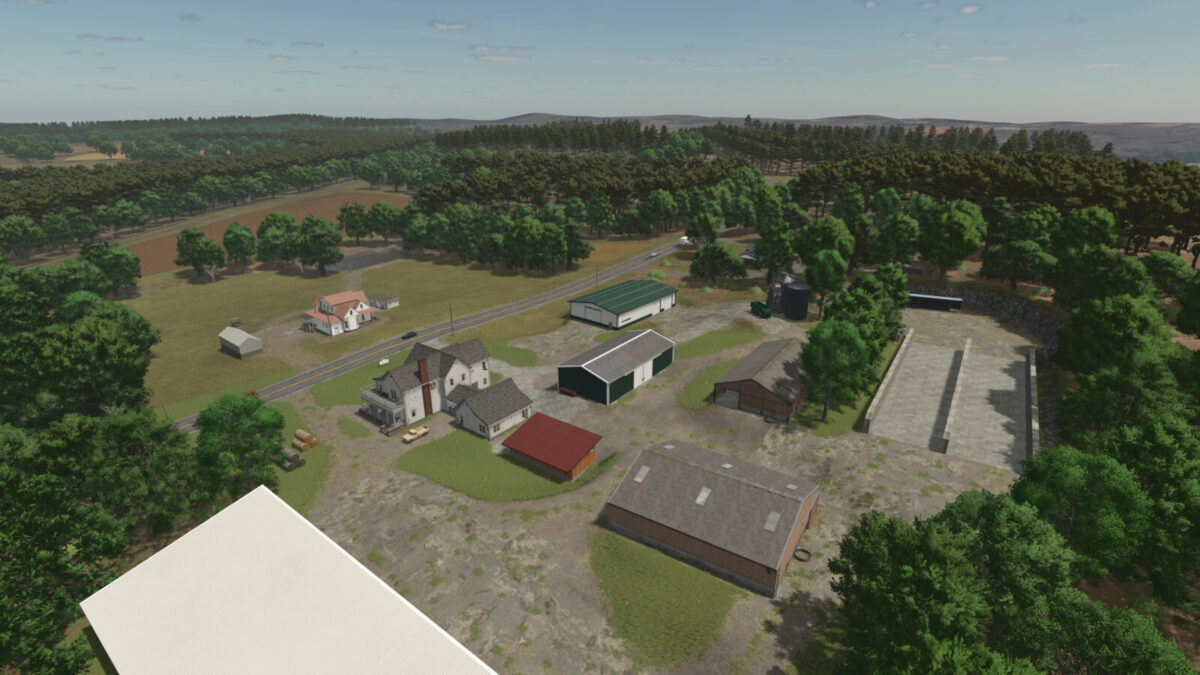
Denton North Carolina v1.1.0.0


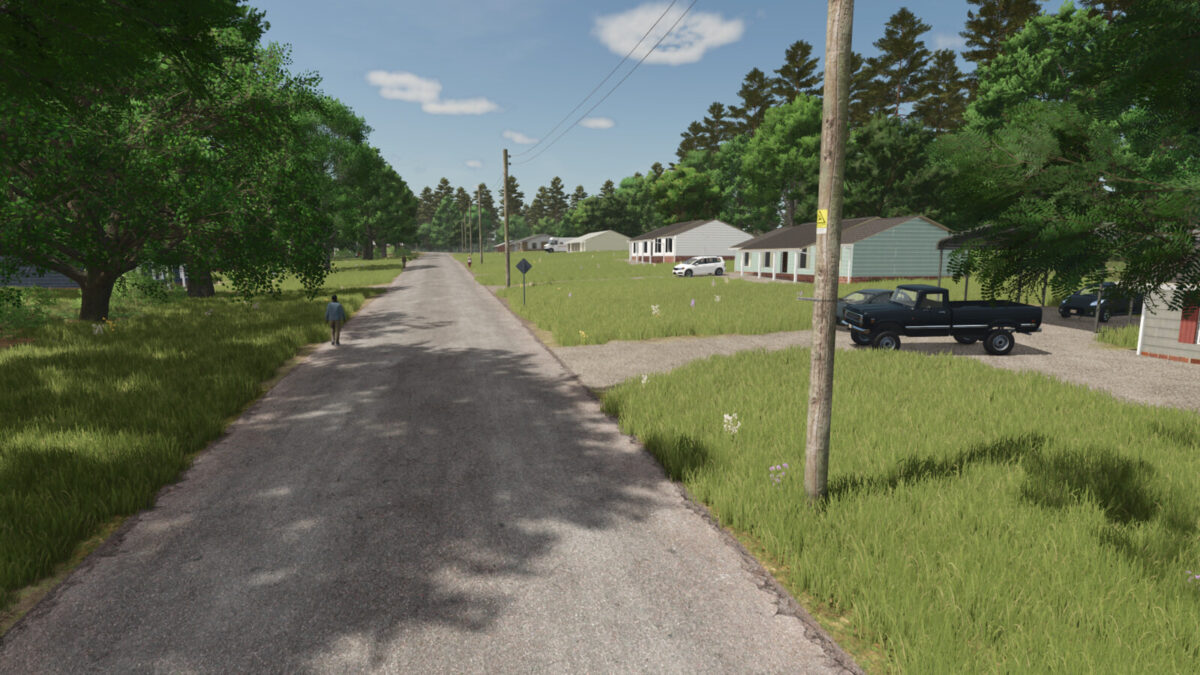
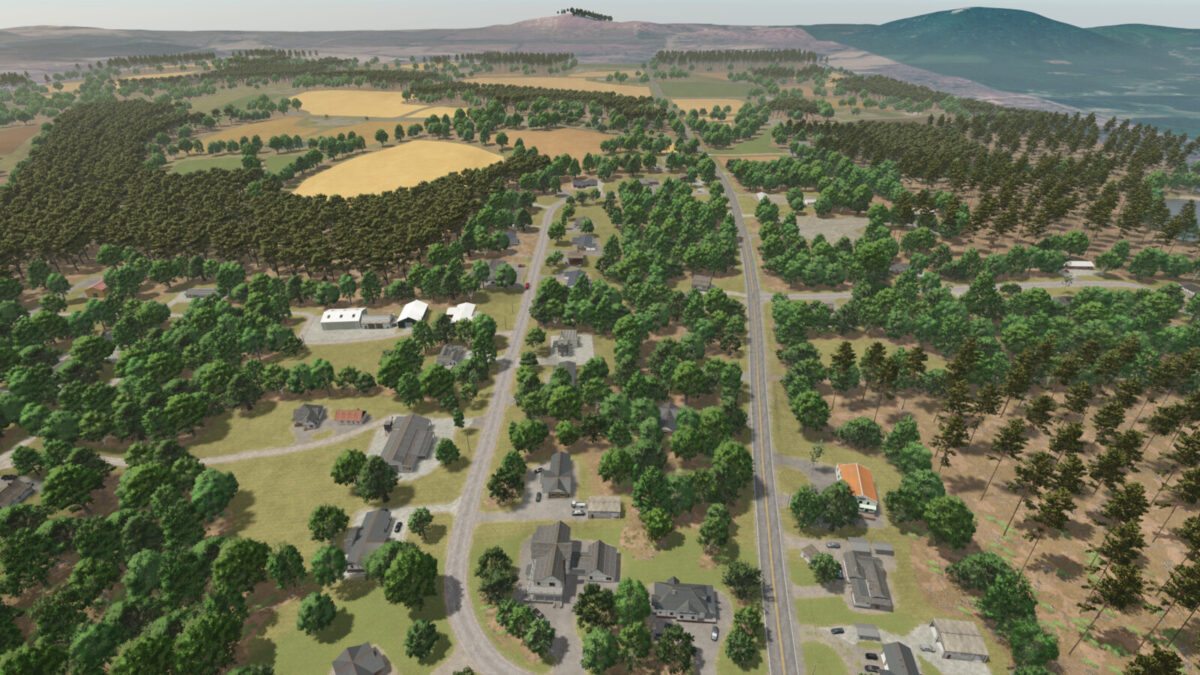
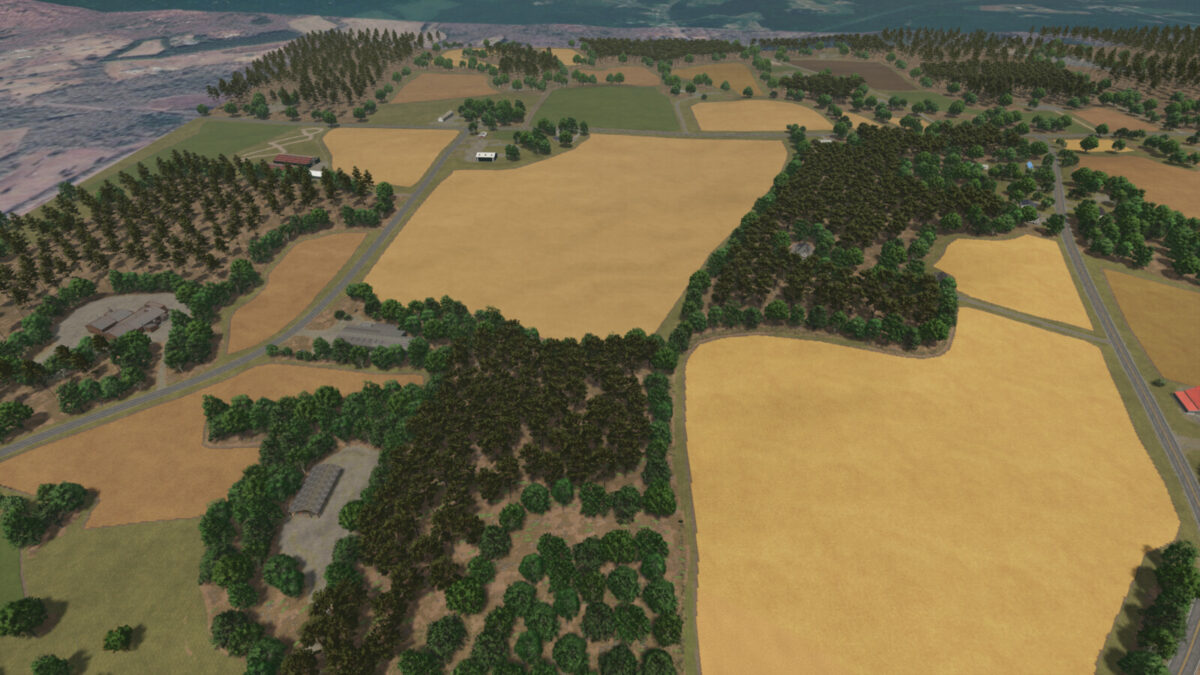
Welcome to Denton – a small rural suburban town in Davidson County, North Carolina (USA) with lots of small farms that date back to the early 1900s. The area offers a slow-paced lifestyle, with small fields and lots of forest coverage.
The map has multiple sell points and factories available for purchase, cheap land prices, and good forestry opportunities with Sawmills and Carpentry productions available for purchase as well.
The map contains:
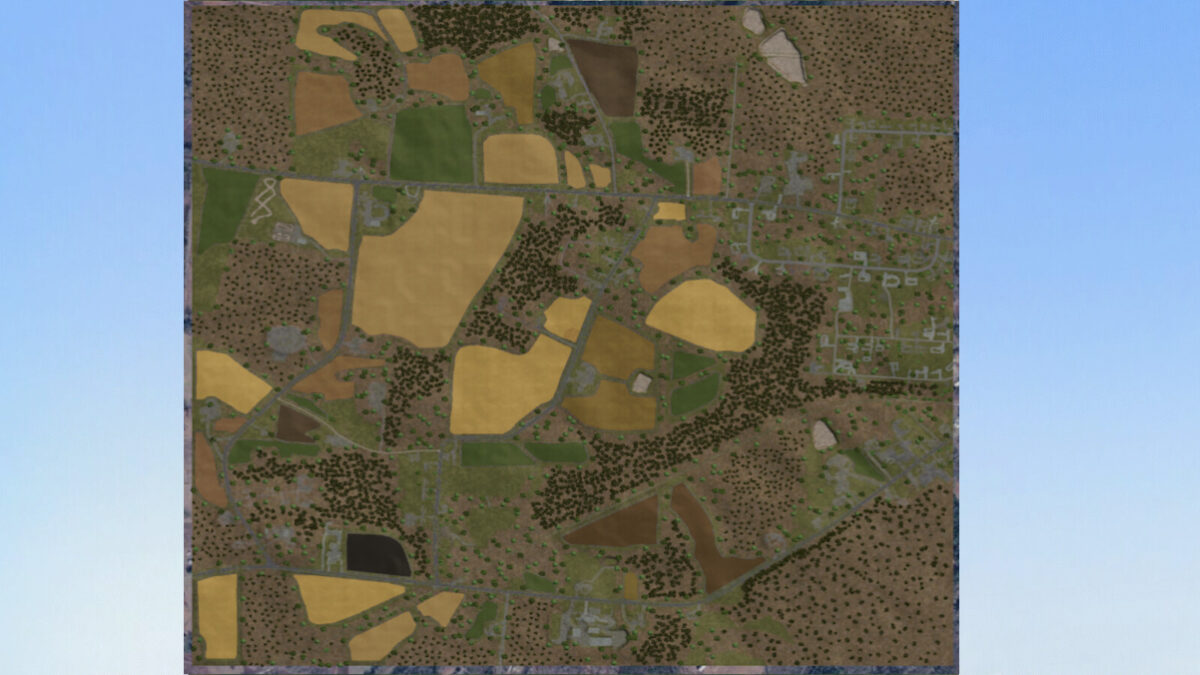
– 49 Fields
– 12 Farms
– 9 Forests
– 24 Sell Points and Factories
– John Deere buggy for moving cattle between pastures
– 4 different paintable seasonal hedges in 3 different sizes
– custom fuel tank
The map also features:
– Starting farm with preplaced bales, slurry, and beef cattle to help you get started
– 99% of all farm building’s can be sold or replaced throughout the map
– Decorative train running through the map with 2x active rail-crossing points
– AI coverage all over the map for roads, lanes, sellpoints, etc
– Horse riding facility with 2x indoor arenas and an outdoor jumping area
– Fenceless Horse Pasture available for purchase in build mode
– Fenceless Cattle Pasture with milk available for purchase in build mode
Changelog 1.1.0.0:
– Fixed issue with Farmers market not taking crops
– Fixed the silo at Bell Farm being too low into the ground
– Rotated the sugar mill so its now facing the correct way
– Fixed a few texture issues on some buildings
– Fixed a few terrian issues over the map
– Added a new overview pda
– Adjusted some trees that were on the concrete
– new save required for the fix to take place
I hope you enjoy the map!
Credits:
FS Landscaping


