
FS25 Maps

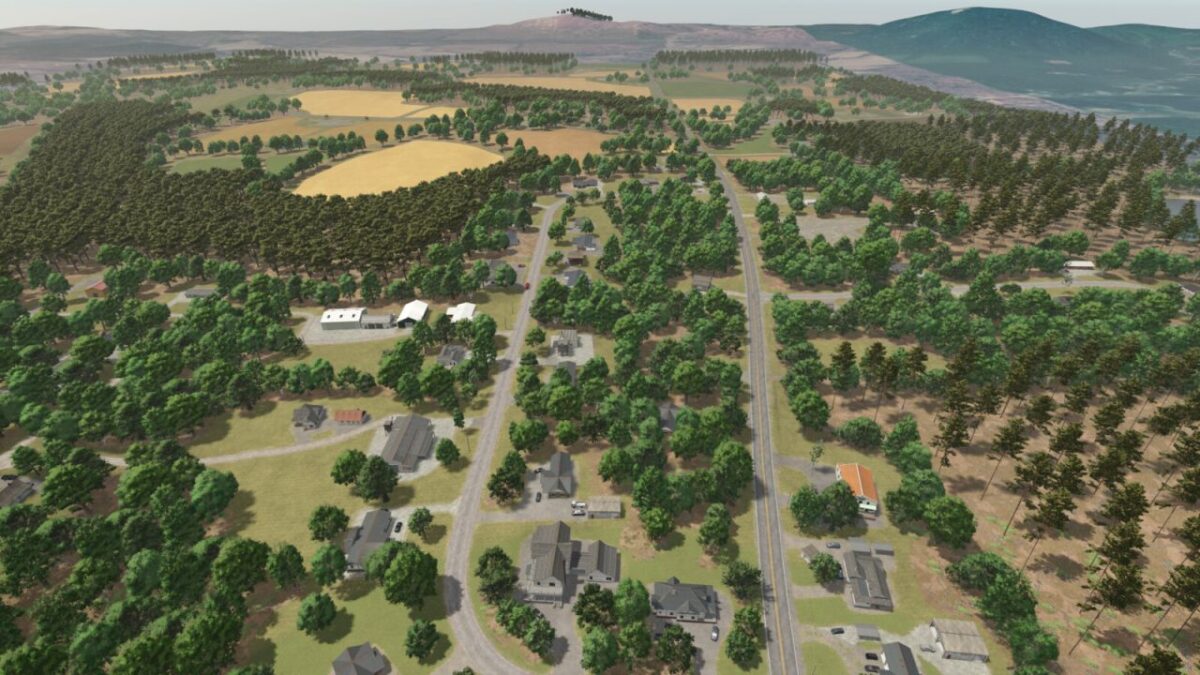
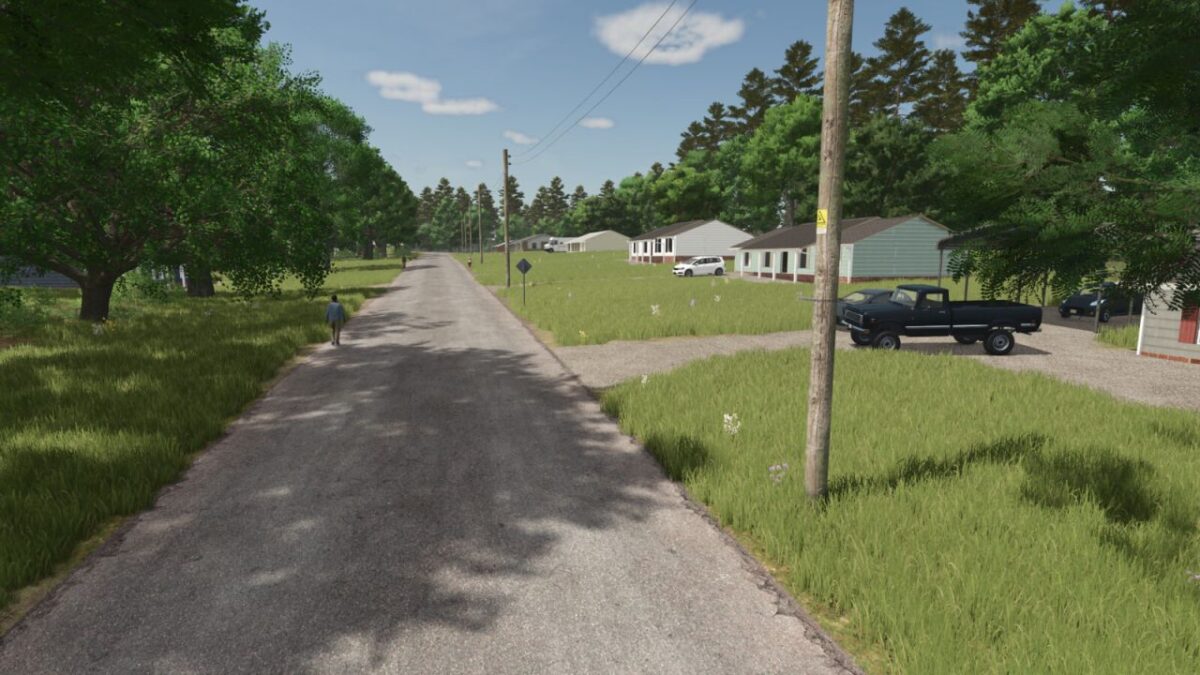
Denton North Carolina Map v 1.0

Denton North Carolina Map v 1.0

– 49 Fields
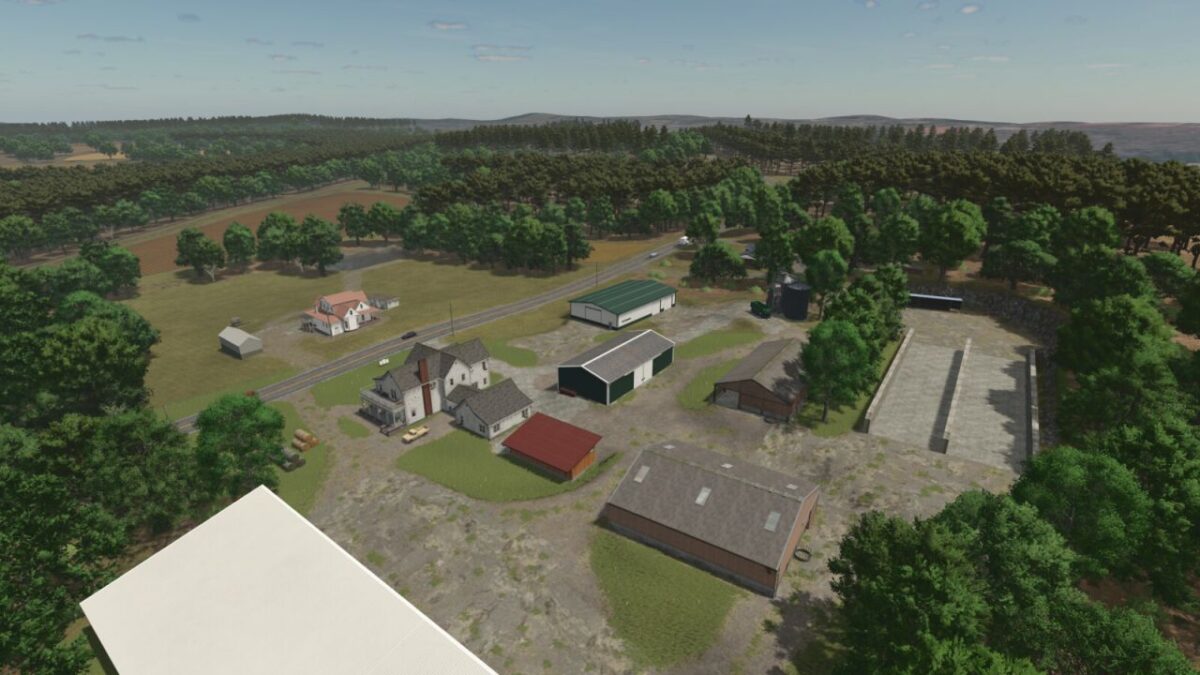
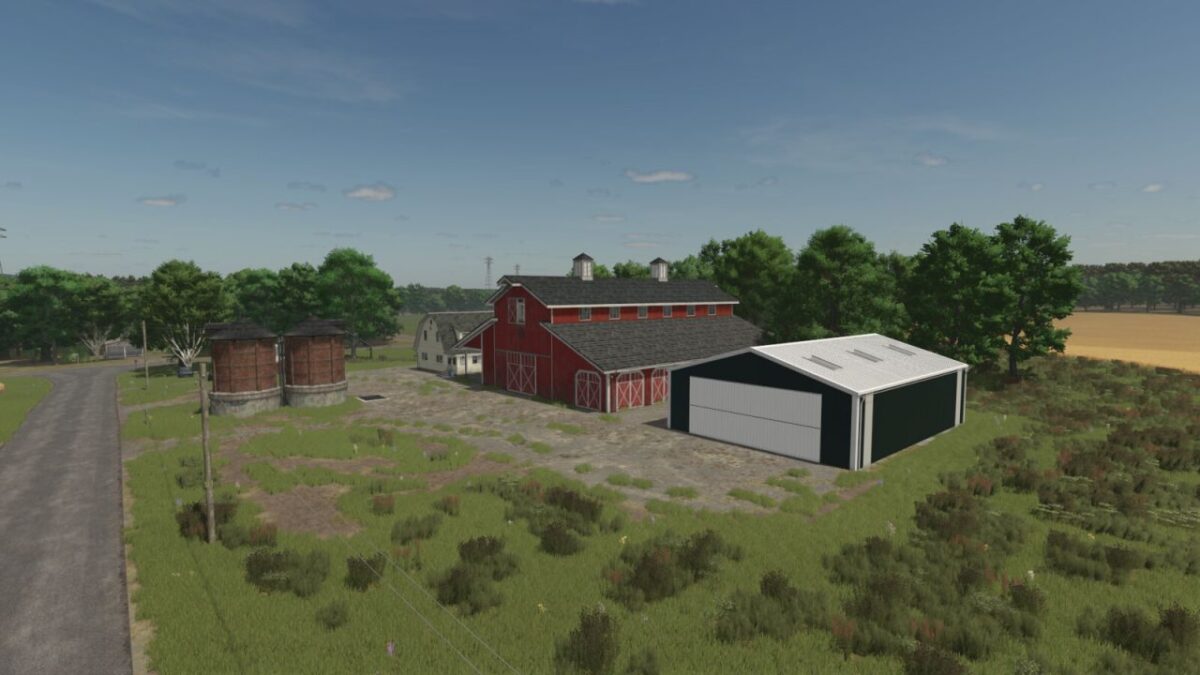
– 12 Farms
– 9 Forests
– 24 Sell Points and Factories
– John Deere buggy for moving cattle between pastures
– 4 different paintable seasonal hedges in 3 different sizes
– Custom fuel tank
– Starting farm with preplaced bales, slurry, and beef cattle to help you get started
– 99% of all farm building’s can be sold or replaced throughout the map
– Decorative train running through the map with 2x active rail crossing points
– AI coverage all over the map for roads, lanes, sellpoints, etc…
– Horse riding facility with 2x indoor arenas and an outdoor jumping area
– Fenceless Horse Pasture available for purchase in build mode
– Fenceless Cattle Pasture with milk available for purchase in build mode

Credits:

FS Landscaping

How to install FS25 Maps?
Firstly find a mod which you like and want to download. Then download a mod to your PC. Mods are usually in .zip format file. But sometimes it can be in .rar. If a mod file is a .zip format no needed additional actions. If a file is in .rar, then you must unarchive mod with software like WinRar or Zip7. Windows 10 users no need to use software for archives, Win10 itself has a feature to unarchive files.
The next step is to find mods folder in your PC. Usually, it is in Documents/My Games/Farming Simulator 25/2025. Open the "mods" folder and put downloaded .zip archive or unarchived .rar file to this folder.
Last step. Enjoy of FS25 mods!

Leave a Reply

Your email address will not be published. Required fields are marked *