

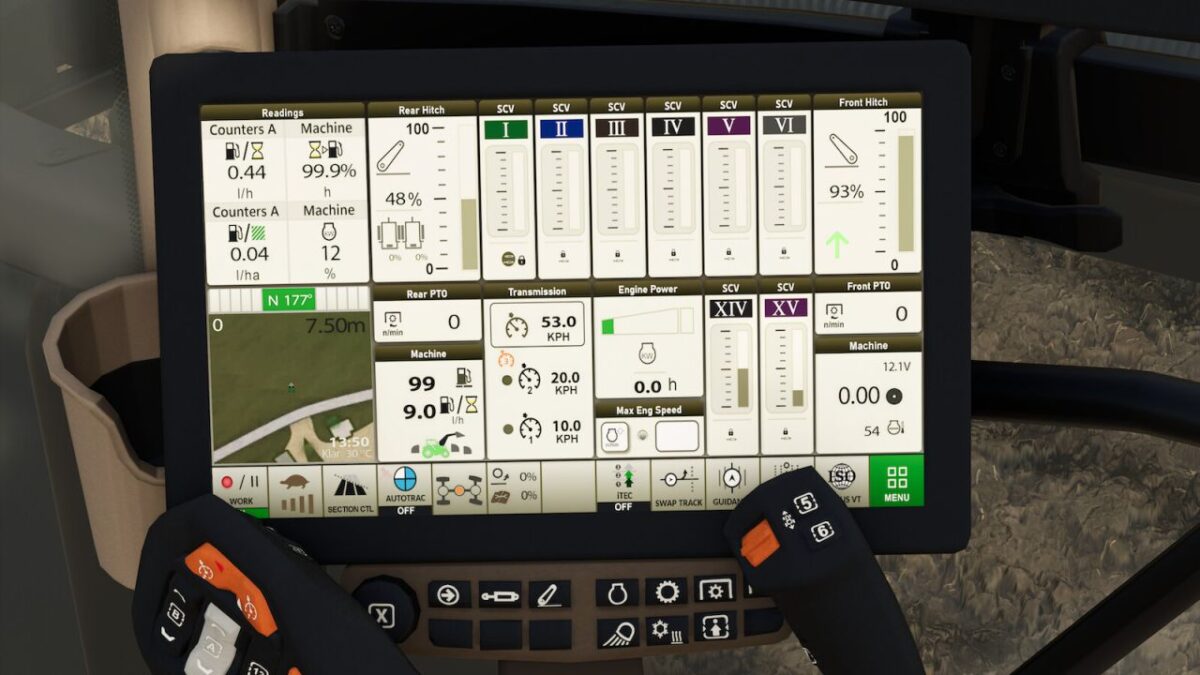
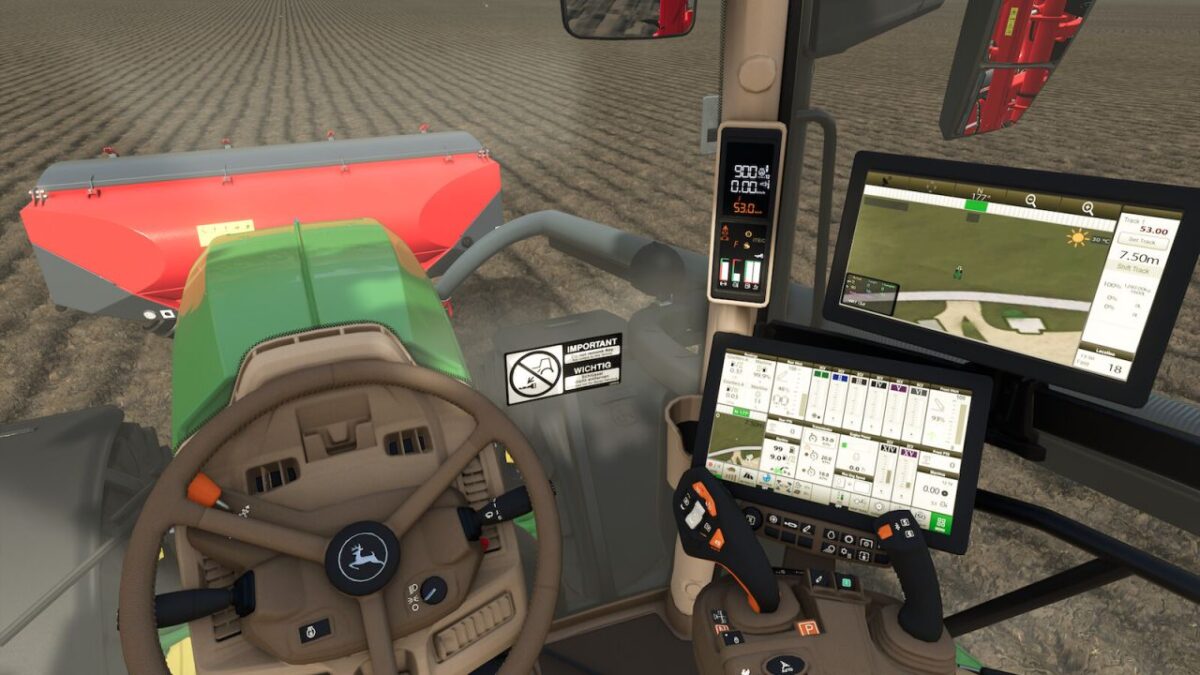
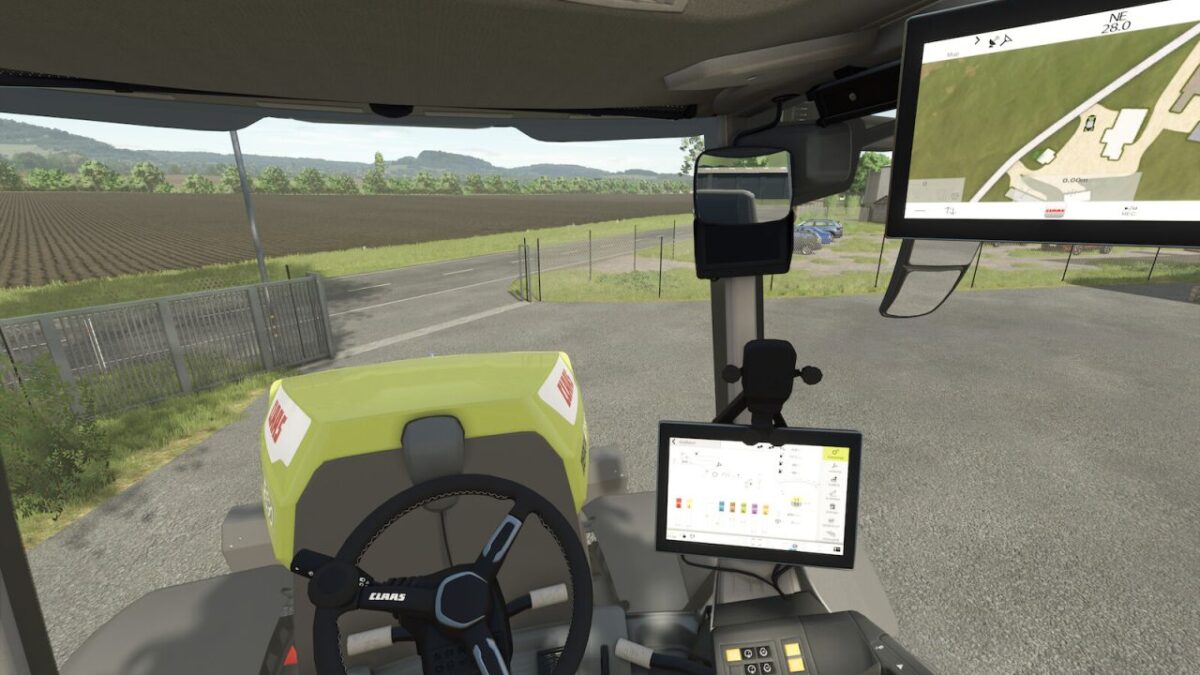
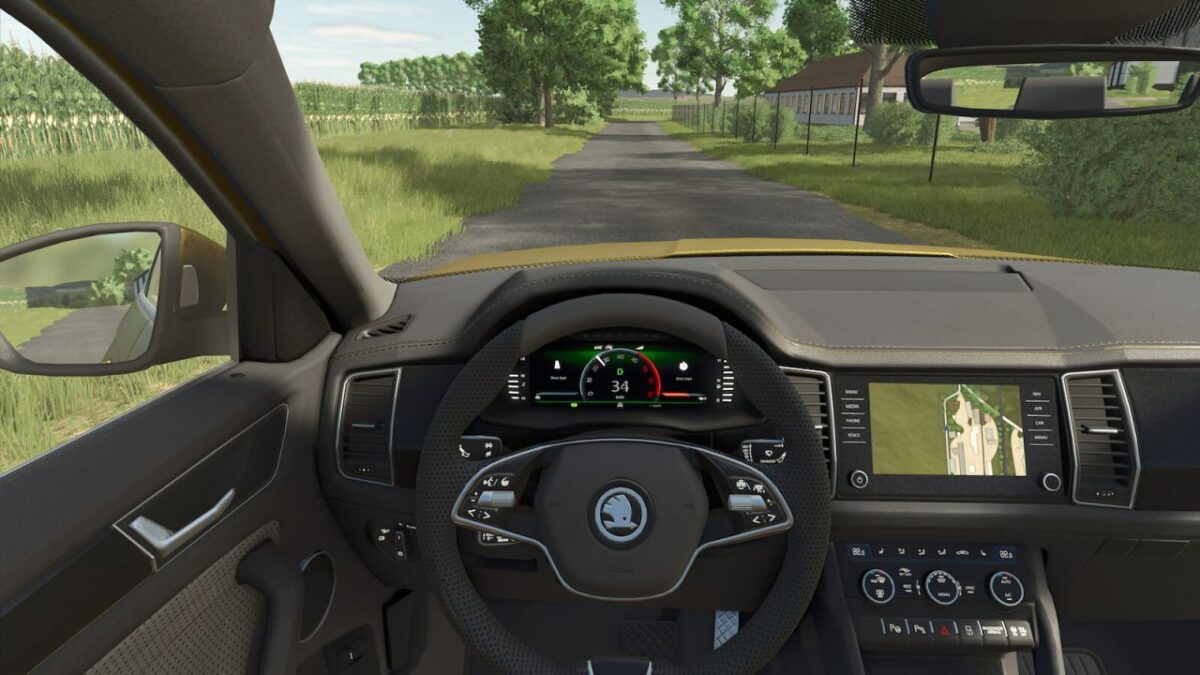
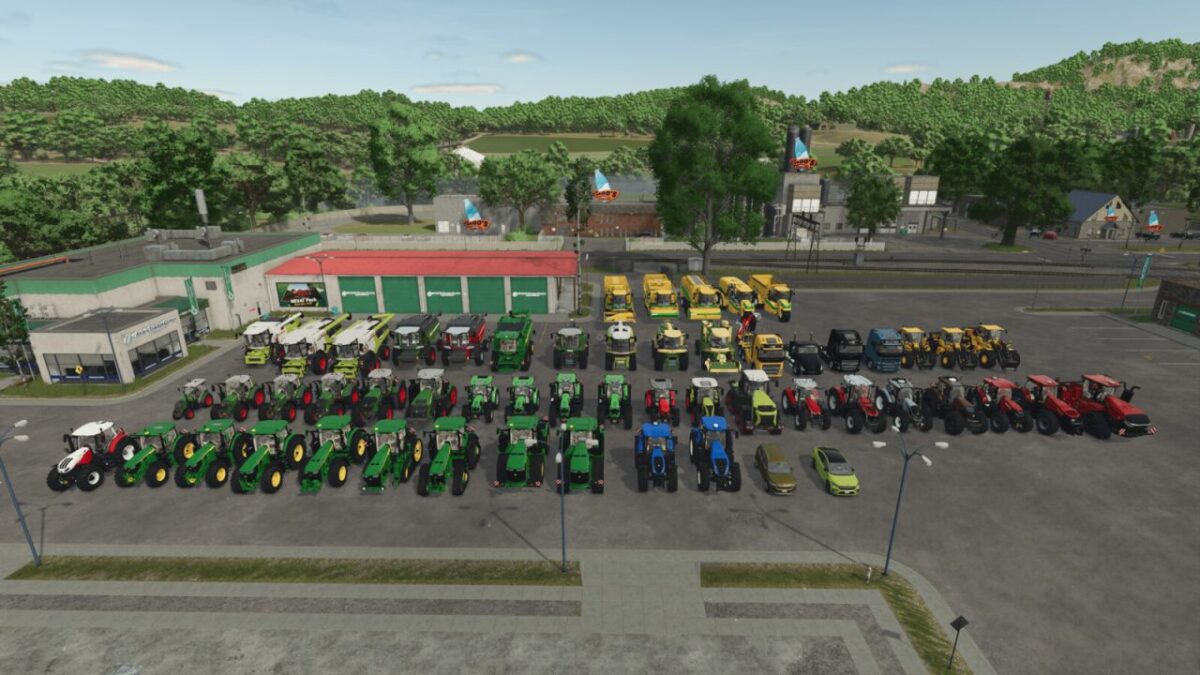
Dashboard Live Vanilla Vehicles v 1.1


Dashboard Live Vanilla Vehicles (short: DBL_VV) is an extension to Dashboard Live and integrates it into the following vehicles of the base game.
Vehicle list:
CaseIH
A8800 MR
Magnum T4B
Puma
Quadtrac 715
Claas
Arion 5 Series
Evion 450
Jaguar 990TT
Lexion 6900
Lexion 8000 Series
Xerion 12 Series
Deutz-Fahr
Series 6
Series 7
Series 8
Fendt
Katana
MT 1100
Series 5275 C-SL
Vario 200
Vario 300
Vario 500
Vario 700
Vario 900
Vario 1000
John Deere
Series 6R
Series 7R
Series 8R
Series 8RT
Series 8RX
Series 9R
Series 9RX
Series S7
Krone
Big M 450
Big X 1180
Massey Ferguson
Beta 7360 AL4
Series 7S
Series 9S
New Holland
Series T7
Series T8
Oxbo
AT 5105
BP 2140E
EPD 540E
MKB 4TR
Riedler
FH16
Same
Virtus 135RV
Skoda
Enyaq
Kodiaq
Steyr
Absolut
Valtra
S Series
T Series
Volvo
FH16
FH Electric
L120H
L120H Electric
L180H
VNX 300
Version 1.1:
* RealGPS support and integration: Use of realGPS as a mini map
* MB DLC Work Cameras for All Vehicles support and integration
* RealGPS and cameras for vehicles including Oxbo, Claas, Deutz, MF, Valtra, Volvo, Skoda, and many more
* JD displays expanded
* IsoBUS and RTK pages now also include a camera for implements
* 6M added
* New G5 Apillar display for the 9Rx, among others
* Cameras are integrated into the pages of the G4 and G5 terminals and can be switched between
* New functions: output per hectare/hour, fuel consumption in liters/hectare, and actual onboard voltage (12 V/24 V) implemented
* Display errors and parameters for various displays corrected
* IsoBus screen for Brantner DD 24073/2 XXL
* IsoBus screen for Lemken Juwel6 and Titan18
* Fendt Variotronic can be used separately
* All previously hard coded displays are now also included separately as compounds
* Page layouts revised
* Missing radio backgrounds fixed via Patch 1.16
* Faulty startup screens fixed via Patch 1.19
* Flickering fixed after Patch 1.20
* CEBIS missing nodes in the log fixed
Credits:
Mister_mojo_AT, SbSh, Glowins Modschmiede, Finanzamt31er, Ba


