

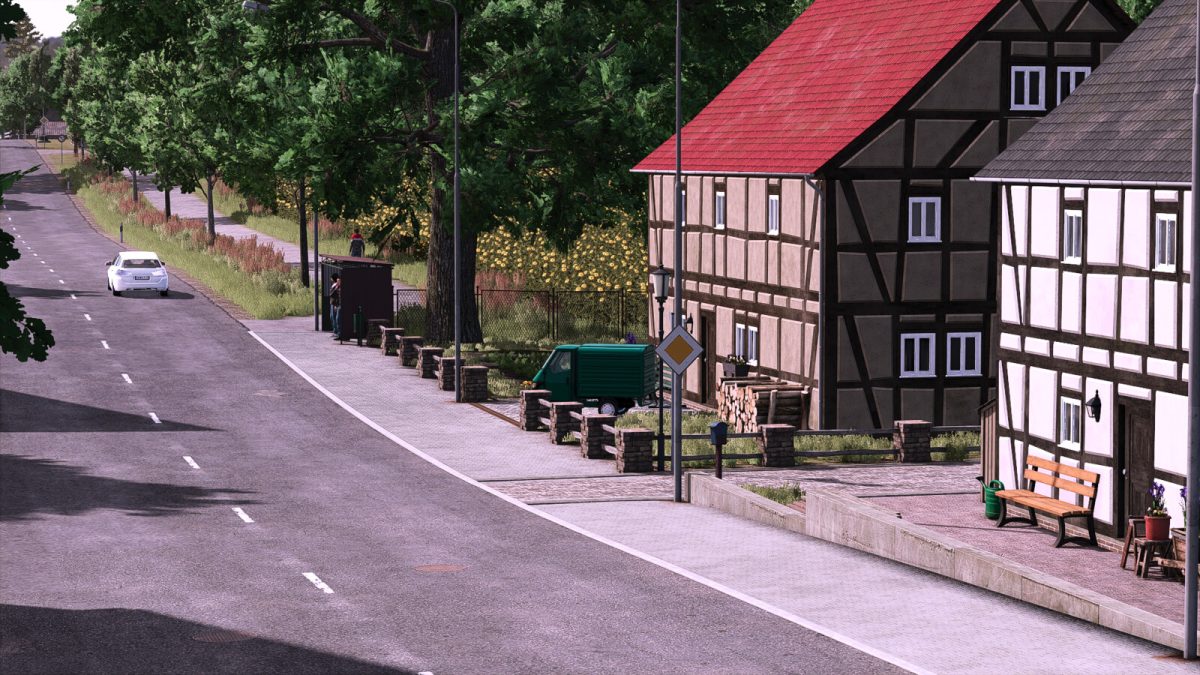
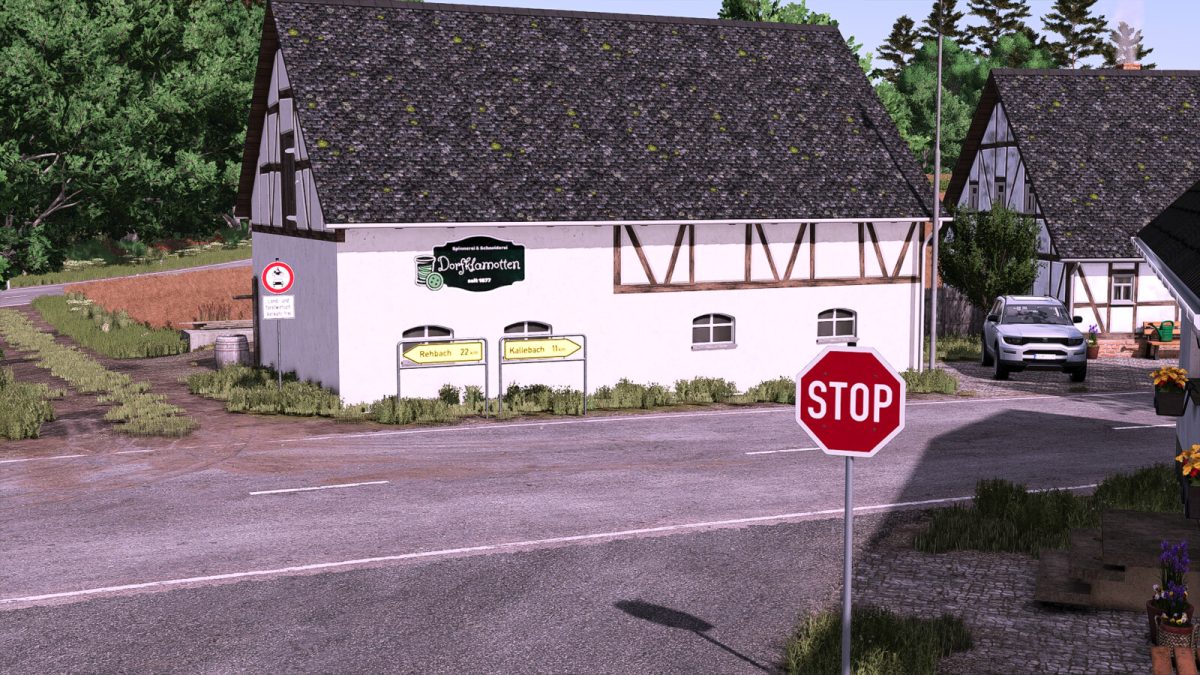
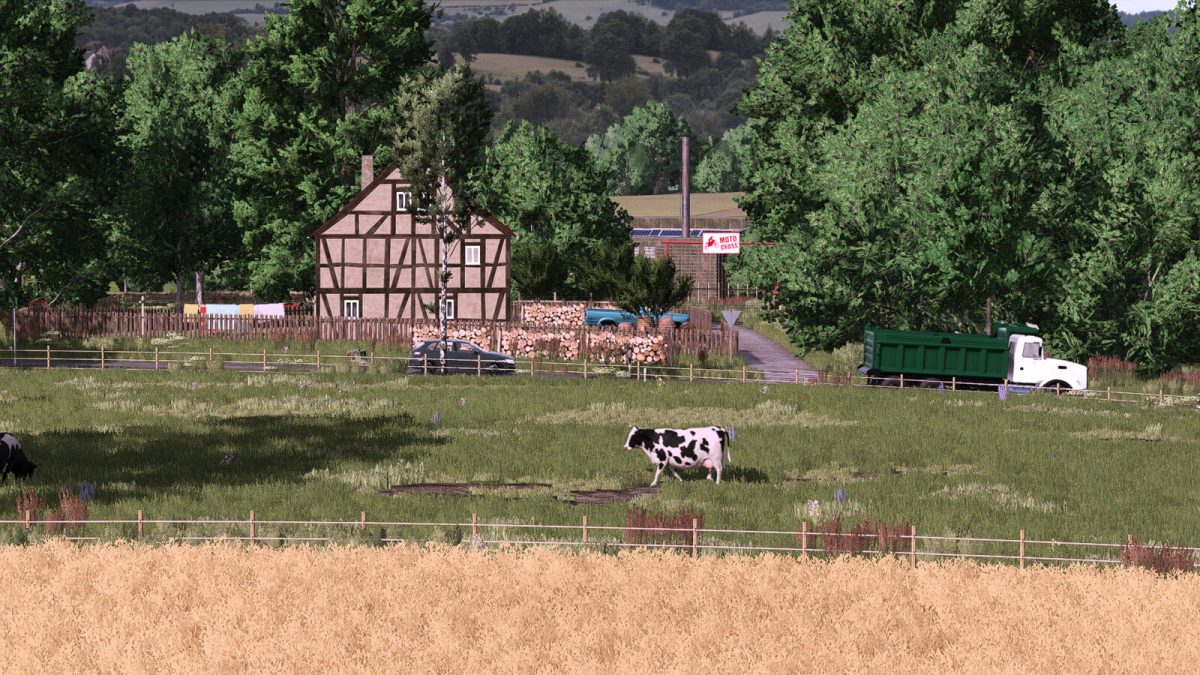
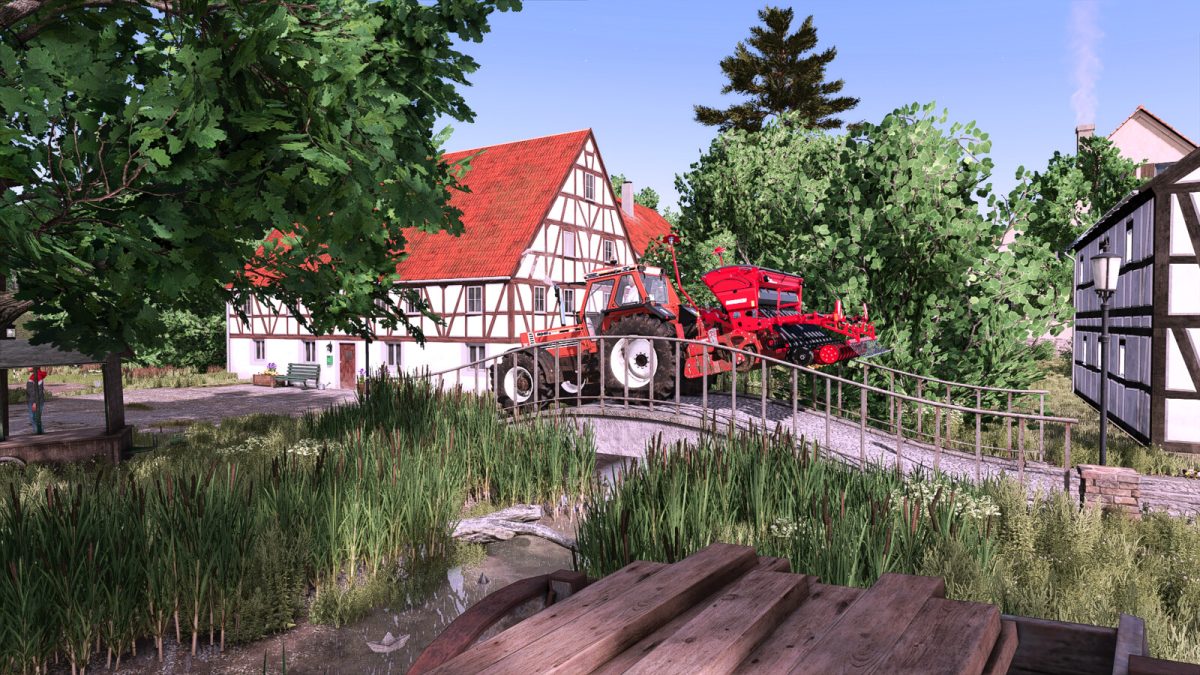
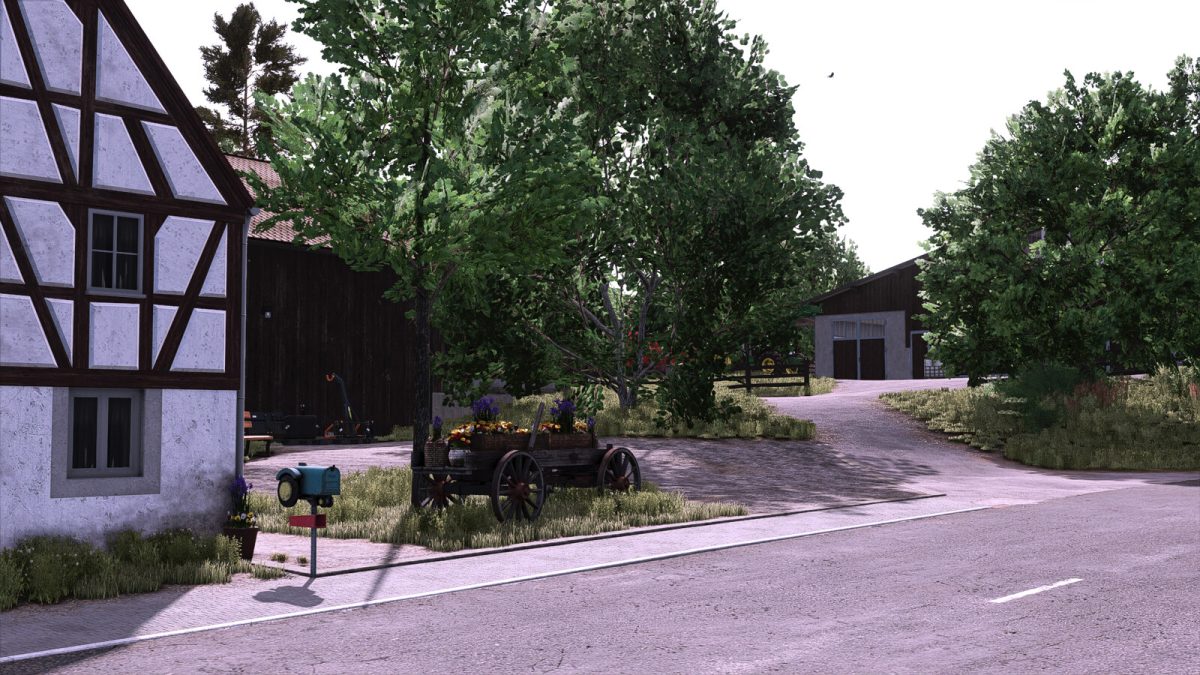
Daheim Map v 1.0


Farms:
– Main farm: Cattle farm with chickens and a farm dairy
– Secondary farm: Goat farm with chickens and a farm dairy
– Farm expansion: Sheep barn with shelter
– Farm expansion: Horse pasture
– Farm expansion: 2 cattle pastures
– Farm expansion: 2 field barns
Buildings:
– The farms are integrated into the natural appearance of the map and are therefore not intended for demolition
– For your own construction projects, the fields or the building land in the southwest of the map are particularly suitable
Fields:
– 29 arable fields (from 0.62 ha to 7.04 ha)
– 5 meadows (from 0.60 ha to 1.28 ha)
– 2 forest areas (from 0.59 ha to 1.34 ha)
Features:
– Customized growth calendar with spring wheat and spring barley
– Stubble destruction for wheat, barley, oats, corn, sunflowers, canola, sorghum, soybeans, and grass
Tip – Machines that fit the map:
– Vintage and classic tractors truly shine when working on the Map Daheim
– Small tractors (up to 75 HP)
– Medium sized tractors (76 to 150 HP)
– Large tractors (151 to max 250 HP)
Credits:
Ka77e


