FS25 Trucks

DAF XG+ v 1.0
DAF XG+ v 1.0
DAF XG+ v 1.0

DAF XG+ v 1.0

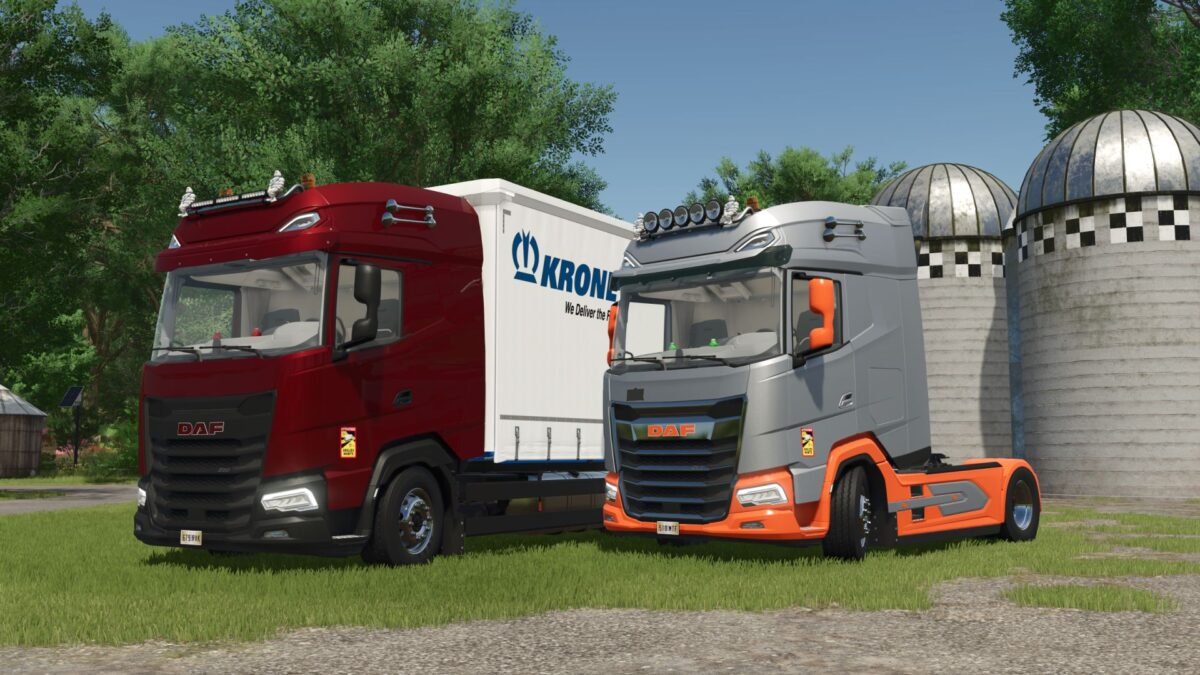
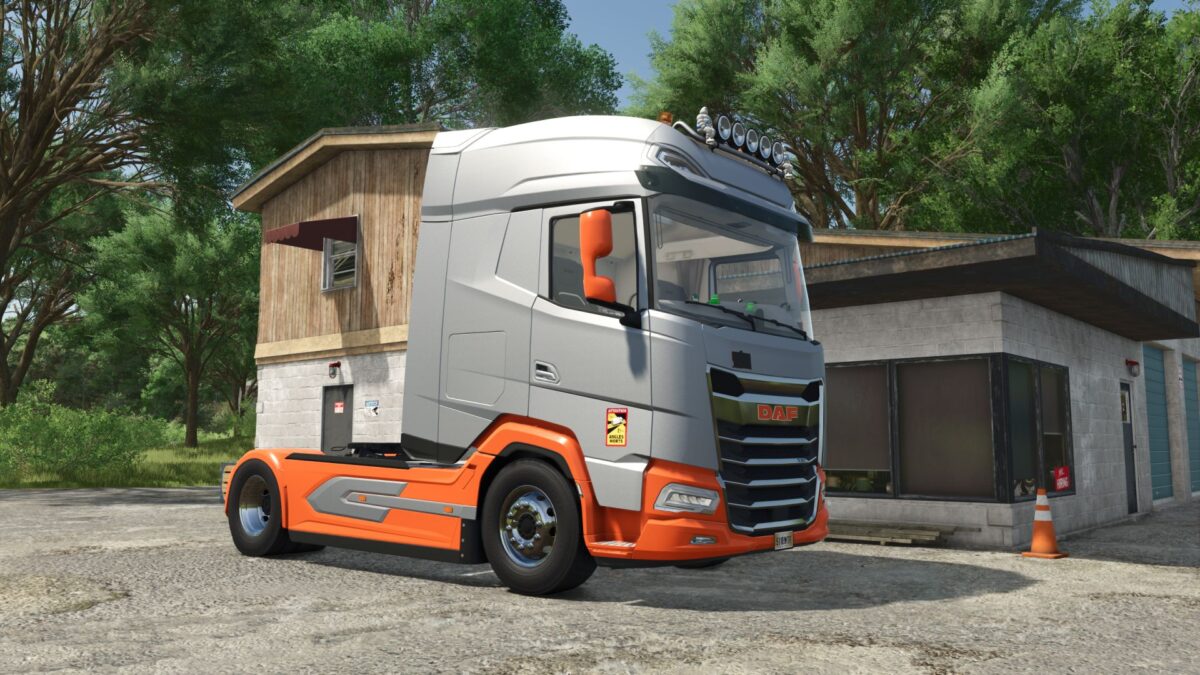
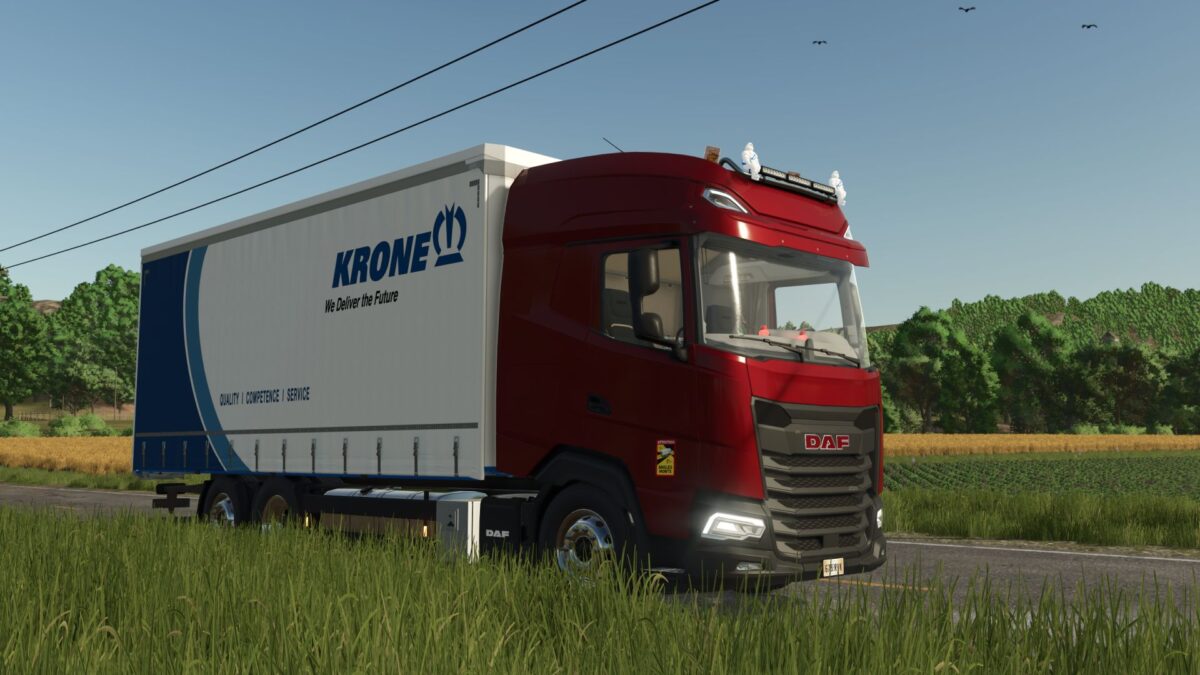
The DAF XG + offers the versatility you are looking for in your job.
Whether on the road or on uneven terrain, with the DAF you are always in control.
With numerous configuration options, there is definitely something for everyone.

General
Price: 105,000€ – 132,795€
Max. Power: 530PS
Top speed: 83 km / h
Weight: 9.4t

Functions
– Air suspension
– Numerous configurations
– Illuminated interior

Configurations
– Interior color
– Interior lighting
– Horn
– Door handle
– Side panel
– Fender cover
– LED logo
– Tank
– Sun visor
– Bed linen
– Poppy
– Lamp bracket
– Engine version
– Beacon
– Base color
– Design color
– Grill color
– Logo color
– Rim color
– License plate
and more

Credits:

Canada FS, BDModding, Sebastian7870, SCS

How to install FS25 Trucks?
Firstly find a mod which you like and want to download. Then download a mod to your PC. Mods are usually in .zip format file. But sometimes it can be in .rar. If a mod file is a .zip format no needed additional actions. If a file is in .rar, then you must unarchive mod with software like WinRar or Zip7. Windows 10 users no need to use software for archives, Win10 itself has a feature to unarchive files.
The next step is to find mods folder in your PC. Usually, it is in Documents/My Games/Farming Simulator 25/2025. Open the "mods" folder and put downloaded .zip archive or unarchived .rar file to this folder.
Last step. Enjoy of FS25 mods!

Leave a Reply

Your email address will not be published. Required fields are marked *