

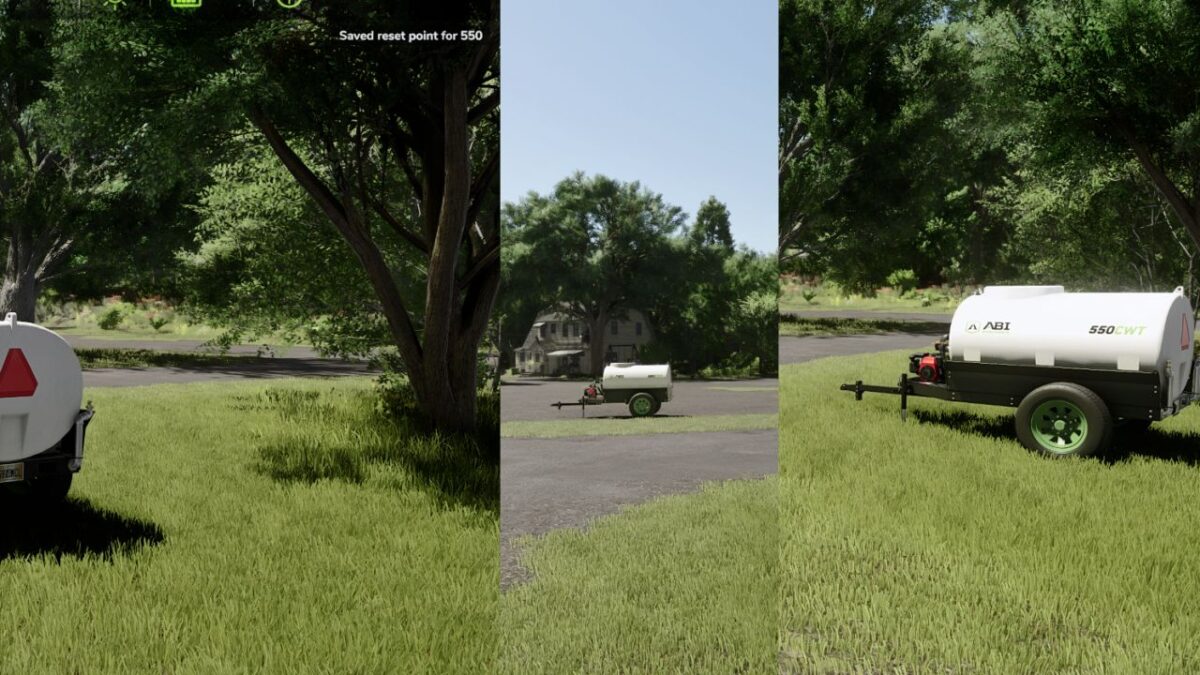
Custom Vehicle and Tool Reset Points v 1.0


Assign custom reset locations to vehicles and implements and instantly return equipment to its designated parking spot using Farming Simulator’s native reset system.
Custom Vehicle Reset Points allows you to assign a custom reset location to any owned vehicle or implement.
Once a reset point is saved, you can instantly return that equipment to its designated storage location whenever you need it.
Features:
Save a custom reset location for any owned vehicle or implement
Return equipment directly to its assigned parking location
Works with tractors, trailers, implements, and attachments
Supports attached equipment through a dedicated quick-reset function
Preserves saved rotation and parking orientation
Uses the game’s native reset system for maximum compatibility and stability
Multiplayer compatible
How To Use
– Open the Vehicles menu
– Select the vehicle or implement
– Press L
The current position and orientation will be saved
Reset a Vehicle
– Open the Vehicles menu
– Select the vehicle or implement
– Press O
The selected equipment will be returned to its saved location
Reset Attached Equipment
– Attach the implement to a vehicle
– Select the implement (G)
– Press CTRL + O
The implement will be safely detached and returned to its saved location
This mod uses Farming Simulator’s native reset functionality to safely handle attached, unfolded, and active equipment before moving it to the saved location.
Because the vanilla reset system is used, some equipment may behave the same way it does when using the game’s standard reset feature.
For example, trailers and certain fillable equipment may be emptied during the reset process.
For the best experience, recommend using Disable Emptying on Reset by MechNoxer, which prevents trailers and supported equipment from being emptied when reset.
A future update may include optional built-in handling for this behavior.
Credits:
FarmerDOOM


