

Custom Logos v 1.2.0.1


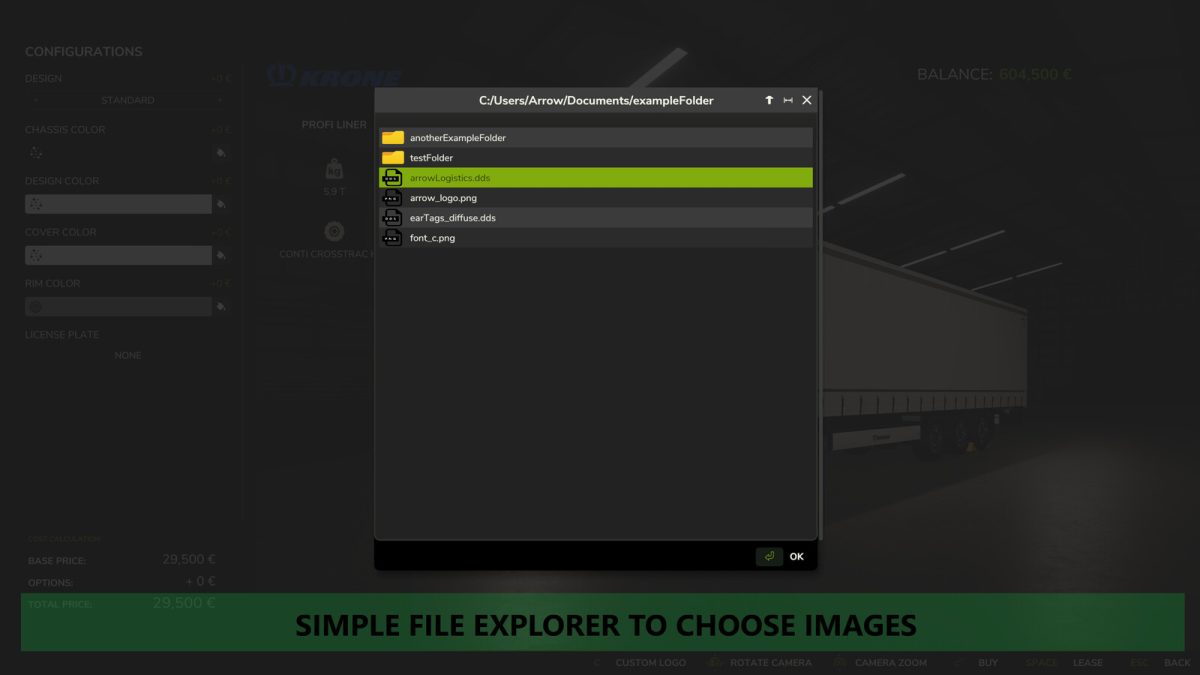
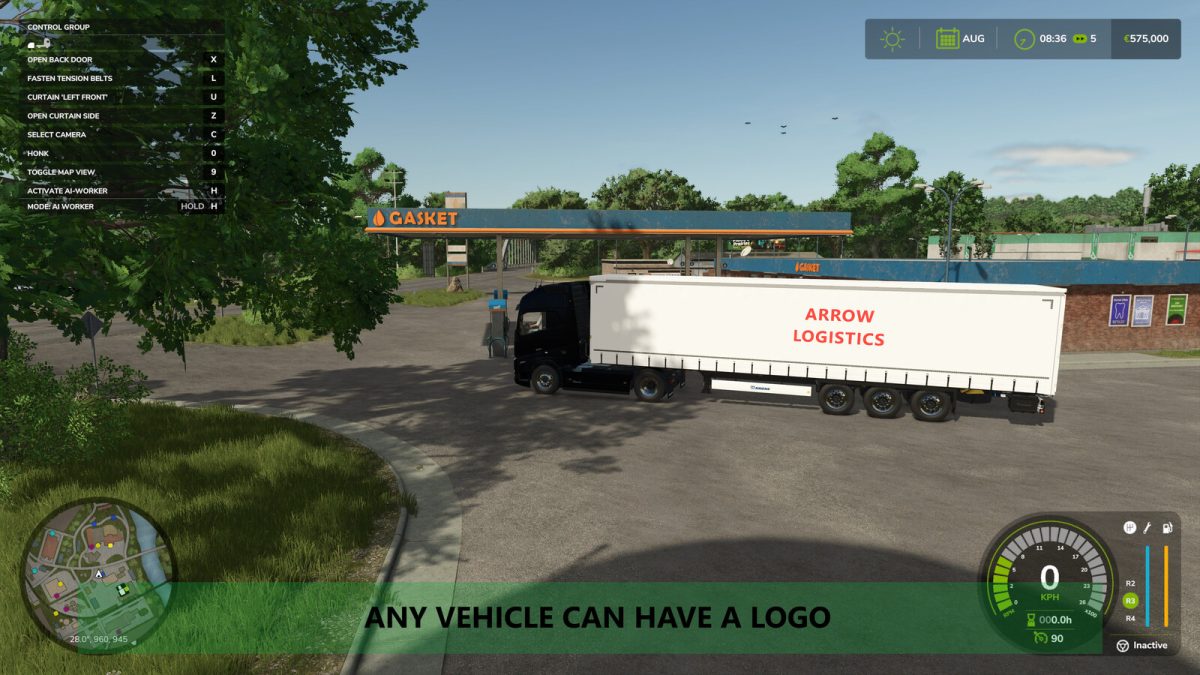
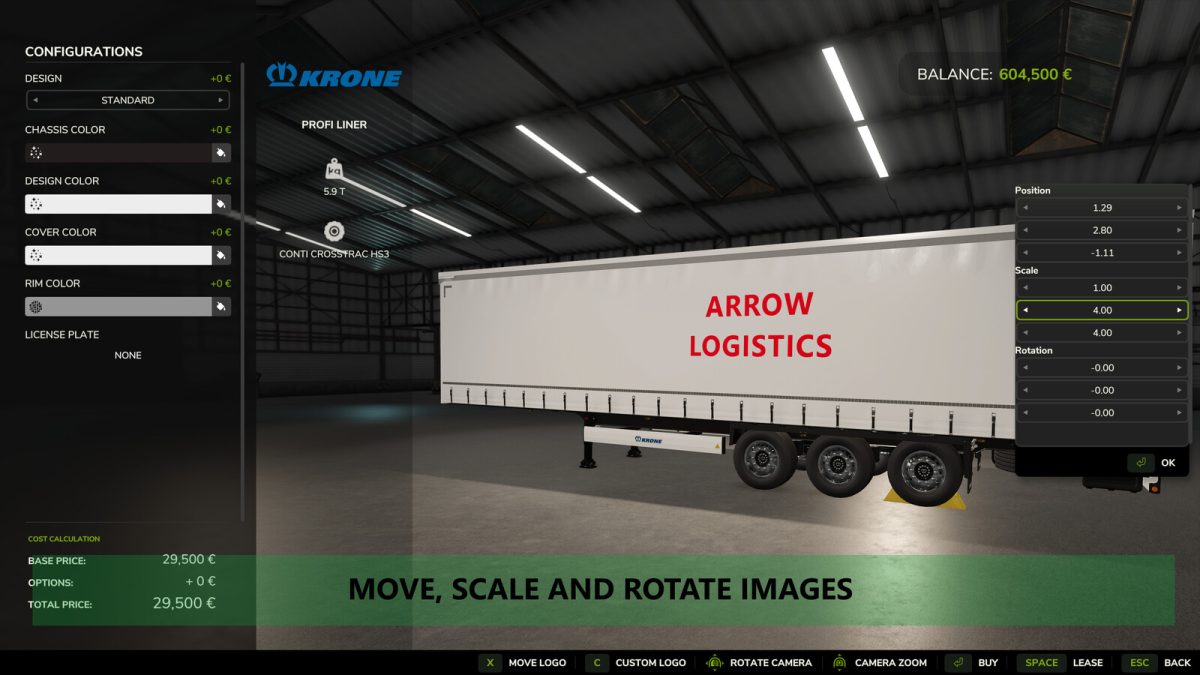
This mod allows you to put a custom image onto any vehicle using a simple custom in-game file explorer when buying a new vehicle at the shop or modifying an existing vehicle, in order to put your own logo on your vehicles.
Images can be moved, scaled, rotated and mirrored accordingly.
It is recommended to use a DDS image saved in BC3/DXT5 format, ideally with mip-maps.
This can be done in most image manipulators such as Gimp or Paint.net.
For use on servers, it is required to upload the images to the server and to all clients, inside the modSettings folder under “FS25_CustomLogos”.
Any image outside the modSettings folder, or in a subfolder within this mod’s modSettings folder, will not be recognised.
An example image is provided in the modSettings folder after first loading the mod.
Version 1.2.0.1:
* Images can now be linked to different parts of the vehicle, allowing them to move in tandem with Interactive Control functions
* Fixed images sometimes not being found on multiplayer and creating a white square
Credits:
Arrow


