

Cultivator Settings v 2.0.1.0


Many cultivators from the game can be operated at different working depths in reality, depending on the setting.
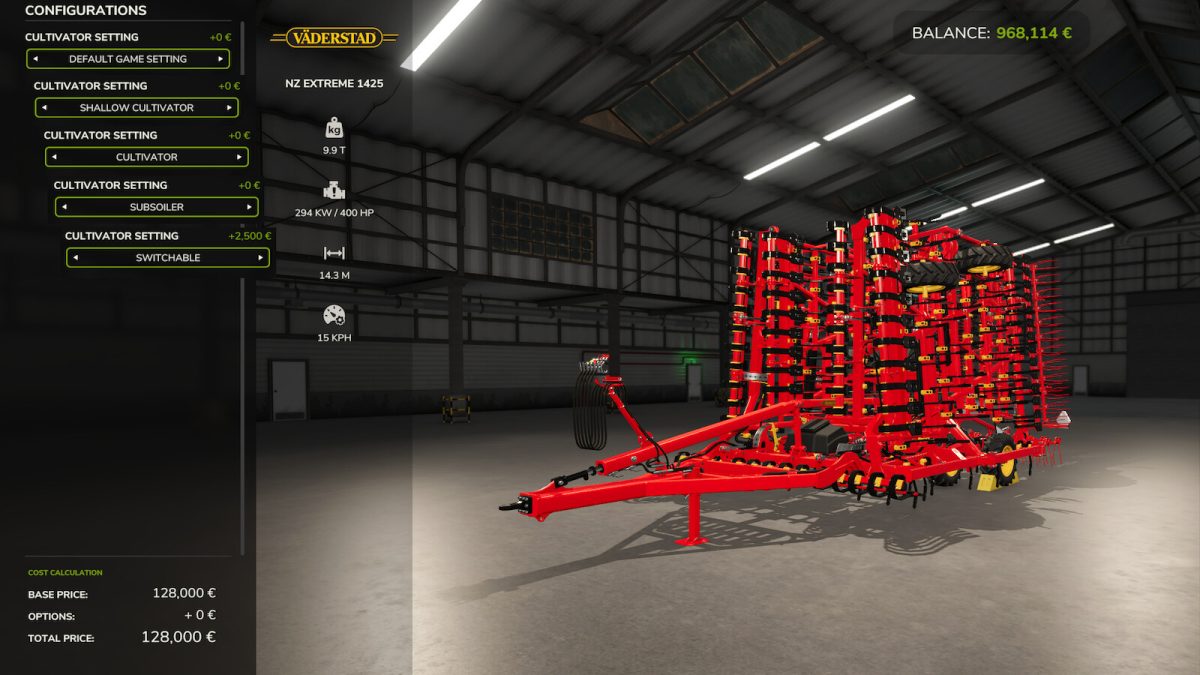
In the game, individual cultivators also have the option of being set to “flat cultivator” or “normal cultivator”.
With this modification, all cultivators get this option and can also be set to “deep cultivator”.
They can be configured in the store to a fixed working mode or as a variable cultivator, which can then be switched via the working mode (extra cost: €2,500). If a cultivator is to be used unchanged, this can also be configured in the store.
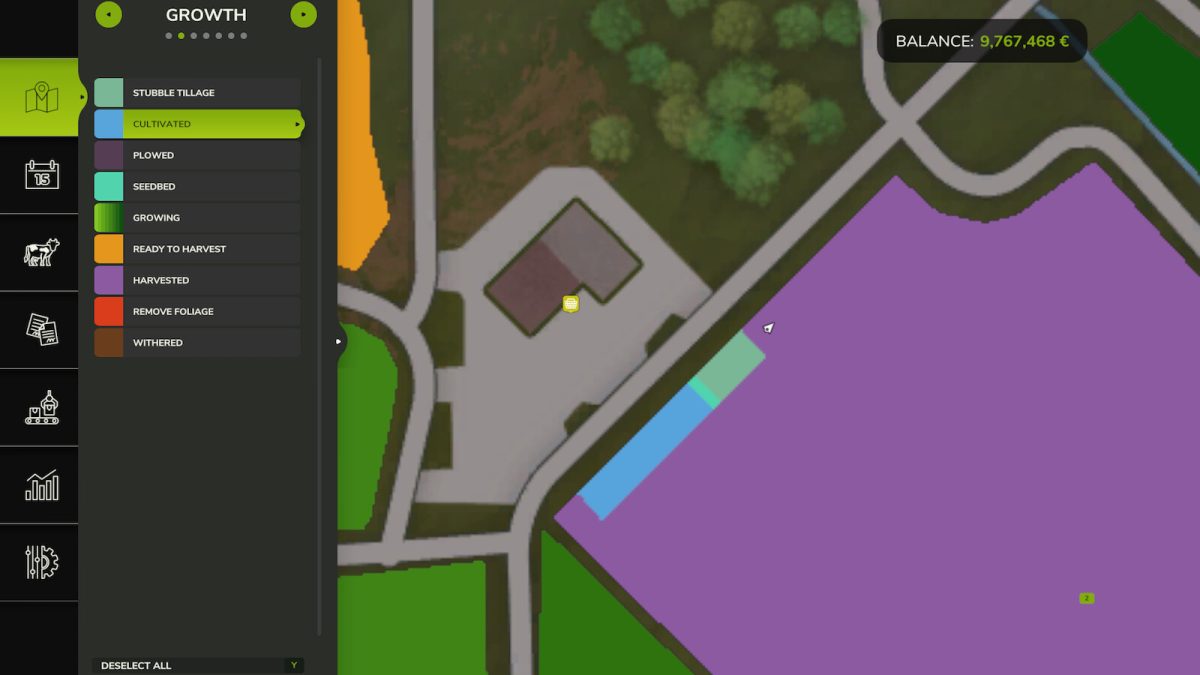
Soil cultivation with the deep cultivator replaces plowing.
Key combinations:
The cultivators are switched via the standard function “Switch working mode”
Version 2.0.1.0:
* Taking different soil types into account with PrecisionFarming
Credits:
Glowins Modschmiede


