

Crop Destruction Overhaul v 1.1


Take control of your impact on the field with a completely redesigned crop destruction system. This mod replaces the binary “On/Off” setting with a dynamic, physics-based approach that rewards precision and careful operation.
Key Features:
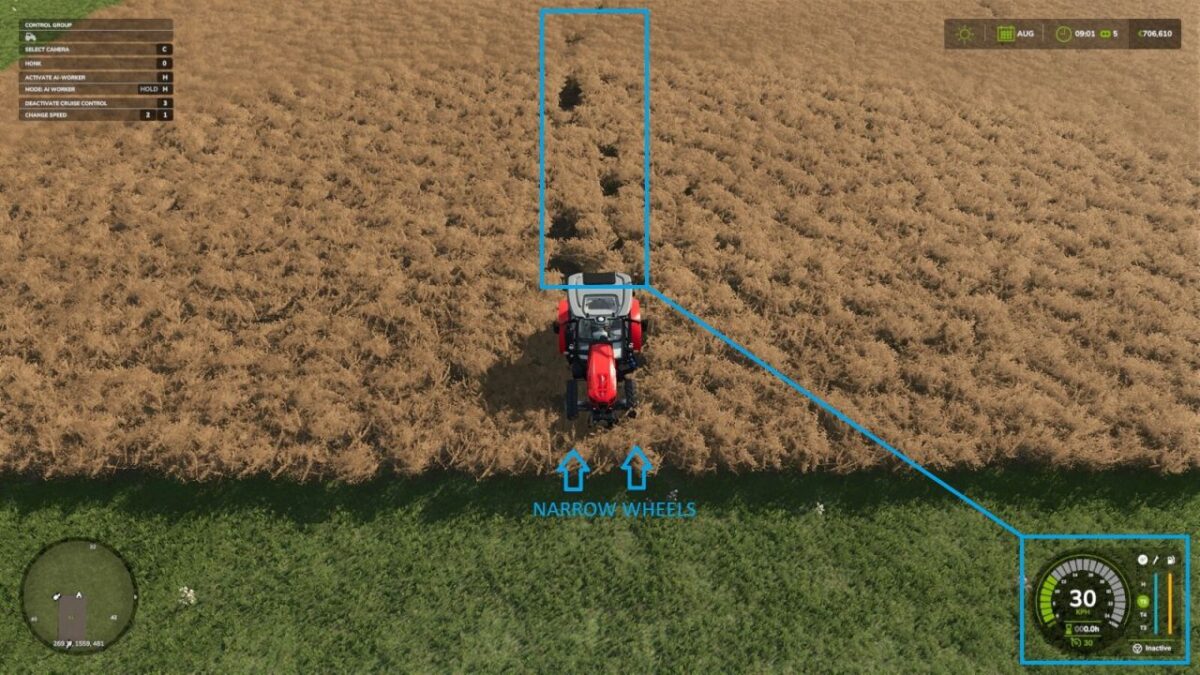
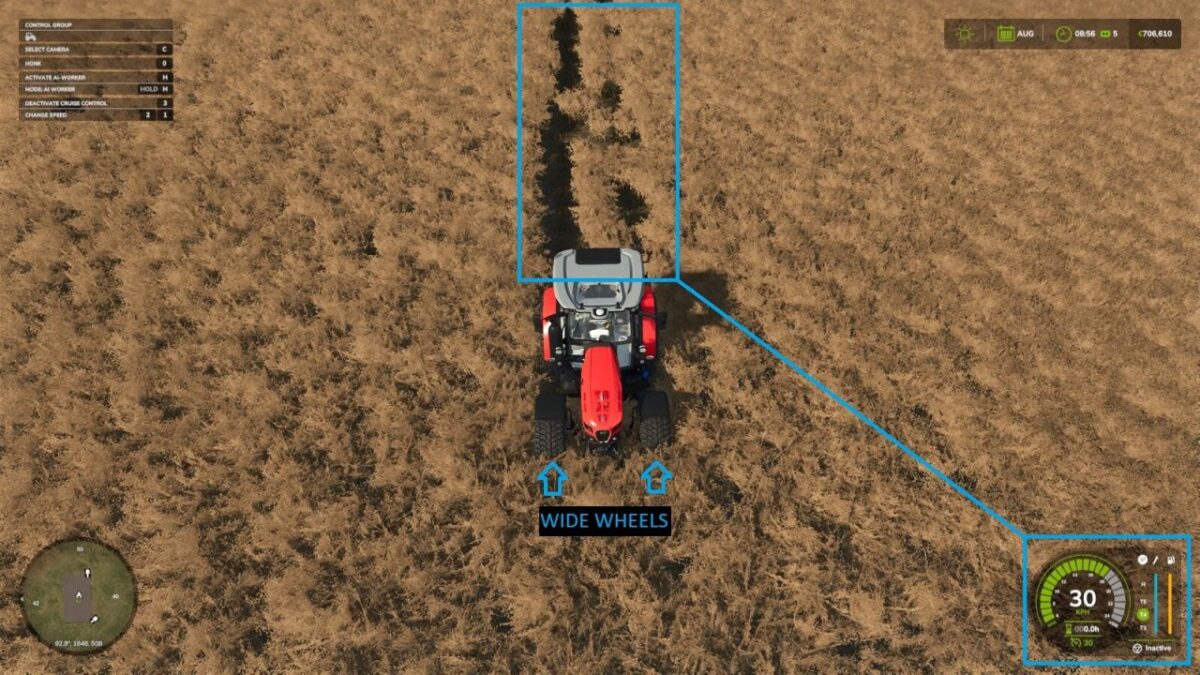
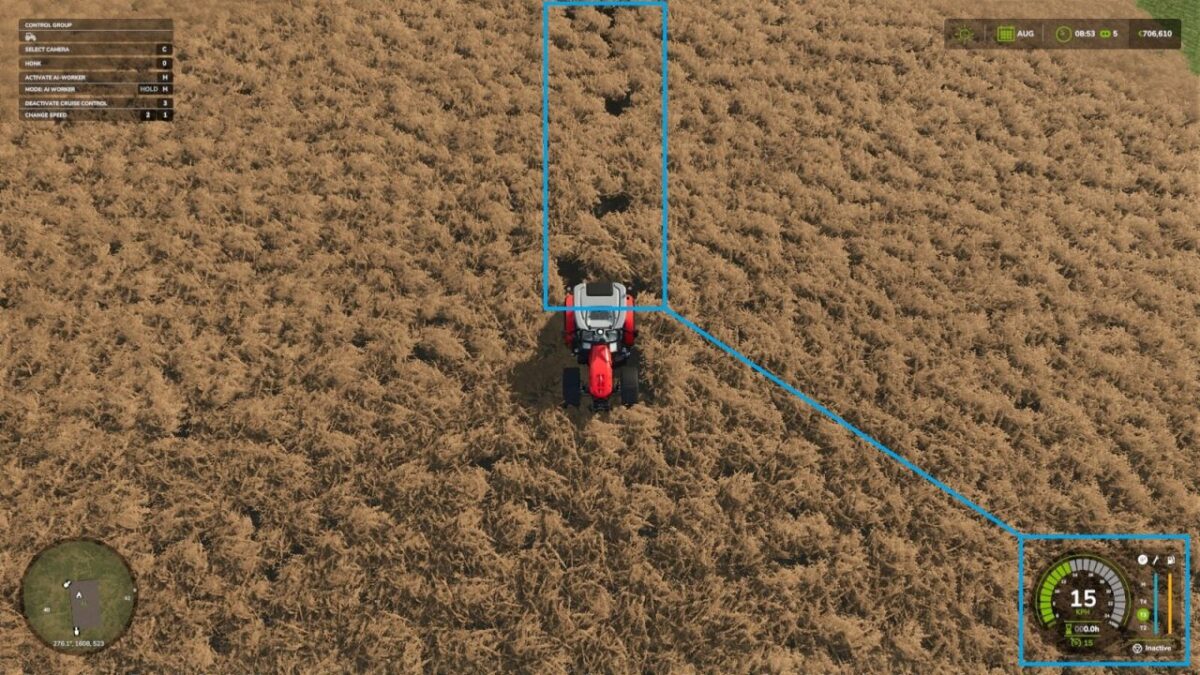
Crop damage is no longer binary or guaranteed. Instead of a single cutoff speed, the mod uses a 15-tier probability curve that increases gradually as you accelerate. At true creeping speeds, crops remain untouched. As your speed rises, the chance of destruction ramps up smoothly, making high-speed turns or transit through fields a calculated risk.
Footprint Matters: Destruction is calculated based on the actual physical contact area of your tires. Standard tires have a larger footprint and cause more damage, while narrower tires naturally minimize your impact.
Version 1.1:
* More detailed 15 tier non linear destruction model
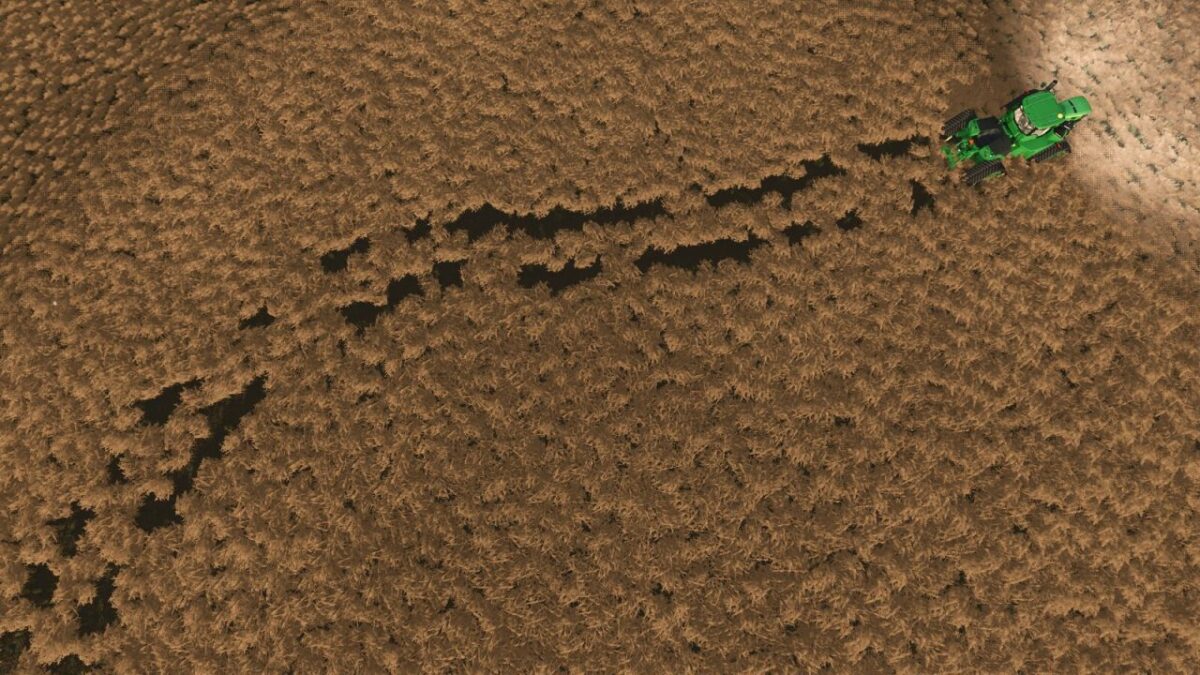
* More natural & detailed damage patterns
* Expanded localization
Vanilla crop destruction setting integration (off = off)
Credits:
TommyNookah


