FS25 Misc

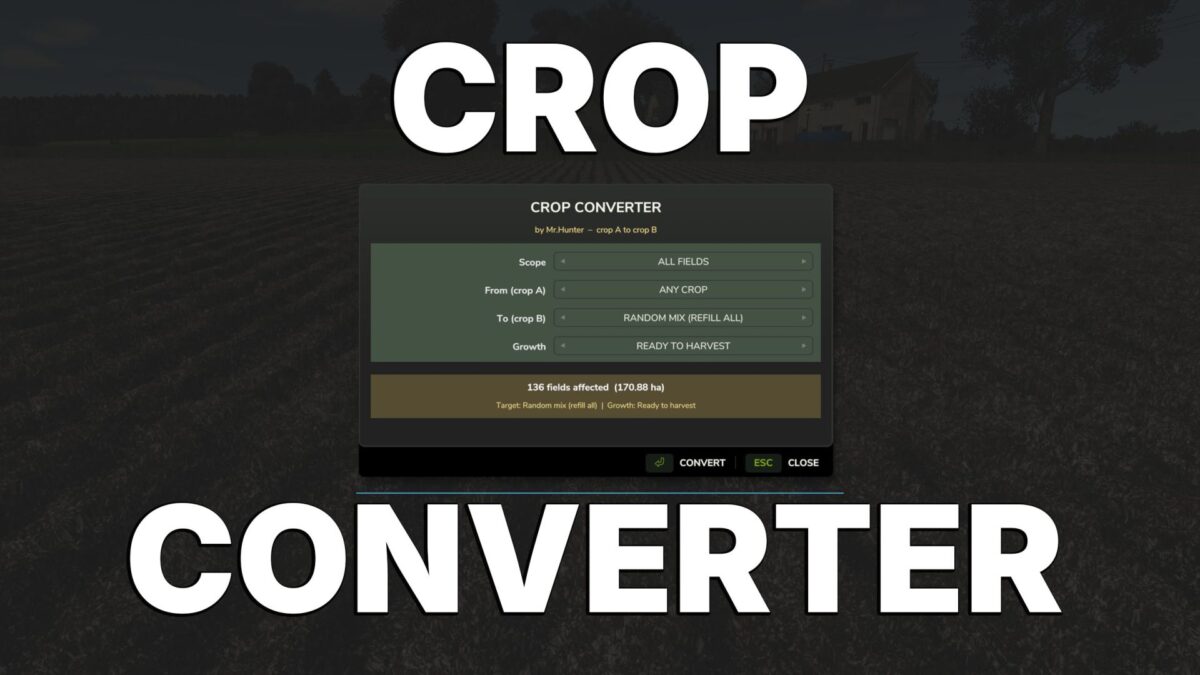
Crop Converter v 1.1

Crop Converter v 1.1

Your fields. Your rules. Your harvest.
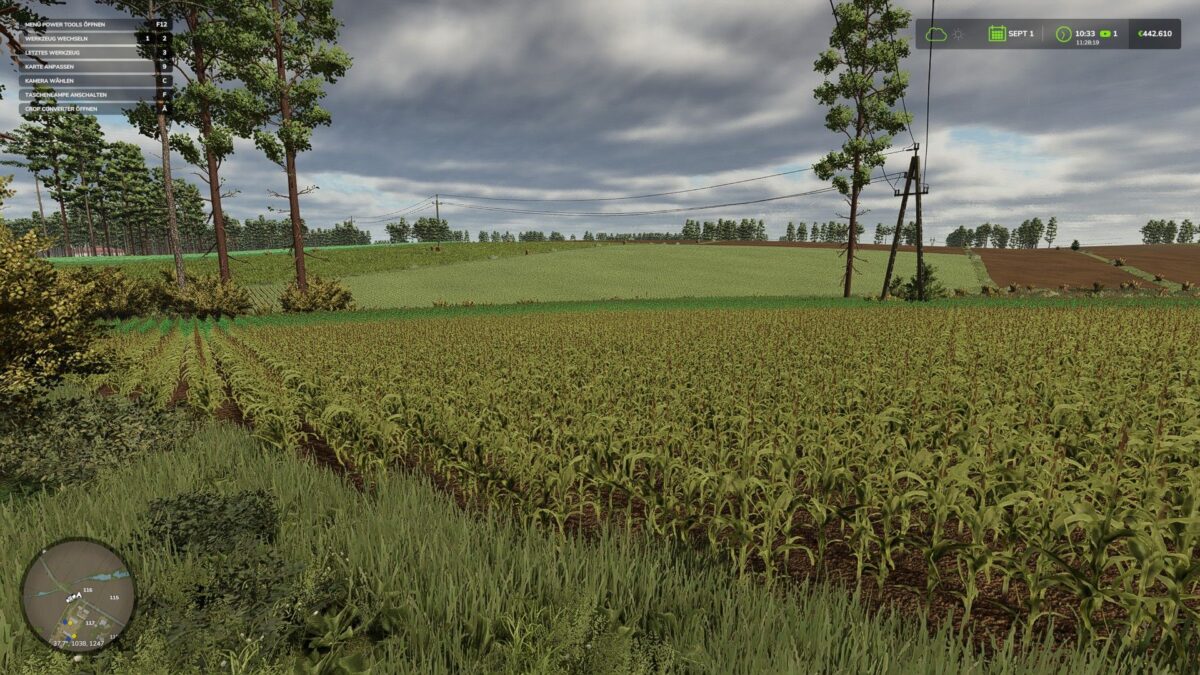
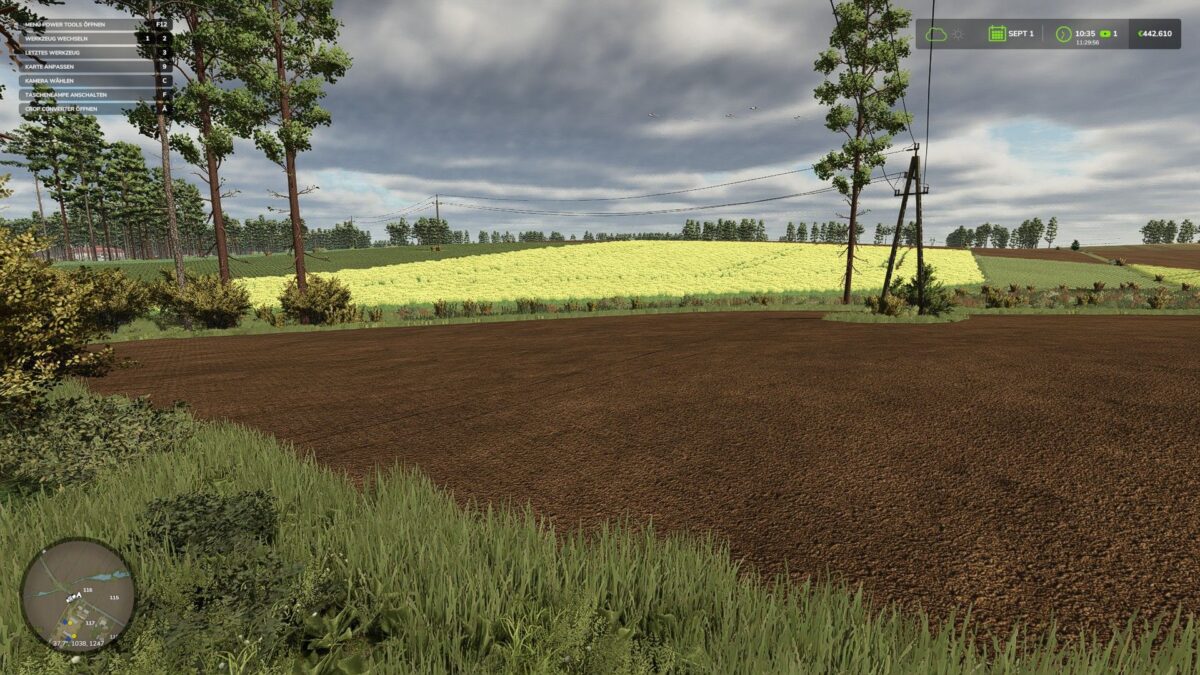
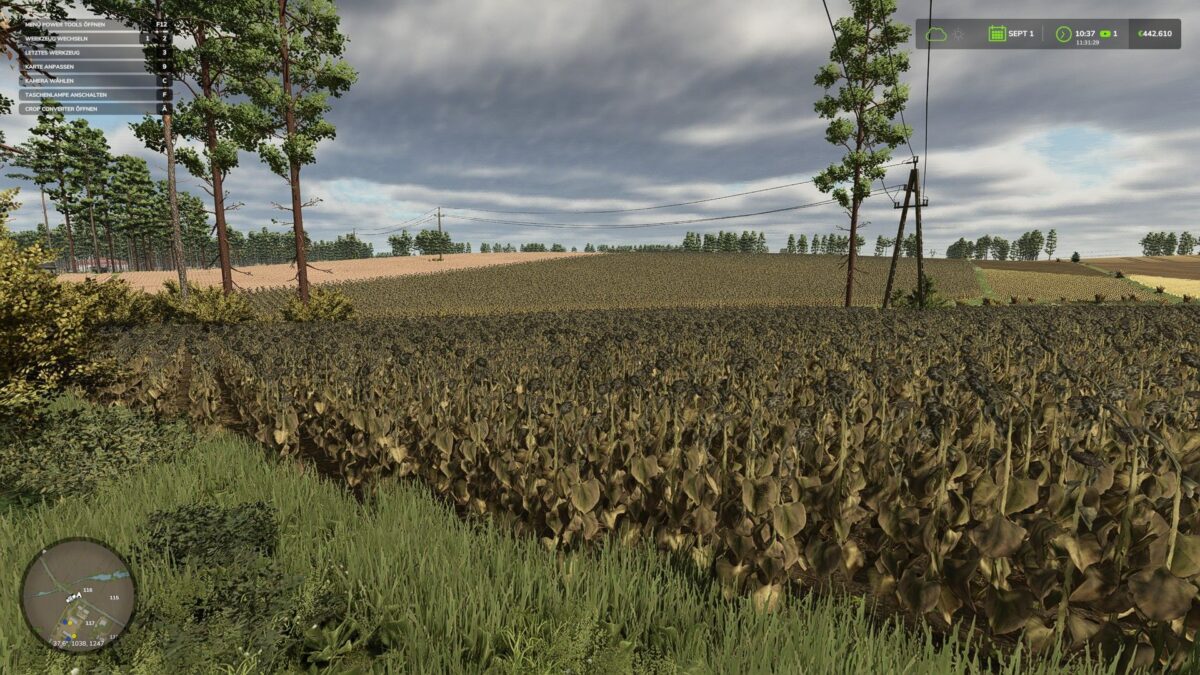
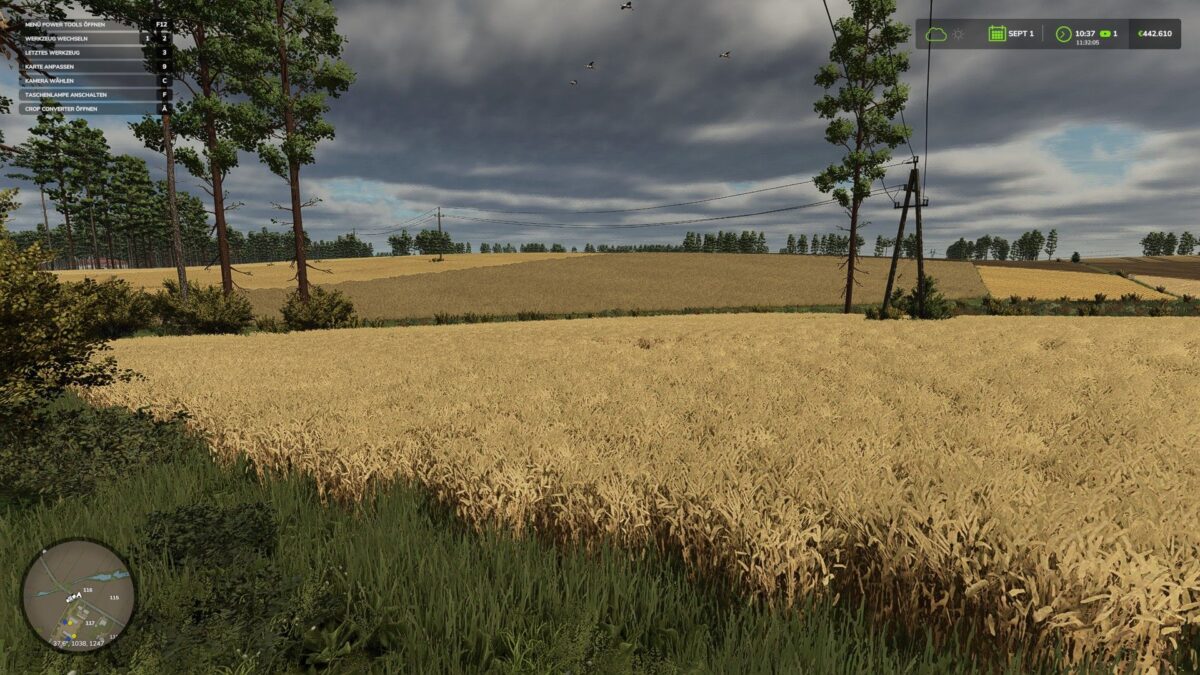
Want to quickly and easily change crops on your map? No problem!
With this mod, you can transform fields to your liking at any time – from one crop to another,
completely empty them, replant them, or even randomly redistribute them.
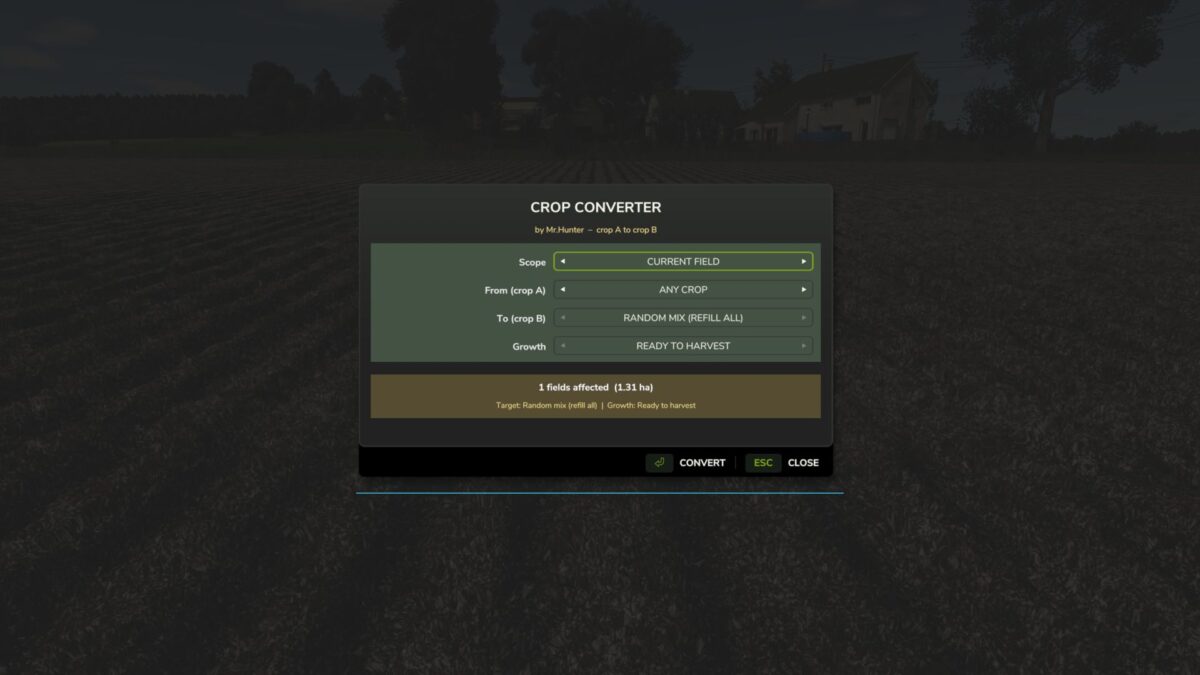
Whether you want to see all fields, only your own, or the current field – you decide! Map and mod fruits are also automatically recognized.

Live preview
Simple controls directly in the game
No additional mods or dependencies required
Field statuses such as fertilization, liming, and plowing status are retained
Fields with active jobs are automatically protected

One press of a button – and your entire landscape can change.
Only in single player mode or as host. A game backup is recommended before making major changes.

Credits:

Mr.Hunter

How to install FS25 Misc?
Firstly find a mod which you like and want to download. Then download a mod to your PC. Mods are usually in .zip format file. But sometimes it can be in .rar. If a mod file is a .zip format no needed additional actions. If a file is in .rar, then you must unarchive mod with software like WinRar or Zip7. Windows 10 users no need to use software for archives, Win10 itself has a feature to unarchive files.
The next step is to find mods folder in your PC. Usually, it is in Documents/My Games/Farming Simulator 25/2025. Open the "mods" folder and put downloaded .zip archive or unarchived .rar file to this folder.
Last step. Enjoy of FS25 mods!

Leave a Reply

Your email address will not be published. Required fields are marked *