

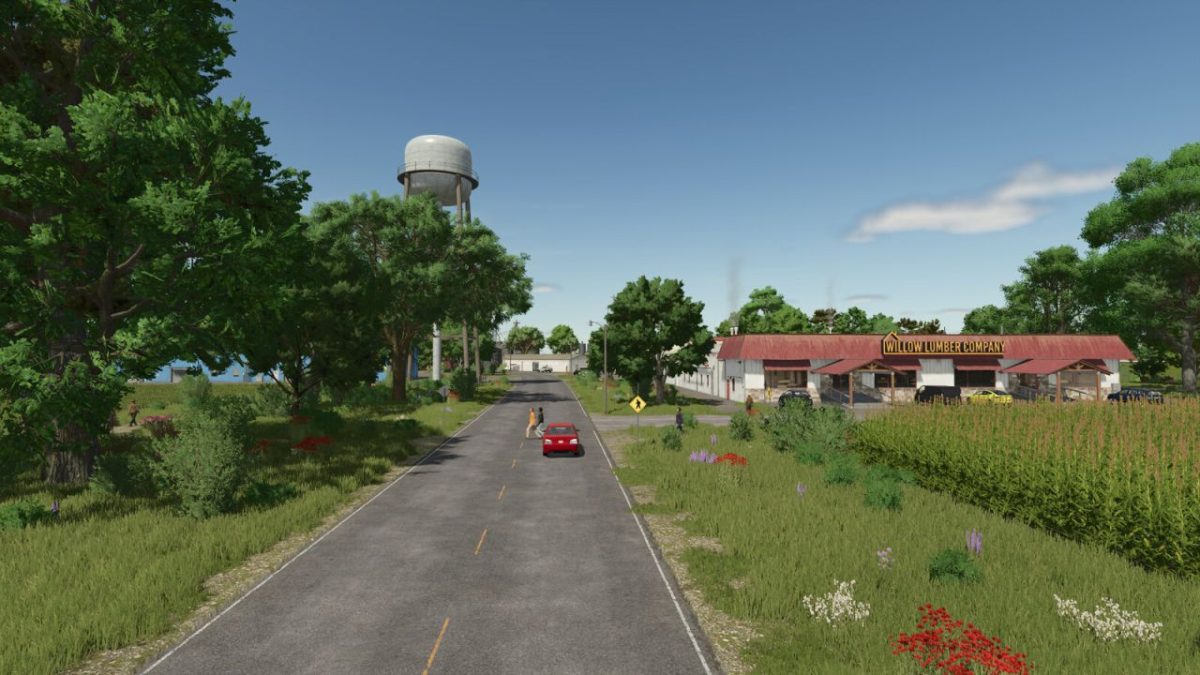
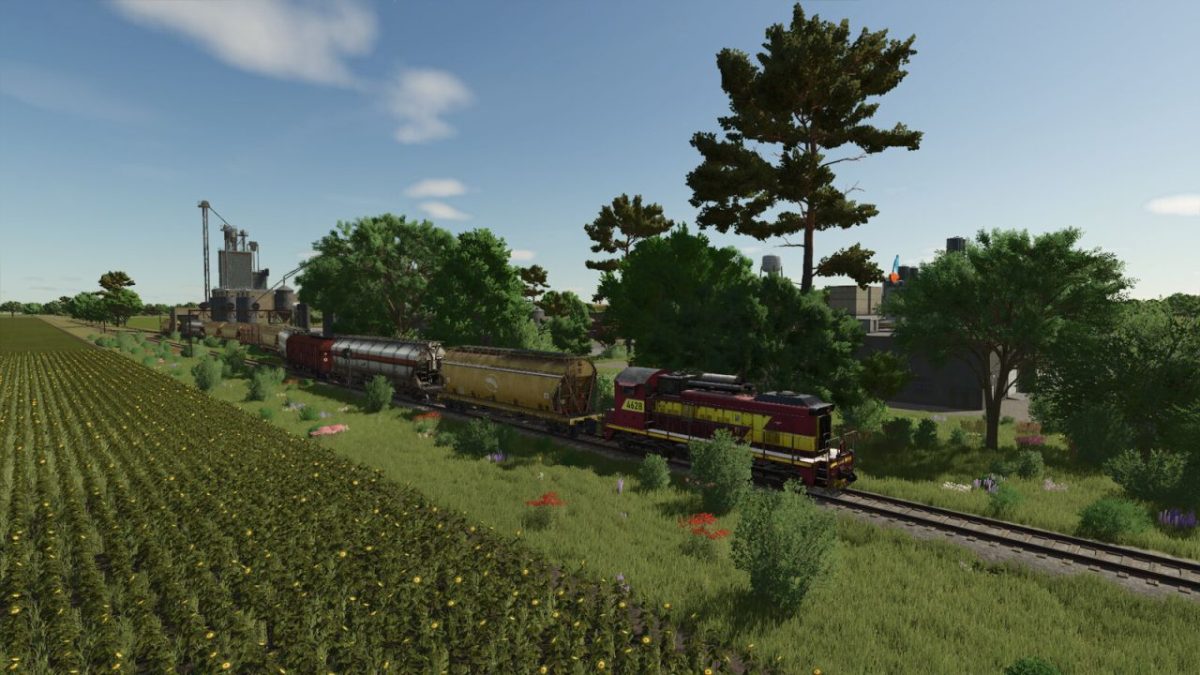
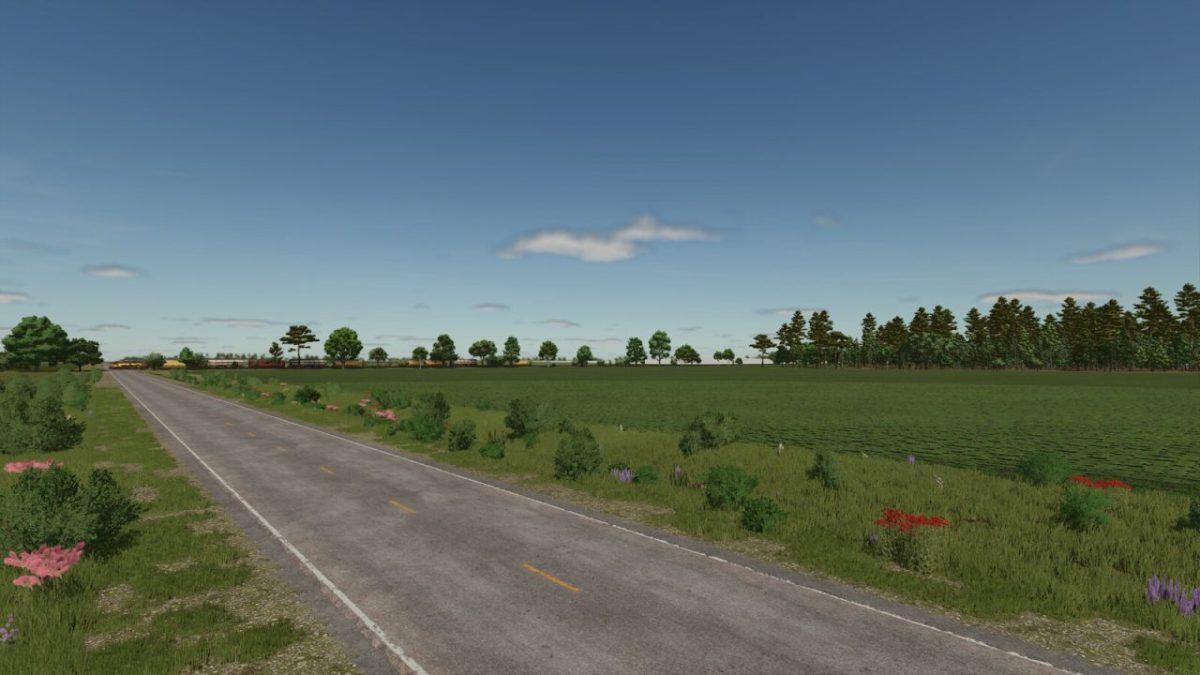
Courtright Line Map v 1.1


– 68 expansive fields, perfect for large scale farming
– Start from scratch — no prebuilt farms or starting equipment
– Multiple farm ready plots available, carefully paired with select fields
– Fully functional train system with additional grain cars for efficient transport
– Small animal dealer for livestock operations
– Two conveniently located fuel stations
– Sawmill for wood production needs
– Limited but purposeful forestry areas
– Handful of strategically placed sell points within a dedicated industrial park
– Farmers Market offering diverse selling opportunities
– And much more to discover as you build your farming empire
Version 1.1:
* Reworked all oversized weight maps to improve overall performance
* Enlarged a handful of farmlands to enable more field combination options
Credits:
FSG Modding - DaVaR


