

Courseplay v 8.1


Courseplay for Farming Simulator 25 is a long-standing and powerful automation mod that has been a staple in the Farming Simulator community for nearly 15 years.
Originally developed for earlier versions of the game, Courseplay has continually evolved, offering features far beyond the capabilities of the base game’s AI.
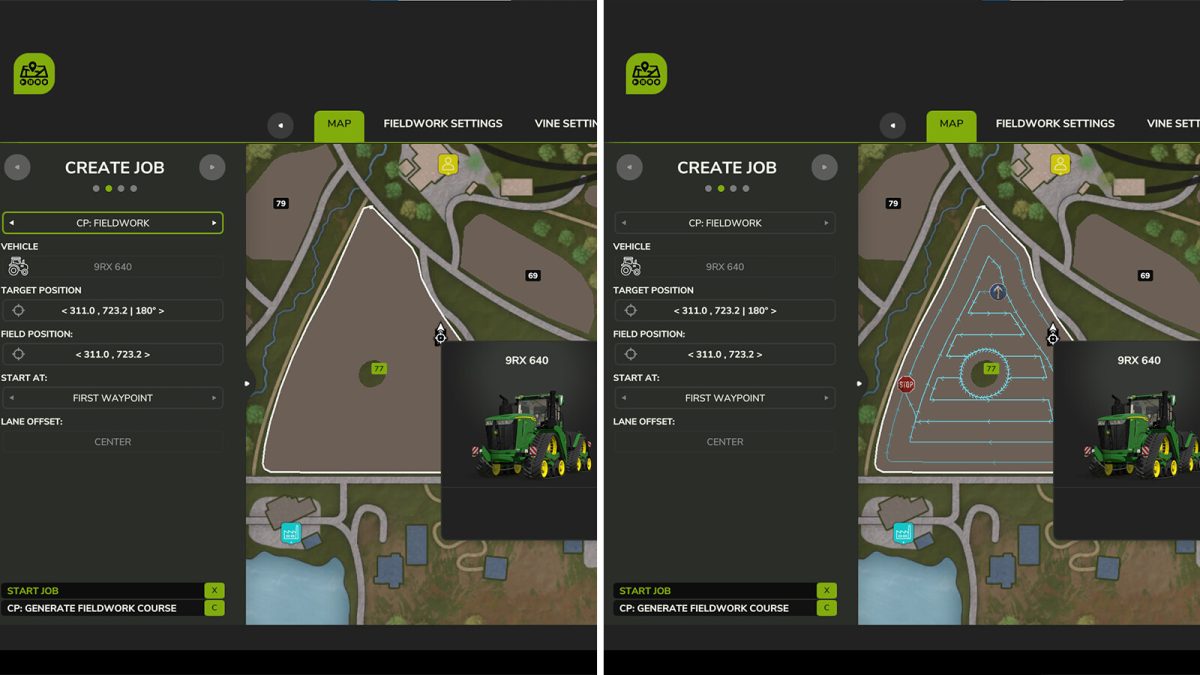
– Fully customizable course generation and editing,
– Multiple vehicles work together on the same field,
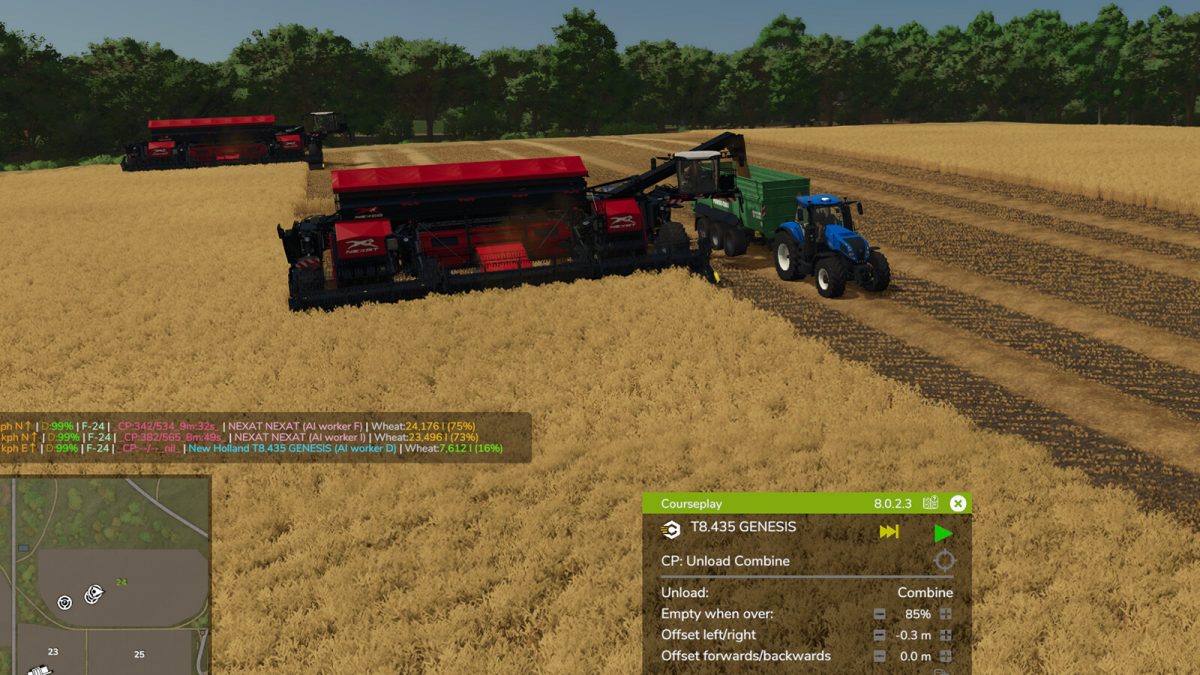
– Automated harvesting and unloading,
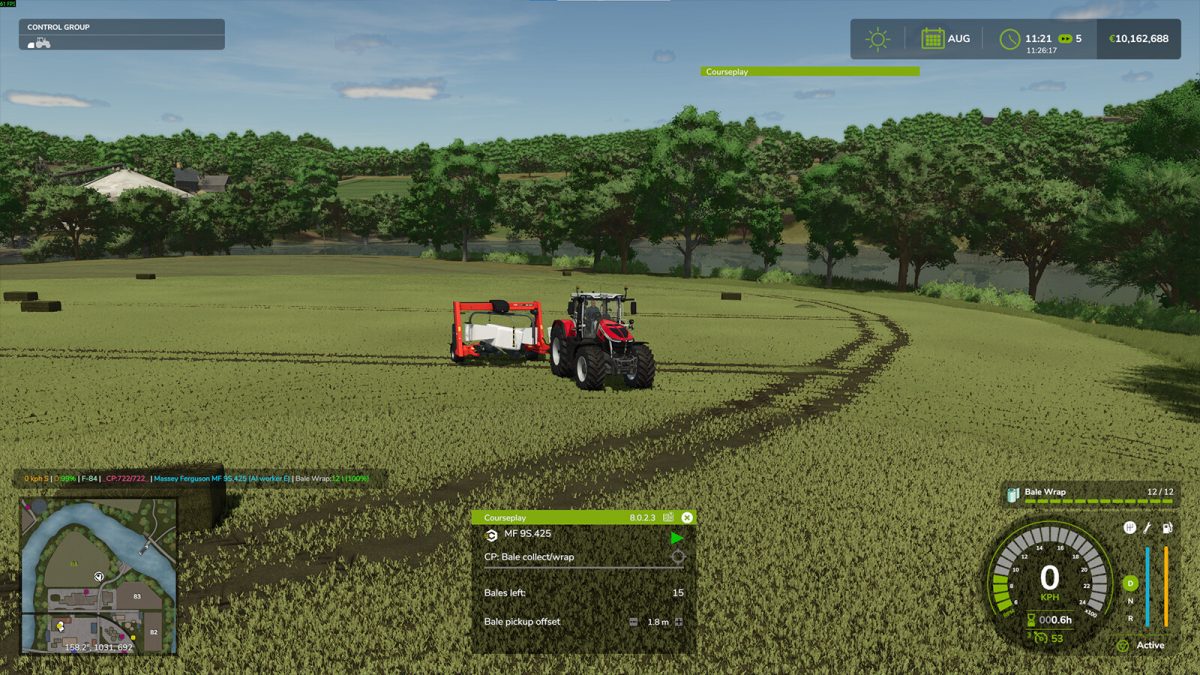
– Bale collection and wrapping,
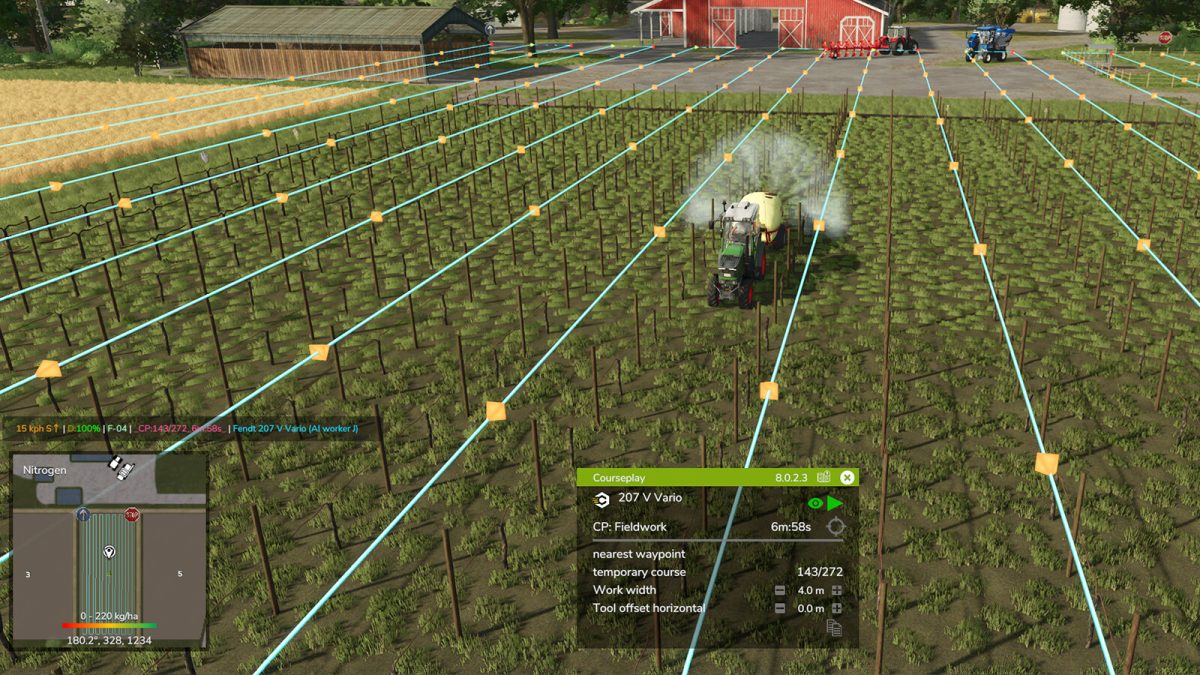
– Support for vineyards and specialty crops,
– Harvester self-unload,
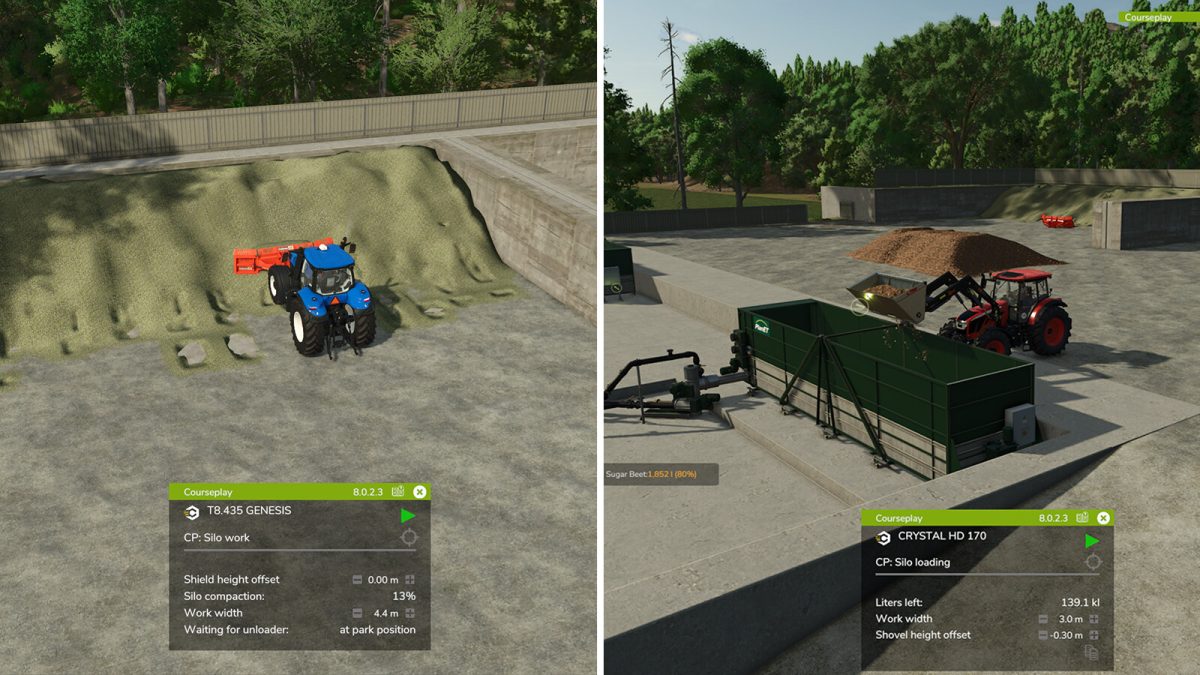
– Pick up heaps on the field or empty bunker silos with loaders or shovels,
– Bunker silo push and compaction.
It also integrates seamlessly with other mods like AutoDrive, making it ideal for managing large-scale farms.
Despite improvements to the in-game AI over the years, Courseplay remains the gold standard for automation in Farming Simulator, thanks to its flexibility, reliability, and active development community.
Version 8.1:
* UI rework
* Same great functionality as in FS22
* Course Editor got its own construction screen
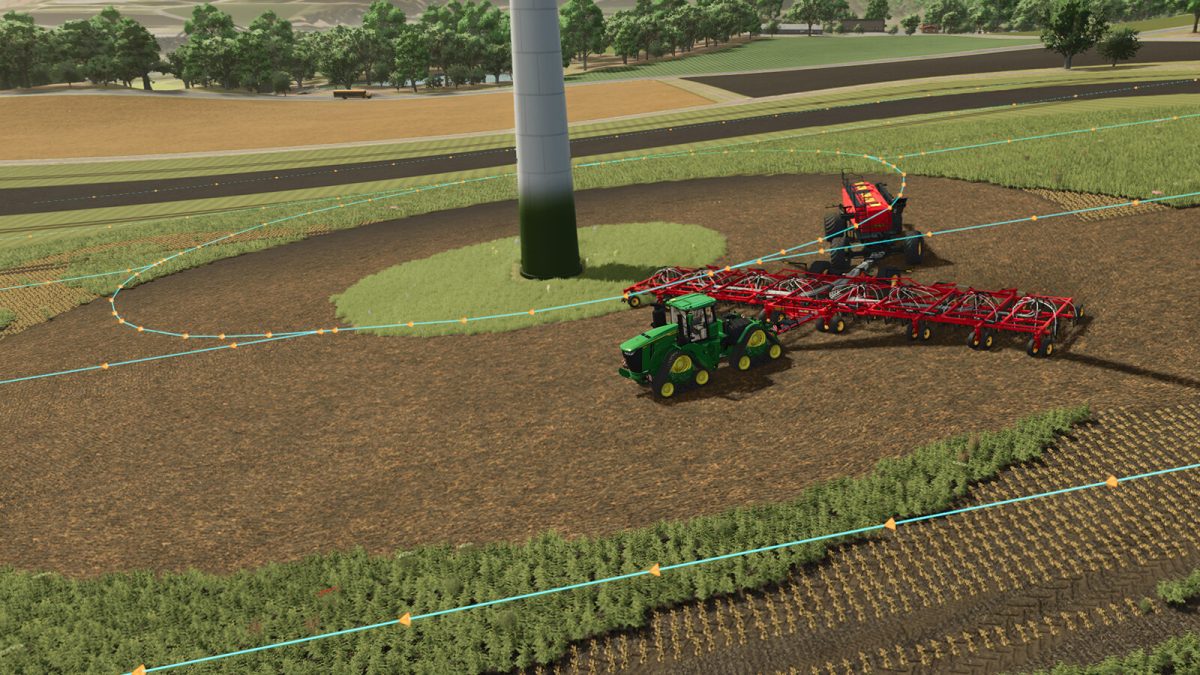
* New loop turn for headland for towed tools that can’t be driven in reverse, like a seeder with grain cart (can be turned on in the vehicle settings)
* Faster pathfinding using jump point search
* Requires the latest game patch
Credits:
Courseplay.devTeam


