

Configurable Sales v1.0.2.0


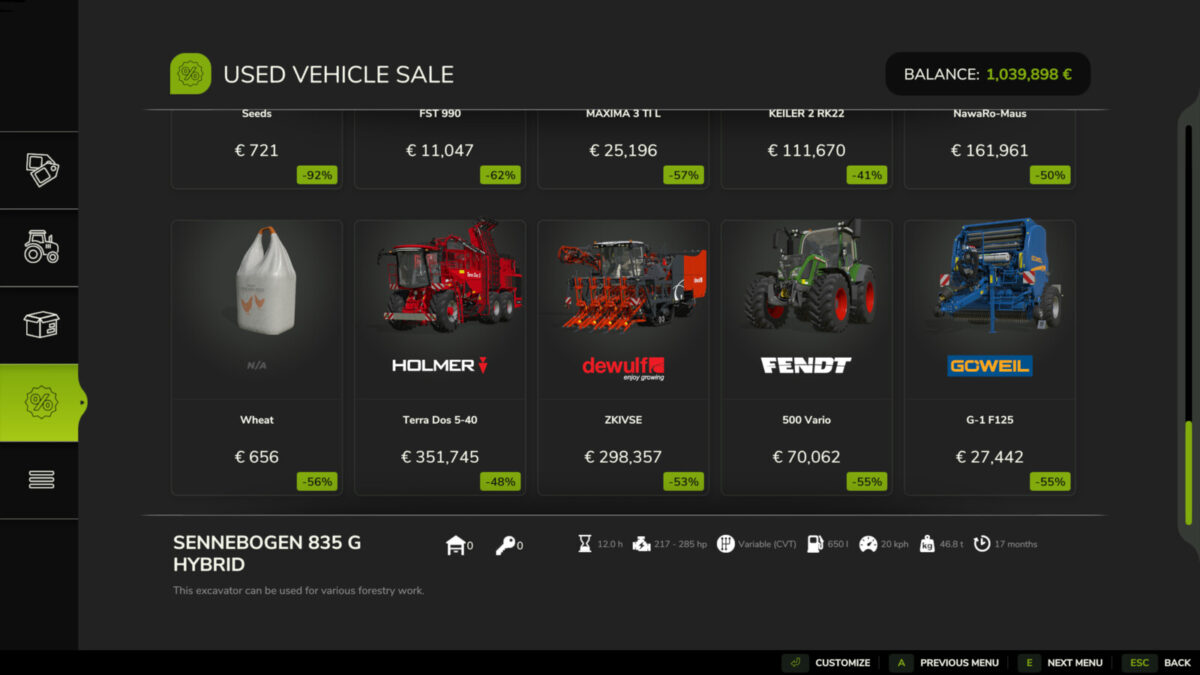
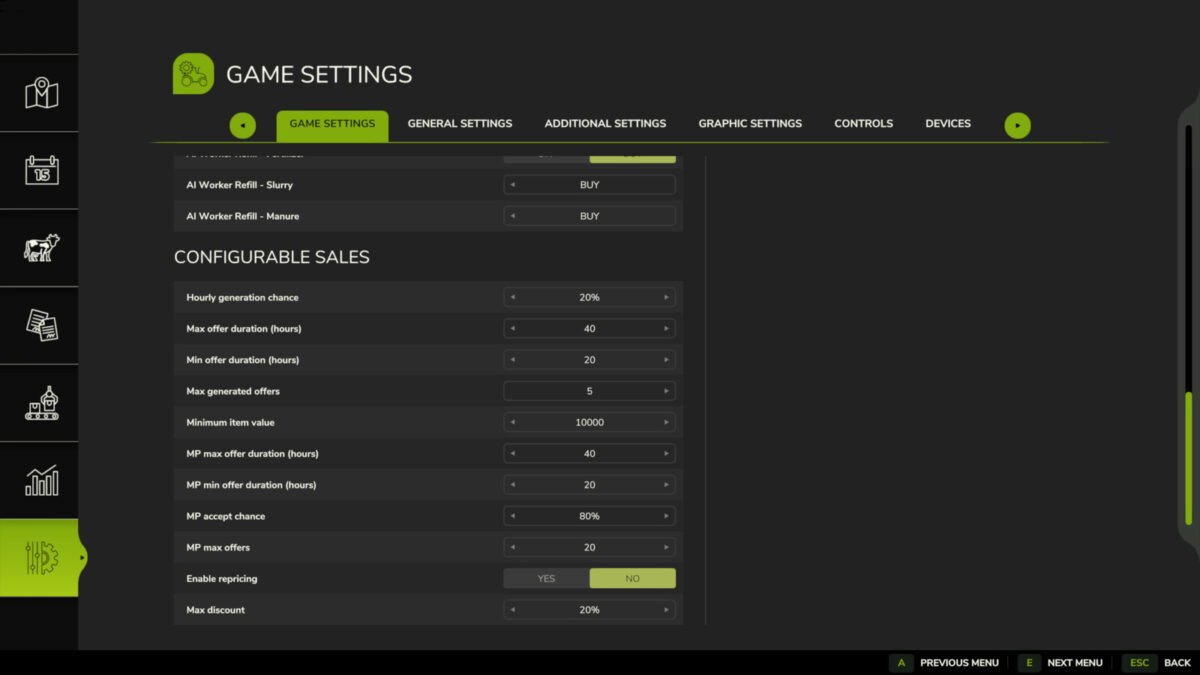
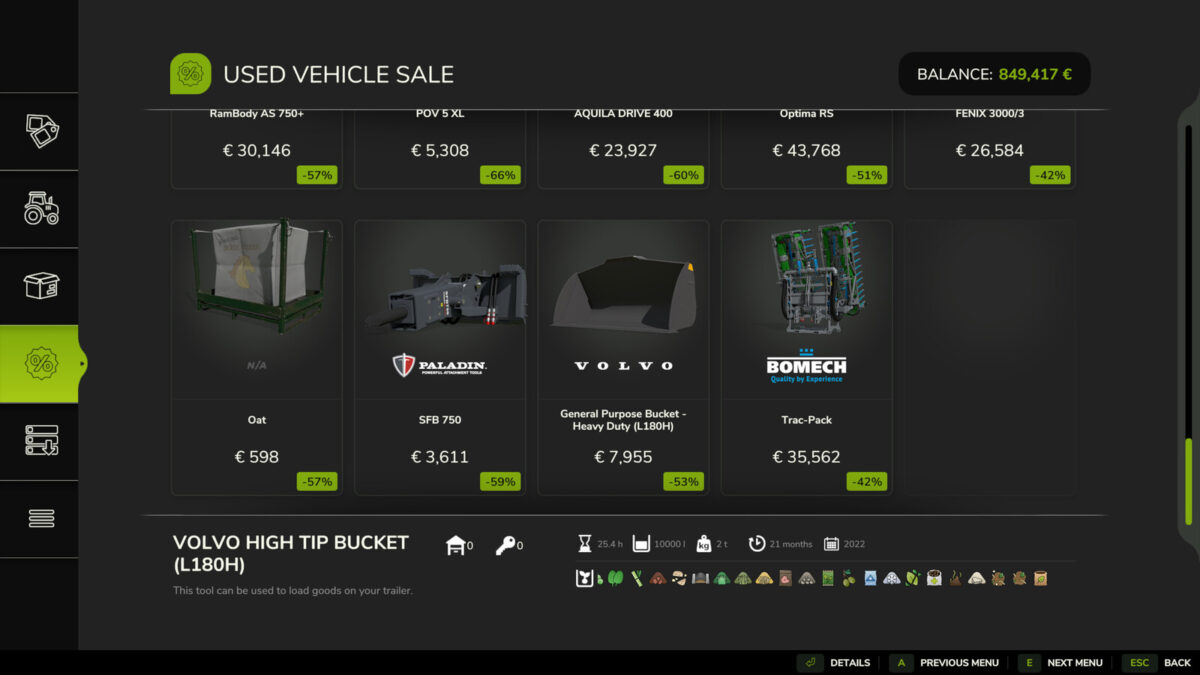
This mod for Farming Simulator 25 unlocks a large number of used vehicles and machines in the store menu. All settings can be configured directly in-game via the pause menu > Settings > Configurable Sales section.
Changelog 1.0.2.0:
– Repricing: fixed repriced prices jumping up when a new offer is added.
– Repricing: the max discount now takes the vehicle configurations into account.
– Repricing: no more errors on offers whose store item is missing or has no price.
– Multiplayer: settings and repricing are handled by the server only; the settings are no longer shown on clients.
– Repricing: changes are now applied to current offers when leaving the settings page.
– Clearer tooltips explaining how repricing reduces discounts.
Changelog 1.0.1.0:
– Fixed settings not being saved to the savegame (settings now persist after saving and reloading).
Credits:
JulLeBarge


