
FS25 Misc

Coming Home Function v 1.0

Coming Home Function v 1.0

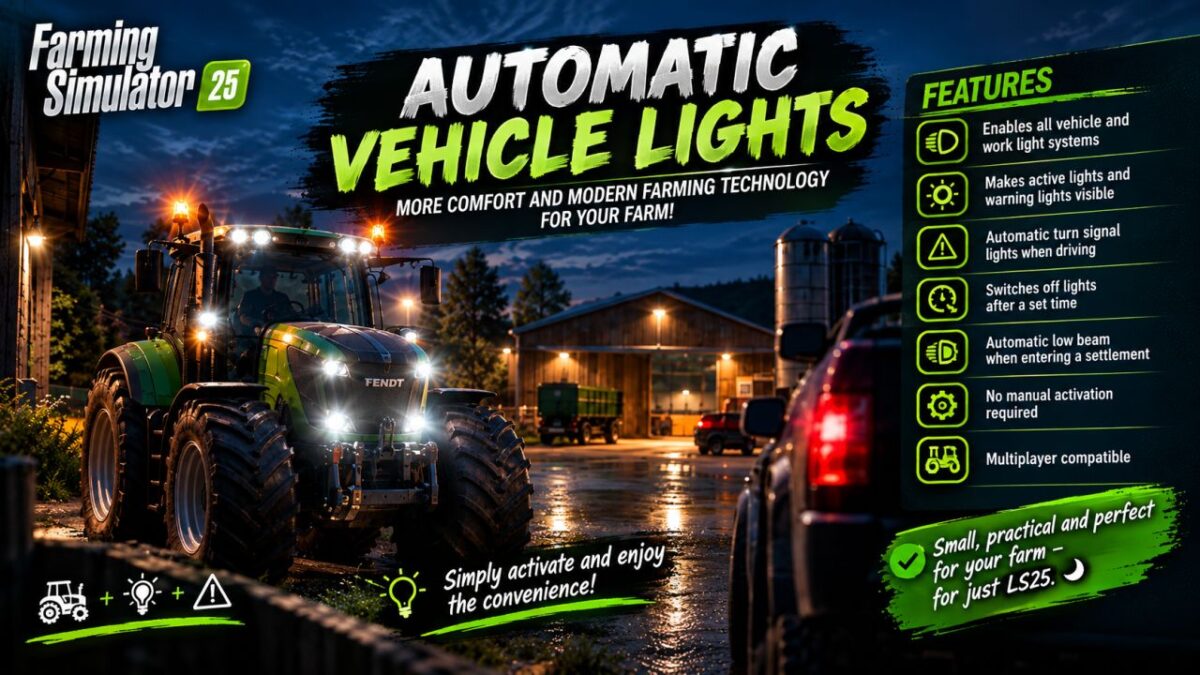
More comfort and modern vehicle technology for your farm.

Features:
Low beam headlights and hazard warning lights when approaching
Vehicle lights remain switched on when exiting the vehicle.
Automatic hazard warning lights when exiting the vehicle
Shutdown after 5 seconds
Immediate shutdown upon entering
Only the nearest vehicle reacts.
No activation of trailers or attachments
Multiplayer compatible

Small, practical, and perfect for adding even more atmosphere to Farming Simulator 25.
Simply put it in the mods folder, activate it, and enjoy.

Credits:

Dirtdevil99
How to install FS25 Misc?
Firstly find a mod which you like and want to download. Then download a mod to your PC. Mods are usually in .zip format file. But sometimes it can be in .rar. If a mod file is a .zip format no needed additional actions. If a file is in .rar, then you must unarchive mod with software like WinRar or Zip7. Windows 10 users no need to use software for archives, Win10 itself has a feature to unarchive files.
The next step is to find mods folder in your PC. Usually, it is in Documents/My Games/Farming Simulator 25/2025. Open the "mods" folder and put downloaded .zip archive or unarchived .rar file to this folder.
Last step. Enjoy of FS25 mods!

Leave a Reply

Your email address will not be published. Required fields are marked *