
FS25 Misc

Combine Straw Refeed v 1.0

Combine Straw Refeed v 1.0

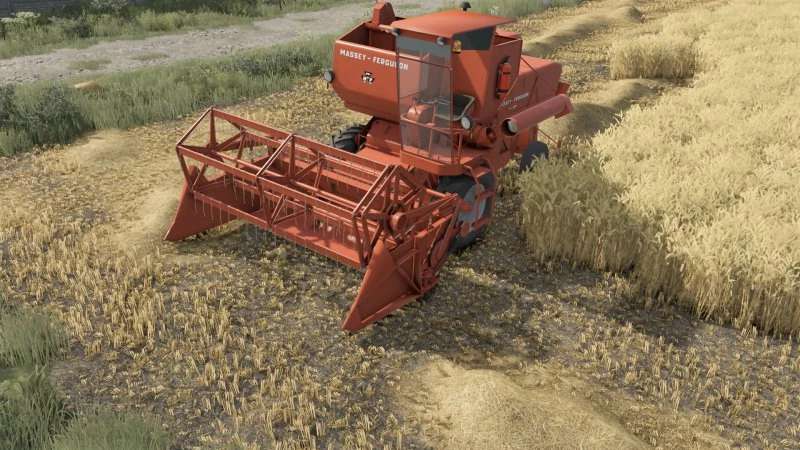
This is a script spent some time working on to improve the realism of combine harvester operation during harvesting.
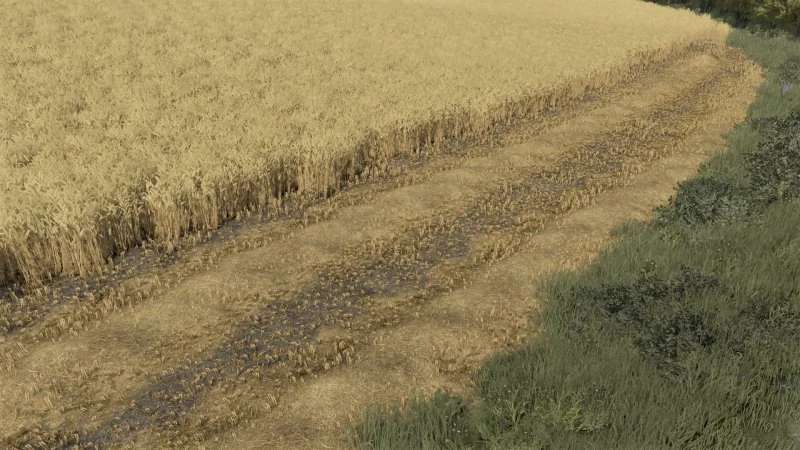
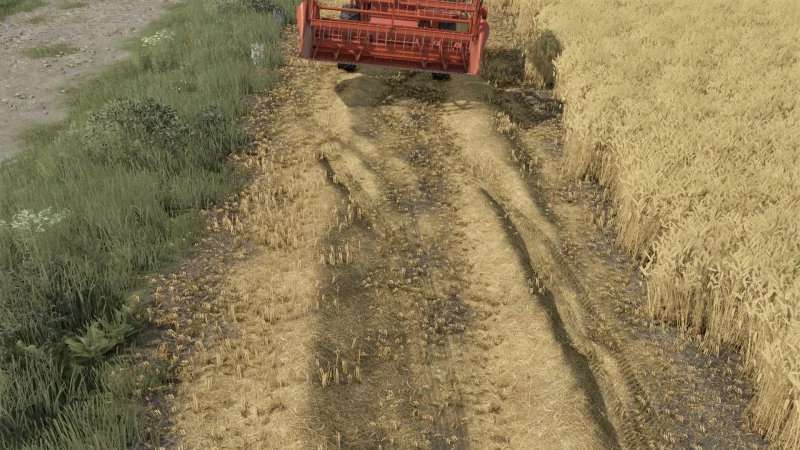
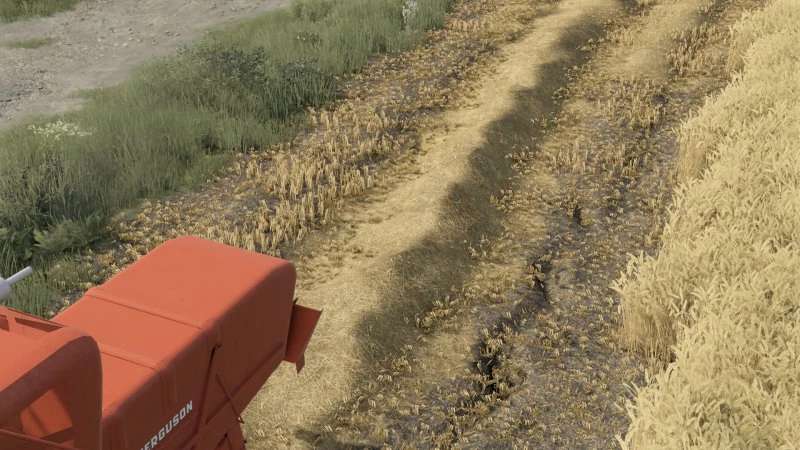
In the standard game, after straw is thrown into the field, it becomes a swath and there’s no further interaction with it. This mod changes that.

During mowing, if you drive the combine over a swath of straw with the header lowered, the machine will begin collecting it again. The collected straw is then placed inside the combine and discharged out the rear again, just like during normal operation.

Credits:

Miziuu

How to install FS25 Misc?
Firstly find a mod which you like and want to download. Then download a mod to your PC. Mods are usually in .zip format file. But sometimes it can be in .rar. If a mod file is a .zip format no needed additional actions. If a file is in .rar, then you must unarchive mod with software like WinRar or Zip7. Windows 10 users no need to use software for archives, Win10 itself has a feature to unarchive files.
The next step is to find mods folder in your PC. Usually, it is in Documents/My Games/Farming Simulator 25/2025. Open the "mods" folder and put downloaded .zip archive or unarchived .rar file to this folder.
Last step. Enjoy of FS25 mods!

Leave a Reply

Your email address will not be published. Required fields are marked *