

Collision Damage v 1.0


Adds additional vehicle damage after stronger collisions.
The mod uses the existing Giants damage system. It does not add visible deformation, but the normal vehicle damage value increases and can be repaired as usual.
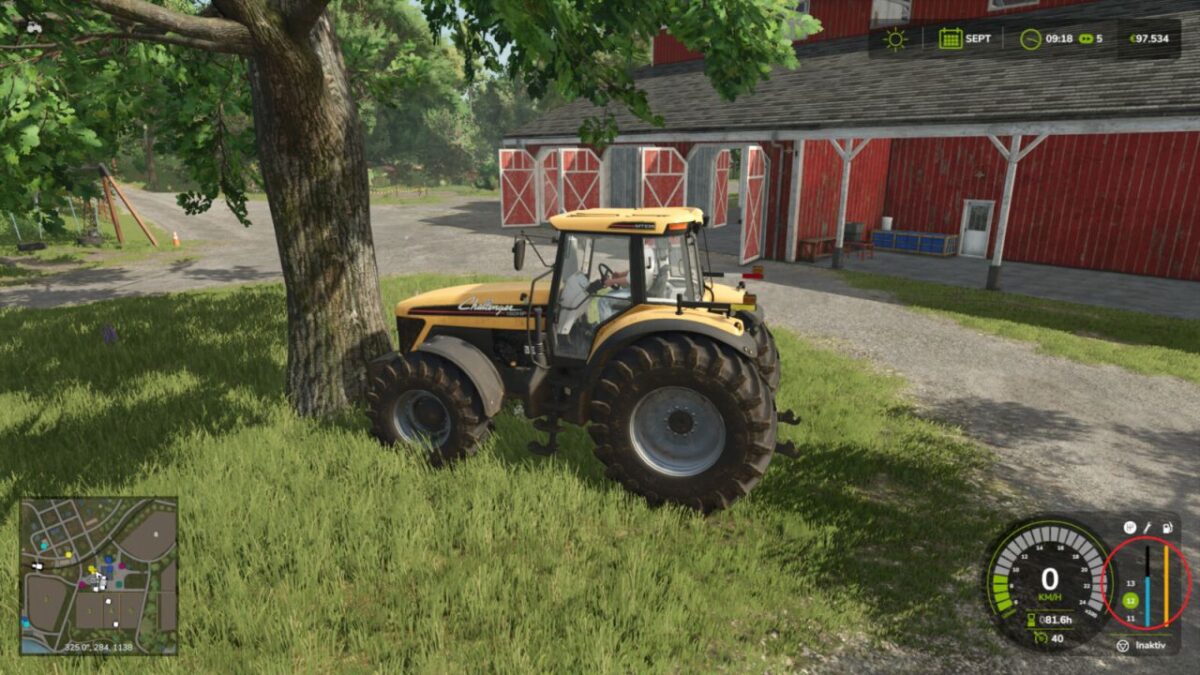
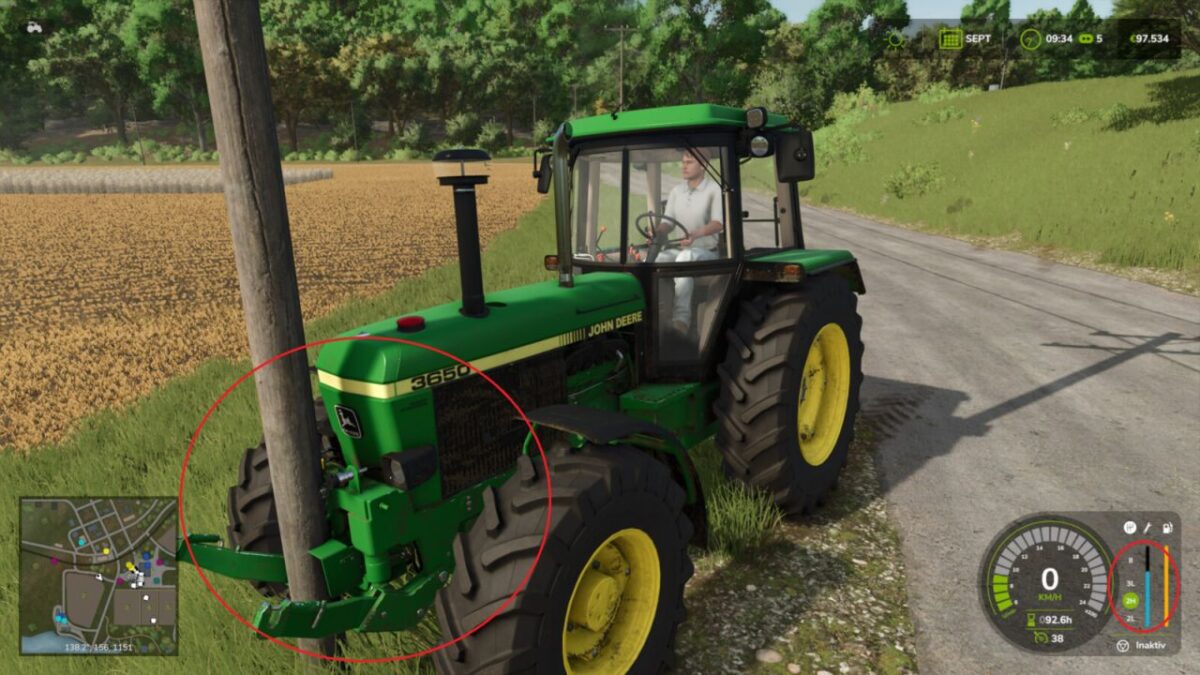
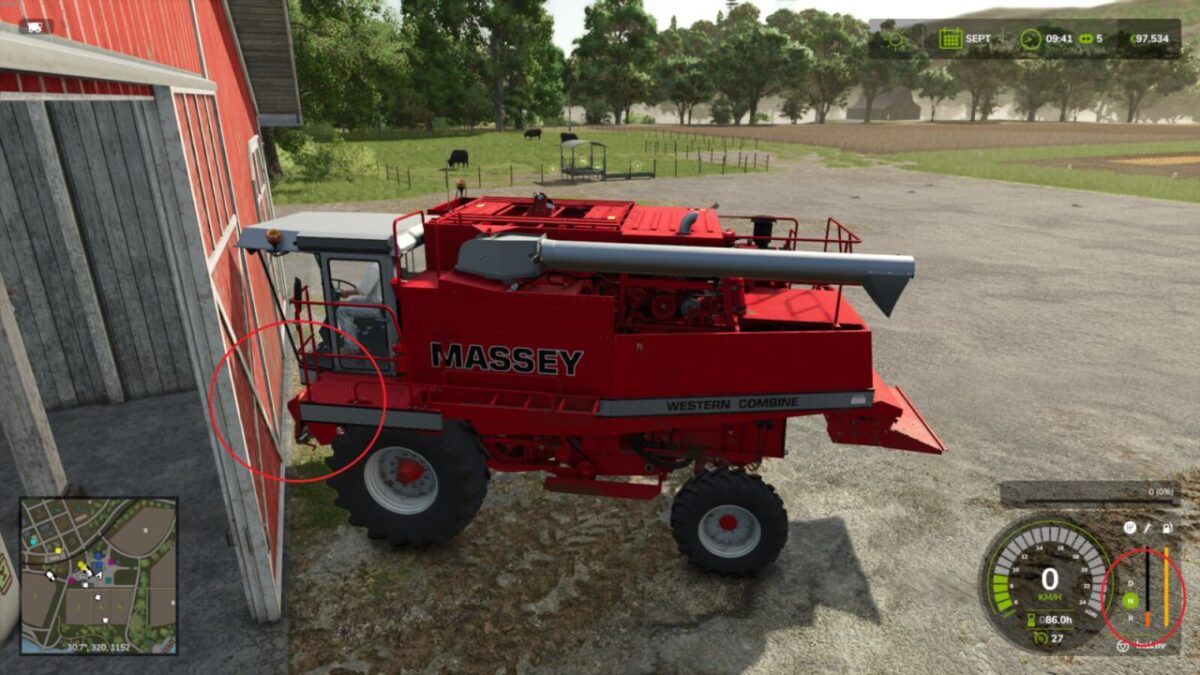
The mod can detect frontal, angled and side impacts. When two usable vehicles, trailers or tools collide, the hit object can receive the same additional damage amount if it has its own damage system.
Static obstacles such as buildings, trees, terrain, map boundaries, water planes and common interaction areas are not damaged. Attached tools or trailers belonging to the driven vehicle train are not counted as a second crash participant.
Damage calculation runs on the server side and uses the game’s existing saving and synchronization.
Hotkeys:
None. The mod works automatically.
Credits:
Dude23


