

Clover and Alfalfa Texture v 1.0.0.1


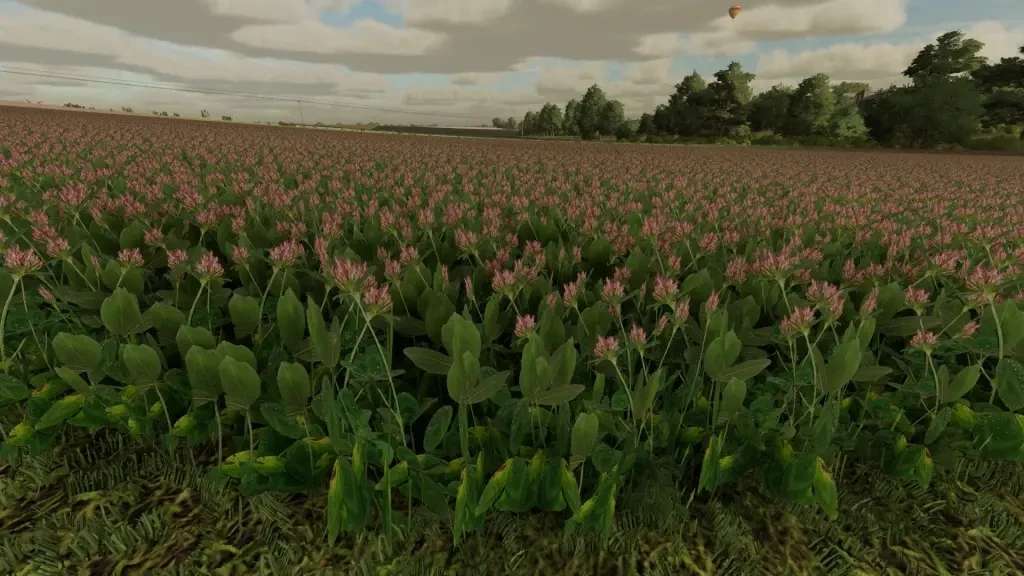
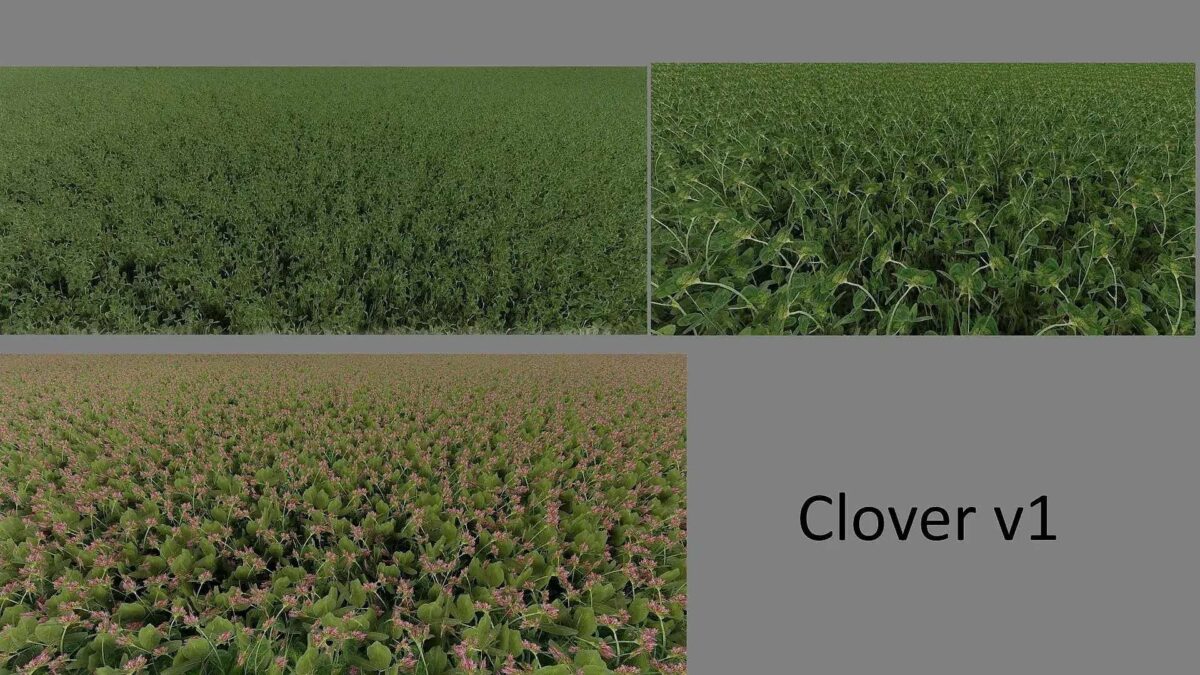
Clover and Alfalfa Texture v 1.0.0.1 brings various enhancements to the visual representation of these crops in Farming Simulator. This version addresses previous issues where the 2nd growth level at the top of the plants was cut off, ensuring a more complete appearance. Additionally, the background has been adjusted, allowing the 2nd growth level to be visible and bright from a distance, replacing the dark elements that may have affected visibility before. Brightness and saturation adjustments have also been made to improve the overall aesthetic quality of clover and alfalfa in the game. This update aims to provide players with a more immersive farming experience by enhancing the realism of these crops.
Version 1.0.0.1:
* Added that the 2nd growth level at the top is no longer cut off
* Adjusted the background so that the 2nd growth level is no longer dark and visible from a distance
* Adjusted the brightness and saturation again
Credits:
johannesG


