

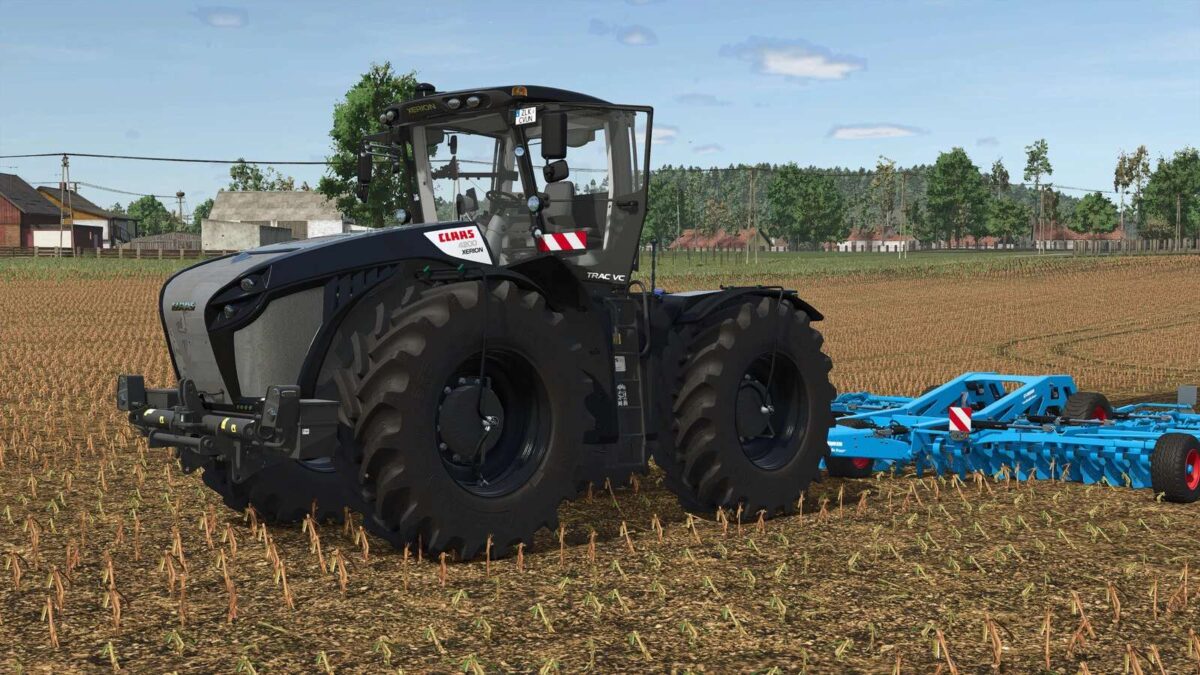
Claas Xerion 4200/5000 v 1.0.0.1


– Claas Xerion 4200/5000
– Large Tractors category
– Price: $495,610
– Power range: 420 – 530 hp
– Maximum speed: 55 kph
– Multiple tire configurations
– EU and US design options
– Rear ballast range: 200kg to 3400kg
– Grid options: Normal / Design line
– Front attachment configurations
– Customizable colors for main body, rims, and roof
– Interactive door animations
The Claas Xerion 4200/5000 mod offers a powerful addition to your farming fleet with options that cater to various farming needs. With a horsepower range of 420 to 530 hp, this large tractor boasts a maximum speed of 55 kph, making it suitable for a variety of tasks on the farm.
The mod features several configurations, including tire options that allow for increased adaptation to different farming conditions as well as options for EU or US designs to fit your aesthetic preferences. You can adjust the rear ballast from 200kg to 3400kg for improved stability while working.
Customization extends to both the grid design and front attachment options, which include default settings, front weights ranging from 1800kg to
Version 1.0.0.1:
* Fixed the color configuration
Credits:
Hans


