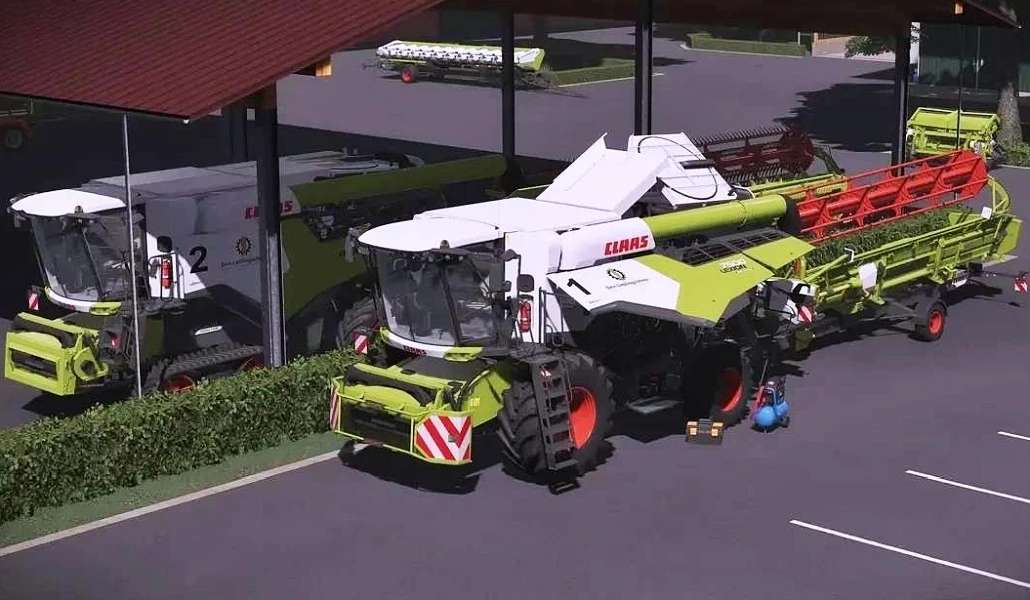
Claas Lexion Series Pack v 2.0


– All animations already known from the pack (top and maintenance flaps, doors, ladder, tank cap, sun visors
– Folding the bunker in/out
– Pipe control (folding in/out, bunkering, light)
– Cutting unit control (on/off, up/down)
– Separate threshing mechanism control (requires CombineXP)
– Light control (outdoor lights/work lights, RUL, tube light, cabin light)
– Cutting units: Rapeseed knives and stalk dividers that can be mounted via IC
– More little details to explore
Version 2.0:
* New design configuration
* New dirt specular
* New tires configuration
* Numbers configuration
* DashboardLive integration
* Main display with numerous completely new decals based on the original model
* CombineXP integration
* Main display can be switched to road driving mode with its own DBL page completely new view with your own new decals and sliders
* The two GPS screens are also equipped with DBL and have received new screens and features. From your own minimap icons to lane guidance and many other details
* The top GPS is switchable between GPS guidance mode and minimap view
* Sounds for DBL
* InteractiveControl – Complete conversion to InteractiveControl
Credits:
DoktorKorXX