

FS25 Claas Harvesters

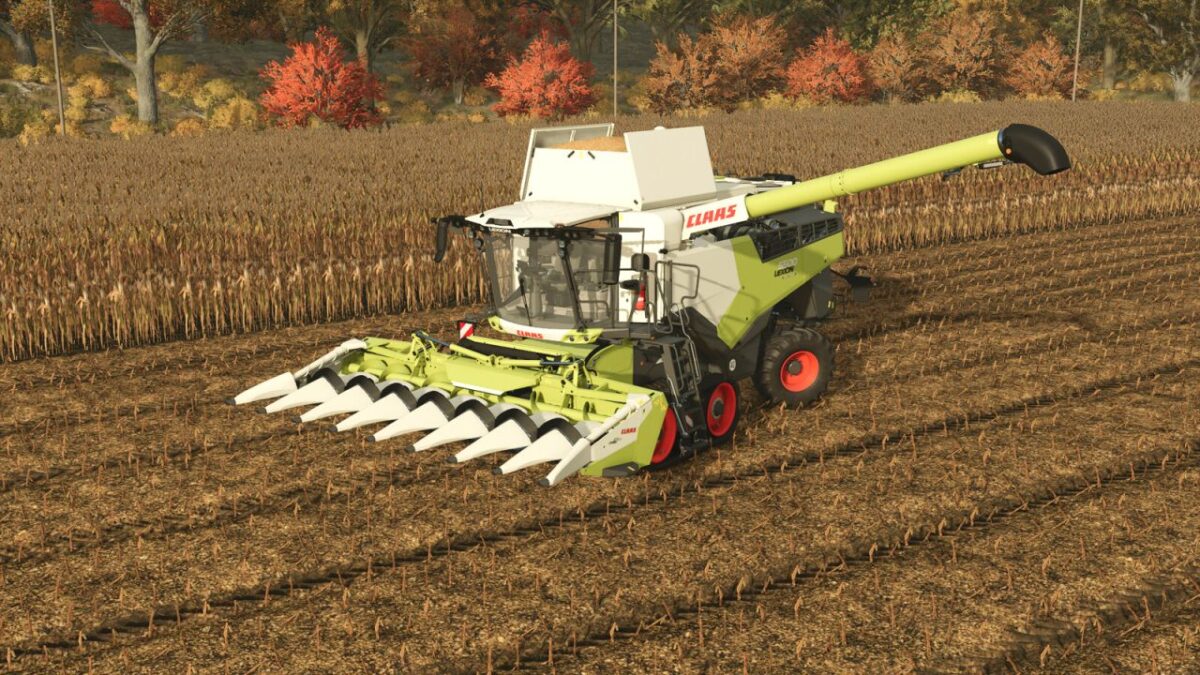
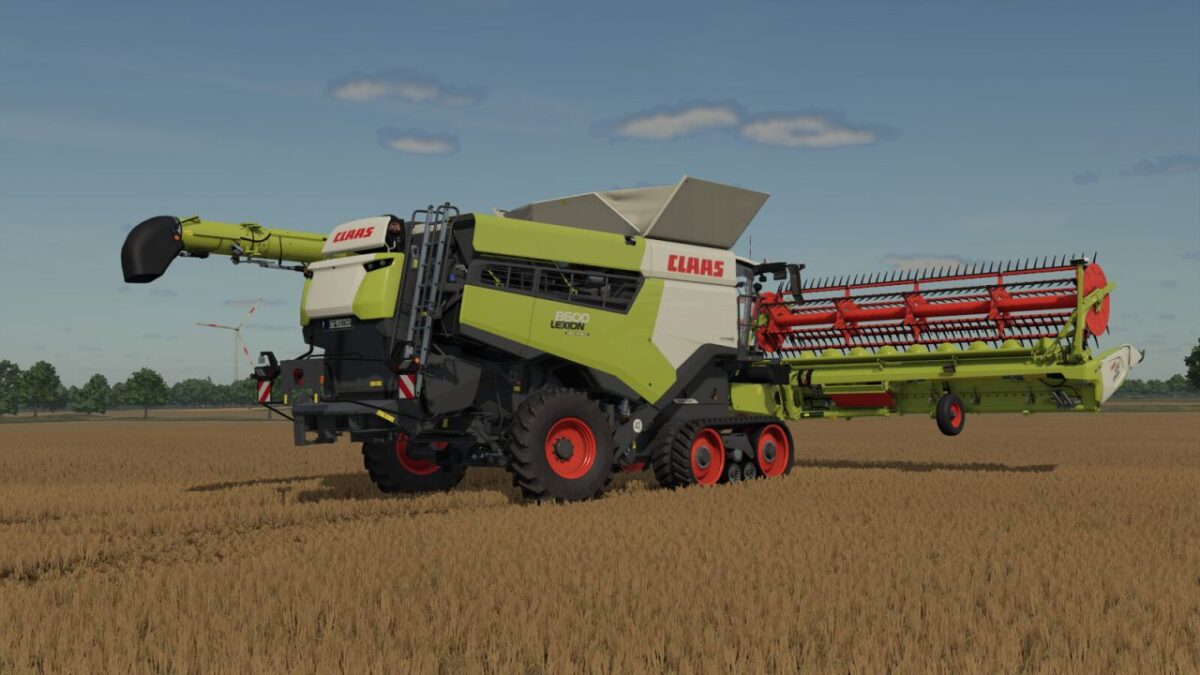
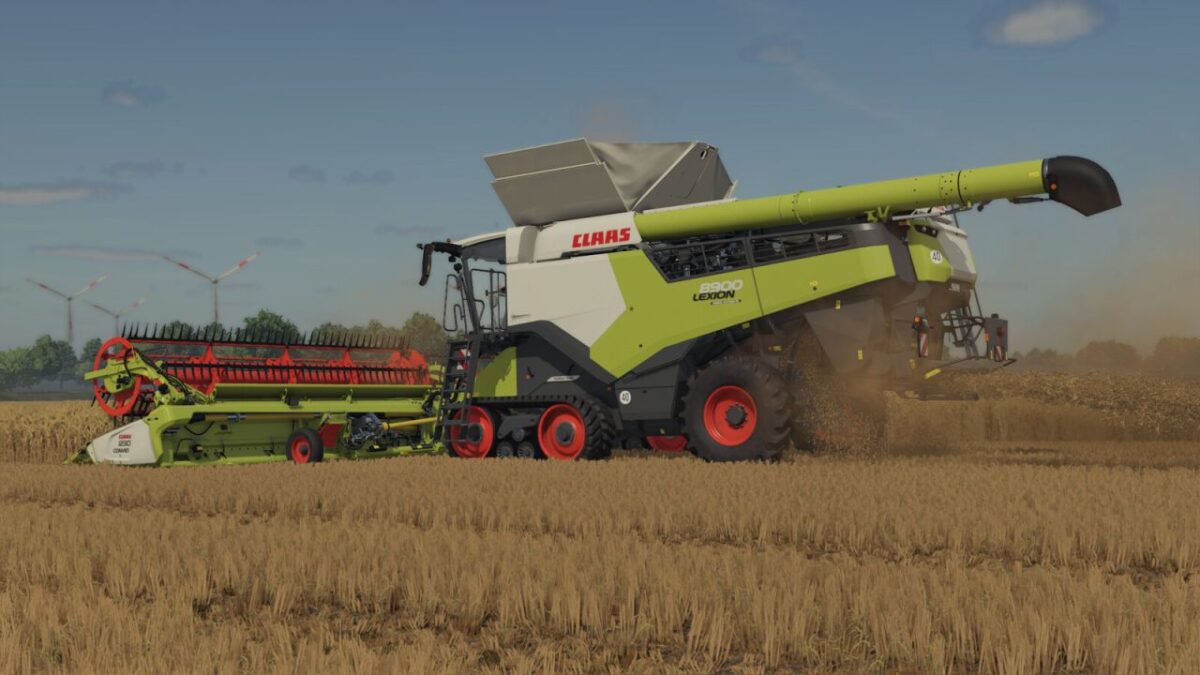
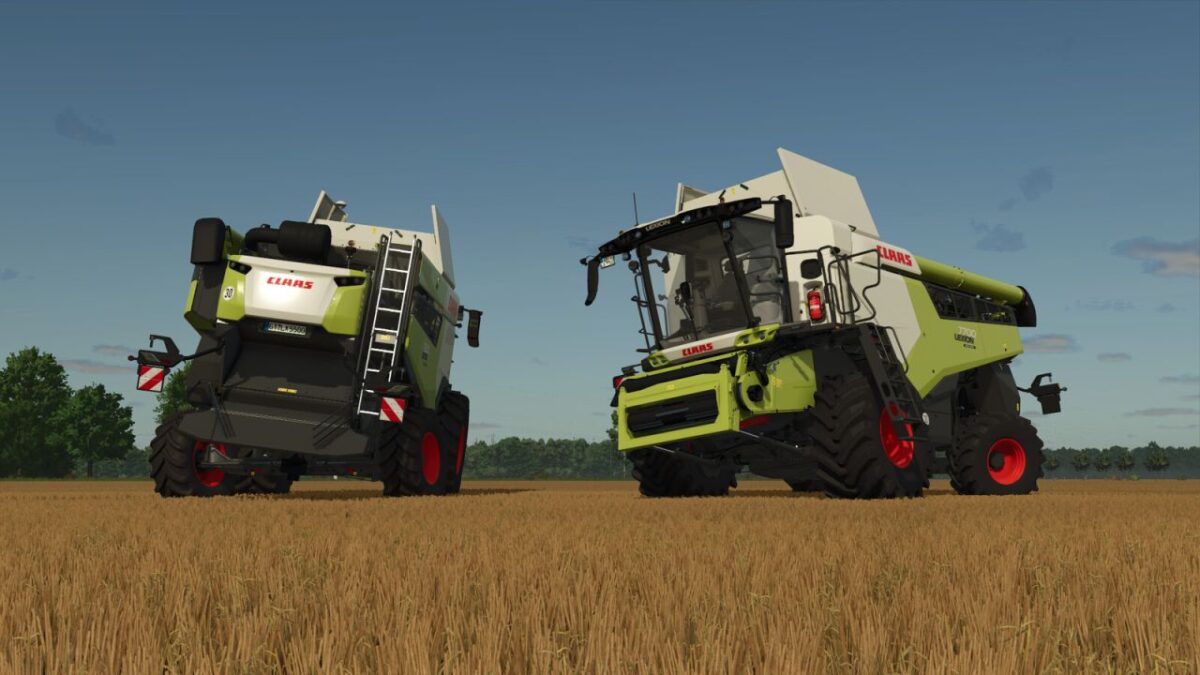
Claas Lexion 5000/8000 Series v 1.1

Claas Lexion 5000/8000 Series v 1.1

Category: Harvesters
Price: From $324,000
Power: 313 hp – 790 hp
Max. speed: 40 kph
Capacity: 9,000 l – 18,000 l
Unloading rate: 380 l/s – 530 l/s

Type:
Walker combine (5000, 6000)
Hybrid combine (7000, 8000)
Variants: Standard, MONTANA

Configurations:
Engine incl. grain tank
Wheels incl. crawlers
Pipe incl. spout
Warning sign on unloading spout
Straw management
Straw distribution width (adaption to cutter width possible)
Ladder
Beacon light
Field Scanner
Numbering

Note:
The Mercedes-Benz Trucks Pack is required to use the rear view camera

Version 1.1:
* Added deflector spreader with chaff spreader (straw management configuration)
* Added Montana version with slope compensation
* Fixed unloading particle system for 330 mm pipes
* Added camera on pipe
* Added third brake light on 7XL pipe
* Optimized model

Credits:

Gefd25

How to install FS25 Claas Harvesters?
Firstly find a mod which you like and want to download. Then download a mod to your PC. Mods are usually in .zip format file. But sometimes it can be in .rar. If a mod file is a .zip format no needed additional actions. If a file is in .rar, then you must unarchive mod with software like WinRar or Zip7. Windows 10 users no need to use software for archives, Win10 itself has a feature to unarchive files.
The next step is to find mods folder in your PC. Usually, it is in Documents/My Games/Farming Simulator 25/2025. Open the "mods" folder and put downloaded .zip archive or unarchived .rar file to this folder.
Last step. Enjoy of FS25 mods!

Leave a Reply

Your email address will not be published. Required fields are marked *